
Best Black and White Printers for Small Business 2026
Disclosure: We may earn a commission when you buy through links on this page, at no extra cost to you. As an Amazon Associate I earn from qualifying purchases. Learn more

A plain guide to black and white printers for small business: print volume, running costs, duplex, networking, and toner, so you can pick the right model.
For many small businesses, color printing is a rare luxury and black and white printing is the daily work, from invoices and contracts to labels and internal documents, and best black and white printers for small business keep that work fast and affordable. A mono laser printer usually beats an inkjet for text heavy offices, with sharper text, lower cost per page, and toner that does not dry out between jobs. The comparison table below shows the main types side by side, so you can compare speed, duty cycle, and running costs before you buy.
This guide explains how to estimate your print volume, why cost per page matters more than the purchase price, and which features actually help a small team. It covers duplex printing, networking, paper handling, and security basics, plus the running costs that surprise many buyers. By the end you should know what size of machine your office really needs.


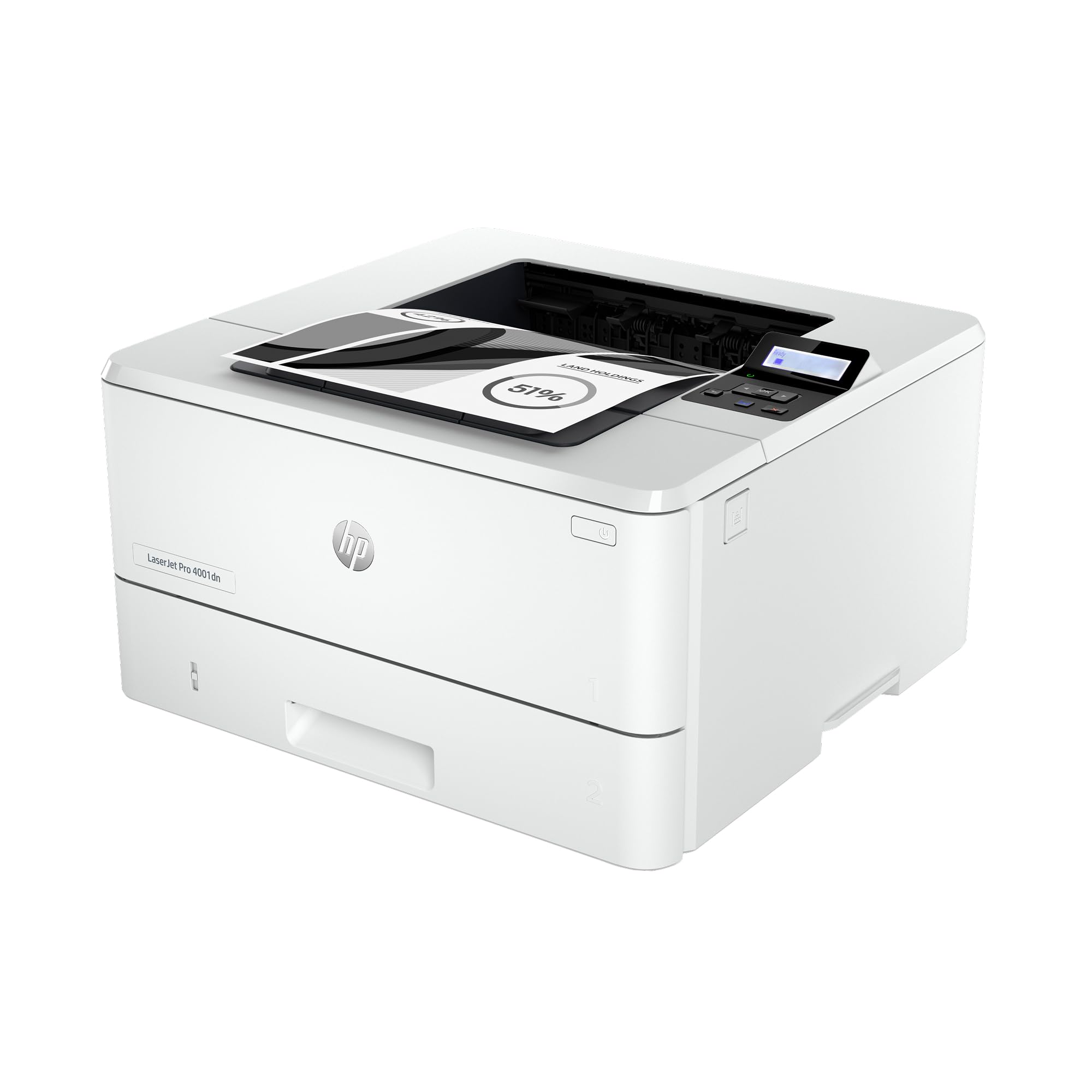


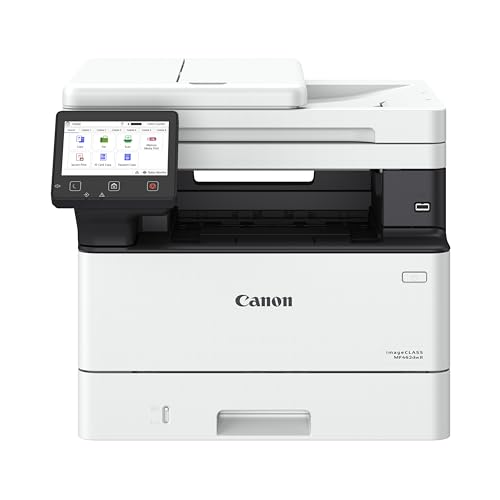

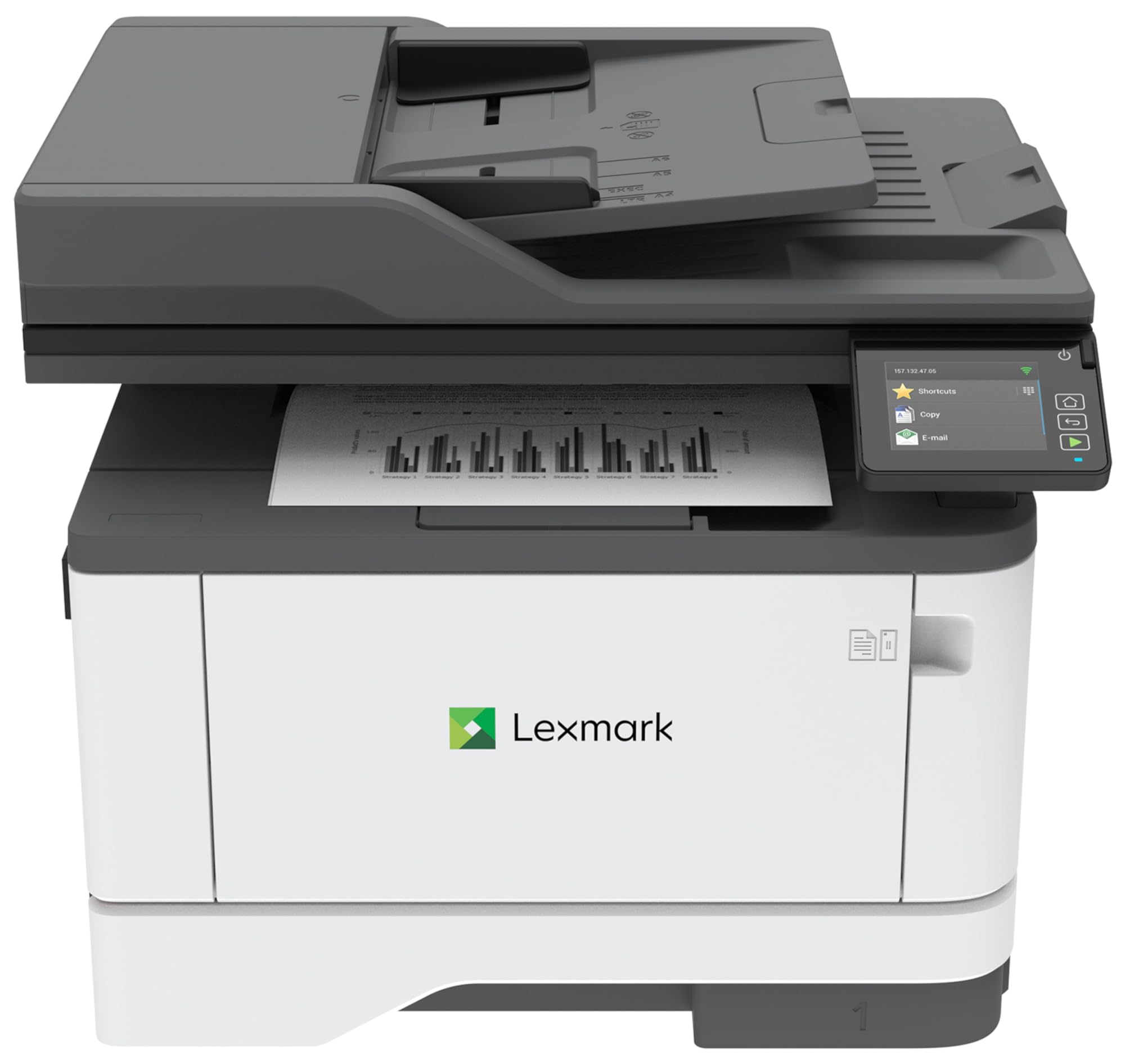
Laser or Inkjet for Text Heavy Work
Mono laser printers suit text heavy offices because toner is a dry powder that does not dry out, clog, or smudge, and the cost per page is usually lower than inkjet. Laser text looks crisp at small sizes, which matters for contracts and fine print, and laser printers warm up fast for the first page. Inkjet printers can be cheaper to buy and handle occasional color, but ink costs more per page and nozzles can clog if the printer sits unused.
If your office prints mostly text and rarely needs color, a mono laser is the safer choice. If you need color for marketing materials a few times a month, consider whether a separate color service or a second machine makes more sense than paying color running costs on every page. Many small businesses keep a mono laser for daily work and outsource color jobs.
Print Volume, Speed, and Duty Cycle
Estimate your monthly pages honestly by counting a typical week and multiplying, since buying for the wrong volume is the most common mistake. A printer rated for a few hundred pages a month will wear out fast in an office printing several thousand, while a large workgroup machine wastes money in a two person office. Look at the recommended monthly volume, not just the maximum duty cycle, which is a short term limit rather than a daily target.
Speed is measured in pages per minute, and the first page out time matters for small jobs. A machine that prints 30 pages per minute but takes 20 seconds to wake up feels slow for single page jobs. If several people share the printer, a faster machine with a larger paper tray reduces waiting and refilling, which saves more time than the speed number suggests.
Cost Per Page and Toner Economics
Cost per page is the total cost of toner divided by the number of pages it prints, and it matters far more than the purchase price over the life of the machine. A cheap printer with expensive cartridges can cost more in a year than a pricier machine with high yield toner. Check the yield of the standard cartridge and the high yield option, since high yield cartridges usually cut the cost per page sharply.
Watch for starter cartridges, which often hold less toner than standard ones, and factor in drum replacement if your model uses a separate drum unit. Some suppliers offer managed print services that bundle toner and maintenance for a monthly fee, which can suit offices that want predictable costs. Whatever you choose, track your real page count for a month before committing to a service plan.
Duplex, Paper Handling, and Networking
Automatic duplex printing saves paper and looks professional for contracts and reports, and it is worth having even if you do not use it every day. A second paper tray helps offices that switch between letterhead and plain paper, while a larger input tray reduces refilling in busy weeks. Check the paper sizes and weights your office actually uses, including envelopes and labels, since not every printer handles thick stock well.
Networking matters for shared offices: ethernet or wifi lets every computer print without cables, and mobile printing helps staff print from phones and tablets. Basic security, such as a printer password and firmware updates, protects the office network, since printers are often overlooked in security plans. If you handle sensitive documents, look for secure print release, which holds jobs until the user enters a code at the machine.
Space, Noise, and Placement
Small offices need to think about where the printer will live, since laser printers are larger and heavier than they look. Measure the space, including room to open trays and replace toner, and check the weight if the printer will sit on a shelf rather than a sturdy table. Noise matters in open plan offices, so check the rated noise level and the quiet mode if your team works close to the machine.
Ventilation matters too, since laser printers give off a small amount of ozone and heat during heavy runs. Place the printer in a ventilated area rather than a closed cupboard, and keep it away from direct sun and dust. A well placed printer gets used more and breaks down less than one squeezed into a corner where no one can reach the paper tray.
When Color or Multifunction Makes Sense
A mono printer covers most office text work, but scanning and copying change the calculation. A multifunction machine that scans, copies, and faxes can replace several devices and save desk space, which suits small offices well. If your team scans documents daily, an automatic document feeder and duplex scanning save far more time than a slightly faster print speed.
Color needs are worth a separate decision: if you print color weekly, a color laser may be justified, but if color is monthly, outsourcing or a second small color machine may cost less. Be honest about how often color is truly needed, since paying color running costs on thousands of mono pages is the most expensive way to print a few color flyers.
Related Buying Guides
Start with the broader office picture in best printers for small business, then narrow to mono models with best black and white printers. If scanning and copying matter, compare best multifunction printers for small business, and for shipping and product labels, see best label printers for small business.
Frequently Asked Questions
Is a laser printer better than inkjet for a small business?
For text heavy offices, a mono laser is usually better, because toner does not dry out or clog, text looks crisper, and the cost per page is lower. Inkjet printers cost less to buy and handle occasional color, but ink costs more per page and nozzles can clog during quiet weeks. If your office prints mostly text, laser is the safer and cheaper long term choice.
How do I estimate my office print volume?
Count the pages your office prints in a typical week, including invoices, contracts, and internal documents, then multiply by four for a monthly estimate. Compare that number with the printer recommended monthly volume, not the maximum duty cycle, which is a short term limit. Buying for your real volume avoids both early wear on a small machine and wasted money on an oversized one.
What is cost per page and why does it matter?
Cost per page is the toner cost divided by the pages it prints, and it matters more than the purchase price over the life of the machine. A cheap printer with expensive cartridges can cost more within a year than a pricier machine with high yield toner. Always check standard and high yield cartridge yields, watch for smaller starter cartridges, and factor in drum replacement where it applies.
Do I need duplex printing and networking?
Automatic duplex printing saves paper and looks professional, so it is worth having even if you do not use it daily. Networking through ethernet or wifi lets the whole team print without cables, and mobile printing helps staff using phones and tablets. Basic security such as a printer password and firmware updates also matters, since printers are often overlooked in office security plans.
Should a small business buy a multifunction printer?
A multifunction machine suits offices that scan and copy often, since it replaces several devices and saves desk space. An automatic document feeder and duplex scanning save far more time than a slightly faster print speed for teams that digitize documents daily. If you rarely scan or copy, a simple mono printer costs less and has fewer parts to maintain.
Final Thoughts
The best black and white printers for small business are the ones sized to your real monthly volume, with toner costs you have checked before buying. The product table above gives a quick comparison, but cost per page and paper handling matter more than the sticker price. Choose laser for text heavy work, insist on duplex and networking for a shared office, and place the machine where the team can actually reach it. A well chosen mono printer quietly handles the daily work while you focus on the business itself.


