
Best Beginner Tablets 2026: Buying Guide
Disclosure: We may earn a commission when you buy through links on this page, at no extra cost to you. As an Amazon Associate I earn from qualifying purchases. Learn more

A buying guide to the best beginner tablets: screen size, storage, battery, software and price, so a first time buyer can choose with confidence.
A first tablet should switch on fast, show large clear controls, and handle reading, video, video calls and light apps without confusing settings or fragile accessories. The best beginner tablets differ mostly in screen size, operating system, storage and how well they fit a household that shares one device. This guide explains those differences in plain terms, so a first time buyer can choose without paying for features they will never use.
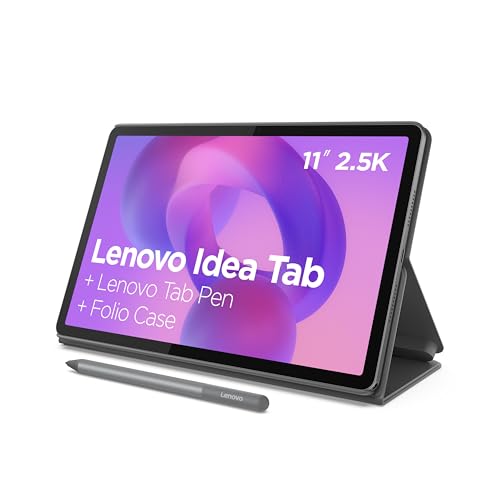
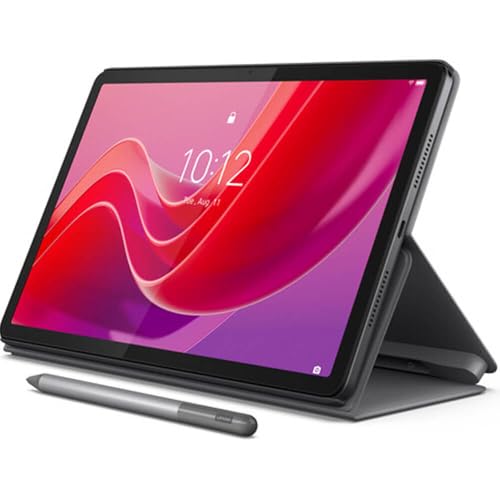
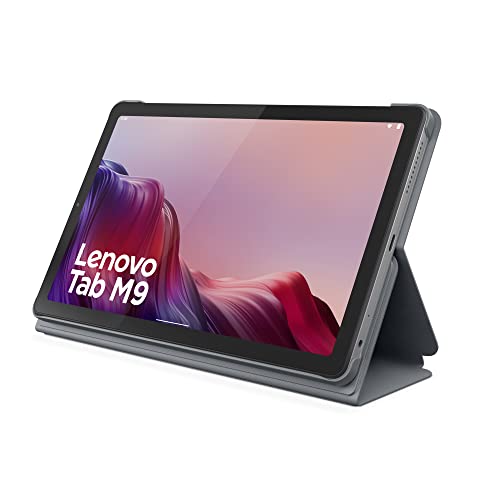
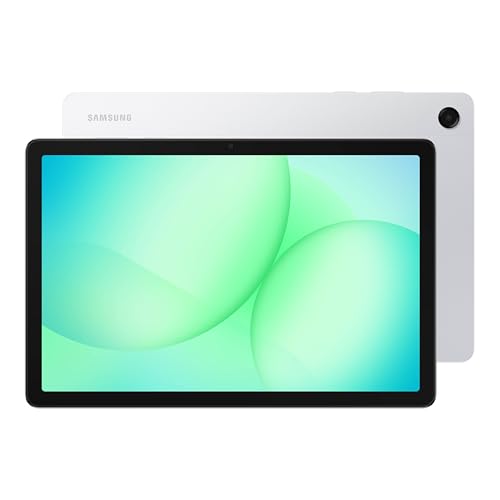
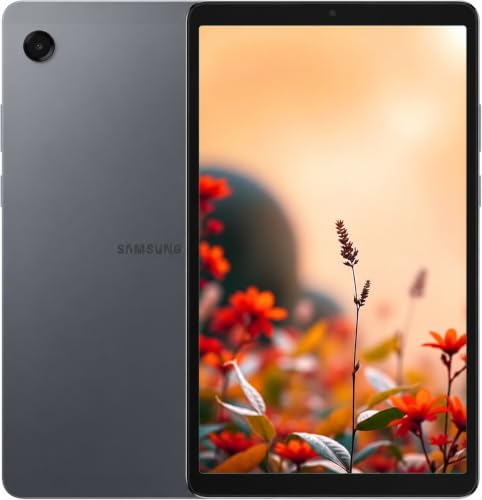
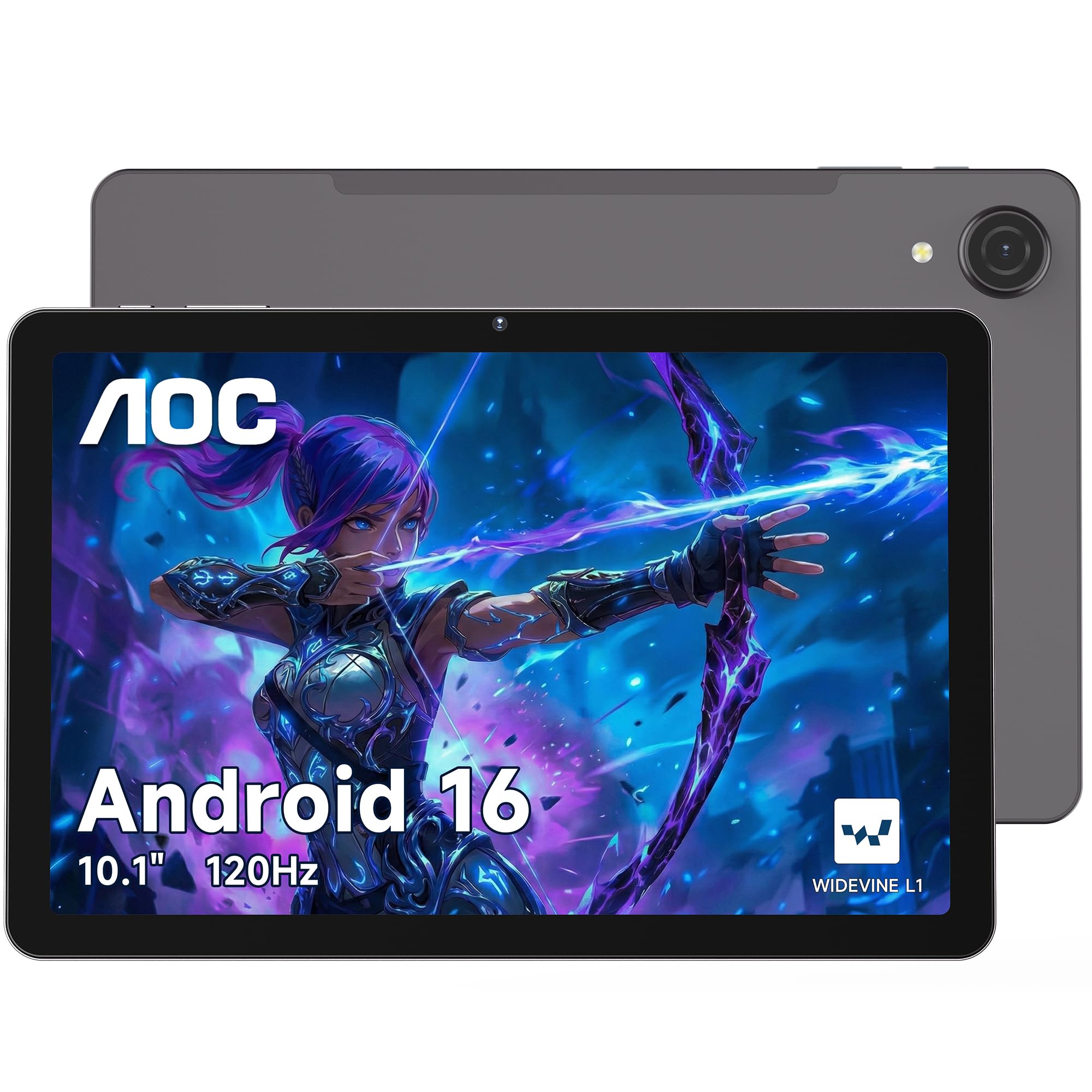
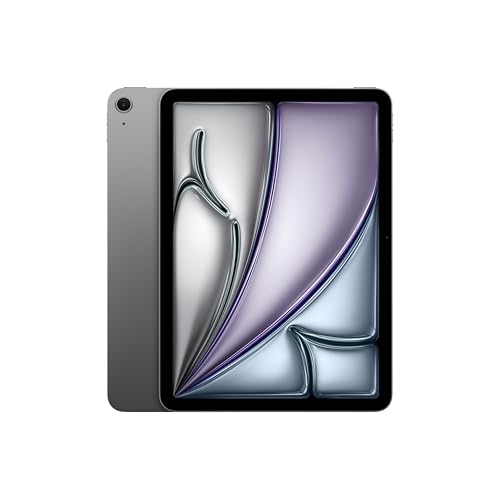
Tablets run from simple media screens under one hundred dollars to premium models that rival laptops. The product table lists current options across that range, and the sections below explain how to pick between them.



Who Should Buy a Beginner Tablet
A beginner tablet suits people who want to read, stream, browse, video call family and play simple games without learning a laptop. It also suits older adults setting up a first device, students who need a light note taking screen, and households that want a shared device in the living room. If you need to type long documents or run desktop software, a laptop is a better fit.
Types of Beginner Tablets
Simple Media Tablets
Budget media tablets focus on streaming, reading and browsing. They are inexpensive and easy to replace, but screens, speakers and processors are modest, so heavy apps and games can feel slow.
Android Tablets
Android tablets offer broad app choice, flexible file handling and a wide range of prices. They suit buyers who want a balance of cost and features, and midrange models handle video, browsing and light work comfortably.
iPad Style Tablets
Apple tablets stand out for smooth software, long update support and a large catalog of tablet optimised apps. They cost more up front, but they stay responsive for years, which suits a beginner who wants the fewest surprises.
Family and Kids Tablets
Some tablets add profiles, content controls and tough cases. They suit shared household use, though adult users may find the software limits restrictive.
Key Features to Check
Screen Size and Clarity
Screens of 8 to 11 inches cover most uses. Smaller screens are lighter for reading in bed, while 10 to 11 inch screens suit video, split screen and video calls. Text should stay sharp at a comfortable brightness.
Battery Life
Look for a full day of light use. Makers quote hours of video playback, which is a best case, so treat the figure as a rough guide and expect less with heavy games and bright screens.
Storage and Expansion
64 GB is a workable minimum for a beginner, and 128 GB gives room for apps, photos and downloaded shows. A memory card slot helps on Android and Fire models, but Apple tablets rely on built in storage.
Apps and Accounts
Check which app store the tablet uses and whether the apps you need are there. Setup also needs an account, so keep your email and password handy, and write down recovery details.
Case and Accessory Support
A case with a stand protects corners and makes video easier to watch. Check that cases and screen protectors exist for the exact model, which is easier with popular models.
How to Choose the Best Beginner Tablets
List the three tasks you will do most, then choose screen size and storage around those tasks rather than the biggest specification. Compare the tablets in the product table by price, screen and storage first, and think about hand size and bag size, since a large tablet can tire hands during long reading sessions.
For related reading, see our guides to the best pc tablets and the best art tablets for beginners if drawing is your main goal.
Parental Controls, Privacy and Safety
If children or older relatives will use the tablet, set up separate profiles and review the privacy and purchase settings before handing it over. Turn on a screen lock, require a password for purchases, and keep the software updated, since updates fix security problems. Avoid downloading apps from outside the official store, and check what permissions an app asks for before you allow them.
Common Mistakes to Avoid
- Paying for pro features such as stylus support or a laptop class chip that a beginner never uses.
- Choosing tiny storage that fills within months.
- Skipping a case for daily travel, then cracking the screen in a bag.
- Forgetting password recovery details during setup, which can lock you out of your own device.
- Buying a very old model that no longer receives software updates.
Setting Up and Caring for Your Tablet
Charge the tablet fully before first use, install updates, and set a screen lock you will remember. Use a case and screen protector, charge with the supplied or a certified cable, and back up photos and notes to a cloud account.
Wipe the screen with a soft dry cloth, keep the tablet away from heat and water, and restart it now and then if it feels slow. Remove apps you do not use, which also frees storage.
Frequently Asked Questions
How much should a beginner spend on a tablet?
Most beginners do well between about $100 and $350. Under $100 you get basic media tablets, and above $350 you start paying for faster chips and better screens. An Apple tablet costs more but lasts longer between replacements.
Which operating system is easiest for a first tablet?
Both are friendly. Apple tablets are known for simple software, while Android and Fire tablets offer lower prices and more customisation. Pick the one that matches the phone and apps you already use.
How much storage do I need?
64 GB works for streaming and light apps, while 128 GB or more suits downloaded movies, photos and games. Cloud storage can offset a smaller built in amount.
Can a tablet replace a laptop?
For reading, video, email and light browsing, yes. For long typing, spreadsheets and desktop software, a laptop is easier. A keyboard case can bridge the gap for occasional typing.
How long will a tablet last?
Many tablets stay useful for four to six years, depending on update support and battery wear. Models from makers with long update policies age more gracefully.
Final Thoughts
Match screen size, storage and software to your three most common tasks, add a case, and keep your account details safe during setup. With those steps done, the best beginner tablets for you will be easy to spot in the product table above.


