
Best Basic Tablets in 2026: A Buying Guide
Disclosure: We may earn a commission when you buy through links on this page, at no extra cost to you. As an Amazon Associate I earn from qualifying purchases. Learn more

The best basic tablets balance screen, battery, storage and app support at a fair price. Compare types and features before you buy.
A basic tablet should handle reading, video, browsing, video calls, and light school or work tasks without a premium price. The best basic tablets work as a shared screen for the sofa, the kitchen, and the classroom, not as a replacement for a laptop. This guide explains screen, battery, storage, and software, so you can pick a tablet that stays pleasant to use.
The product table above lists current options at everyday prices. Below, you will find the main types compared, the features worth your attention, and practical advice on safety and care.
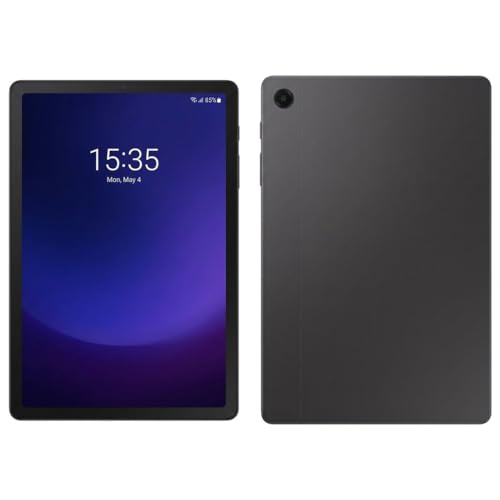
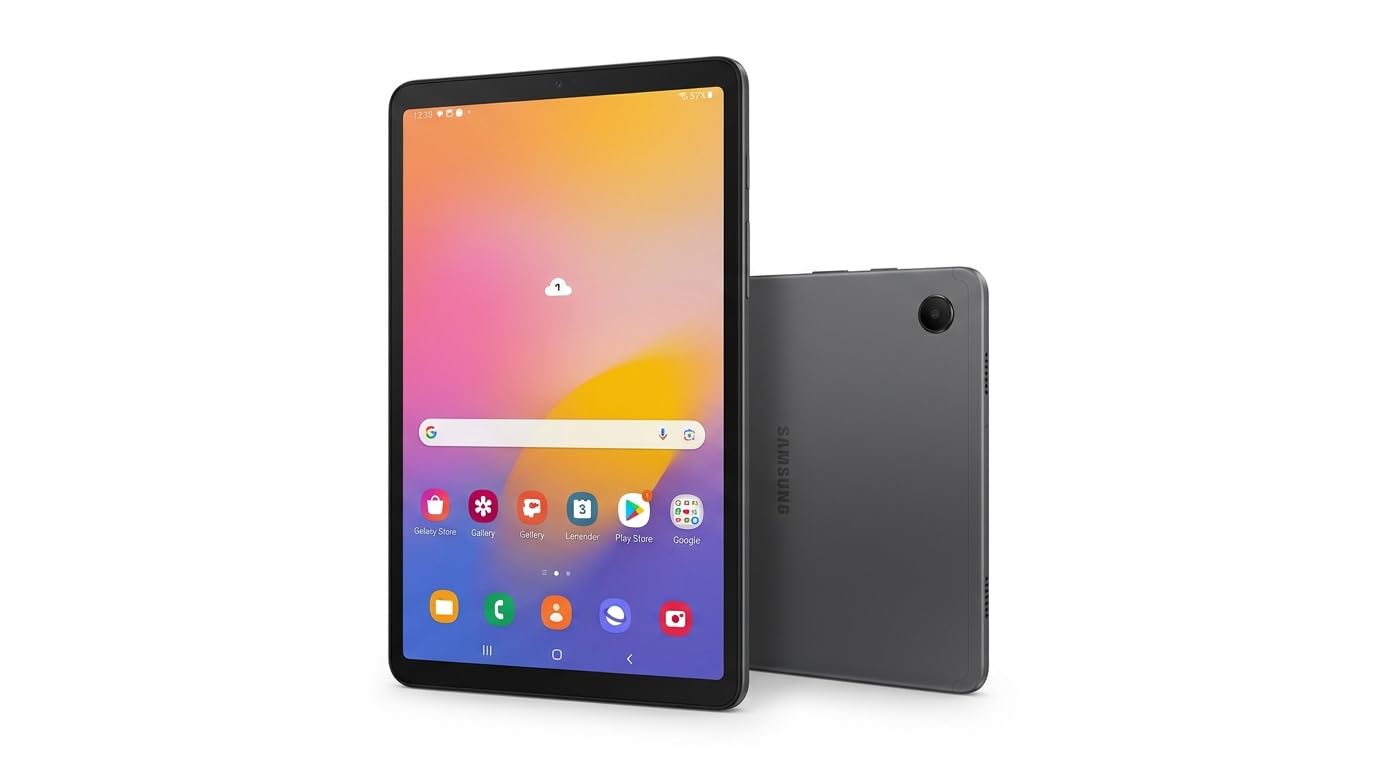
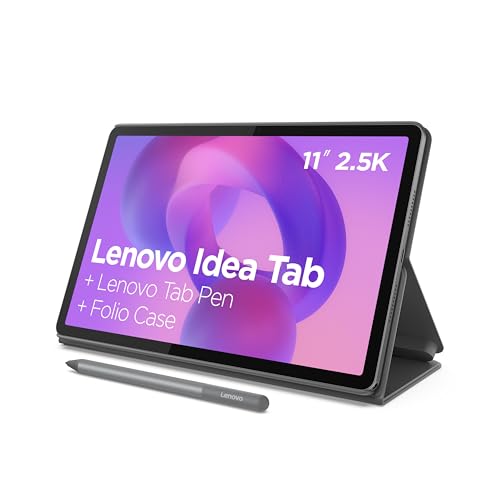
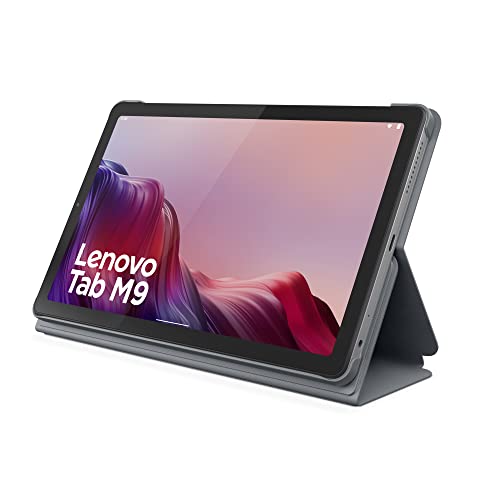
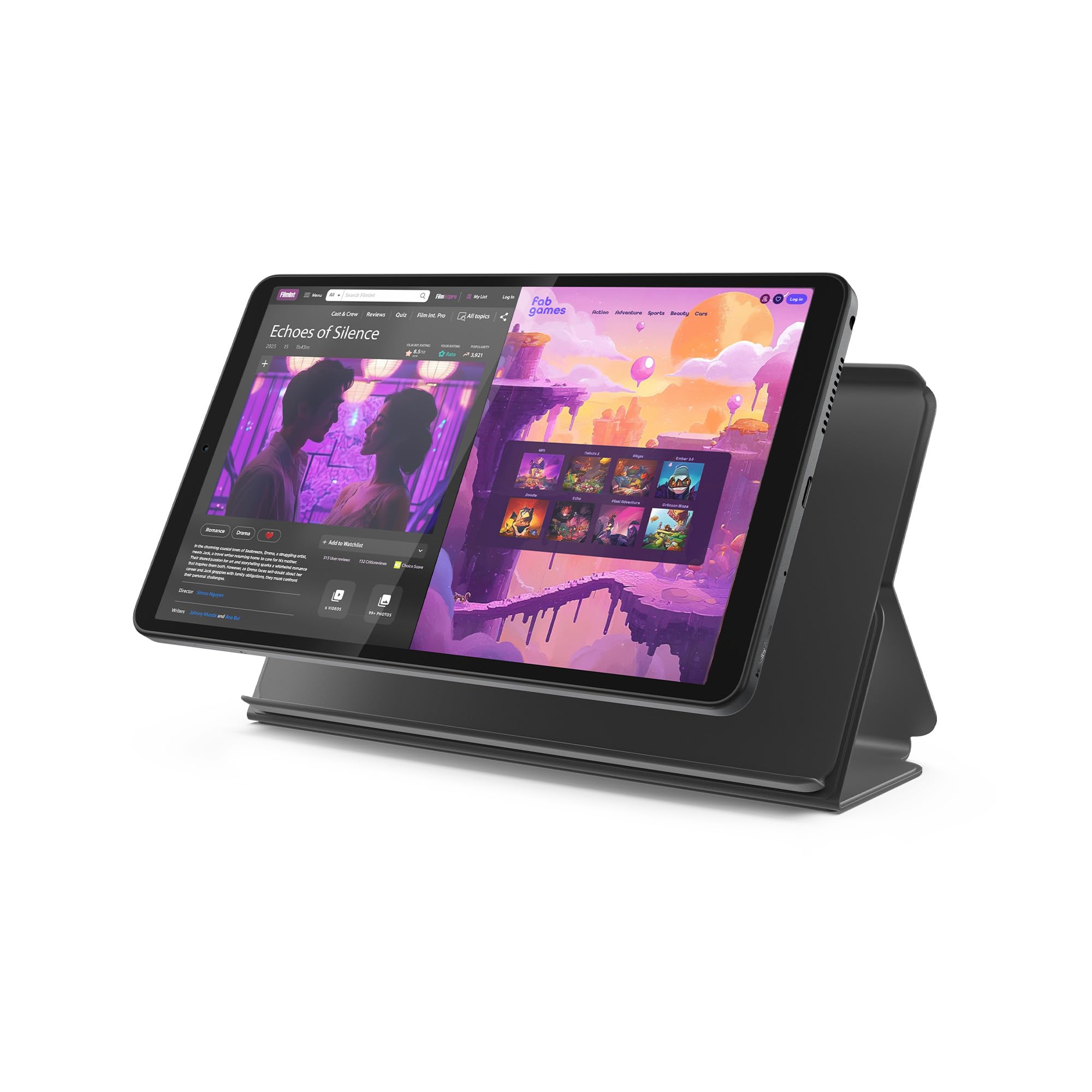
What Makes a Tablet "Basic"
Tablets differ mainly in screen size, operating system, and app support. A 10 or 11 inch screen suits video and reading, while an 8 inch screen suits travel and smaller hands. The operating system decides which apps you can run and how long updates last. Basic tablets, usually priced around $100 to $350, trade speed for price, so expect occasional waits with heavy apps. Storage matters because tablets often have limited expansion, and battery life matters because a tablet that dies halfway through a film is frustrating.
Types of Basic Tablets Compared
Everyday Media Tablets
These suit video, reading, browsing, and social apps on a clear screen with decent speakers. They are the best fit for most homes as a shared device for the sofa or the bedroom. Look for a bright screen, a battery that lasts a full evening, and enough storage for downloads. Check that your streaming, reading, and video call apps are supported, because a cheap tablet that cannot run a key app is poor value.
Tablets for Children and Learning
These add sturdy cases, parental controls, and a simpler home screen. They suit families sharing a device with children and schools using tablets for reading and practice. A tough case and a screen protector matter more than top speed. Set up parental controls before handing the tablet over, and agree on screen time rules in advance.
Tablets for Notes and Light Work
These pair with a stylus or a simple keyboard for notes, documents, and email. They suit students and workers who need a light device for reading and annotating rather than full laptop work. A good stylus and a responsive screen matter more than raw speed. Confirm that documents sync with your computer and cloud storage without extra steps. For computer style models, see our guide to the best pc tablets.
Key Features to Compare
- Screen: a bright display with good viewing angles makes reading and video comfortable.
- Battery: a battery that lasts through a day of mixed use avoids constant charging.
- Storage: 64 GB is a sensible minimum, 128 GB gives comfortable headroom, and a card slot is a bonus.
- App support: choose an operating system with regular updates and your key apps available.
- Weight: a tablet you hold for long reading sessions should not tire your hands.
- Speakers and cameras: stereo speakers and a decent front camera help video calls and streaming.
Screen Size and Comfort
Around 10 inches suits video, reading, and shared use, while 8 inches suits travel and small hands. Larger screens are easier on the eyes for reading, but they weigh more and cost more. Check the weight in the specifications and think about where you will use the tablet most. If it lives on a stand in the kitchen, size matters less than speaker quality and brightness.
Who Should Buy a Basic Tablet
Basic tablets suit families, students, older readers, and travelers who want a larger screen than a phone. They also suit kitchens, where a tablet shows recipes and video calls hands free. They are less suited to heavy gaming, video editing, or complex office work, where a laptop performs better. If you mainly read, watch, and browse, a basic tablet is often the smarter, cheaper choice.
Common Mistakes to Avoid
- Buying the cheapest tablet without checking app support, then finding a key app missing.
- Choosing a small storage model that fills after a few downloads.
- Ignoring screen brightness, which strains the eyes outdoors and in bright rooms.
- Skipping a case, even though tablets are dropped more often than laptops.
Care and Safety
Use a case and a screen protector, keep software updated, and charge with a suitable charger rather than a cheap unbranded one. Back up notes, photos, and documents regularly. Avoid extreme heat and moisture, and do not leave a tablet charging under a pillow or blanket. If the battery swells, the device gets very hot, or the screen lifts, stop using it and follow the manufacturer's instructions for repair. For young children, review the parental control options and talk with them about online safety, since controls alone cannot replace guidance.
If you want broader buying advice, our guide to the best tablets to purchase compares more options, and the best tablets for kindergarteners guide covers the youngest users.
Basic Tablets: Your Questions Answered
What screen size is best for a basic tablet?
Around 10 inches suits video, reading, and shared use, while 8 inches suits travel and small hands. Larger screens are easier on the eyes but weigh more and cost more.
How much storage should a basic tablet have?
At least 64 gigabytes is a sensible minimum for apps, books, and some downloads, while 128 gigabytes gives comfortable headroom. Video downloads fill storage quickly, so a card slot helps if the model supports it.
Can a basic tablet replace a laptop?
For reading, video, browsing, and light notes, yes, especially with a keyboard. For heavy documents, spreadsheets, coding, or video editing, a laptop remains faster and easier. A basic tablet works best as a companion device.
How long will a basic tablet stay useful?
With regular updates, a basic tablet often stays useful for three to five years for media and reading. Heavy apps may slow it over time, and battery capacity fades with use. A model with longer software support extends its useful life.
What parental controls should I set up?
Set a child profile, filter content by age, limit purchases, and set screen time limits before first use. Review app permissions, and turn off location sharing in children's apps where possible.
Final Thoughts
Choosing among the best basic tablets comes down to a bright screen, enough storage, reliable app support, and a battery that lasts the evening. Use the product table above to narrow your shortlist, and pick the tablet that fits how your household will actually use it.


