Best Art Tablets for Beginners in 2026: A Buying Guide
Disclosure: We may earn a commission when you buy through links on this page, at no extra cost to you. As an Amazon Associate I earn from qualifying purchases. Learn more
Compare the best art tablets for beginners by pen feel, drawing area, screen or screenless style, and budget to find a first tablet that fits your desk.
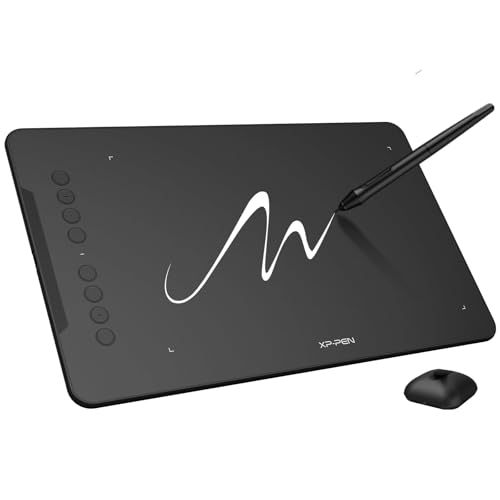
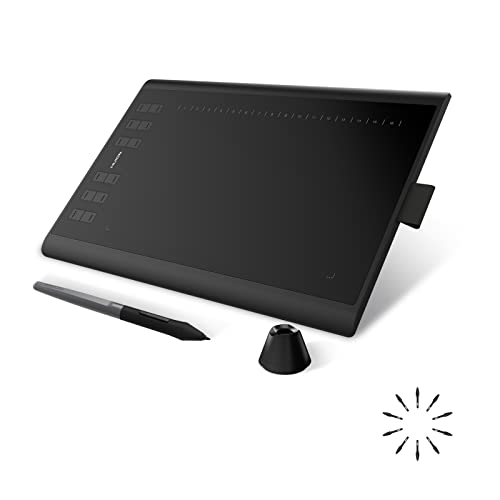
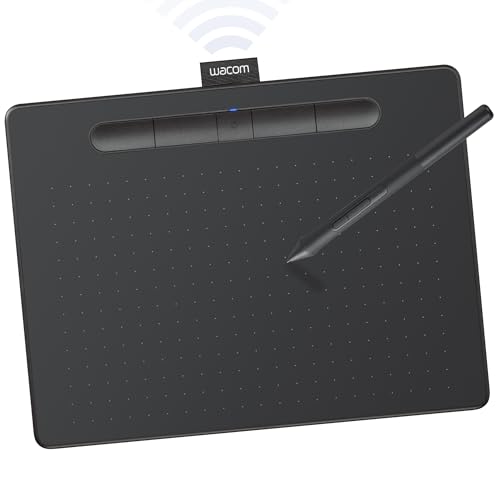
Picking the best art tablets for beginners is mostly about comfort and simplicity: a pen that feels natural, a drawing area that fits your desk, and software that does not bury a new artist in menus. The product table below lists both screenless pen tablets and beginner friendly pen displays, so you can compare how each style fits your budget and your computer.
This guide explains the differences in plain language, covers the specs that matter for a first tablet, and points out the mistakes that waste the most money. Start with how you plan to draw, then match that to the type of tablet that suits it.





Which Beginner Art Tablet Type Fits You
Art tablets for beginners fall into three groups, and each one suits a different routine. Knowing which group you are shopping in makes every later decision easier.
Screenless Pen Tablets
You draw on a flat pad while watching your computer monitor. They are the cheapest way to start, usually around $30 to $130, and they take little desk space. The hand and eye separation takes a few hours of practice, but most people adapt quickly, and many artists stay with this style for years.
Pen Displays With a Screen
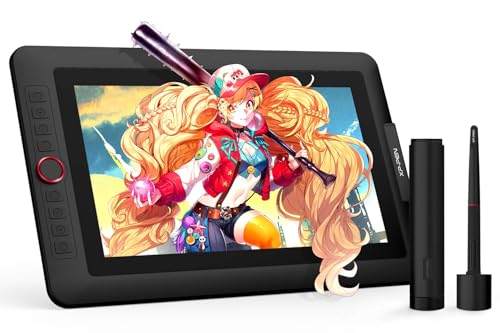
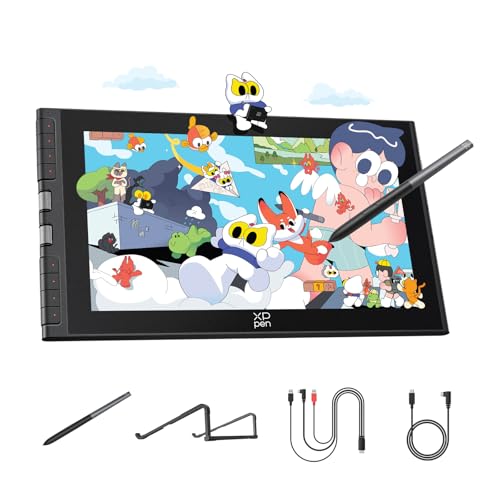
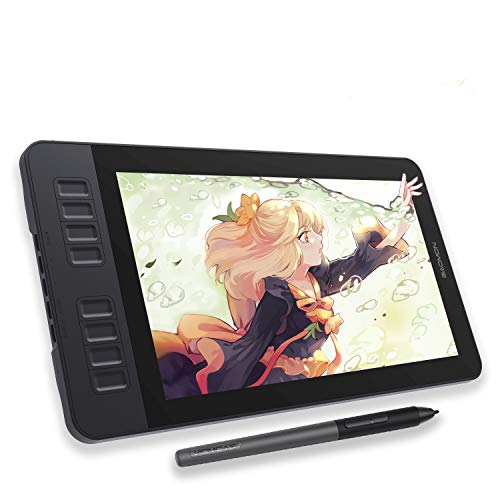
These have a screen you draw on directly, so your hand and eye stay together. Expect roughly $130 to $350 for beginner sizes of about 11 to 16 inches. They feel more natural, especially for sketching and painting, but they need a free desk area and one or two cables to your computer.
Standalone Drawing Tablets
A smaller group runs drawing apps on the device itself, so no computer is needed. They suit drawing on the couch or while traveling, though processing power, storage, and app choices are more limited than on a desktop setup.
What to Look for in Your First Tablet
A few specs decide how a tablet feels in daily use. Ignore the longest feature list and focus on these.
- Pen quality: a battery free pen with 8,192 or more pressure levels gives smooth control from thin to thick lines, and tilt support helps with shading.
- Active drawing area: a medium area of about 10 by 6 inches suits most desks, while 6 by 4 inches is easier to carry but can feel cramped on a large monitor.
- Surface feel: a slightly textured surface gives pencil like friction that helps beginners keep lines steady.
- Compatibility: confirm support for your Windows, Mac, Chromebook, or Android device before buying, and check whether you need a USB C adapter.
- Shortcut keys: a few programmable keys speed up undo, brush size, and eraser, but you do not need a dozen.
When two options look similar, comfort and ease of setup usually matter more than a small spec difference. Check dimensions and driver support, and avoid paying for extras you will rarely use.
Choosing the Right Size and Budget
Match the drawing area to your monitor and desk. A small tablet works well beside a laptop, while a medium one gives your arm room to move on a larger display. Large tablets only make sense if you plan to draw big gestures, since they take desk space and reach.
A budget of about $30 to $60 covers capable screenless tablets that handle sketching, photo editing, and note taking. Spending $130 to $250 moves you into entry level pen displays, which is worth it if drawing directly on the image is important to you. See our guides to the best tablets for digital art beginners and the best tablets for beginners if you are also comparing general purpose tablets, or best pc tablets if you want a full computer in tablet form.
Software to Start With
Free and low cost programs are enough to learn the basics, and skills transfer when you move to another program later. Pick one app, learn its brushes, layers, and shortcuts, and resist installing several at once. Many tablets include trial or bundled software, which is a useful bonus but not a reason to choose a model on its own.
Getting Started: Setup and Practice
Install the maker's driver before you plug the tablet in, restart your computer, and then set pen pressure and shortcut keys in the driver panel. Practice simple lines, circles, and shading for short sessions each day, because muscle memory builds faster than raw talent. Keep the surface clean so the pen glides smoothly, and replace the nib when strokes feel scratchy or uneven.
Common Mistakes to Avoid
- Buying the largest tablet by default and then running out of desk space.
- Skipping the compatibility check for your computer or phone.
- Paying for a pen display when a screenless tablet would cover what you plan to draw.
- Ignoring software costs and learning several programs at once.
- Expecting a tablet alone to improve drawing skill without regular practice.
Frequently Asked Questions
Is a screen tablet better for a beginner?
A screen tablet feels more natural because you draw where you look, but it costs more and adds cables and desk clutter. A screenless tablet is a sensible first step, and many artists use one happily for years.
How much drawing area do I need?
A medium area suits most beginners, because it gives room for arm movement without forcing wide reaches. Very large areas suit large monitors, while small areas suit laptops and travel.
What software should I start with?
Start with one program and learn its brushes, layers, and shortcuts before adding more tools. Free and low cost programs are enough to learn the basics.
Do I need a powerful computer?
Most drawing programs run well on an ordinary modern laptop, though large canvases and many layers need more memory. Check the software requirements against your computer before you buy a tablet.
How long do pen nibs last?
Nibs wear with use and surface texture, so keep spares and replace a nib when strokes feel scratchy. A worn nib can scratch the surface, so check it regularly during long sessions.
Final Thoughts
The best art tablets for beginners are the ones that match your desk, your computer, and your budget while keeping setup simple. Compare a short list in the product table above, check compatibility and drawing area, and choose the tablet you will actually enjoy using every day.