Best Battery Laptops at Every Budget (2026)
Disclosure: We may earn a commission when you buy through links on this page, at no extra cost to you. As an Amazon Associate I earn from qualifying purchases. Learn more

The best battery laptops last a full day of real use. Compare efficient chips, screens, charging speed and weight for study, travel or work.
A laptop with great battery life lets you work through a lecture day, a flight or a power cut without watching the percentage. The best battery laptops combine an efficient processor, a sensible screen and a large battery, so the hours you get in real use match the promise on the box.
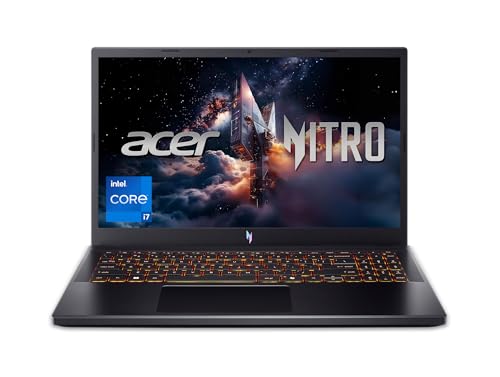
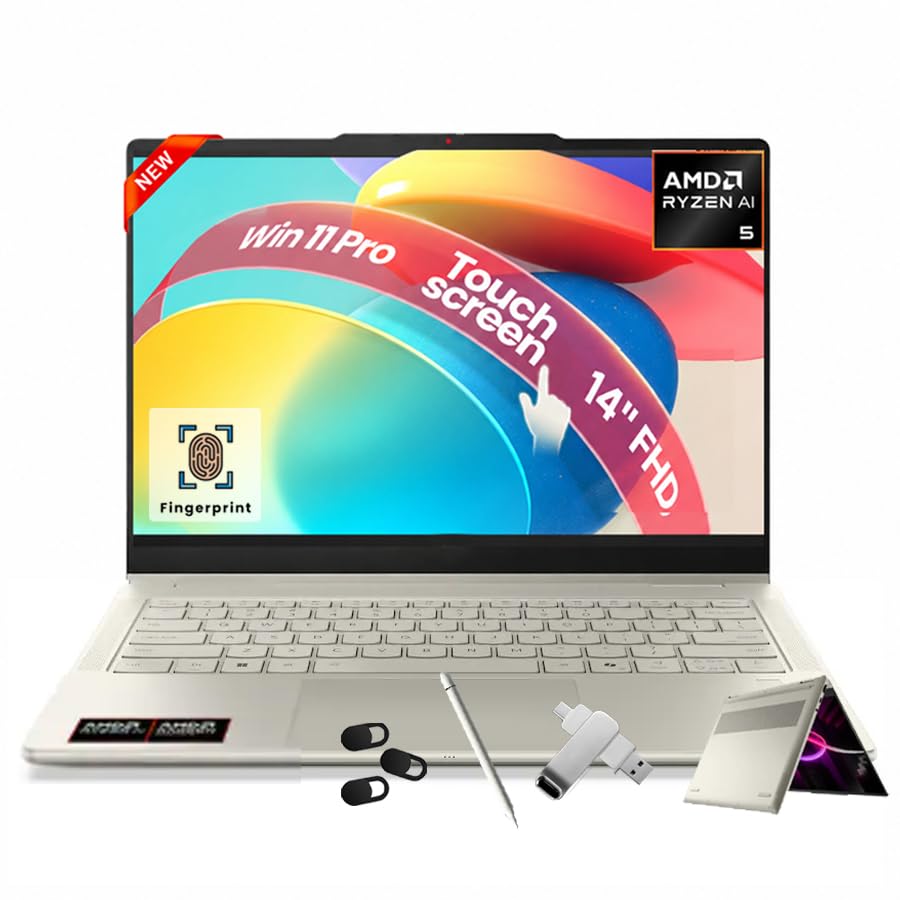
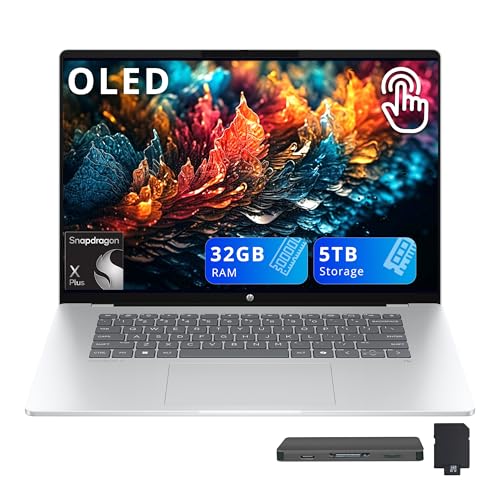
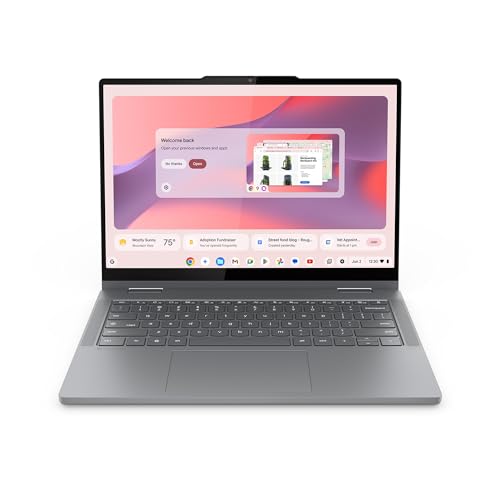
The product table compares current laptops that are known for endurance. This guide explains what drives runtime, how to read battery claims and which trade-offs to expect at each price.



What Determines Real Laptop Battery Life
Battery capacity, measured in watt-hours (Wh), is only part of the picture. A 50 Wh battery in an efficient laptop can outlast a 70 Wh battery in a power-hungry one. Four things matter most.
Processor Efficiency
Chips built for low power, such as Arm-based processors in Windows laptops and the low-power Intel and AMD series, sip energy during browsing and documents. Chromebooks pair modest chips with a lightweight system, which is why many last all day on a small battery.
Screen Size, Resolution and Brightness
The display is often the biggest drain. A 13 or 14 inch full HD screen uses far less power than a 16 inch 4K panel. OLED looks excellent, though a bright, high-resolution screen shortens runtime. Lowering brightness is the easiest way to gain an hour.
Battery Size
Most thin laptops carry 40 to 75 Wh. Larger batteries add weight, and airlines limit spare batteries, but built-in packs under 100 Wh are fine for travel.
Software and Settings
Battery saver modes, a short screen timeout and fewer background apps all help. Heavy tasks such as video calls, games and editing can halve the runtime.
Types of Long Battery Laptops
Chromebooks
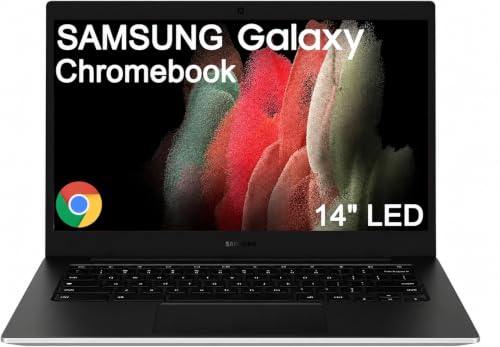
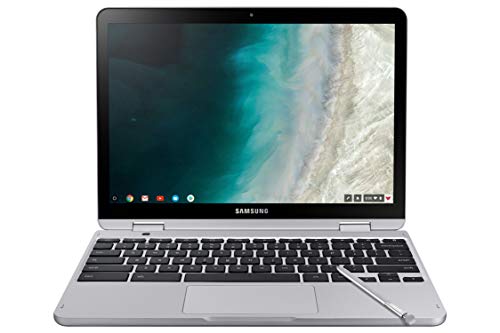
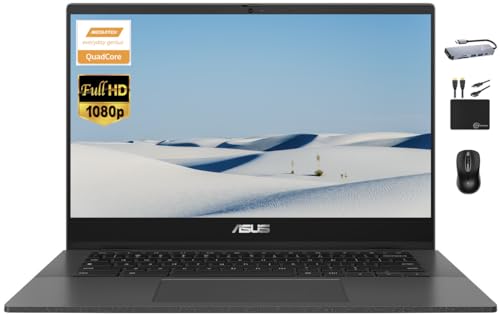
Chromebooks are light, cost less and often last 10 hours or more on simple tasks. They suit students, browsing and cloud apps, but they run fewer desktop programs.
Thin and Light Windows Laptops
Ultraportable Windows laptops balance performance and endurance. Models with Arm or efficient low-power chips deliver the longest unplugged time. For a Windows-specific look, see our guide to the best battery life Windows laptops.
Business and Everyday Laptops
Business models offer rugged builds, good keyboards and steady runtime. They are a safe choice for office and travel use.
Key Features to Compare
- Battery capacity and independent runtime claims for web use, not just standby.
- Processor type and generation, with a preference for efficiency over peak speed.
- Display size, resolution and brightness. Full HD often gives the best balance.
- Charging speed and USB-C power delivery, so one charger can serve your phone and laptop.
- Weight, which affects how often you carry it.
- RAM and storage: 8 GB of RAM is a minimum for Windows, and 16 GB is more comfortable.
- Keyboard and trackpad quality for all-day use.
How to Choose Based on How You Work
Students and commuters need all-day runtime and low weight. Remote workers want a balance of screen size, keyboard comfort and endurance. Travelers should look for fast charging, USB-C charging and a battery that stays under 100 Wh. If you run video calls or editing apps, expect shorter runtime and plan to charge midday.
Budget laptops handle browsing and documents with solid runtime, though screens and builds are basic. Midrange models add better displays and efficient processors. Premium laptops combine strong performance with light designs. Prices usually span about $250 to $1,500. For a related look at models with strong backup power, see our guide to the best battery backup laptops.
Tips to Stretch Battery Life
- Lower screen brightness and use dark mode on OLED screens.
- Close apps and browser tabs you do not need.
- Turn on battery saver mode on long days.
- Turn off Bluetooth and Wi-Fi when you do not need them.
- Avoid leaving the laptop in a hot car, which wears out the battery.
- Use a charge limit setting of about 80 percent if your laptop offers one.
Common Mistakes to Avoid
- Trusting the longest runtime claim without checking what workload it assumes.
- Choosing a bright 4K display and then wondering why it drains quickly.
- Buying a laptop with 4 GB of RAM that struggles with many tabs.
- Forgetting the charger weight when comparing portability.
- Ignoring whether the battery can be replaced when you plan to keep the laptop for years.
Battery Laptops: Questions Answered
How many hours of battery life should I look for?
Aim for 8 to 10 hours of real use if you work away from outlets, and more for travel. Claims of 15 hours or more are usually for light tasks at low brightness.
Does a bigger battery always last longer?
No. An efficient chip and a modest screen can beat a larger battery in a power-hungry laptop. Compare real-world tests for browsing and video, not just watt-hours.
Is fast charging bad for the battery?
Occasional fast charging is fine for most modern laptops. Constant heat shortens battery health, so avoid charging in hot places.
Can I replace the battery later?
Some laptops let you swap the battery. Many thin models need a service visit, so check replacement options before you buy.
Are Chromebooks a good choice for battery life?
Yes, for web-based work. They are light and often last all day, but they do not run most desktop software.
Battery Capacity Explained
Laptop batteries are rated in watt-hours. A 40 to 50 Wh pack is common in thin laptops, 55 to 75 Wh is found in larger models, and 99 Wh is the upper limit for most flights. To estimate runtime, divide the watt-hours by the average power draw. A laptop that uses 6 watts for web browsing will run about eight hours from a 50 Wh battery, while one that draws 25 watts under load will last about two hours.
This is why the same laptop can last 12 hours one day and 4 hours the next. Video calls, high brightness and heavy apps raise the draw sharply. When you compare models, look for tests that state the screen brightness and the task used.
Charging Tips for Travel
A USB-C charger with enough wattage, usually 45 to 65 watts for thin laptops, lets you charge from a single compact adapter and a power bank. Check that your laptop supports USB-C power delivery before you buy a travel charger. On long trips, plug in whenever you sit near an outlet, even for short periods, so you start each leg with a high charge.
Final Thoughts
Start with how you work, then match processor, screen and battery size to it. The best battery laptops deliver a full day of real use at a weight you are happy to carry. Compare the options in the product table by runtime, screen and price, and choose the one that fits your routine.