Best Basement Projectors: What Actually Matters Before You Buy in 2026
Disclosure: We may earn a commission when you buy through links on this page, at no extra cost to you. As an Amazon Associate I earn from qualifying purchases. Learn more
![Outdoor Projector 4K [VIDAA Live TV/60W Dolby/1450 ISO] with WiFi6 & Bluetooth,](https://images-na.ssl-images-amazon.com/images/I/41a4o2KbbaL.jpg)
Compare the best basement projectors by contrast, throw distance, screen size, and price, with a buyer checklist and red flags to skip.
A basement is the easiest room in the house to turn into a theater, and that changes what matters in a projector. The best basement projectors are not simply the brightest models on the shelf, because a dark room rewards contrast and quiet running more than raw light output. This guide works through a simple checklist: how the room controls light, how far the projector sits from the screen, and which features are worth paying for at each price band. The product table lines the picks up side by side.
Start with the room, not the product page. A basement is a light controlled space, so the lumen figure matters less here than in a bright living room, and the contrast figure matters more, because deep blacks make a dark scene look real. Maker lumen figures are often inflated, so treat them as a class marker, not a promise.
![[Built-in Apps/4K Support] Smart Outdoor Projector with WiFi and Bluetooth, Movie Projector,...](https://images-na.ssl-images-amazon.com/images/I/51yAGv8VI7L.jpg)
![Outdoor-Projector-4K [VIDAA Live TV/40W Dolby/920 ISO] with WiFi6 and Bluetooth Compatible with](https://images-na.ssl-images-amazon.com/images/I/51R8227Xr5L.jpg)


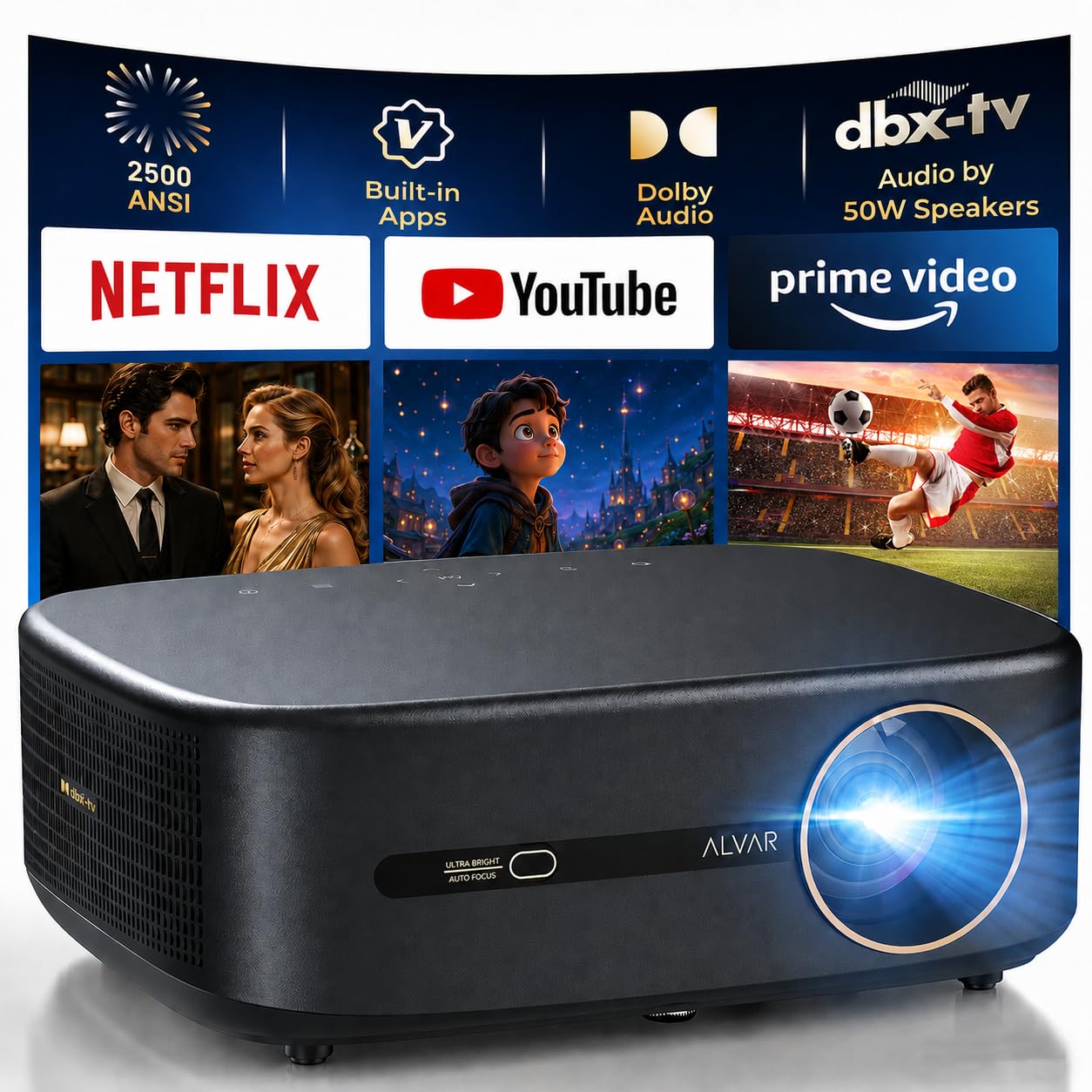
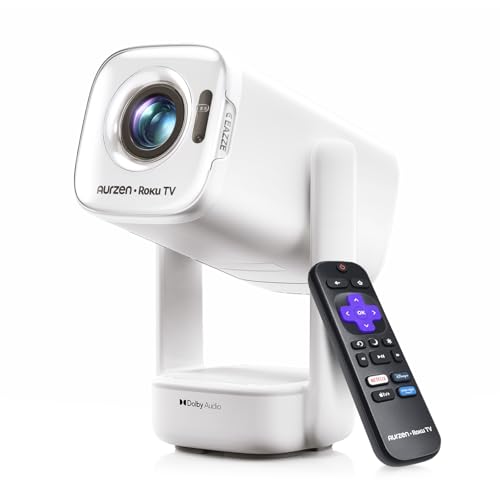
A Checklist for Evaluating Basement Projectors
Work through these criteria in order. The first two are set by your room and cannot be fixed by spending more, while the rest are choices inside your budget.
Light Control and Contrast
Contrast is the gap between the brightest white and the deepest black a projector can show at once, and in a dark basement it shapes the picture more than any other figure. A model with modest lumens and strong contrast looks richer at night than a brighter model with washed out blacks. Check for light leaks, such as a stairwell door or a small window, because a little ambient light lifts the black level.
Throw Distance and Screen Size
Measure the room before you shop, because the throw and screen choices are made before the projector itself. Throw ratio tells you how wide the image will be from a given distance, so a short room buys a short throw class that fills a large screen from a few feet away, while a long room can use a standard throw class. Seating distance and screen width should grow together, since a screen too large forces viewers to turn their heads. The guide to short throw projectors for small rooms helps if your basement is tight.
Resolution and Picture Detail
Resolution decides how much fine detail survives on a big screen. Full HD looks clean on screens up to about 100 inches at normal seating distances, while 4K earns its price on larger screens or closer seating, where pixels would otherwise show. The source matters too: a 4K projector fed only standard definition streams cannot invent missing detail.
Brightness in a Dark Room
Brightness matters less than the marketing suggests. A basement with full light control looks excellent with a moderate lumen class, and excess brightness can tire the eyes during long films. Brightness helps most on larger screens, where the same light spread over more area looks dimmer.
Connections and Gaming Latency
Count the devices you will plug in before you buy: a streaming stick, a game console, and a sound system can fill the ports on a small model quickly. Modern HDMI ports handle 4K signals and let one remote control linked devices. If games are part of the plan, input lag is the figure to check, since a slow projector makes fast games feel disconnected. The guide to best quality projectors gives the wider class picture.
Sound and Smart Features
Built in speakers on projectors are small, and in a basement with real seating they are the weak link in most setups. Plan on at least a soundbar class speaker, and check that the projector can pass audio out to it cleanly. A streaming stick can be replaced when it slows down while a built in platform cannot, so do not let the smart menu decide the purchase. Fan noise belongs here too: a loud fan sits inside every quiet film scene.
Mounting and Placement
Decide where the projector will live before it arrives. A ceiling mount keeps it safe from knocks and lines the lens up with the screen, but it needs power at the ceiling and a cable run planned in advance. Lens shift moves the image without moving the unit, making placement far more forgiving than digital keystone correction, which shrinks the usable picture.
A shelf mount is simpler and suits renters, though it puts the unit within reach of drinks and elbows.
Price Bands for Basement Rooms
The product table groups the picks; this section explains what each band really buys in a dark room.
Entry Band: First Theater Rooms
Entry models run about $100 to $600 and cover the basics honestly: full HD resolution, enough brightness for a fully dark room, and simple connections. This band suits a first setup on a screen up to about 100 inches, where room darkness does much of the work. Expect louder fans and little lens shift, so placement takes care. If budget is tight, see the guide to projectors under $500.
Middle Band: The Balanced Choice
The middle band runs about $600 to $1,500 and is where most basement buyers should land. It buys stronger contrast, quieter cooling, better lens adjustment, and in many models a step up to 4K detail. Gaming latency improves here too. If your room will host films, sports, and games in equal measure, this band covers all three without paying for features a dark room cannot show.
Premium Band: Large Screens and Deep Blacks
Premium models run about $1,500 to $3,000 and above, and they earn it in two places: black level performance in dark scenes and the light output to fill screens well past 120 inches. Laser light sources appear in this band and hold brightness far longer than lamp based models. This band makes sense when the screen is large, the seating is close, or the room is a dedicated theater.
Quick Buyer Checklist
Answer these before you order.
- Can the room be made fully dark, including doors and small windows?
- Have you measured the distance from the planned mount to the screen wall?
- Does the throw ratio of the class you want fill your screen from that distance?
- Is the screen size matched to your seating distance?
- Does the resolution match the screen size, rather than exceeding it for no gain?
- Do you have enough HDMI ports for every device you plan to connect?
- Is there a plan for sound beyond the built in speakers?
- Does the mount position let the image land square without heavy keystone correction?
Red Flags to Watch For
- Brightness quoted in vague units. Figures in lux or unnamed LED lumens are not comparable with standard lumen ratings.
- Contrast quoted as a dynamic figure only. Very large contrast numbers usually describe a mode that dims the whole picture, not detail inside one scene.
- Native resolution hidden behind supported resolution. A model that accepts a 4K signal may display far fewer pixels, so look for the native figure.
- No stated input lag on a gaming claim. A projector sold for games should publish a latency figure.
- Replacement lamps with no listed price. Lamp models carry a running cost, and an unlisted lamp price can hide an expensive one.
Basement Projectors Beside Other Room Classes
It helps to know what a basement model is not. The class covered in the guide to best projectors for outside fights daylight and weather, trading the contrast a basement rewards for brightness it does not need.
At the other end of the size scale, the guide to best small projectors covers compact units built for shelves and travel, which give up lens adjustment and quiet cooling. Smaller still, pocket and pico projectors are battery powered classes for quick showings on a wall. Do not pay basement money for portability, or expect a portable unit to run a theater.
Setup and Care Tips
Set the picture mode to a cinema preset first, since vivid modes push color and brightness past accurate levels. Let the unit warm up before judging focus, and align the image with lens movement before reaching for digital keystone. Keep the air filter clean on the manual schedule, because a clogged filter raises fan noise. For a lamp model, track the hour count and budget for a replacement in advance.
Frequently Asked Questions
Is 4K worth it for a basement projector?
Yes, on larger screens or with closer seating, 4K is worth it for a basement projector. Past about 100 inches, or with seating closer than roughly one and a half times the screen width, the extra detail is easy to see. On a smaller screen across the room, full HD looks just as sharp, and the saving is better spent on contrast.
How many lumens does a basement projector need?
A fully dark basement projector can work well with a moderate lumen class that would look weak in a living room. Smaller screens need less light than larger ones, because the same output spread over more area appears dimmer. One caution: an uncovered small window raises the brightness you need, so seal the leak first.
Should a basement projector use a lamp or a laser light source?
A laser light source suits a basement projector that runs most days, because it holds brightness for years and reaches full output almost at once. A lamp based model costs less up front, and a replacement lamp restores full brightness in one step. Heavy daily use favors laser; a weekend film room can run a lamp model for years first.
How long do basement projectors last?
A basement projector usually lasts for many years of regular viewing, with the light source setting the practical limit. Lamps dim gradually and are replaced in hours, while laser and LED sources fade so slowly that other parts age first. Basements add one risk: damp. A dehumidifier and keeping the unit off a cold floor protect it.
Does refresh rate matter for a basement projector used for films?
For films alone, refresh rate matters little for a basement projector, because films are made at a low frame rate any modern model handles well. It matters more for sports, where fast motion looks smoother at higher rates, and for games, where it works alongside input lag. Note that motion smoothing can make films look like video, and most viewers prefer it off.
Final Thoughts
A good basement setup is a matching exercise: the room sets the contrast you can use, the throw figures set the class you can fit, and the screen size sets the resolution worth buying. Match those three and the best basement projectors for your room narrow down quickly. Use the product table to compare picks against your measurements, and let the room, not the largest figure on a box, decide.