Best Bargain Gaming Laptops 2026: Clear Buying Guide
Disclosure: We may earn a commission when you buy through links on this page, at no extra cost to you. As an Amazon Associate I earn from qualifying purchases. Learn more

Learn where the best bargain gaming laptops spend their budget: graphics, processor, screen, cooling and upgrade room.
The best bargain gaming laptops put most of the budget into the parts that decide frame rates: the graphics card, a modern processor, enough memory and a fast display. Everything else, from the logo to RGB lighting, comes second. A low price only helps if the machine runs the games you play at settings you enjoy.
This guide explains what to look for in graphics, processor, memory, screen, cooling and upgrades, and how to read the product table.


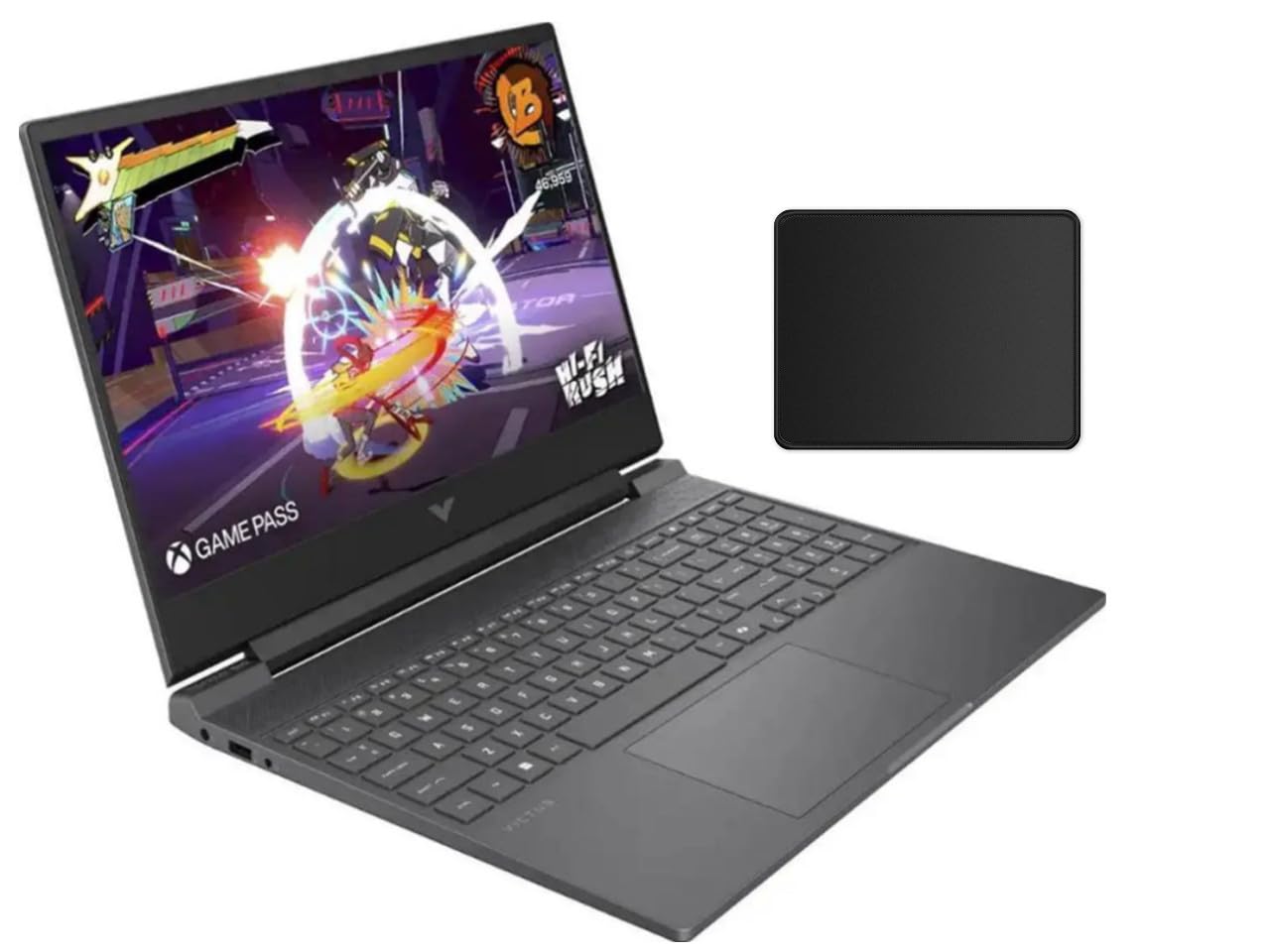

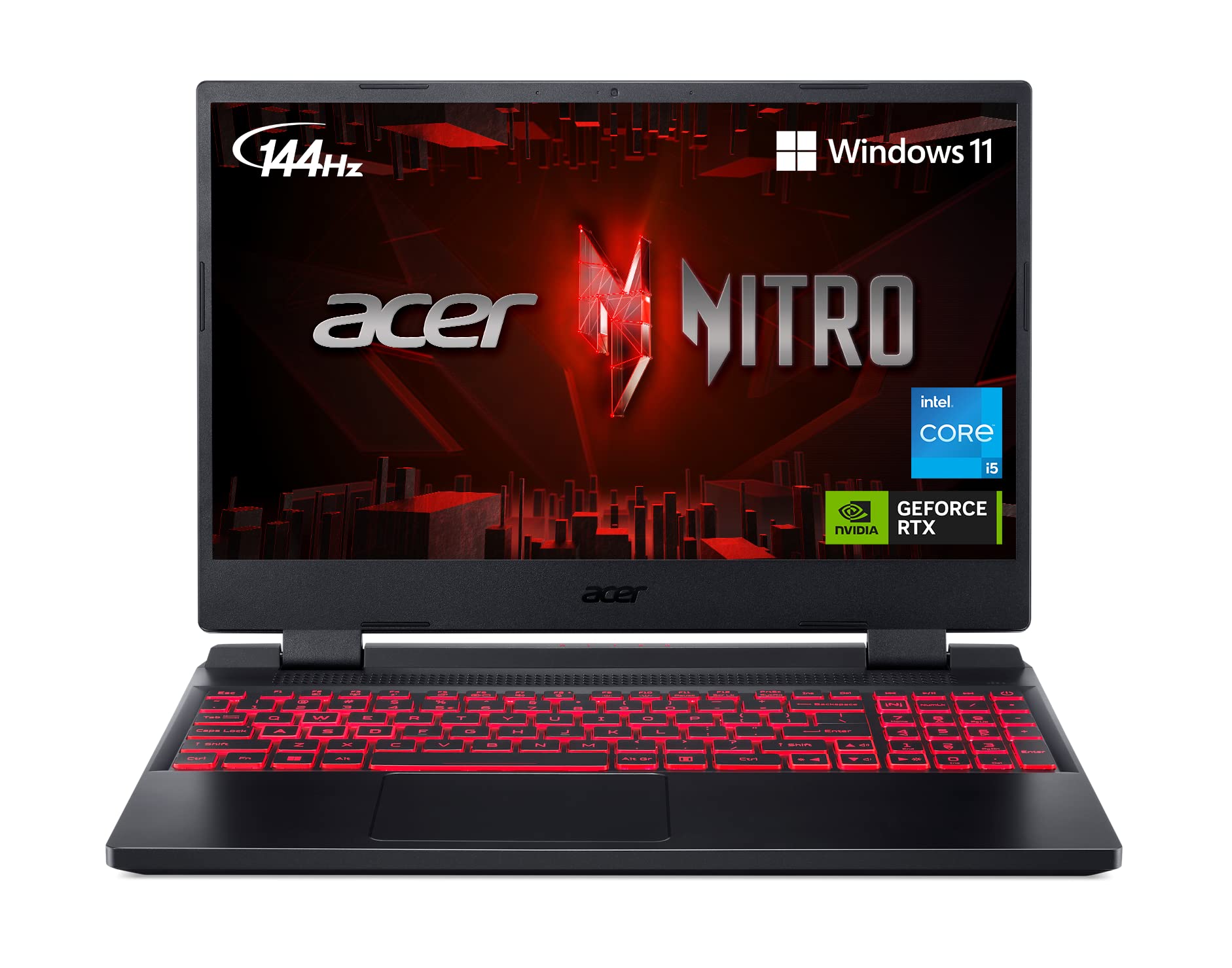
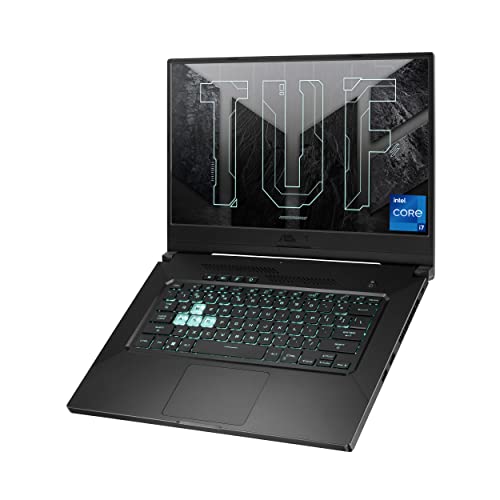

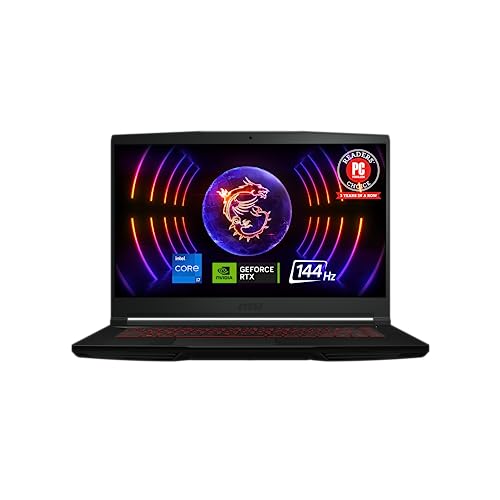

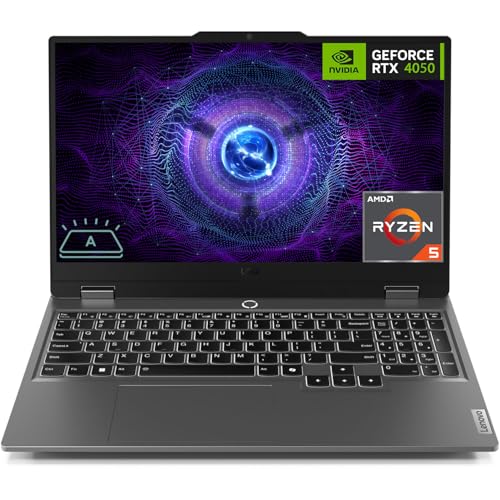
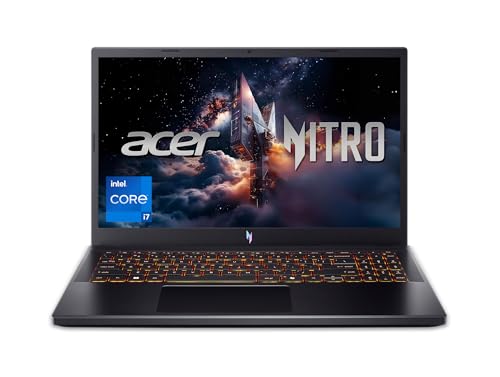
Who Should Buy a Bargain Gaming Laptop
They suit students, first time PC gamers and anyone who needs one machine for games, school and work. They give up some performance compared with a desktop at the same price, but they move with you. If you game mostly at a desk and rarely travel, a desktop can offer more power per dollar. If you only play light or older games, a good non gaming laptop may be enough.
Graphics Card: The Most Important Part
The GPU does the heavy lifting in games. Entry level cards such as the RTX 3050 or 4050 class run most popular games at 1080p with medium to high settings. Mid range cards handle higher settings and newer titles at higher frame rates. Check the card model carefully, because laptop versions are slower than desktop ones with the same name, and different power limits change performance. Dedicated video memory matters too: 4 GB is a floor, while 6 to 8 GB gives more room for modern textures.
Processor, Memory and Storage
- Processor: a recent mid range chip with six or more cores is enough for most games. Avoid very old generations at the same price as newer ones.
- Memory: 16 GB is the sensible target for gaming. 8 GB works for light games but struggles when other apps are open.
- Storage: a 512 GB solid state drive is a comfortable minimum, because modern games can take 100 GB or more. Check whether you can add a second drive.
Display and Refresh Rate
A 144 Hz screen makes motion smoother and is common even on bargain models. Look for a 1080p panel with decent brightness and good colour, and check the panel type if you can. A 60 Hz screen saves money but wastes the potential of a strong GPU. Higher resolutions look sharper but demand much more graphics power, so they rarely make sense on a bargain machine.
Cooling, Noise and Battery
Gaming laptops run hot, and weak cooling reduces performance as the chip throttles. Look for multiple heat pipes, well placed vents and reviews that mention temperatures. Expect fans to be audible under load, so headphones help. Battery life is short while gaming, often an hour or two, so plan to play plugged in. Weight and size also matter: 15.6 inch models balance portability and cooling, while 17 inch machines are heavier but cooler.
Upgrades and Ports
Many bargain gaming laptops let you add memory and a second SSD, which extends useful life cheaply. Check the specs for open slots before you buy. Count the ports as well: you want at least two USB A ports, USB C, HDMI for an external display and a headphone jack. A wired Ethernet port improves online stability.
What to Check Before You Order
Read the full spec sheet, not just the headline. Confirm the exact GPU model and its power rating, because the same card name can perform differently at different wattage. Check whether the memory is dual channel, since two sticks run faster than one, and whether the SSD is NVMe. Look at the keyboard layout and trackpad, since you will use them for hours, and check how the screen looks at an angle. Finally, read the warranty and return terms: a heavy, high power machine is more likely to need service than a thin office laptop.
Getting the Most From Your Laptop
Use the power plan recommended by the maker when gaming, and keep the vents clear of fabric and dust. A cooling pad or a simple stand improves airflow on warm days. Update graphics drivers regularly and cap frame rates in games that run well above your screen refresh rate, which reduces heat and noise. Clean the fans every year or two, and keep the battery healthy by avoiding long periods at full charge if the software offers a charge limit.
Budget Tiers
At the low end you get older or entry level graphics, 8 to 16 GB of memory and a 1080p 144 Hz screen. In the middle you get a stronger GPU, 16 GB of memory and a faster SSD. Higher bargain tiers add better cooling, brighter screens and more storage. Spend more if you play demanding games, and save if your library is mostly older or esports titles.
Common Mistakes to Avoid
- Choosing a strong processor with a weak graphics card.
- Buying 8 GB of memory without any upgrade option.
- Ignoring cooling and noise reviews.
- Paying for features such as RGB lighting that do not improve performance.
Related Guides
See best bargain laptops, best notebook laptops and the other guides in the laptops section for nearby choices.
Frequently Asked Questions
Are cheap gaming laptops worth it?
Yes, if the graphics card matches the games you play. A cheap machine with a weak GPU will disappoint, while a modest one with a good GPU can play most popular titles.
How much memory do I need?
16 GB is the sensible target. 8 GB can work for older games but limits multitasking.
Can I use a gaming laptop for school and work?
Yes. They handle office work, video editing and programming well, though they are heavier and have shorter battery life than thin laptops.
How long will it stay useful?
Many gamers get three to five years before they need to lower settings. Upgrading memory and storage extends that time.
Final Thoughts
Put the graphics card first, then memory, storage and screen. The best bargain gaming laptops deliver smooth play without paying for extras, and the product table is a good place to start comparing.