Best Bang for Buck Laptops 2026: A Complete Buying Guide
Disclosure: We may earn a commission when you buy through links on this page, at no extra cost to you. As an Amazon Associate I earn from qualifying purchases. Learn more

Find bang for buck laptops that balance processor, memory, screen, and battery life, with guidance on where to save money and where to spend it.
The best bang for buck laptops deliver strong everyday performance without flagship prices. The trick is knowing where extra money helps, such as memory and screen quality, and where it adds little, such as premium materials you rarely notice.
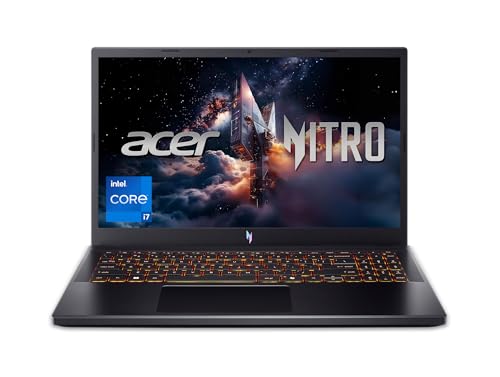
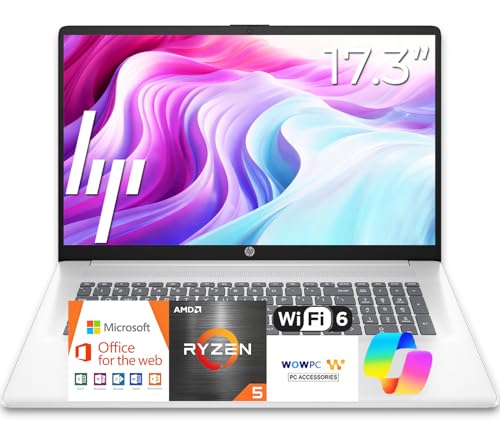
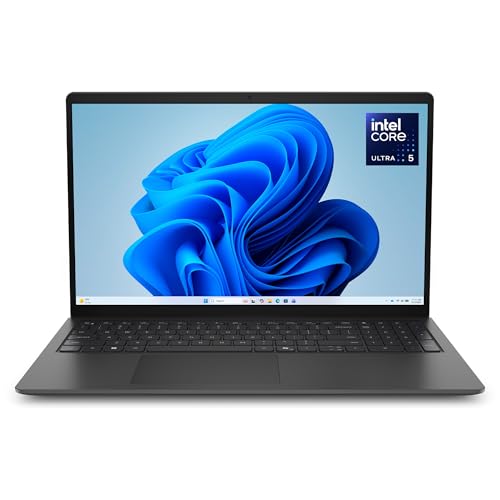
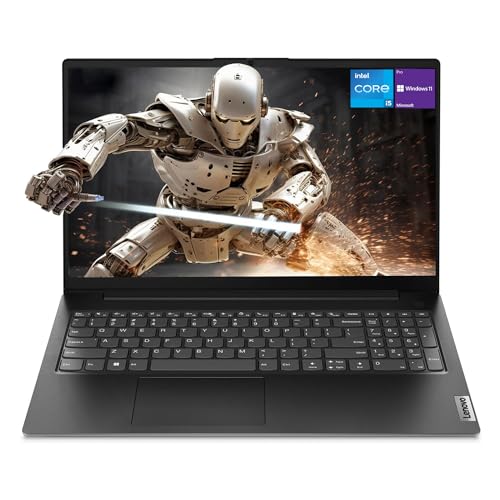
The product table brings the main options together, so you can compare processors, memory, storage, and battery life at a glance. This guide explains value trade offs in plain language, so you can buy once and avoid regret.

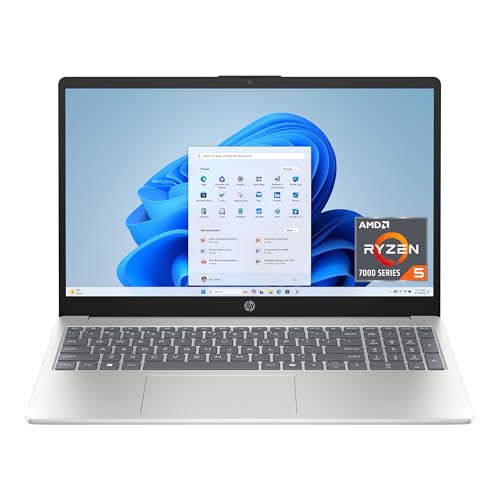
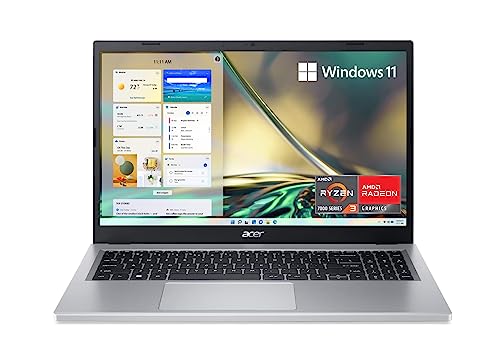

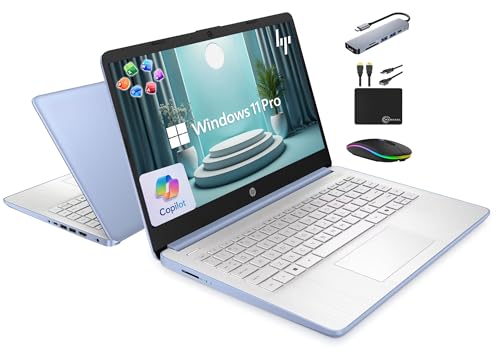
Value laptops suit students, office workers, home users, and casual creators. They struggle only when asked to run heavy gaming, large video projects, or demanding engineering software, so match the laptop to your real workload.
List your daily apps before you shop, including browser tabs, office tools, video calls, and creative software. That app list defines processor, memory, and screen needs far better than generic buying guides.
Where Value Comes From
Processor and memory drive everyday speed. A modern midrange processor with 16 GB of memory handles browsing, office work, video calls, and light editing smoothly, while 8 GB can feel tight with many tabs and apps open.
Storage affects startup speed and responsiveness. A solid state drive is essential for value laptops, since it makes booting, app launches, and file access feel fast even with a modest processor. Aim for at least 256 GB, and 512 GB if you store photos and videos locally.
Screen quality affects daily comfort more than many buyers expect. A bright, sharp display with good viewing angles reduces eye strain during long work sessions, while a dim or washed out screen tires you quickly. Check brightness and resolution before ordering.
Battery, Build, and Ports
Battery life shapes portability. A laptop that lasts a full work or school day frees you from chargers, while a short battery life ties you to outlets. Real world battery life varies with screen brightness and workload, so read mixed use estimates rather than best case claims.
Build quality matters for daily carrying. A sturdy hinge, a comfortable keyboard, and a precise trackpad affect satisfaction every day. Premium metal bodies feel nice, but a well built plastic body can offer better value and lighter weight.
Ports decide accessory freedom. Check USB ports, video outputs, and charging options against your monitor, mouse, and external drive needs. A missing port can force dongles and hubs that erase the savings of a value laptop.
A guide to best bang for your buck laptops covers the same value idea in more depth, while best notebook laptops focuses on portable designs. For gaming value, best bang for your buck gaming laptops covers graphics trade offs, and best laptops for 500 bucks narrows the field to a strict budget.
Workloads and Realistic Expectations
Value laptops handle browsing, documents, spreadsheets, video calls, streaming, and light photo editing well. They can also handle casual games and short video clips, though frame rates and render times will lag behind gaming laptops.
Heavy workloads such as large video editing, 3D rendering, and complex simulations need stronger processors, graphics, and cooling. Buying a value laptop for those tasks often leads to frustration and early replacement, which costs more in the long run.
If your workload may grow, prioritize memory and storage upgradability. A laptop with spare memory slots or an accessible drive bay can extend its useful life by years with a modest upgrade later.
Budget, Value, and Mistakes to Avoid
Prices for value laptops commonly range from about $400 to $800. The sweet spot for most buyers sits near the middle, where memory, screen, and battery all reach comfortable levels without flagship extras.
A common mistake is saving money by choosing 8 GB of memory or a dim screen, then regretting it daily. Another is paying for a premium processor while skimping on memory, which bottlenecks everyday speed. Balance the whole system, not one spec.
Check warranty, return policy, and keyboard layout before ordering. A value laptop you cannot return easily, or with a keyboard that frustrates typing, loses value quickly no matter how good its processor looks.
A Final Check Before You Order
Check keyboard feel during a typing test, since you will type on it daily. Key travel, layout, and backlighting affect comfort more than benchmark scores, and a poor keyboard frustrates every work session.
Test screen glare under your usual lighting, including windows and overhead lights. A glossy screen that looks vivid in a shop can glare badly at home or in classrooms, while a matte screen stays readable.
Review upgrade access for memory and storage, even if you do not plan upgrades now. A laptop with accessible slots can gain years of life from a later memory or drive upgrade, while a sealed laptop cannot.
Check webcam and microphone quality if you join video calls often. Value laptops vary widely here, and poor call quality frustrates colleagues even when the laptop itself performs well.
Compare total weight with charger included, since charger weight adds up during daily carrying. A light laptop with a heavy brick can feel heavier than a slightly heavier laptop with a compact charger.
Save receipts, warranty details, and setup notes in one place. Value laptops change hands and travel often, and organized paperwork simplifies warranty claims and resale later.
Frequently Asked Questions
How much should I spend on a value laptop?
Most buyers do well between about $400 and $800, depending on workload and screen needs. Below that range, memory and screen compromises grow sharper, while above it you pay for premium materials and performance most daily tasks do not need.
Is 8 GB of memory enough for a value laptop?
It can work for light browsing and documents, but 16 GB feels smoother with many tabs, video calls, and office apps open together. If you keep laptops for years or multitask heavily, 16 GB is the safer value choice.
Should I prioritize processor or screen?
Both matter, but screen quality affects comfort every minute you use the laptop, while processor differences often matter only during heavy tasks. A midrange processor with a bright, sharp screen usually satisfies daily users more than a fast processor with a dim screen.
Can a value laptop handle photo editing?
Yes, for light to moderate photo editing with common tools, especially with 16 GB of memory and a solid state drive. Large raw files, batch exports, and video editing benefit from stronger processors and graphics, so match the laptop to your project sizes.
How long will a value laptop last?
With sensible care and realistic workloads, a value laptop often serves three to five years. Battery wear, software demands, and storage needs usually limit life before the processor fails. Upgradable memory and storage can extend useful life further.
Should I wait for sales to buy a value laptop?
Sales can save significant money on value laptops, especially during back to school and holiday periods, but waiting costs productivity when you need a laptop now. Buy when need is real, and watch for sales only when timing is flexible. A laptop bought at full price and used daily beats a cheaper laptop bought months late.
Final Thoughts
The best bang for buck laptops succeed when processor, memory, screen, and battery balance for your daily workload. Spend where you feel the difference every day, and save where extra specs add little.
Use the product table above to compare balanced configurations, then choose the laptop that fits your work, your bag, and your budget. Smart value buying means fewer regrets and longer useful life.
After a week of real work, judge the laptop by comfort and responsiveness, not by benchmarks. A value laptop that feels smooth daily is a successful purchase, whatever its spec sheet says.