Best Baby Monitor for Two Rooms: A Complete Buying Guide
A practical guide to choosing a baby monitor that covers two rooms at once, from split-screen versus switching to range, expandable cameras, and setup tips.
Watching one baby is fairly simple. Watching two kids who nap, sleep, or play in separate spaces is a different challenge, and it's why so many parents start looking for the best baby monitor for two rooms instead of settling for a basic single-camera setup. The right system needs to add a second camera without forcing you to buy a whole new base unit, hold a steady connection through hallways and closed doors, and let you check both rooms without fumbling between two separate screens. This guide walks through what actually matters when you're covering more than one room, from camera counts and viewing modes to signal range, security, and realistic pricing tiers, so you can match a system to your actual floor plan instead of guessing.

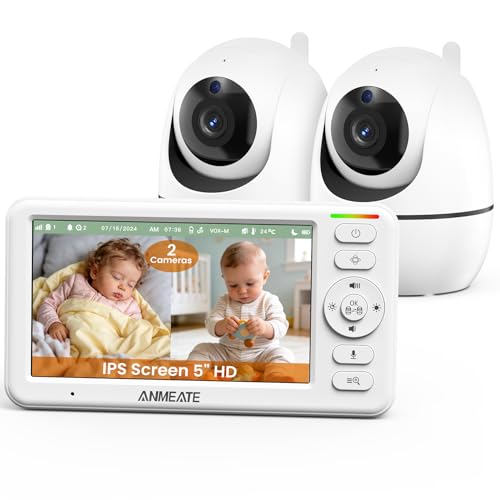
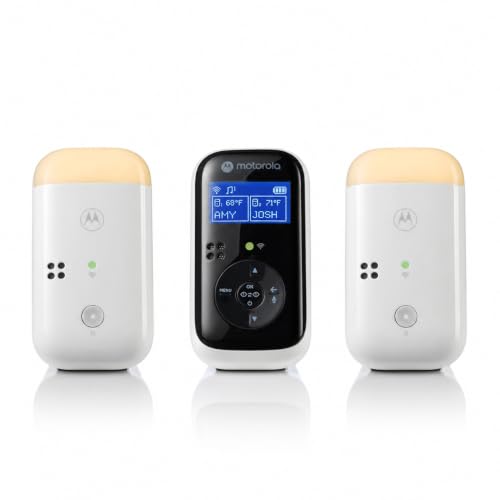
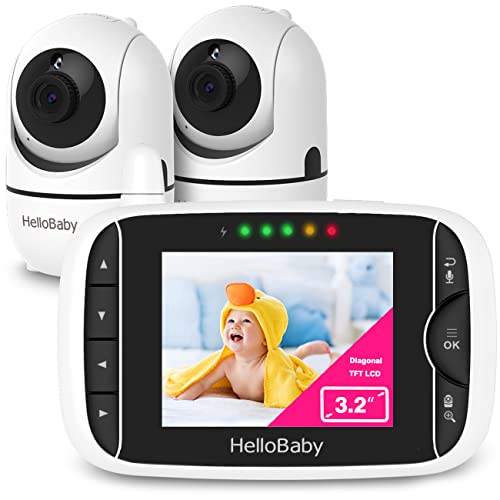
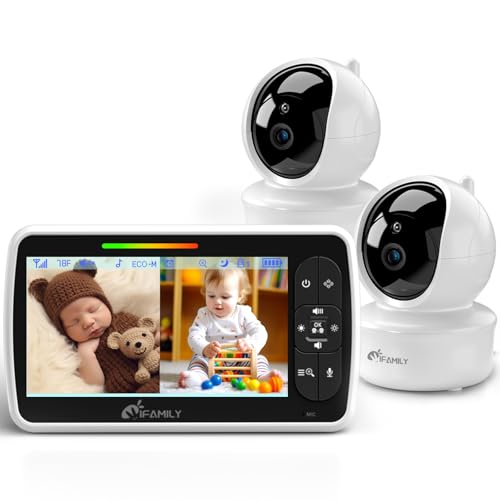
Matching Camera Count and Viewing Mode to Your Layout
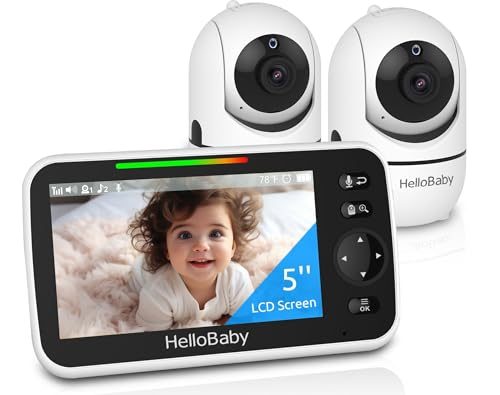
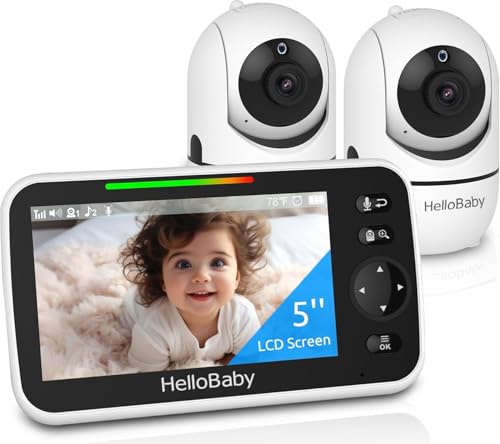
Before anything else, figure out how many cameras your home actually needs and whether the monitor you're considering can grow with you. Most systems ship with one camera but list a maximum expansion count, often four to six, which matters if you plan to add a playroom or a second child's room later. Check that number before you buy rather than assuming every parent unit supports unlimited add-ons.
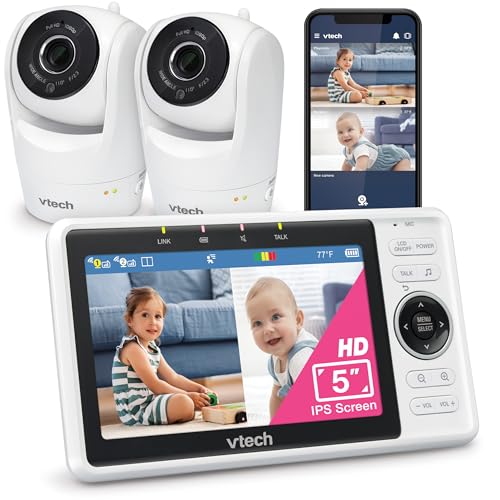
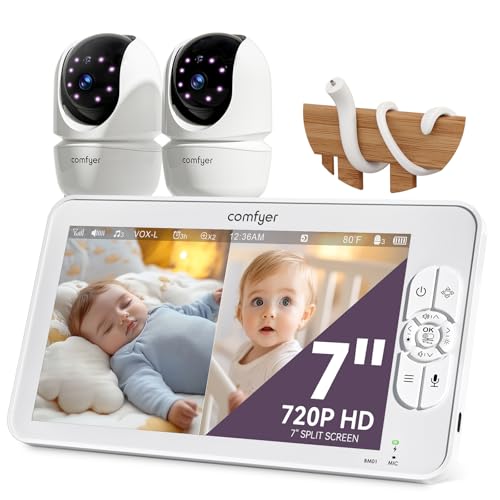
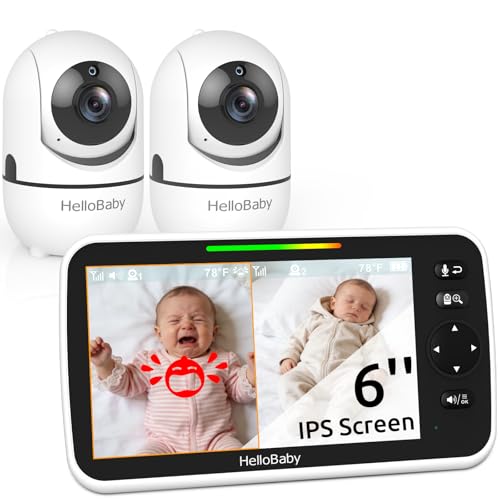
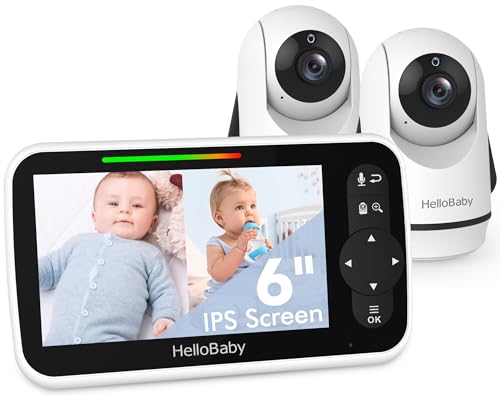
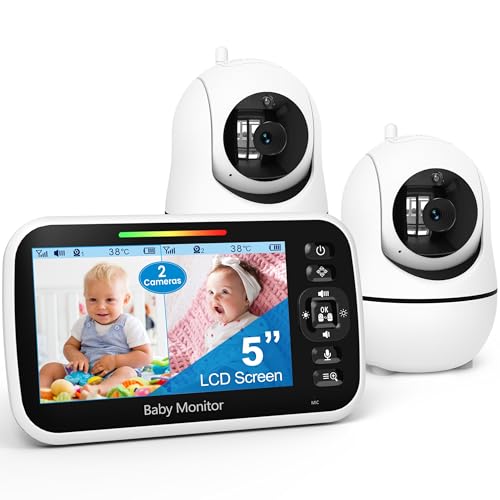
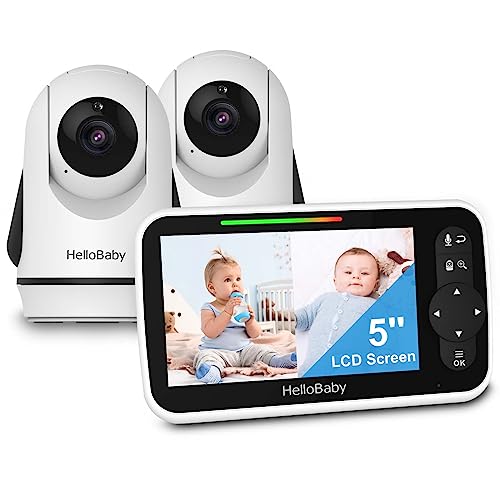
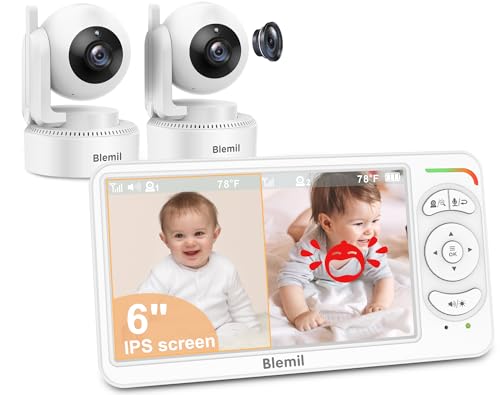
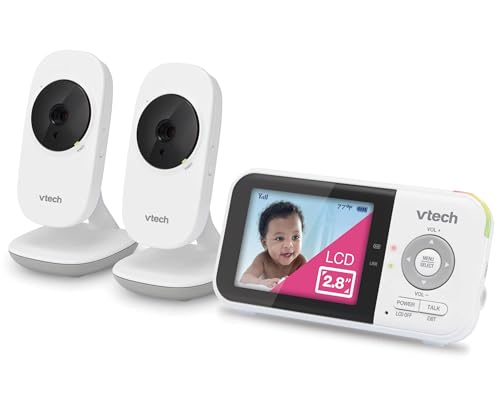
Once you have more than one camera, how you view them matters just as much as how many you have. Some monitors offer true split-screen, showing both rooms on the parent unit at the same time in smaller frames. Others rely on channel-switching, where you tap a button to flip between full-screen feeds one at a time.
- Split-screen is faster for quick glances but shrinks each image, which can make it harder to spot fine detail like breathing or facial expression.
- Channel-switching gives you a full-size picture but means you're only watching one room at any given moment.
If you tend to check in frequently rather than leave the screen running, channel-switching with a quick-tap toggle is often enough.
Wi-Fi App-Based Monitors vs Dedicated Parent-Unit Systems
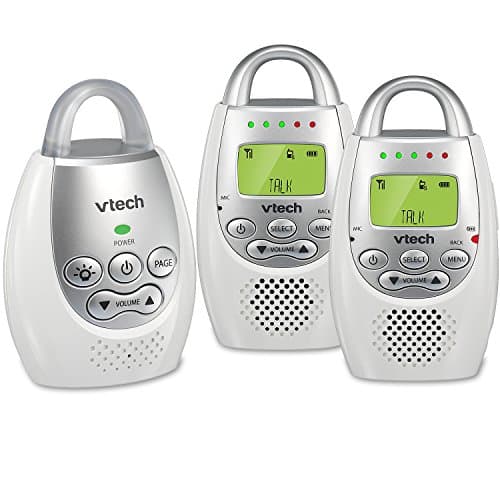
Two-room coverage generally comes from one of two approaches. Wi-Fi app-based systems stream video through your home network to a phone or tablet app, and many let you view every camera in the house from a single screen, even from another floor or outside the building entirely. Dedicated parent-unit monitors instead use their own short-range radio frequency and a handheld receiver, which never touches your home network at all.
For a closer look at how Wi-Fi-based baby monitors handle app connectivity, remote viewing, and notifications, it's worth comparing that category directly against a dedicated unit before you commit to either approach.
The tradeoff is fairly clean. App-based systems tend to offer better viewing flexibility and easier expansion since you're adding cameras rather than paired receivers, but they depend on your Wi-Fi holding up in every room. Dedicated units are typically simpler to set up and don't need an internet connection, though they usually cap out at fewer cameras and offer less remote-access flexibility. Families monitoring two rooms in the same house tend to lean Wi-Fi; families who want something that works even during an internet outage often prefer the dedicated route.
How Range and Building Layout Affect Coverage Between Rooms
A monitor's advertised range is measured in open air, not through your specific walls, so treat that number as a ceiling rather than a guarantee. Every wall, floor, and closed door between the two rooms eats into the effective distance, and dense materials like brick, concrete, or plaster cut signal further than drywall does. A monitor rated for several hundred feet outdoors might struggle to hold a clean picture between a nursery and a room on the opposite side of the house.
What Tends to Cause Interference
Household Wi-Fi routers, cordless phones, microwaves, and other baby monitors on the same frequency band can all cause dropouts or static, especially in apartments with multiple neighboring networks. If you're comparing options built specifically for distance, a long-range monitor built for larger homes is worth a look before you settle on a standard model.
Before buying, walk the actual path between the two rooms and count the barriers, then look for a monitor rated well beyond your measured distance to leave a margin for interference. In practice, the best baby monitor for two rooms in an older or larger home is usually one rated for noticeably more range than a small apartment would ever require.
Setting Up for Twins in One Room or Two Kids in Separate Nurseries
How you configure a monitor should follow your actual sleeping arrangement, not the other way around. Twins or siblings sharing one room usually only need a single wide-angle camera positioned to capture both cribs, which keeps cost and complexity down. A wide field of view matters more here than a second camera, since you're covering one space rather than two.
Two kids in separate rooms, by contrast, genuinely need two cameras streaming at once, plus a parent unit or app that lets you check both without a long delay between switching. This is also where split-screen viewing tends to earn its keep, since you can glance at both rooms in one look during a busy evening.
A third common scenario is a nursery paired with a playroom or living area, where the second camera is less about sleep monitoring and more about keeping an eye on a mobile toddler during the day. In that case, look for a camera with a wider pan-and-tilt range and daytime clarity rather than prioritizing night vision alone.
Locking Down a Multi-Camera Wi-Fi Monitor
Any camera that connects to the internet carries some risk of unauthorized access, and that risk grows slightly with every additional camera you add to an account. The most meaningful protection is a monitor that supports end-to-end encryption for its video feed rather than relying on a generic cloud login. Confirm this before purchase, since not every budget model includes it.
Beyond encryption, a few habits matter more than any single feature. Use a unique, strong password for the monitor's app account rather than reusing one from another service, and turn on two-factor authentication if the manufacturer offers it. Keep the camera's firmware updated, since security patches are often issued quietly and skipped if auto-update is disabled. Finally, review which family members or caregivers have access to the live feed and remove accounts you no longer use.
What a Base Unit and Extra Cameras Typically Cost
Pricing for two-room setups generally falls into a few broad tiers rather than one fixed cost. Entry-level systems bundle a basic parent unit with two included cameras and keep features fairly minimal, aimed at parents who want reliable coverage without extras. Mid-range systems usually add features like pan-and-tilt, two-way talk, or a larger parent-unit screen, and often price additional cameras separately if you want to expand later.
At the higher end, the best baby monitor for two rooms for your household might come with a premium app experience, higher-resolution video, and cloud storage for recorded clips, though ongoing cloud storage sometimes carries its own subscription cost separate from the hardware. Before comparing systems, decide whether you want everything included upfront or whether you're comfortable buying a base unit now and adding a second camera later as your budget allows.
Frequently Asked Questions
Can I use two separate single-room baby monitors instead of one multi-camera system?
Yes, though you'll be carrying or switching between two parent units instead of one, and interference between two unrelated systems on the same frequency is more likely than with a matched multi-camera set.
How many cameras can most two-room monitors support?
Many app-based systems support four or more cameras per account, while dedicated non-Wi-Fi units often cap out around two to four paired cameras on a single parent unit, so check the stated maximum before buying.
Does adding a second camera slow down the video feed?
It can, especially on Wi-Fi systems streaming multiple feeds at once over a weaker home network. A stronger router or a mesh Wi-Fi extender near the second room often resolves lag issues.
Do I need identical cameras for both rooms?
No, most systems let you mix camera models as long as they're compatible with the same app or parent unit, so you can prioritize better features in the nursery and a simpler camera in a playroom.
Is a dedicated non-Wi-Fi monitor more private than an app-based one?
Generally yes, since a dedicated unit's signal stays local between the camera and receiver rather than passing through your home network or a manufacturer's cloud servers.
What happens if my Wi-Fi goes down while monitoring two rooms?
App-based monitors typically lose the live feed until the connection restores, which is why some parents keep a battery-powered dedicated unit as a backup in the primary nursery.
Should I mount cameras the same way in both rooms?
Not necessarily. Mount each camera based on that room's layout, aiming for a clear view of the crib or play area while keeping the camera and any cords well out of reach.
Weighing the Tradeoffs Before You Buy
There's no single setup that fits every home, since a two-room monitor is really a balance of camera count, connection type, and how your kids actually sleep or play. Start with your floor plan and daily routine, then match features to those needs rather than chasing the longest spec sheet. A monitor that covers your specific rooms reliably will always serve you better than one with extra features you'll rarely use.