
Best Audio Settings for Car Speakers for 2026: A Simple Guide for New Listeners
Disclosure: We may earn a commission when you buy through links on this page, at no extra cost to you. As an Amazon Associate I earn from qualifying purchases. Learn more
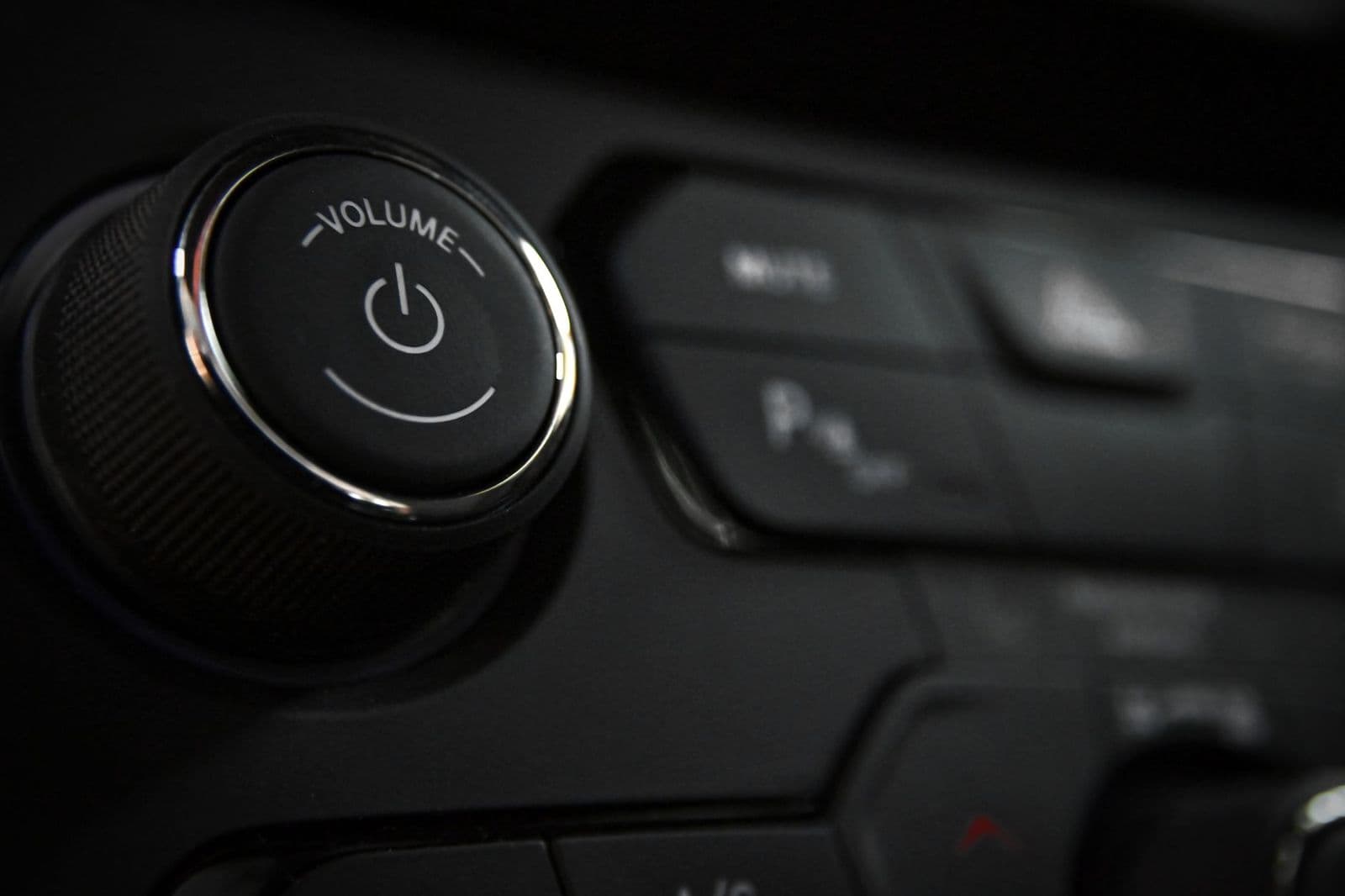
Learn audio settings for car speakers in plain English, with clear steps for EQ, balance, fader and crossover plus fixes for harsh, muddy or thin sound.
Your car speakers can sound far better than they do today, and the fix often costs nothing. The best audio settings for car speakers are simply the right balance of bass, midrange, treble, balance and fader for your cabin and your music. This guide walks you through each control in plain English.
You do not need new gear to start. You need a parked car, a familiar song and about twenty minutes of patient listening. Work through the controls in order, make small changes and trust what you hear from the driver seat.
Who Gains Most From Tuning Car Speaker Settings?
Almost every driver can gain something, but the gain depends on your system and habits. Find your group below and start with its key controls.
Drivers With a Stock Factory System
You listen to the speakers that came with the car, often with factory presets that push bass hard to sound impressive on a short test drive. That extra bass can blur voices and tire your ears on a long trip. Flatten the equalizer first, then add only small amounts of bass and treble. A gentle loudness setting helps at low volume, but turn it off as volume rises.
Listeners Who Just Fitted New Speakers
New speakers change the balance your old settings were built around, so a tune that once worked can now sound bright or thin. Reset every tone control to flat and start again, giving the new speakers a week of normal use before you judge them. If you chose separate woofers and tweeters, see our guide to the best car audio component speakers for how placement shapes the sound.
Drivers Who Share the Car or Carry Passengers
You switch drivers, carry family or give friends a ride, and each person hears a different seat. Save one preset tuned for the driver seat and a second with the fader nearer the middle, so rear passengers are not left behind a wall of front sound. A spoken word preset with a small midrange lift keeps podcasts clear without touching your music settings.
Key Settings to Compare and Adjust
These five controls do most of the work in any car. Adjust them one at a time, in the order below, and remember that finding the best audio settings for car speakers takes small steps rather than one magic preset. Write down each change.
Equalizer, Bass, Midrange and Treble
The equalizer divides sound into bands you can raise or lower. Bass covers low notes and drum weight, midrange covers voices and most instruments, and treble covers detail and sparkle. Small moves of one or two steps are usually enough, and cutting a harsh band often works better than boosting a weak one. Set midrange first so voices sound natural. If clarity is your main goal, see our guide to the best car audio speakers for sound quality alongside your tuning work.
Balance and Fader for the Listening Seat
Balance shifts sound between left and right, while fader shifts it between front and rear. The driver sits closer to one side, so a small balance shift toward the far side can center the image in front of you. Set fader so rear speakers fill in space rather than pulling songs behind you. Tune from the seat you use most. A voice that seems to come from the middle of the dash tells you the setting is close.
Crossover and High Pass Filter Settings
A crossover sends each part of the music to the speaker built for it. A high pass filter keeps deep bass out of small door speakers, which protects them from strain and cleans up the midrange. Many head units offer points around 60 to 80 to 100 hertz. Start near 80 hertz if your speakers sound strained, and lower the point if the sound turns thin. If your car has a subwoofer, let it carry the deepest notes alone.
Loudness, Bass Boost and Subwoofer Level
At low volume your ears hear bass and treble less clearly, so loudness adds a gentle lift that makes quiet listening sound full. Bass boost is stronger and narrower, and it can overload small speakers quickly. Use one tool at a time, never both together, and match the subwoofer level to the front speakers rather than chasing impact. Test with a bass line you know. Each note should stay clear and even, not swell on one note and vanish on the next.
Volume Staging and Source Quality
Distortion often starts before the speakers, when a phone volume, an app level and the head unit volume all push at once. Set your phone near full but not at the very top, then control listening level with the head unit alone. Streaming quality matters too, because a low bitrate file can sound dull no matter how you tune. If voices are your priority, see our guide to the best voice speakers for car audio for what clear vocal output needs.
Getting Started: A Step by Step Tuning Sequence for Your First Session
Park somewhere quiet and close the windows. Turn off loudness, boost and every preset, set all tone controls to flat and choose one well recorded song plus one spoken track. Raise the volume to the level you use on the road, because settings that flatter quiet listening can fail at road volume where wind and tire noise compete.
Work in order. Center the voice with balance and fader first, then set the high pass filter, then shape the equalizer in small moves, and add loudness or subwoofer level last. Replay the same short passage after each change. Speaker limits still matter, so if a passage rattles at modest volume, the setting asks too much of the hardware, and our guide to the best car audio speakers explains the sizes and power ratings behind that limit. For a second view on presets, see our guide to the best settings for car speakers once your tune is saved.
Common Mistakes to Avoid
New listeners tend to repeat the same few errors.
- Maxing out the bass control makes door speakers strain, blurs voices and can shorten speaker life.
- Tuning at low volume in a quiet driveway gives settings that collapse once road noise joins in.
- Changing three controls at once leaves you unable to tell which change helped or hurt.
- Copying settings from a friend with a different car ignores cabin size, seat position and speaker layout.
- Boosting treble to fix dull recordings raises hiss and makes every bright song painful.
- Forgetting to save your finished tune means one borrowed drive or flat battery can erase your work.
Keeping Your Settings and Speakers Sounding Right
Save your finished tune in a preset slot and write the numbers in your phone, because a battery change or service visit can reset the head unit to factory values. Take a photo of each settings screen as a backup. Recheck your tune after any change to the car, such as new tires with a different noise level or a change in your usual seating position.
Care for the speakers with simple habits. Keep grilles free of dust with a soft dry brush, and clear coins and bottles from door pockets, because loose items buzz against the panel and mimic speaker faults. Leave volume a step below the point where sound turns harsh on long drives. Heat and direct sun age speaker edges over time, so a windshield shade on hot days helps.
FAQ
What features matter most in audio settings for car speakers?
The equalizer, balance, fader and high pass filter matter most in audio settings for car speakers. Those four controls decide clarity, image position and how hard each speaker works. One extra point matters for shared cars. A head unit with two or more preset slots lets each driver keep a personal tune, so nobody undoes your work to hear their own music well.
How long do tuned car speaker settings last before they need checking?
Tuned car speaker settings last until something in the car or the system changes. The settings do not wear out, but your hearing adapts, so a tune that felt bold can feel dull after a month. Recheck briefly each season with the same test song. Also recheck after trips with passengers, because fader changes for guests often leave your driver preset altered.
Do I need professional help to tune car speaker settings?
No, you do not need professional help to tune car speaker settings for everyday listening. The sequence in this guide covers what most drivers can hear and adjust. Consider a professional when your system adds separate amplifiers and signal processors, because those tools offer delay and detailed band controls that interact in complex ways. Ask the installer to save your tune and explain each change in writing.
Will audio settings for car speakers work in any vehicle?
No single set of numbers works in every vehicle, because cabin volume, glass area and speaker position differ from car to car. A hatchback with speakers near your ears needs less rear fill than a large sport utility vehicle with a long cabin. Use the same method everywhere, but expect different final numbers. Even moving a seat back can shift the balance point you prefer.
Why do car speakers sound harsh at high volume even with careful settings?
Car speakers sound harsh at high volume when the amplifier or head unit runs out of clean power and the signal distorts. Settings cannot create power the system lacks, so lower the volume a step and reduce any treble boost first. Harshness on one song only often sits in that recording itself. Test with a track you trust before changing a tune that serves other songs well.
Wrapping Up
Start flat, center the sound for your seat, protect small speakers with the high pass filter and shape tone in small moves. Those habits matter more than any preset name, and they cost nothing but patience.
When you judge the best audio settings for car speakers by natural voices, even bass and comfort over a full drive, your ears will tell you when you are done. Save your final numbers so a reset never costs you the tune.


