
Best Asus Laptops for Programming in 2026: Which Type Is Right for You?
Disclosure: We may earn a commission when you buy through links on this page, at no extra cost to you. As an Amazon Associate I earn from qualifying purchases. Learn more

Compare the best asus laptops for programming by type, specs, and price tier with a clear buying guide covering RAM, storage, displays, and keyboards.
Asus sells programming friendly laptops in several very different forms, and the labels alone can feel confusing. A light Chromebook, a budget Windows notebook, a gaming machine, and a slim ultraportable can all run code, yet they suit very different daily routines.
This guide compares each type side by side so you can match the form to your work before you compare individual listings. By the end you will know which best asus laptops for programming category fits your projects, your desk, and your budget, and you can check the comparison table below with a clear shortlist in mind.


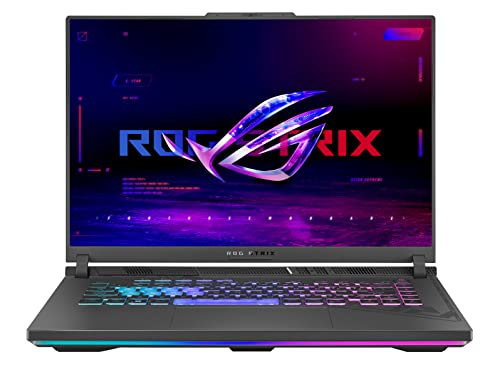
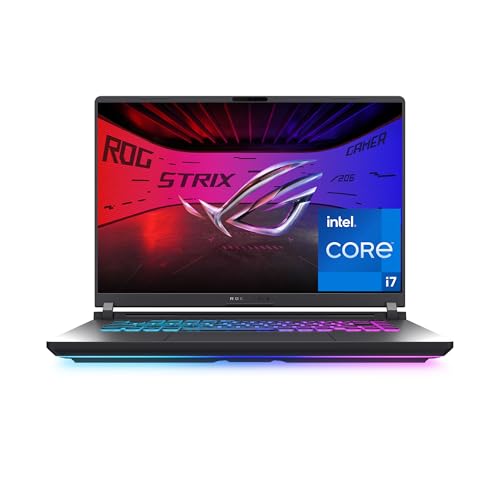

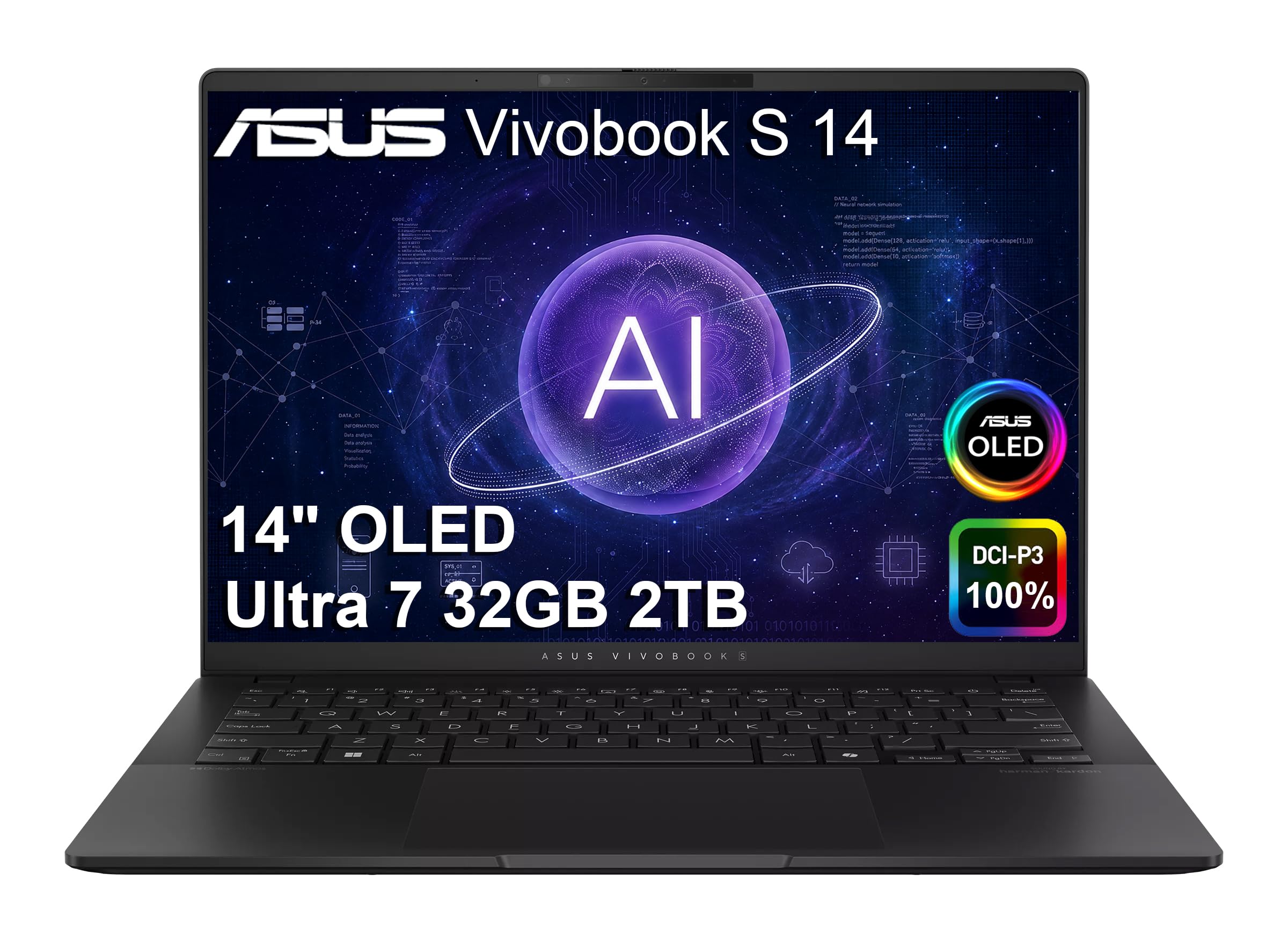
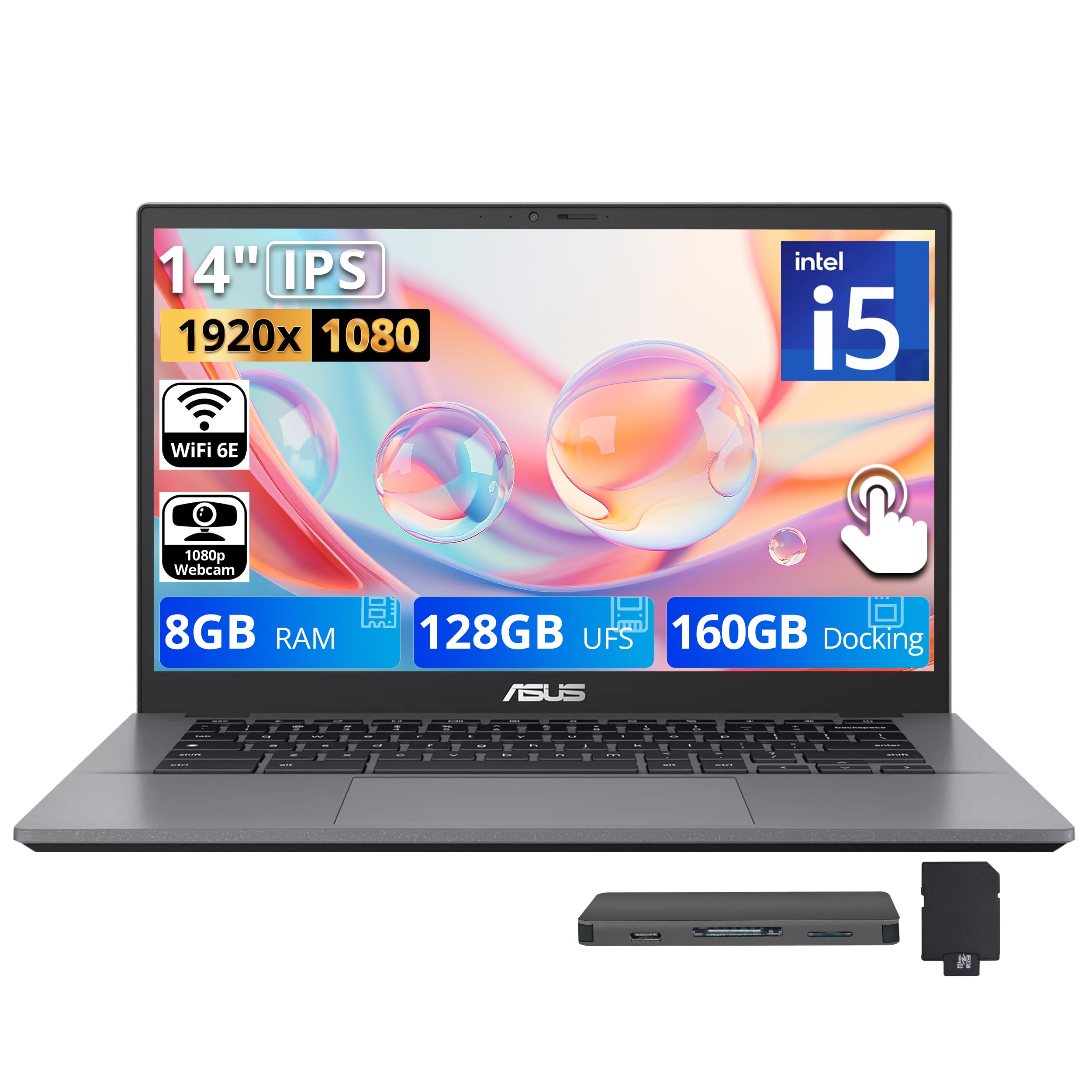
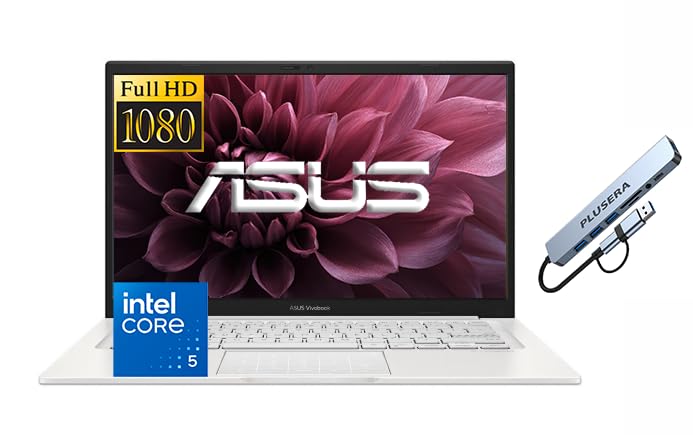

Types of Asus Laptops Compared
Think of the four types below as four different tools. Chromebooks are the simplest and cheapest route into browser based work. Budget laptops add full Windows apps at a modest price. Gaming laptops bring strong processors and graphics for heavy builds and local testing. Ultraportables trade raw power for a thin body, a bright screen, and long battery life that suits people who move between rooms, offices, and coffee shops.
Price tiers overlap, so compare what each tier actually delivers. A budget laptop at around $400 to $700 usually covers everyday coding well. An ultraportable at about $700 to $1,200 adds a better screen, a metal body, and more RAM. A gaming laptop at about $800 to $1,500 adds graphics power you may never use for plain web work, so pay for it only when your projects need it.
Chromebooks
Chromebooks run ChromeOS and center on the browser, web apps, and Android apps. For programming, they work best when your tools live online, such as browser based editors, cloud development environments, and remote servers you reach through a terminal app. Many models also support Linux apps, which opens the door to a local editor and common command line tools.
The strengths are low prices, fast startup, simple updates, and battery life that often lasts a full school or work day. The limits are real, though. Large desktop IDEs, Windows only tools, and heavy local compiling can feel cramped, and storage is usually small. Choose a Chromebook if your coursework or job is mostly web based and you want the lightest possible setup.
Budget Laptops
Budget Windows laptops are the most flexible starting point for most learners. They run full desktop editors, local servers, databases, and the Windows tools many courses assume you have. At around $400 to $700 you can expect a capable midrange processor, 8 GB or 16 GB of RAM, and a solid state drive that keeps projects loading quickly.
The trade offs show up in the screen, the body, and battery life. Panels are often dimmer, cases are usually plastic, and fans can get loud under load. Still, for a first machine or a spare home computer, this type gives you the fewest software surprises. If you are comparing brands beyond Asus, see our guide to the best laptops for coding and programming for the wider picture.
Gaming Laptops
Gaming laptops pair strong processors with dedicated graphics cards, fast refresh rate screens, and bigger cooling systems. That power helps with game development, 3D work, machine learning experiments, virtual machines, and large projects that compile for a long time. You also tend to get more ports and, on some models, room to add RAM or storage later.
The costs are weight, size, and battery life. Many models weigh five pounds or more, chargers are bulky, and unplugged time can drop to a few hours under load. The screen and keyboard are usually good, but you pay for graphics power even on days when you only write text. Choose this type when your code truly pushes the hardware, not just because the specs look impressive.
Ultraportables
Ultraportables are slim Windows laptops built for people who carry a computer all day. They focus on low weight, bright and sharp displays, quiet fans, and battery life that can stretch through meetings and classes. Processors are efficient rather than extreme, yet they handle web development, app development, and data scripts without drama.
Prices run higher for the size, often about $700 to $1,200, and ports can be limited to USB C. RAM and storage are often fixed in place, so buy the configuration you need for the next few years. If portability matters most and your projects are not graphics heavy, this is usually the most pleasant type to live with, and our overview of the best asus laptops shows how these slim models sit within the full Asus range.
Chromebooks vs Budget Laptops: Which Should You Choose?
Start with software. If every tool you need runs in a browser or in a supported Linux app, a Chromebook is simpler and often cheaper. If a course or employer requires a specific Windows program, a budget Windows laptop removes that risk entirely.
Next, compare storage and offline work. Chromebooks assume cloud storage and can feel limited on a train or in a room with weak WiFi, while budget laptops keep projects and apps on the drive. For price, Chromebooks win at the very bottom, around $250 to $450. For flexibility per dollar over several years, a budget laptop with 16 GB of RAM is usually the safer buy. Students who also want a general family machine may prefer the broader options covered in our guide to the best computer programming laptops.
How to Choose the Right Asus Laptop
RAM and Storage
Treat 16 GB of RAM as the comfortable target for programming. An editor, a browser with many tabs, a local server, and a chat app can pass 8 GB quickly, and once memory fills up the whole machine slows down. If your budget forces 8 GB, check whether the model lets you add more later, because many slim models do not.
For storage, choose a solid state drive of at least 512 GB if you can. Code itself is small, but SDKs, containers, virtual machines, and package caches grow fast. A 256 GB drive can work if you store large media files elsewhere. Fast storage also shortens project loading and search times every single day, which adds up.
Features That Matter for Programming
Programming rewards a good screen, a good keyboard, and steady performance more than flashy extras. Look for a display with at least Full HD resolution so code and documentation can sit side by side, and consider a taller 16 by 10 panel if you read long files often. Brightness of about 300 nits or more keeps text clear near windows.
A backlit keyboard helps in dim rooms, and a large trackpad reduces how often you reach for a mouse. Sustained performance matters too. A laptop that runs fast for one minute but slows down during a long build will frustrate you, so favor models known for solid cooling in the type you choose. If Windows is required by your tools, our guide to the best windows laptops for programming explains the platform specific points in more depth.
Keyboard, Trackpad, and Build
You will type for hours, so key feel deserves real weight in your decision. Look for keys with clear travel, a firm bottom out, and a layout that keeps arrow keys and shortcuts easy to find. A centered trackpad with smooth glass and accurate clicks makes precise cursor work less tiring.
Build quality affects how the laptop ages. An aluminum lid or chassis resists flex and protects the screen in a bag, while a plastic body can still be fine at home. Check hinge stiffness in store if you can, since a screen that wobbles while you type is a daily annoyance. A fingerprint reader is a small bonus that speeds up sign ins.
Processor and Performance Tier
The processor sets the ceiling for compiling, testing, and running virtual machines. For most learners and web developers, a modern midrange chip from the Intel Core or AMD Ryzen families is plenty. Step up a tier if you run several containers at once, work with large data sets, or build big projects many times a day.
More cores help with parallel builds and multitasking, while single core speed still matters for many editor tasks. Avoid very old or entry level chips that struggle with modern IDEs. A practical rule is to buy the newest generation your budget allows in your chosen type, then put remaining money into RAM and storage, which you will feel more often.
Ports and Connectivity
Ports decide how easily the laptop joins your desk setup. USB C with charging support lets one cable handle power and a dock, and Thunderbolt on some models adds fast external drives and multiple monitors. An HDMI port is still handy for classrooms and meeting rooms where adapters go missing.
Check for at least one older USB A port if you use a wired keyboard, a security key, or older drives. WiFi 6E or WiFi 7 gives faster and steadier connections on busy networks, which matters when you pull large repositories. A headphone jack and a webcam with a privacy shutter round out a practical setup for calls and pair programming.
Setup and Care Tips
On day one, run system updates, install your editor and version control tools, and turn on automatic backups for your code folders. Set up a password manager and two factor sign in for your code hosting account before you clone private projects. Push work to a remote repository often so a lost or damaged laptop never means lost code.
For daily care, avoid keeping the battery at full charge all the time if the settings offer a charge limit for desk use. Carry the laptop in a padded sleeve, keep vents clear, and clean the keyboard with a soft brush. If you travel light, the advice in our guide to the best notebook laptops covers compact accessories and bag choices that pair well with slim machines.
Asus Laptops: Your Questions Answered
What features matter most in asus laptops for programming?
The features that matter most are 16 GB of RAM, a fast solid state drive, a comfortable backlit keyboard, and a sharp screen you can read for hours. After those, look at sustained processor performance and port selection. A dedicated graphics card only matters for game development, 3D work, or machine learning, so do not pay for one if your projects are plain web or app code.
How long should an asus laptop last?
A well chosen Asus laptop should last about four to six years for programming work. Longevity depends mostly on buying enough RAM and storage at the start, since those parts are often fixed in slim models. Battery capacity will fade over time, and software keeps getting heavier, so a midrange or better processor gives the machine more useful headroom.
Should I buy a laptop or a tablet?
Buy a laptop if programming is the main job. Tablets are great for reading, notes, and media, but local development tools, file management, and long typing sessions are far easier on a laptop with a real keyboard and full operating system. A tablet can still serve as a second screen for documentation once your main machine is set up.
Is a Chromebook enough for school?
A Chromebook is enough for school when classes use browser based tools and cloud editors. It handles documents, research, and video calls well, and the low price reduces stress about damage or loss. It falls short when a course requires Windows software, a heavy desktop IDE, or offline work with large local projects, so check your syllabus before you commit.
Is a dedicated GPU worth it?
A dedicated GPU is worth it only for specific work such as game development, 3D rendering, video heavy projects, or machine learning training. For web development, mobile apps, and general software courses, integrated graphics handle editors and multiple monitors without trouble. Skipping the GPU usually buys you a lighter laptop, longer battery life, and a lower price.
How much RAM do I need?
Plan on 16 GB of RAM for comfortable programming in most cases. That amount covers an editor, a browser, a local server, and communication apps running together. Eight GB can work for light web work and learning, but it leaves little headroom. If you run virtual machines or many containers, 32 GB is a sensible step up.
As you narrow your shortlist of the best asus laptops for programming, keep your top two priorities in front of you and drop any option that misses them.
Wrapping Up
Match the type to your routine first, then check RAM, storage, screen, and keyboard before you chase small price gaps. Chromebooks suit cloud based learning, budget laptops suit flexible everyday coding, gaming laptops suit heavy builds, and ultraportables suit people who move all day. Compare the product table above once you know your type, and the best asus laptops for programming choice for your desk should become much clearer.


