
Best Armless Office Chairs with Lumbar Support: A Clear Buying Guide for 2026
Disclosure: We may earn a commission when you buy through links on this page, at no extra cost to you. As an Amazon Associate I earn from qualifying purchases. Learn more

Compare armless office chairs with lumbar support by lumbar fit, seat size, foam and tilt, with a simple checklist for small desks and first time buyers.
Choosing your first desk chair is easier once you separate two jobs. The open sides let you sit close and move freely, while the shaped back should support your lower spine. This guide to the best armless office chairs with lumbar support starts with fit basics, then walks through the specs that matter, so you can use the comparison table below with confidence.
Armless does not have to mean basic. Compact space saving models can still offer an ergonomic curved back, a padded seat and useful tilt, as long as the lumbar shape lands in the right place.
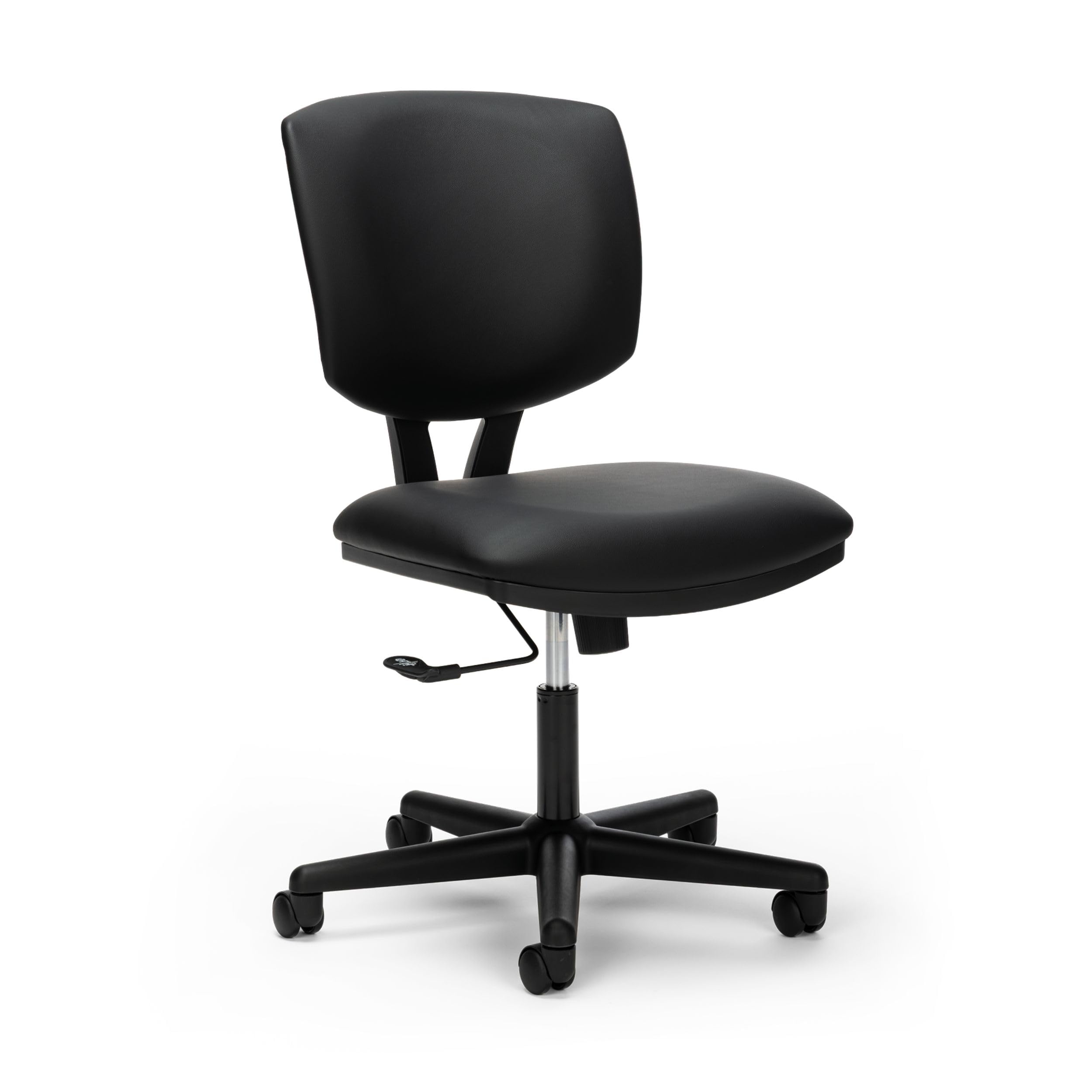


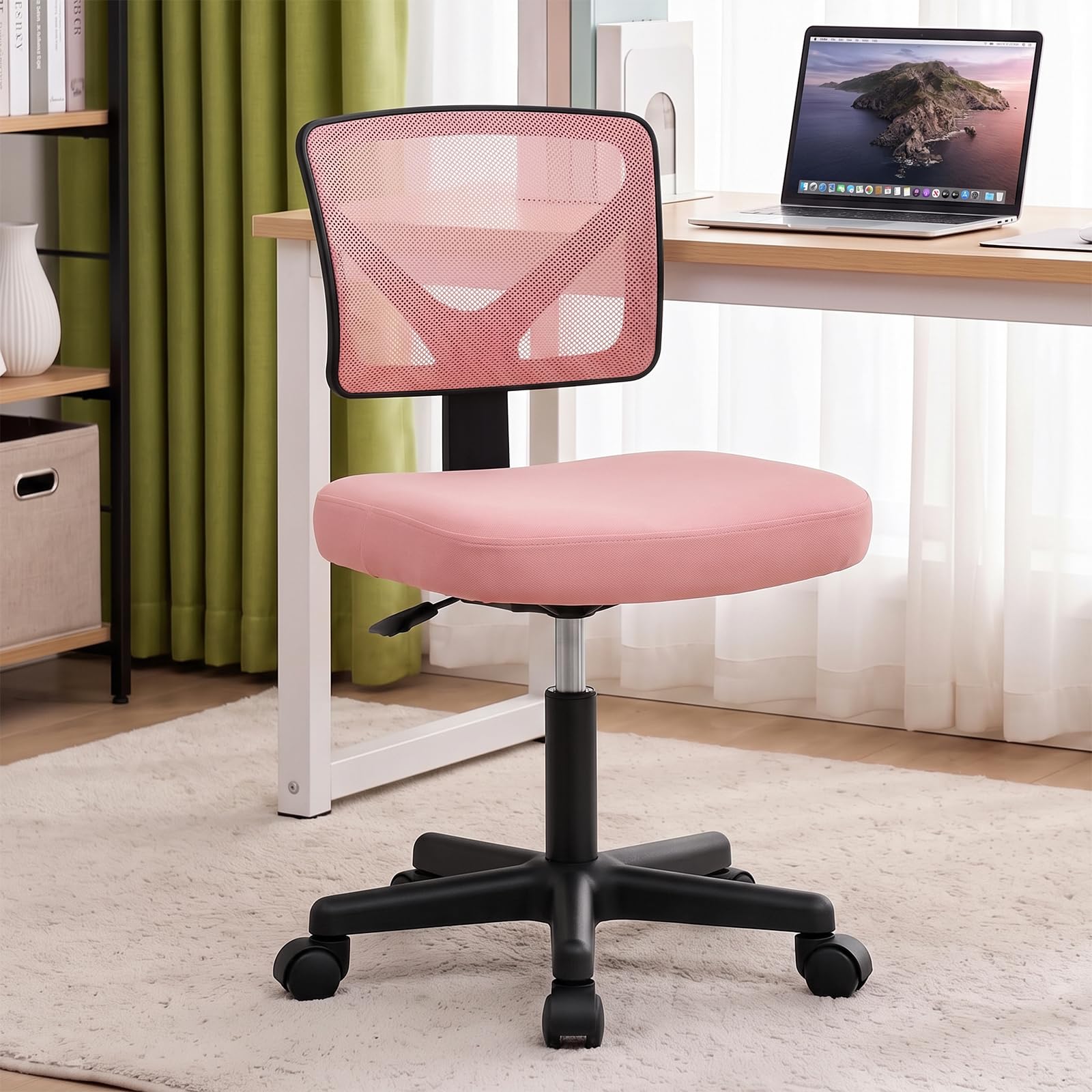

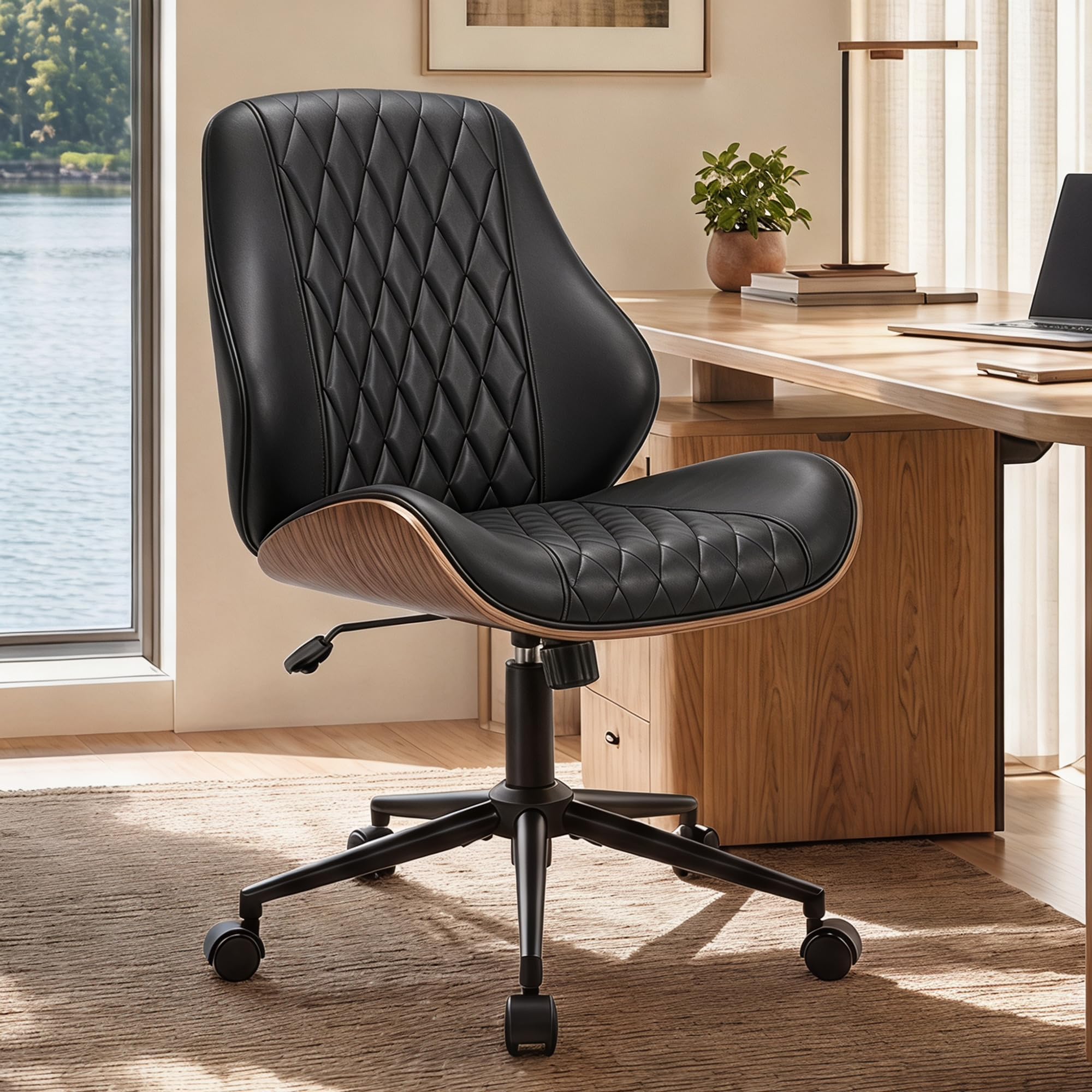

Who Should Buy an Armless Office Chair with Lumbar Support?
An armless design suits you when armrests get in the way more than they help. Without arms, the seat slides fully under most desks. The trade off is real though, because your shoulders get no resting support during pauses, so the back and seat have to do their jobs well.
Small Desk Users Who Need a Full Tuck
If your desk sits in a bedroom corner or a shared room, width is often the deciding limit. A chair without arms can be about 4 to 6 inches narrower in use than a similar chair with fixed arms, and it parks neatly out of the walkway. Check that the base rolls under the desk without hitting drawers.
Studio and Craft Workers Who Move Side to Side
People who play guitar, sew, draft, or move between two work surfaces often find that arms block their elbows or bang the desk edge. An armless chair keeps your elbows free at your sides. If this sounds like your routine, compare options with our guide to the best office task chairs, then return to lumbar fit here, because free movement helps little if your lower back aches after an hour.
Shared Desks for Different Body Sizes
At a shared desk, one chair must suit people of different heights in the same day. Choose a wide seat height range and a back that flexes a little, and keep the adjustment simple. A chair that needs five levers reset each time will usually stay in the wrong position for the next person.
Key Features to Compare on Armless Chairs with Lumbar Support
Start with the back, then work down to the seat, the lift and the base. The best armless office chairs with lumbar support earn that label through the shape and placement of the support, not a long feature list.
Lumbar Support Type and Placement
Lumbar support should fill the natural inward curve just above your belt line, so your pelvis stays upright without effort. Fixed support is molded into the backrest and costs less, but it only works if its highest point matches your body. Adjustable support moves up and down or pushes in and out, and suits taller or shorter users far better. If you often place a cushion behind you to feel supported, choose adjustable support rather than a flat padded back.
Seat Size, Depth and Cushion Foam
Seat width commonly runs about 17 to 21 inches, and depth runs about 16 to 20 inches. You want roughly 2 to 3 inches between the seat edge and the back of your knees, because a seat that is too deep pushes you forward away from the lumbar curve. High density foam holds its shape longer than soft low cost foam. A waterfall front edge reduces pressure under your thighs. If you are petite, favor a shorter depth over extra width.
Seat Height Range and Back Height
Most models adjust from about 17 to 22 inches at the seat, and that range must let your feet rest flat with knees near a right angle. Measure your desk underside too, because the chair only tucks away if the seat at working height clears the drawer unit below. A mid back supports the lower and middle back well for desk work, while a taller back adds upper back contact when you lean back.
Tilt, Recline and Tilt Lock Control
A gentle tilt lets you shift weight and change pressure points instead of sitting frozen in one angle. Look for a tilt lock and a tension knob that matches the rocking effort to your weight, because a chair that is too stiff will never move and one that is too loose feels unstable. A simple center tilt suits focused desk work, while a recline range around 90 to 120 degrees suits frequent calls.
Weight Capacity, Frame and Base Strength
Check the rated weight capacity and leave a sensible margin above your own weight, because capacity reflects the frame, gas lift and base working together. Many everyday models are rated around 250 to 300 pounds, and stronger metal base designs sit above that range. A nylon base works for light daily use, while steel feels steadier for heavier users. For a wider view, see our guide to the best office chairs for lumbar support.
Materials, Upholstery and Casters
A mesh back breathes well in warm rooms and flexes as you move, while padded fabric feels warmer in cooler spaces. Faux leather wipes clean quickly but can feel warm, so it suits shorter sessions and easy cleanup needs. Standard hard casters roll best on carpet or a chair mat, while softer wheels are kinder to wood and tile. Match the wheel to your floor first, because the wrong caster makes even a comfortable chair annoying to move.
How to Measure Your Desk and Body for an Armless Chair
You need four quick numbers. Measure from the floor to the underside of your desk, since that is your tuck in clearance. Measure desk height to the top surface. Sit on a firm chair and measure from the floor to the crease behind your knee, wearing your work shoes. Note the kneehole width between desk legs or drawers.
Match those numbers to the listing. Your ideal seat height is close to that knee crease measurement, and seat width should be at least 2 inches narrower than the kneehole. Place a rolled towel at your belt line in your current chair to feel where support should land. That test shows whether a fixed curve will suit you. For other layouts, see our guide to the best chairs for lumbar support.
One health note belongs here. New or persistent back pain, pain that travels down a leg, numbness, or weakness is not a chair fit problem to solve by shopping. Those signs need a doctor or another qualified professional, and you should talk with your clinician about your personal needs before relying on any chair change.
Common Mistakes to Avoid When Buying an Armless Chair
- Choosing by seat width alone, so the chair fits the desk but the lumbar curve lands at the wrong height.
- Buying a deep seat, so you slide forward and lose contact with the back support entirely.
- Ignoring desk underside clearance, so the chair cannot tuck in and your small room feels crowded.
- Perching on the seat edge, so your lower back tires quickly with no support behind you.
- Picking hard casters for bare wood floors, so the wheels mark the surface over time.
- Skipping the return policy on a fixed support model, so you are stuck if the curve does not match your body.
Care and Maintenance for Armless Office Chairs
Vacuum fabric and mesh weekly with a soft brush tool, and blot spills at once rather than rubbing them wider. Wipe faux leather with a damp cloth and mild soap, then dry it fully. Keep mesh chairs out of strong direct sun where you can, since heat and light age both mesh and foam.
Every few months, tighten the bolts under the seat and at the back, because small movements loosen fixings gradually. Check that the gas lift still holds height overnight, and wipe caster wheels free of hair and grit. If seat foam stays dented after a night unoccupied, plan a replacement rather than adding cushions that change the lumbar position.
Armless Office Chairs: Your Questions Answered
What features matter most for long hours in an armless office chair?
Adjustable lumbar placement matters most, followed by seat depth that keeps you in contact with the backrest. Also favor a seat height that keeps your feet flat. One extra check is shoulder fatigue. Without armrests, keep your desk near elbow height so your shoulders stay relaxed while typing, a setup point many buyers miss when they focus only on the chair.
How do I choose the right size armless office chair for a small desk?
Start with the kneehole width and underside height, then choose a seat at least 2 inches narrower than that opening. A mid back and a compact base park more neatly than a tall back with a wide base. Also measure the room behind the desk, because a chair that fits the desk but needs a large rolling arc will still crowd a tight layout.
How long should a good armless office chair with lumbar support last?
A good model should last about 5 to 7 years of regular home office use if the foam, lift and frame are sound. Daily heavy use shortens that span, and the gas lift or casters often wear first. Warranty length is a helpful clue. Coverage that separates the frame from the foam tells you more than one short promise covering every part equally.
Is an expensive armless office chair worth it for a first time buyer?
It can be worth it if the extra cost buys lumbar adjustment and a stronger frame, not just thicker padding. First time buyers of average height often do well in the middle price range, about $100 to $250, where adjustable height and decent foam are common. Spend more only when your height falls outside the average range or you sit for most of the workday.
The Bottom Line
For a first purchase, rank three checks above everything else. The lumbar curve must meet your lower back at belt level, the seat depth must keep you sitting back against it, and the chair must tuck under your desk at working height. Get those right and mesh, fabric or tilt style become matters of taste. When you choose the best armless office chairs with lumbar support for your space, compare your measurements against the product table above.


