Best Android Tablets under 300 Dollars: A 2026 Checklist and Buying Guide
Disclosure: We may earn a commission when you buy through links on this page, at no extra cost to you. As an Amazon Associate I earn from qualifying purchases. Learn more

Use this checklist for the best android tablets under 300 dollars to compare displays, processors, RAM, storage, ports, and battery life with confidence.
The under $300 shelf is where Android tablets stop feeling like compromises and start feeling like the main device for a lot of people. It is also where listings get crowded and spec sheets start to blur together. If you are comparing the best android tablets under 300 dollars, a fixed checklist keeps you honest: score the screen, the processor, the memory, and the support policy the same way for every candidate.
This guide gives you that checklist with clear pass marks, then shows what strong options look like at this price. Use the comparison table below alongside each section, and you will be able to defend your final choice in one sentence per spec.
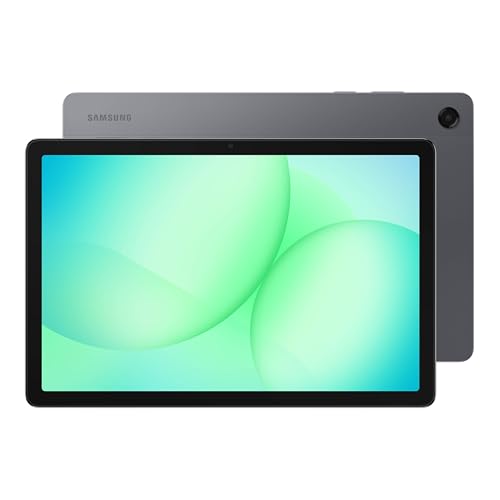
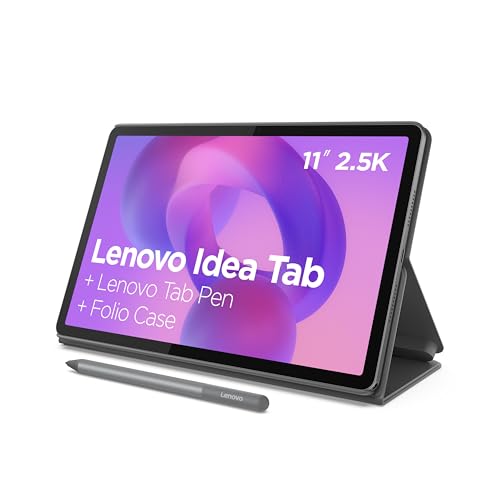
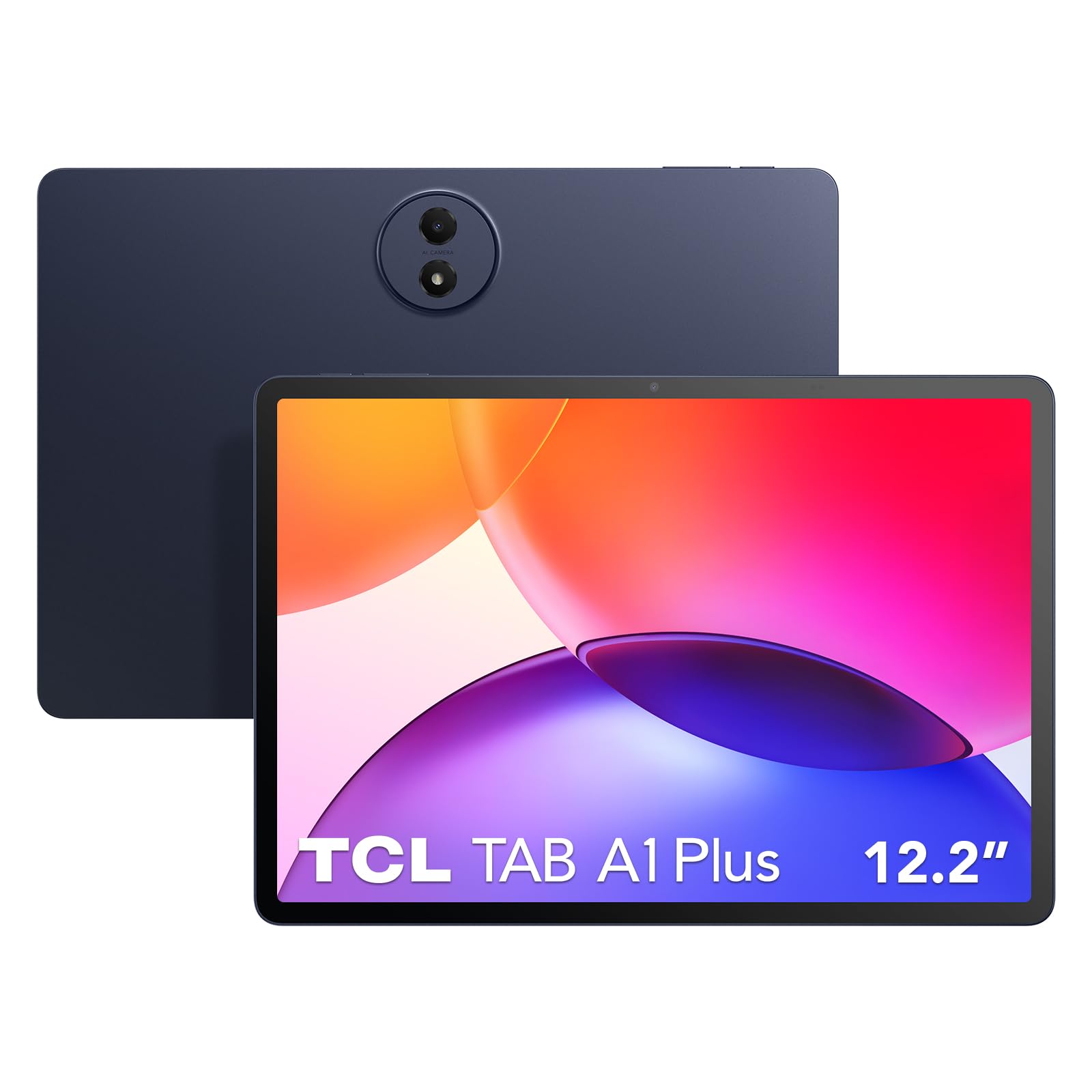

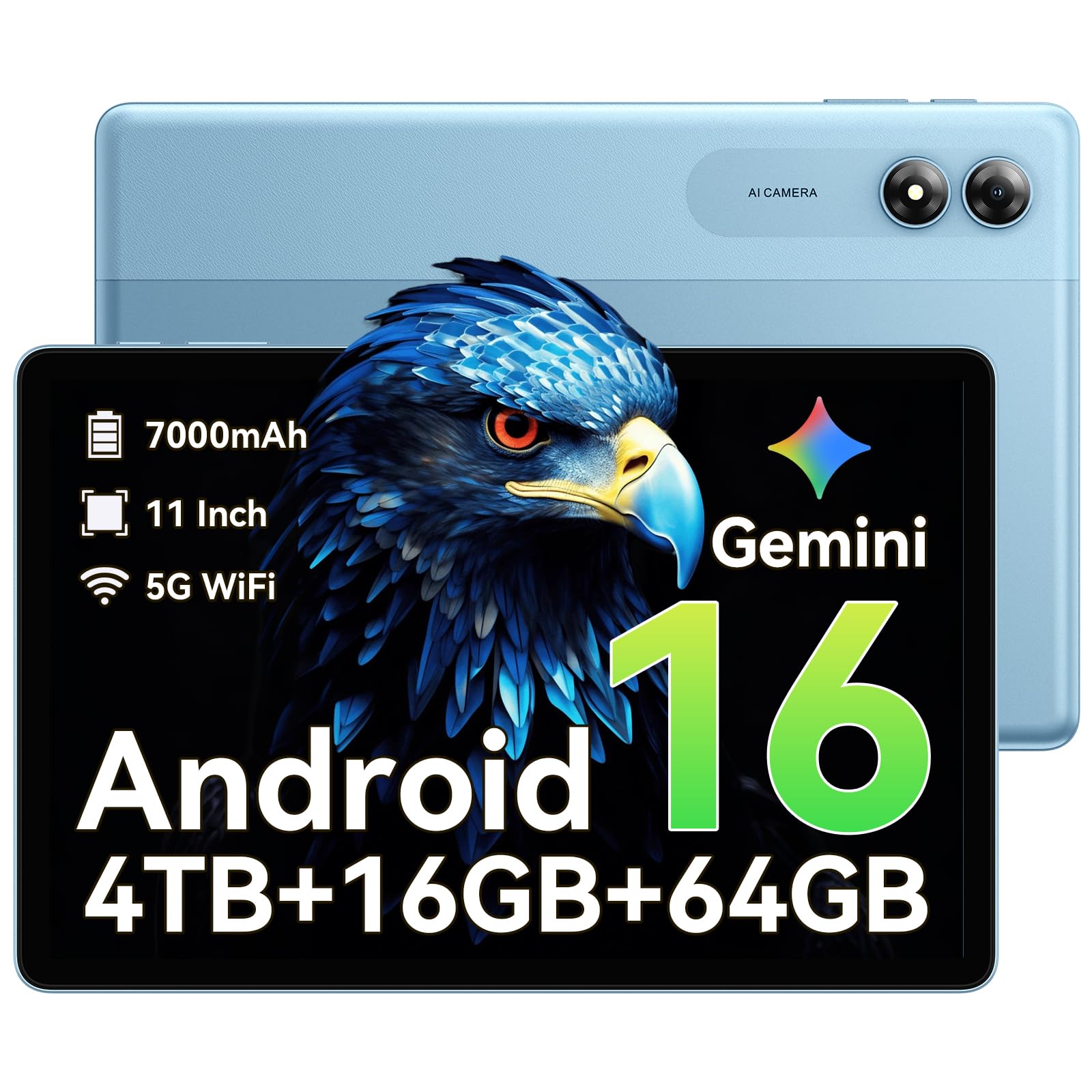


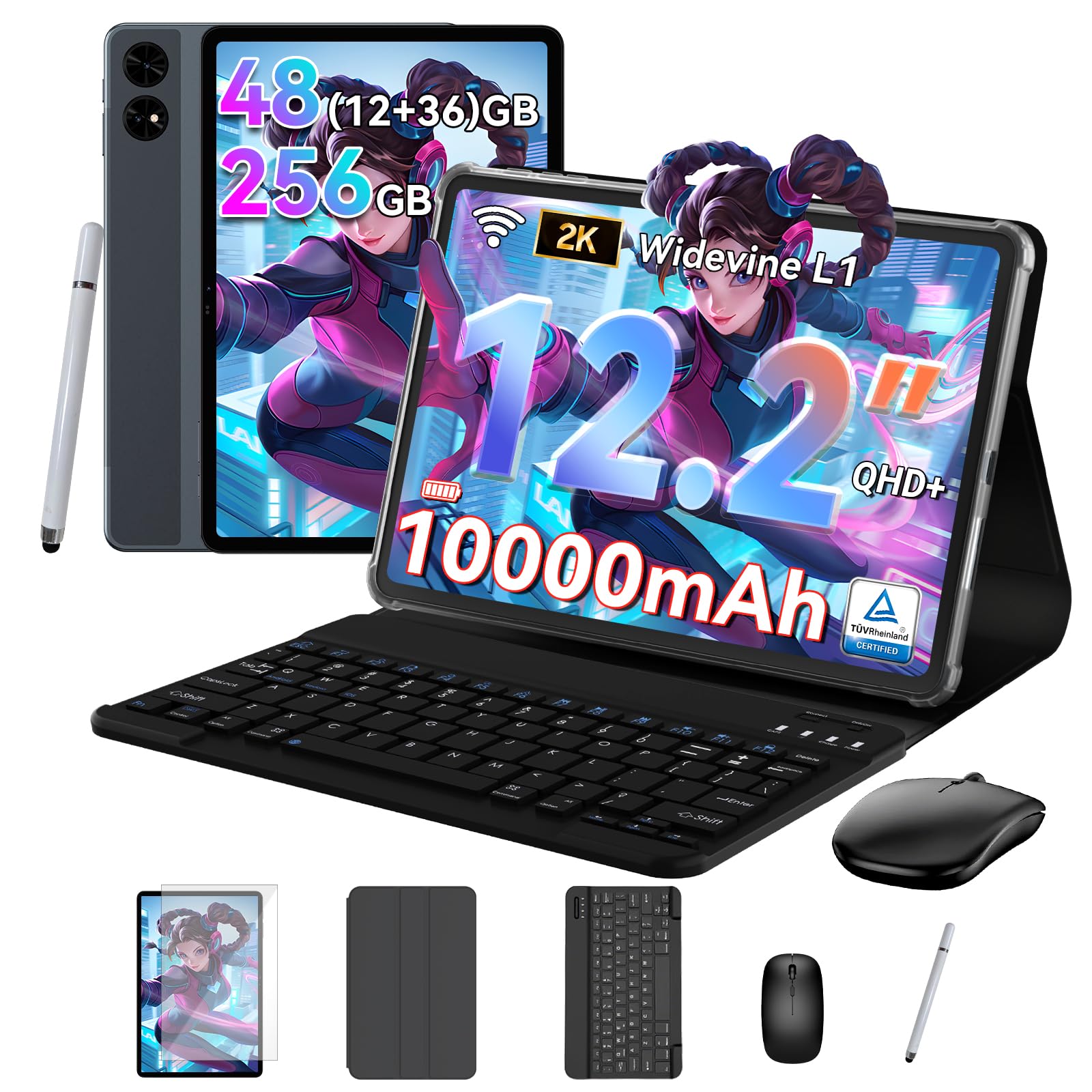
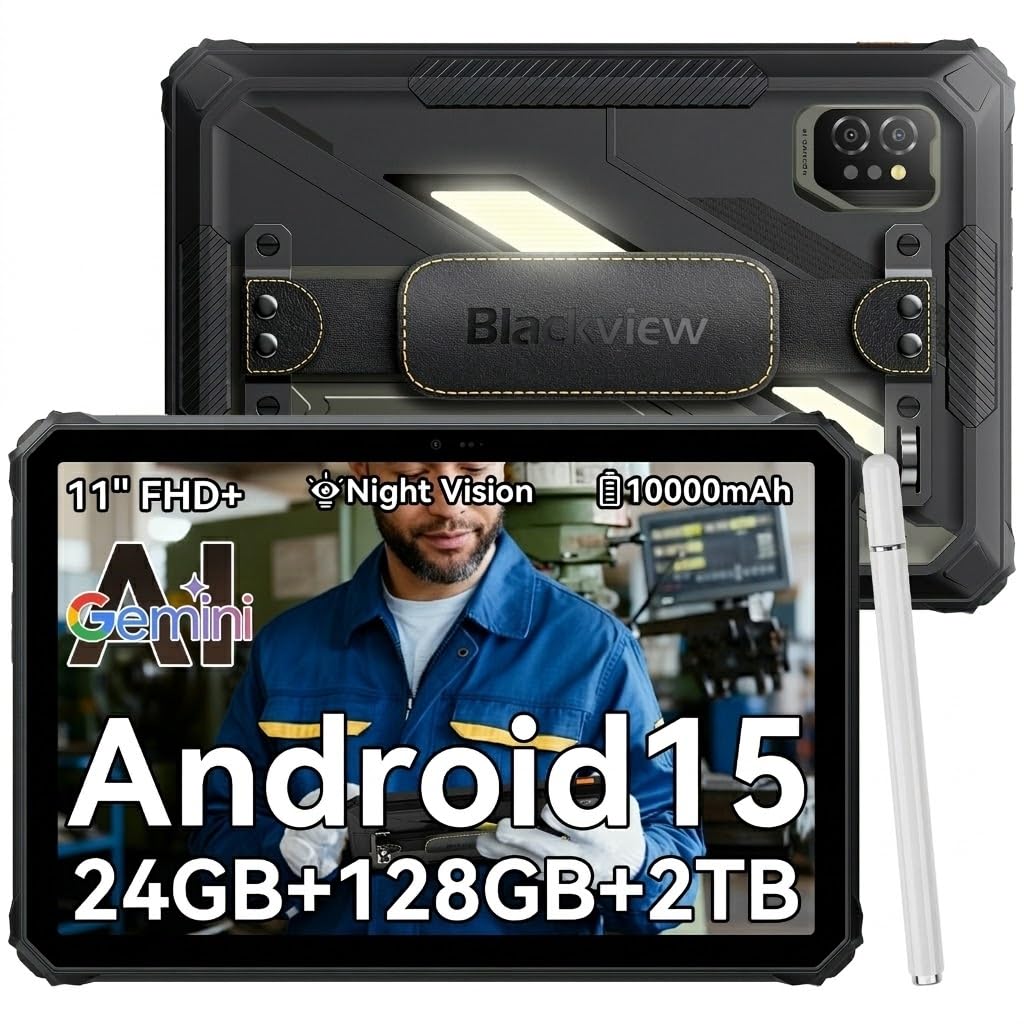
How to Evaluate Android Tablets Under This Budget
Each criterion below states a good threshold and a weak one. A tablet that clears every good threshold at this price is rare, so aim for no weak results in the areas you use daily.
What You Can Realistically Get Under $300
Under $300 you can realistically expect a sharp 11 inch class display, a capable midrange processor, 8 GB of RAM, 128 GB or 256 GB of storage, and quad speakers on stronger models. Fast charging and stylus support appear often at this level. What you should not expect is a flagship processor, the very brightest OLED panels, or five years of version upgrades. Do not economize on the processor or the update policy to save about $30, because both decide how the tablet feels in year three. Everything else at this price involves fair trade offs rather than red flags.
Processor and Performance Tier
Good at this price means a current midrange chip that opens apps instantly, holds split screen without reloads, and plays popular games at medium to high settings. Weak means an entry chip borrowed from the budget shelf, which shows up as pauses when you switch apps. Check the exact chip name and its release year, since a recent midrange chip usually beats an aging former flagship on efficiency and modem quality. If you also shop lower shelves, our guide to the best android tablets under 200 dollars marks where this performance step begins.
Graphics (Integrated vs Dedicated GPU)
Tablet graphics are integrated into the processor, so graphics quality follows the chip tier you choose. At under $300, a midrange chip graphics unit handles streaming, casual editing, and most games well, and it decodes modern video formats without strain. The practical check is game support: look up your main titles on the chip you are considering, because a few demanding games cap settings by device tier. Buyers who never game can treat graphics as solved and spend their attention on the screen and battery instead.
RAM and Storage
The good threshold here is 8 GB of RAM and 128 GB of storage, with 256 GB preferred if the price gap is small. That pairing keeps multitasking smooth and leaves room for offline films, photos, and large apps. Weak listings pair 6 GB of RAM with 64 GB of storage, a combination borrowed from cheaper tablets that fills up fast. A microSD slot softens a smaller drive for media, but apps and games belong on internal storage. If you must choose, take more storage over more RAM beyond 8 GB, because a full drive slows everything while extra RAM sits idle.
Ports and Connectivity
Expect USB C for charging and data, and check whether the port supports video output if you ever want a hotel TV or desk monitor connection; not all midrange tablets wire that feature in. WiFi 6 is a sensible good threshold, with newer standards a bonus for crowded home networks. Bluetooth 5 or later keeps headphones, keyboards, and controllers connected reliably. A headphone jack is a pleasant extra on some models. If a tablet will double as a calling or navigation device, confirm LTE or GPS support before buying, since WiFi only models omit both.
Weight and Portability
Most 11 inch tablets at this price weigh about 1 to 1.2 lb, comfortable for reading and travel. Larger 12 inch models trade some of that ease for split screen space and usually need a stand case. Think about your bag and your hands: a daily commuter benefits from the smaller size, while a home and desk tablet can go bigger. A practical know how point: check the dimensions against your current bag sleeve before ordering, because a tablet that needs a new bag quietly raises the total cost.
What Passing Options Look Like at This Price
Use these profiles against the product table above. They describe the balance a strong option strikes at this budget, not a single named model.
Overall Balance to Aim For
The balanced profile pairs a high resolution 11 inch screen with a current midrange processor, 8 GB of RAM, 256 GB of storage, and battery life around 10 hours of video. Speakers should be quad units that stay clear for films and calls. This is the profile for a main household tablet that handles media, school, and light work without a weak category. Prices for this balance usually sit around $250 to $300, and the compromise is that gaming settings stay below flagship levels. If a listing hits every one of these marks, it deserves a place at the top of your shortlist.
Value Tier to Aim For
The value profile, often around $200 to $250, keeps the same processor class and screen resolution but trims storage to 128 GB, uses a plastic body, or drops stylus support. For many buyers those trims are invisible in daily use, which makes this profile the smart buy in the category. Check that the cuts did not touch the update policy or the display brightness, because those two still matter every day. Our price focused guide to the best android tablets under 300 can help you spot when a discount brings this profile into easy reach.
Compact Profile to Aim For
A compact option around 8 to 9 inches suits readers, travelers, and anyone who holds a tablet one handed for long stretches. At this price a good compact model should still offer a sharp screen, 8 GB of RAM, and strong battery life, since small tablets sip power. The trade offs are split screen space and speaker size, so films feel less cinematic. Choose compact when portability is the top job, for example as a travel and reading companion beside a laptop at home. For cross platform context, see how the best tablets under 300 dollars divide between systems.
Quick Buyer Checklist
- Is the processor a named current midrange chip rather than a vague core count?
- Does the tablet have at least 8 GB of RAM and 128 GB of storage?
- Is the display resolution at least 2000 by 1200 with brightness around 400 nits or more?
- Does the maker state a clear update policy with at least a few years of security patches?
- Is battery life rated around 9 to 11 hours of video, with fast charging over USB C?
- Do the ports and radios match your needs, including WiFi 6 and Bluetooth 5 or later?
- Will the size and weight fit your bag, your hands, and the case you plan to buy?
- Does it support Widevine L1 so streaming apps play in full HD?
Red Flags to Watch For
- Budget shelf specs at a midrange price, such as 64 GB of storage or an unnamed processor, which signal a padded listing.
- No stated update policy on the maker site, a common sign that software support will end early.
- Display described only with vague words like immersive or stunning, without resolution and brightness figures.
- Warranty terms that require overseas shipping for service, which can cost more than a local repair.
- Accessory ecosystems that do not exist, meaning no official case or keyboard is sold for that exact model.
How to Make Your Android Tablet Last Longer
Keep the operating system and firmware updated, since patches protect your accounts and often improve battery behavior. Avoid running at 100 percent charge all the time; unplug once full and let the battery cycle through the middle of its range. Use a padded sleeve when commuting and a stand case at home to prevent the corner drops that crack screens. Every few months, clear downloads you no longer need so storage stays at least a quarter free. Those habits stretch a tablet at this price across four or more comfortable years.
Frequently Asked Questions
Can you get a good android tablet for under $300?
Yes, under $300 buys a tablet that covers media, study, browsing, and light work with no daily frustrations. The key is the processor and storage pairing: a current midrange chip with 128 GB or more feels fast for years. One overlooked plus at this price is resale and hand me down value, because a tablet with update support stays safe to pass to a family member later. That second life effectively lowers the cost per year of ownership.
How much RAM do I need?
You need 8 GB of RAM at this price, and it should be nonnegotiable on your checklist. That amount keeps split screen apps, a browser with many tabs, and a game in memory without constant reloads. More than 8 GB helps heavy multitaskers but matters less than storage for most people. Beware listings that reach 12 GB or more only by counting borrowed storage memory; compare the physical RAM figure in the full specification sheet before ranking two close models.
Is a dedicated GPU worth it?
A dedicated GPU is not an option on tablets, so weigh the integrated graphics that come with each processor tier. Under $300, midrange graphics run mainstream games smoothly at sensible settings, which covers most players. The step to a flagship chip mostly buys higher settings in a handful of demanding titles. If you play those titles daily, saving longer for the next tier may satisfy you more; if not, put the money into the screen and storage you use constantly.
How long should an android tablet under $300 last?
Expect about four to five years from a well chosen model at this price. The update policy is the main clock, followed by battery wear. Pick a maker that publishes its support window, and your tablet should stay secure through its life. A midlife battery replacement, where the maker offers one at a fair price, can add another year or two. When updates end, retire the tablet to offline media duty rather than daily accounts and payments.
Should I buy a laptop or a tablet?
Buy a tablet if apps, media, reading, and web tools cover your work, because at under $300 a tablet gives you a far better screen and battery than any new laptop at the same price. Buy a laptop if you need desktop software or type for hours. Many buyers pair this tablet tier with a basic keyboard case and find it replaces a laptop for travel entirely. If your household also shops phones at this level, our guide to the best android phones under 300 dollars shows the trade offs.
Is a Chromebook enough for school?
A Chromebook is enough for school platforms built on the web, and it includes a keyboard by default. An Android tablet under $300 counters with a better screen, longer battery life, and stronger media and reading apps. The deciding test is handwriting and annotation: students who mark up readings and take notes by hand usually prefer a tablet with stylus support. Students who write long essays daily usually prefer the Chromebook. Check your school device rules before spending on either.
The Bottom Line
Hold every candidate to the same marks: a named midrange processor, 8 GB of RAM, at least 128 GB of storage, a sharp bright screen, and a written update policy. The best android tablets under 300 dollars are the ones with no weak score in the areas you use daily. Compare your finalists in the comparison table above, and if two models tie, choose the one with the clearer support promise; readers who shop by ceiling price alone can also scan the best tablets 300 and under for a final cross check.