Best Android Tablets for Gaming: Buyer Guide 2026
Disclosure: We may earn a commission when you buy through links on this page, at no extra cost to you. As an Amazon Associate I earn from qualifying purchases. Learn more

Learn how to choose the best android tablets for gaming, from chip speed and display to battery life, controls, and storage for large games.
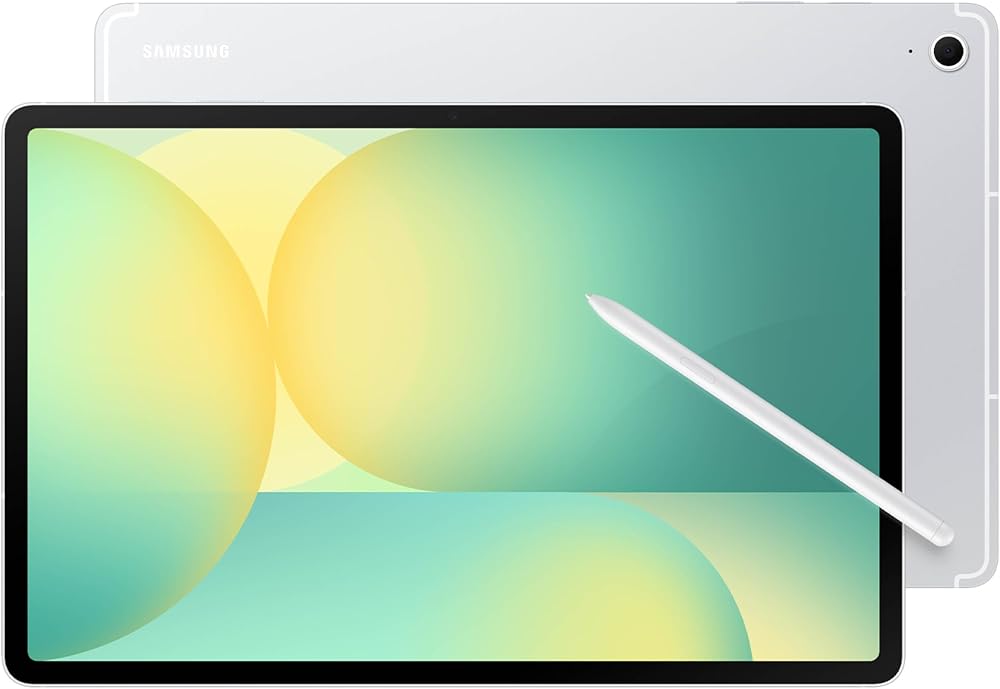
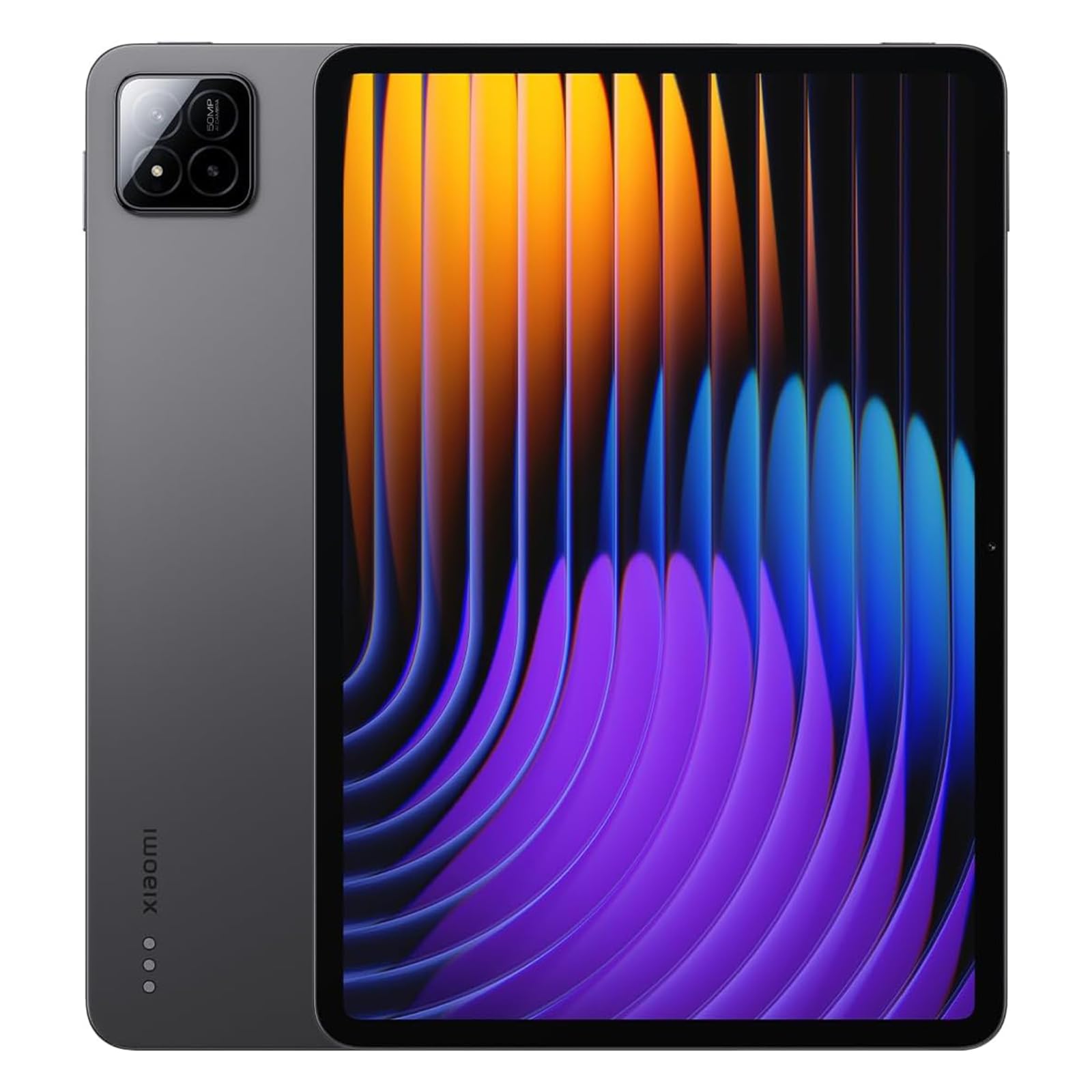
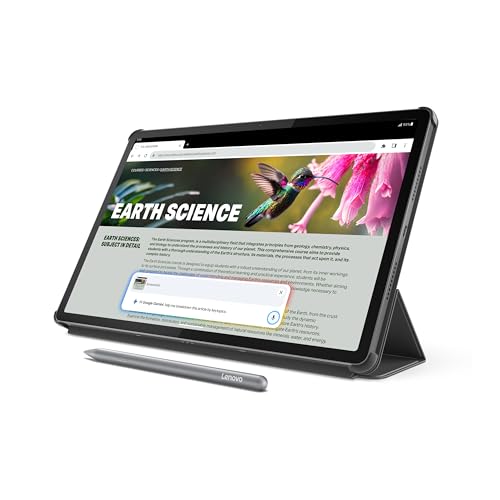
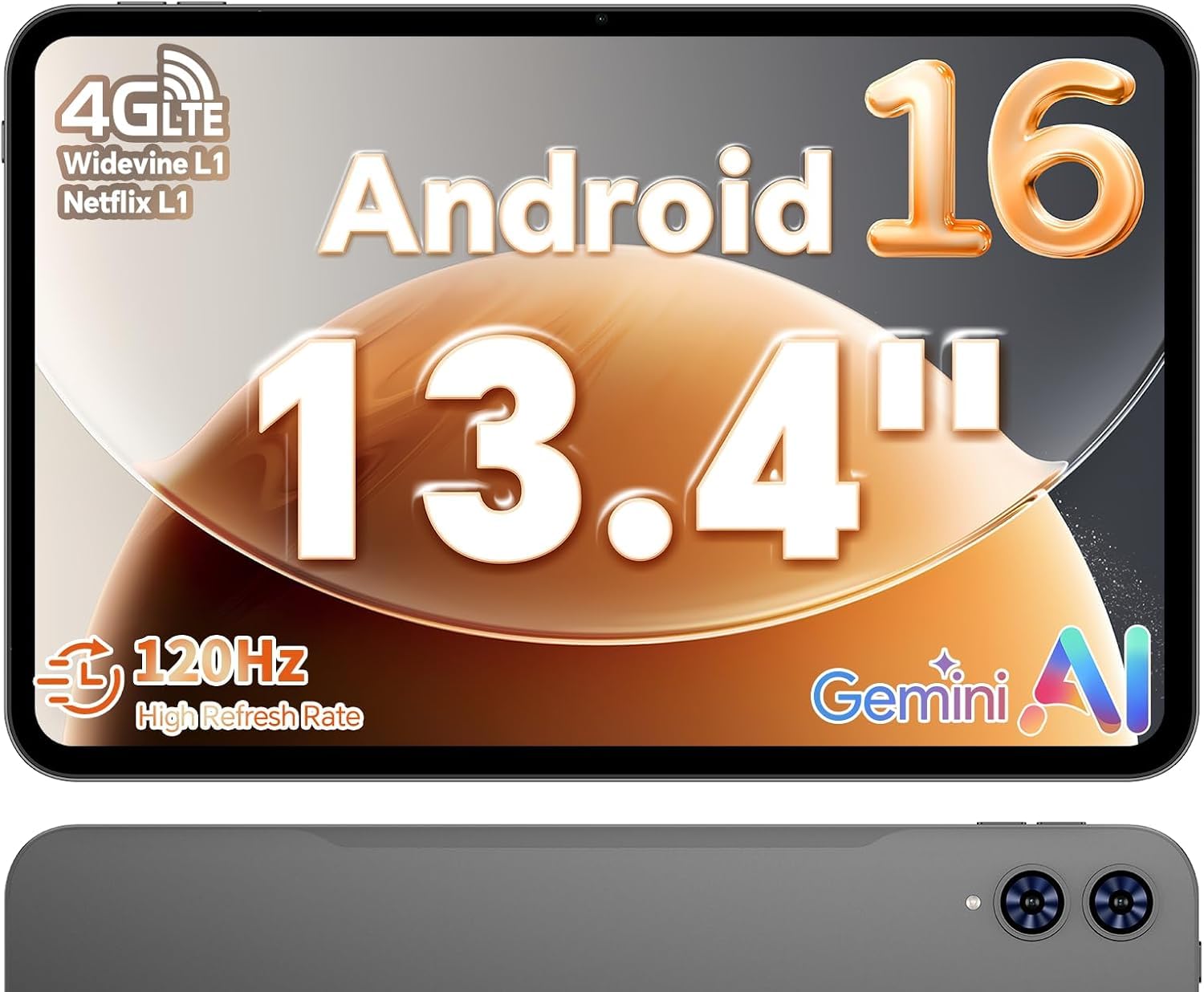
A big screen, loud speakers and a large battery make a tablet a very comfortable way to play. The best android tablets for gaming pair a fast chip with real cooling, a smooth display and enough storage for large games. The product table lines up current options, and this guide explains which specs decide how a tablet feels after thirty minutes of play.
Start with the games you play. Fast competitive titles need a smooth display and strong cooling, while slower puzzle and story games are happy with more modest hardware.




Who Should Buy a Gaming Tablet
Mobile gamers who want a bigger screen than a phone, families sharing one device for games and homework, and players who stream games from a console or PC all shop in this category. If you mostly play casual games, a midrange tablet is plenty. If you play demanding 3D games, spend more on the chip and cooling.
Key Features of the Best Android Tablets for Gaming
Chip power and sustained performance
A gaming tablet needs a chip that stays fast after half an hour of play, not just in the first five minutes. A tablet that overheats slows down and feels laggy in the middle of a match. If you play demanding 3D games, prioritize sustained speed and cooling over a launch benchmark.
Display refresh rate and touch response
A 120 Hz display makes motion look smoother and helps in fast games, and a responsive touch layer makes controls feel immediate. Size matters too. A larger screen shows more detail but is harder to hold for long sessions, so try the size you plan to buy.
Battery life under gaming load
Gaming drains a battery far faster than video or browsing, so a rating measured for video will overstate gaming time. Plan for shorter sessions or a charger nearby, and check whether the tablet can charge while you play without getting uncomfortably hot.
Controller and accessory support
Touch controls suit many games, but a controller transforms others. Check Bluetooth controller support, keyboard and mouse support if you stream PC games, and whether a case or stand lets you play comfortably on a sofa or at a desk.
Storage for large games
Modern games can take many gigabytes each, and updates add more. Choose 256 GB when you can, or a model with a microSD slot. Check whether games can run from a card, because some tablets only use cards for photos and video.
Types of Gaming Tablets Compared
Compact tablets around 8 inches are easier to hold for long sessions and travel well, while larger tablets of 11 to 13 inches suit strategy games, streaming and split screen play. Budget tablets handle casual and older titles well, midrange models cover most current games smoothly, and premium models add faster displays, better speakers and longer support for players who game daily.
When you compare types, judge each against your own routine. A type that wins for a heavy user may be overkill for a light user, and a budget tablet that suits occasional play may frustrate a daily player.
Common Mistakes to Avoid
- Buying on screen size alone and ignoring cooling and sustained speed.
- Forgetting controller support, which many shooters and racing games benefit from.
- Expecting phone style battery claims to apply under gaming load.
- Underestimating storage, since large games and updates fill 128 GB quickly.
List the three games you play most, check their demands and choose hardware that handles them comfortably rather than every game on the market.
Setup and Everyday Care
Keep the tablet cool during long sessions, avoid playing while it charges on a soft bed or blanket that blocks vents, and update games and system software regularly. A good case protects the corners without adding too much weight, and a screen protector guards against scratches during travel.
For related choices, see our guides to the best android tablets, the best pc tablets and the best gaming monitors, which use the same buying approach for neighboring needs.
Budget Tiers in Plain Terms
Budget gaming tablets handle casual and older games well and suit younger players. Midrange tablets cover most current games smoothly, with better displays and speakers that make longer sessions enjoyable. Premium tablets add the fastest chips, high refresh displays and longer support for players who game daily. Match the tier to the games you play most.
Getting the Most Out of Your Tablet in Long Sessions
A few settings make a real difference. Turn on the game mode or performance profile if the tablet offers one, close apps that sync in the background and lower the resolution scale in demanding games before you lower the frame rate. Many games also let you cap the frame rate at 60 for a cooler, steadier experience that saves battery.
Sound matters as much as graphics. Quad speakers make a large difference for racing and shooter games, and a pair of low latency Bluetooth headphones or a USB C wired headset avoids the delay that cheap wireless earbuds add. Pair a controller before a long session so you are not fighting touch controls when the action gets busy.
Frequently Asked Questions
Do I need the fastest tablet for mobile gaming?
No. You need a tablet that runs your favorite games smoothly, and many midrange tablets do that well. The fastest models help most with demanding 3D games, high refresh play and game streaming.
Is a larger tablet better for gaming?
A larger screen shows more detail and suits strategy and streaming games, but it is heavier to hold for long sessions. Choose a size you can hold comfortably for an hour, and consider a stand or controller for a large tablet.
Can I use a controller with an Android gaming tablet?
Yes. Most Android tablets support Bluetooth controllers, and many games offer full controller support. Check that your favorite games support controllers before you buy one.
How much storage do gaming tablets need?
Allow generous storage, because large games and their updates grow over time. Aim for 256 GB, or choose a model with a memory card slot and check whether games can use it.
Will a gaming tablet also work for school or work?
Yes. Many handle browsing, video, documents and video calls well, which makes them good shared family devices. Just confirm the apps you need are available and that battery life covers a full day of mixed use.
Final Thoughts
Choosing well is about matching the tablet to your games, your comfort and your budget. Use the product table to narrow the field, and the best android tablets for gaming for you will be the one that stays cool, smooth and charged through your longest session.