Best Android Tablets 7 Inch Buying Guide for 2026
Disclosure: We may earn a commission when you buy through links on this page, at no extra cost to you. As an Amazon Associate I earn from qualifying purchases. Learn more

Compare the best android tablets 7 inch buyers choose by screen, battery, storage and app support for travel, reading and everyday use.
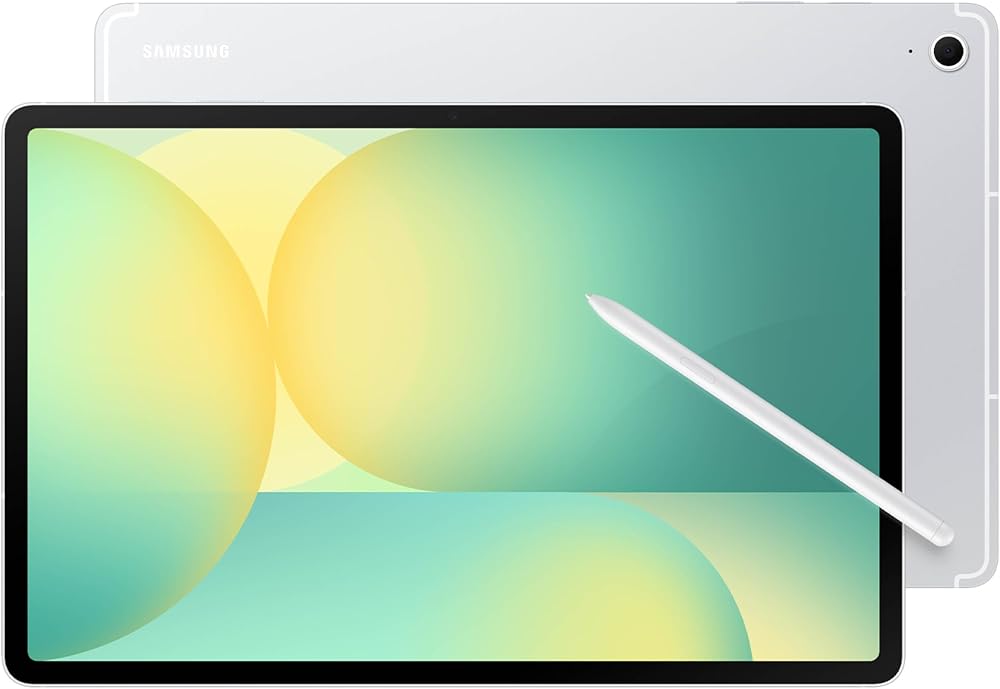
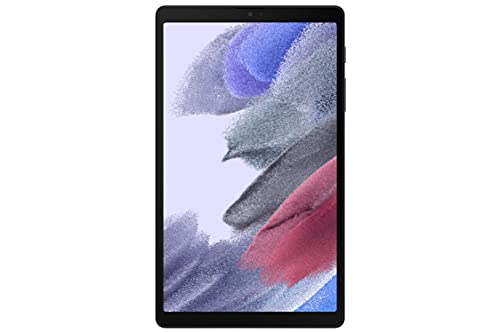
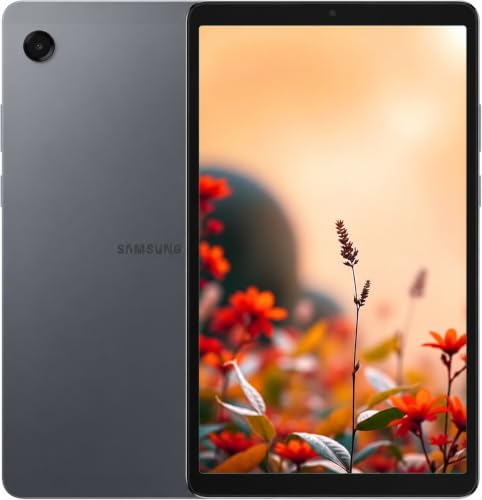
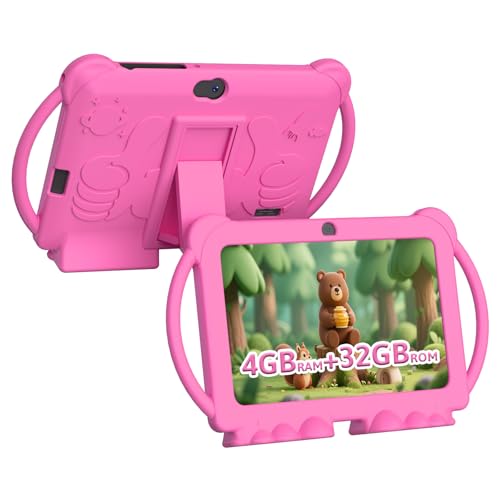
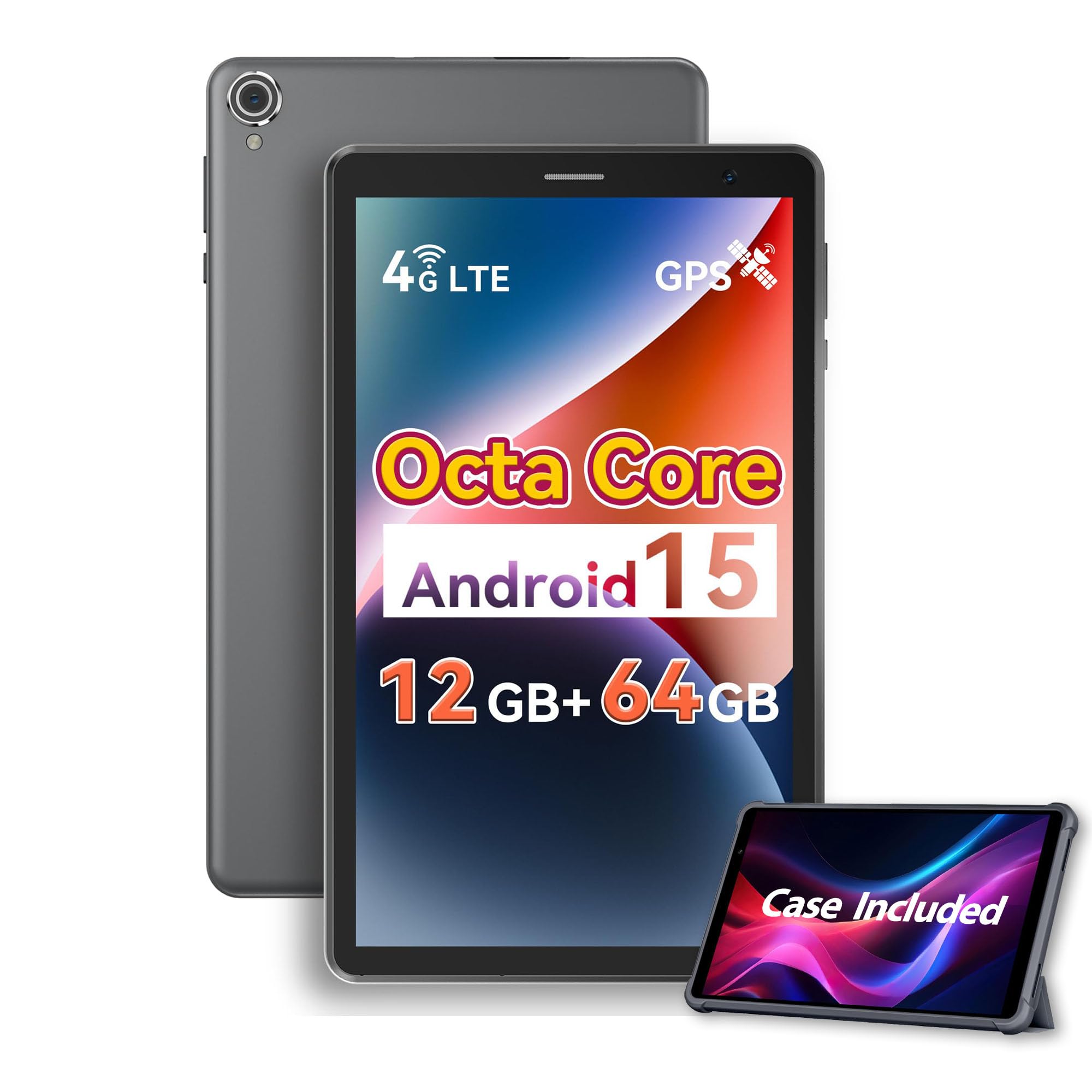
Small tablets earn their place where a phone feels cramped and a full size tablet feels like too much. The best android tablets 7 inch buyers choose are light enough to hold in one hand, slim enough for a coat pocket and capable enough for reading, video, maps and simple games. The product table lines up compact options, and this guide explains what to check in each.
True 7 inch models are now mostly budget and kids tablets, while the step up to 8 or 9 inches gives a noticeably better screen. Decide how small you need the tablet to be before you compare prices.



Who Should Buy a Compact Android Tablet
Compact tablets suit commuters who read on trains, travelers who want a light entertainment screen, parents who want a first tablet for a child and anyone who wants a second screen for recipes, e-books or a smart home dashboard.
They are a weaker choice for long typing, drawing or split screen work, where a larger screen is more comfortable. If you need to work on documents, read the best android tablets instead.
Key Features of the Best Android Tablets 7 Inch Buyers Compare
Screen size, resolution and brightness
A small screen needs a sharp panel. Look for at least 1280 by 800 pixels, and prefer a full HD panel when your budget allows. Brightness of around 350 nits or more keeps text readable near a window. Many compact tablets use LCD panels, which are fine indoors but can look dim in sunlight.
Battery life and charging
A compact tablet should last a full day of mixed use, usually 4,000 to 5,100 mAh in this class. Charging over USB C is easy to replace on the road, while an old style barrel plug is a hassle. Check how fast it charges, because slow chargers can take most of an evening.
Performance and memory
Reading, video and browsing run well on an entry level chip with 3 to 4 GB of RAM. Casual games need more, and a very weak chip will feel slow within a year. Choose at least 4 GB of RAM if you plan to keep the tablet for several years.
Storage and memory cards
Budget models often start at 32 or 64 GB, which fills quickly with apps and offline video. A microSD slot is a cheap way to add room for books, music and downloaded shows.
Software and updates
Make sure the tablet runs a recent Android version with Google Play, and check whether the maker promises security updates. Very cheap tablets sometimes ship with old software that never updates.
Types of Compact Tablets Compared
Name brand 8 inch tablets
Models from major makers cost more but offer better screens, steadier software and longer support. They are the safest pick for adults who want a small tablet for years.
Budget 7 and 8 inch tablets
Low priced tablets from smaller brands cover reading, video and browsing at $40 to $120, with simpler screens and slower processors. Read recent reviews for build quality and check the return terms.
Kids tablets
Kids tablets add a rugged case, parental controls and sometimes a child friendly app store. They are a good first tablet, but adults usually get a better experience from a standard model.
Budget and Value
Expect to spend about $40 to $130 for a basic compact tablet, with name brand 8 inch models costing more. Price alone does not prove quality, so compare screens, memory and update support at each price. Add a case and a screen protector to your budget, since a small tablet travels in bags and pockets.
Care and Safe Use
Use a case with raised edges, avoid leaving the tablet on a hot dashboard, and charge with the cable and adapter it came with. Back up photos and notes now and then. If a child uses the tablet, turn on parental controls and set screen time limits.
Common Mistakes to Avoid
- Choosing the smallest screen even though you read small text and need a sharper panel.
- Buying 32 GB of storage and filling it with a few games and downloaded video.
- Ignoring the software version, so apps stop working after a year.
- Skipping a case, which leaves a thin tablet exposed to drops.
Using a Compact Tablet Day to Day
A small tablet earns its keep in routines that a phone handles badly. It makes a good kitchen screen for recipes, a bedside e-reader, a car passenger screen for maps and video, and a travel companion for boarding passes and offline shows. Download shows and maps over Wi-Fi before you leave home, because a small battery does not like long streaming sessions on mobile data.
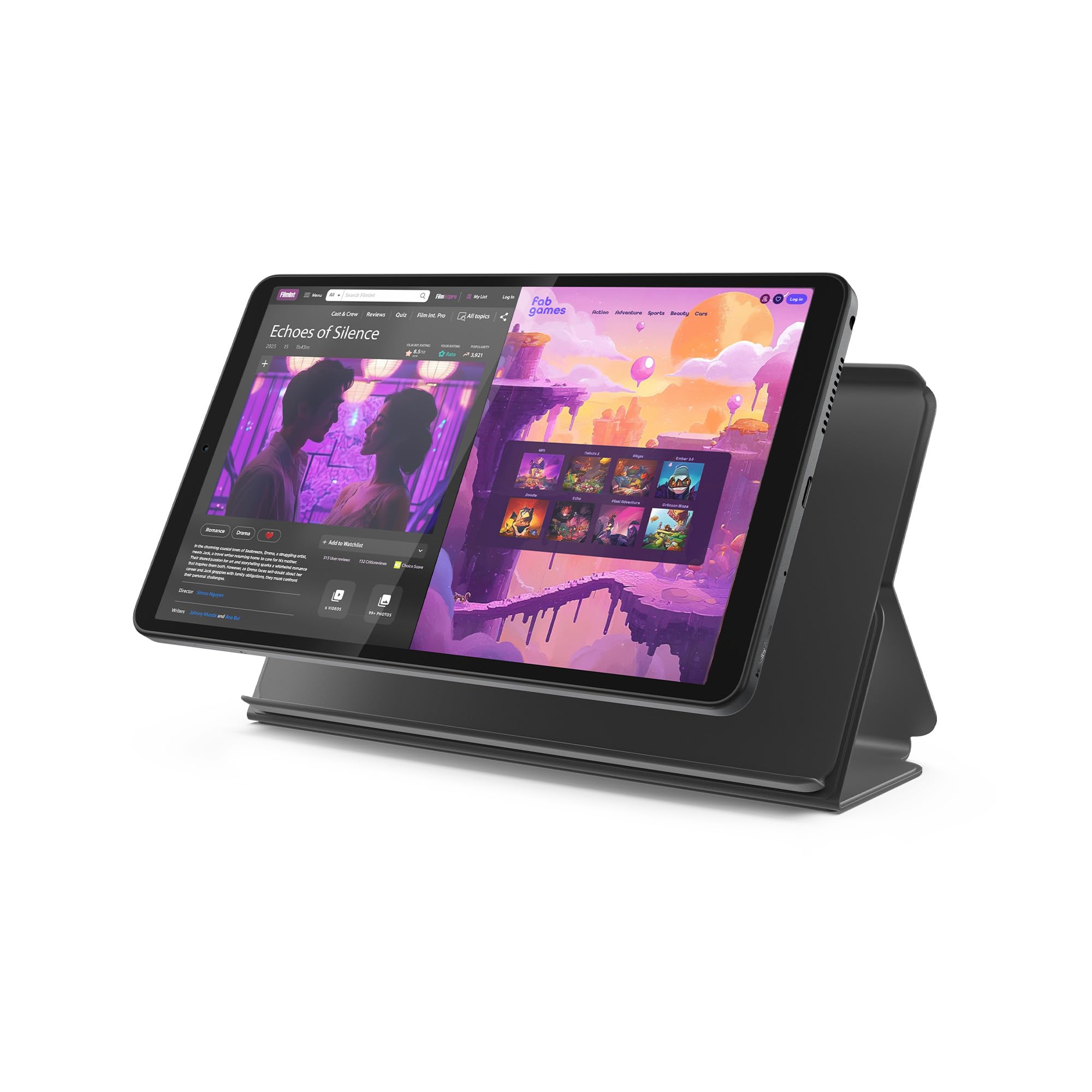
Think about how you will hold it. Most compact tablets weigh between 0.7 and 1.1 pounds, light enough to hold with one hand for a chapter or an episode. A case with a fold back stand turns the same tablet into a hands free screen on a counter or tray table, and a lanyard loop helps if the tablet travels with a child.
Frequently Asked Questions
How do I choose the right small Android tablet?
Start with your main use, then match screen quality, memory and battery to it. Reading and video need a sharp, bright screen, while games need more RAM. Compare two or three models in one price range and check the return terms.
What size or specification matters most?
For a compact tablet, screen sharpness and RAM matter most. A sharp 8 inch screen is more pleasant than a dim 7 inch one, and 4 GB of RAM keeps apps from reloading.
How much should I spend?
Plan for about $40 to $130 for a basic model and more for a name brand tablet. Daily use justifies spending more on screen and support, while occasional use favors a simple model.
Can a small tablet replace my phone for calls?
Only models with a SIM slot and voice support can make normal calls. Most small tablets use Wi-Fi only, so use a messaging app or buy a calling model.
How long will a compact tablet last?
Expect about three to five years from a name brand model and one to three from a budget model. Software support usually ends before the hardware fails.
Final Thoughts
Pick a compact tablet for how you will carry it and what you will do on it. Compare finalists in the product table, and the best android tablets 7 inch class will include a model with a sharp screen, enough memory and the update support you want. For related options, see the best 7 inch android tablets and the best pc tablets.