Best Android Smartphones 2026: Buying Guide
Disclosure: We may earn a commission when you buy through links on this page, at no extra cost to you. As an Amazon Associate I earn from qualifying purchases. Learn more

Choose the best android smartphones by battery, camera, software support and storage so your phone lasts and fits your budget.
Android phones range from under $150 to well over $1,500, and the gap buys very different things. The best android smartphones for you balance battery, screen, camera and software support against a budget you set before you shop. The product table lists current options, and this guide explains which differences you will actually notice in daily use.
Start by naming your two top needs, such as all day battery or a strong camera, and set a firm price limit. Everything else is a tiebreaker.


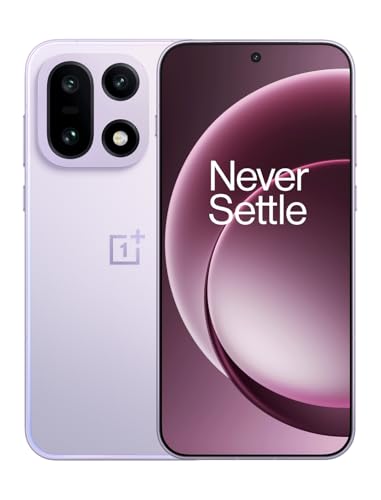
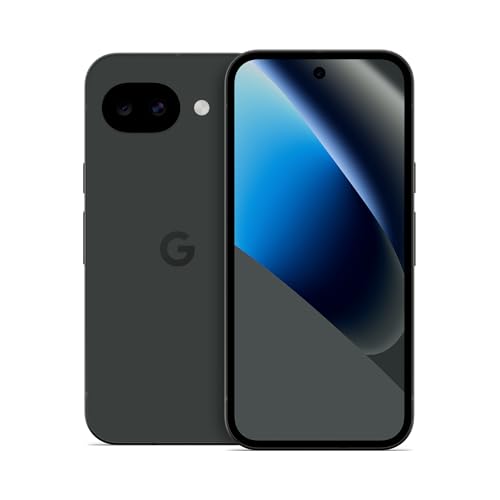

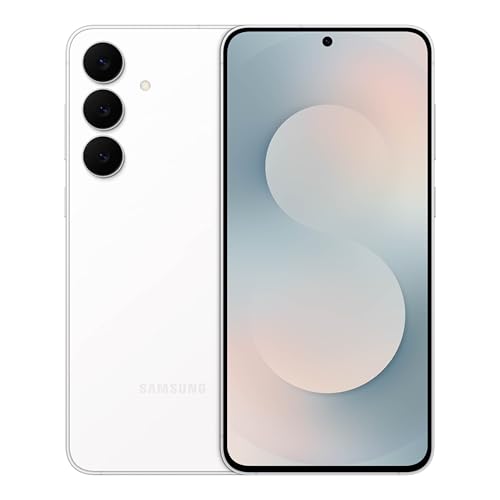
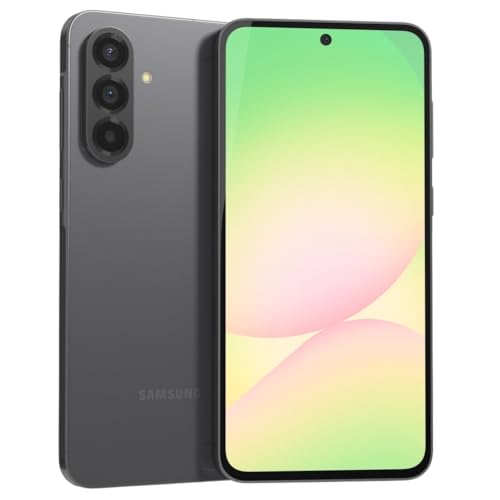

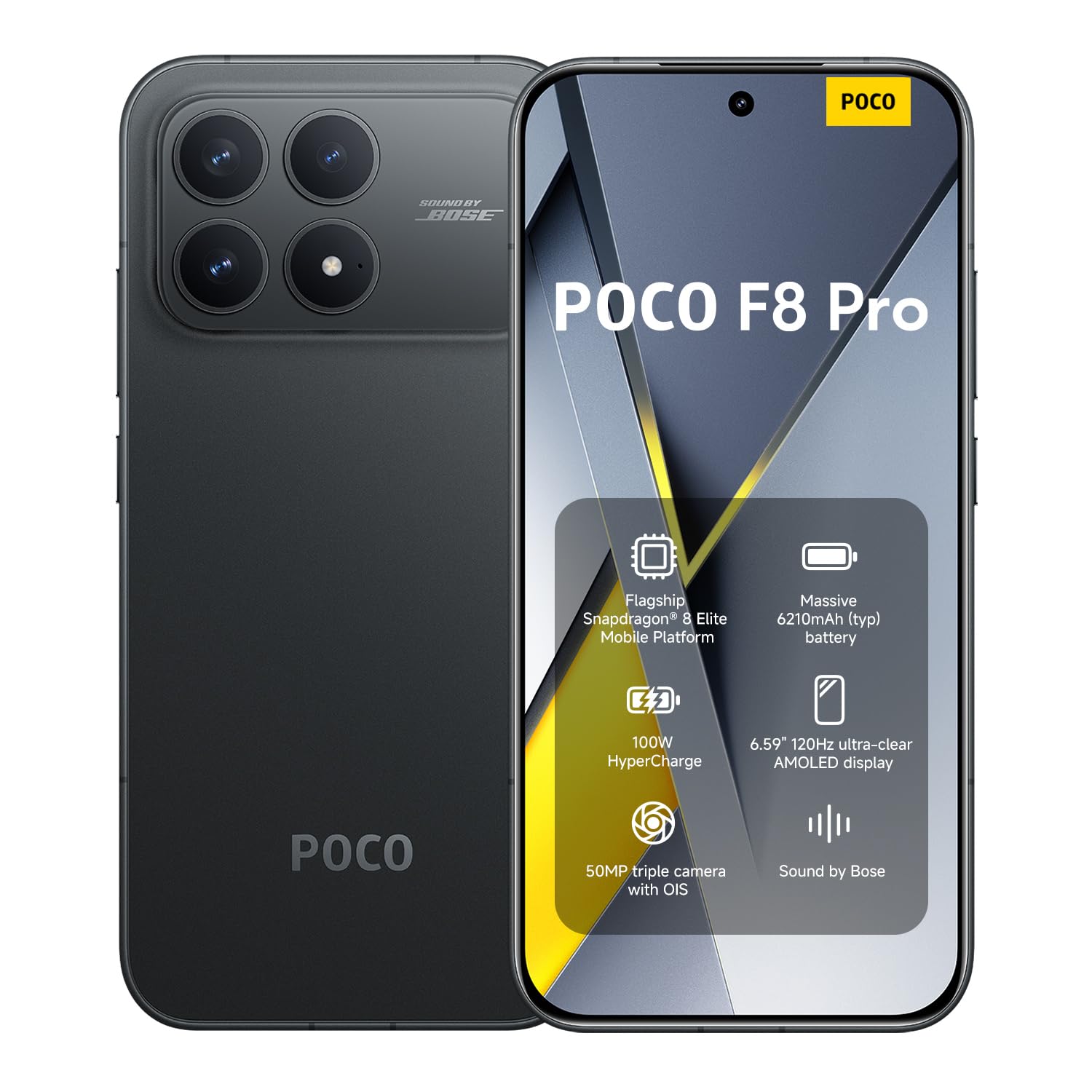
Who Should Buy Which Android Smartphone
Value seekers
If you want a dependable phone for calls, messages, maps and streaming at a low price, look at the $150 to $350 range. Put battery size, 128 GB of storage and a clear update promise ahead of extra camera lenses.
Camera and media fans
If you shoot lots of photos and video, a larger main sensor, optical stabilization and a good night mode matter more than megapixels. Phones in the $500 to $900 range usually deliver the best results per dollar.
Gamers and power users
Games and heavy multitasking reward a flagship chip, 12 GB of RAM and solid cooling. These phones cost more but stay fast for four or more years.
Long term owners and gift buyers
If the phone has to last, choose a maker that promises five or more years of security updates, and consider an unlocked model so the next owner is not tied to a carrier.
Key Features of the Best Android Smartphones
Battery and charging
Most Android phones carry about 4,500 to 5,500 mAh, enough for a full day of mixed use. Screen brightness, refresh rate and signal strength shape real endurance as much as the capacity number. Fast wired charging helps if you top up in short stops.
Display
An OLED panel gives deep blacks and good outdoor clarity, and a 120 Hz refresh rate makes scrolling look smoother than 60 Hz. Screens run from about 6.1 to 6.9 inches. Pick a size you can hold comfortably, since bigger is heavier.
Processor, memory and storage
A mid range chip with 6 to 8 GB of RAM handles everyday apps well. Flagship chips with 12 GB or more matter for games and video editing. Start at 128 GB of storage, and choose 256 GB if you record video or keep many apps and offline media.
Cameras
Judge a camera by the shots you take most. A good main lens covers family, food and travel, an ultrawide lens fits groups and rooms, and a telephoto lens helps at games and events.
Software updates and security
Update length decides how long the phone stays safe. Leading makers now promise five to seven years, while budget phones may promise two or three. Check the promise for the exact model before you buy.
Choosing Between Budget, Mid Range and Flagship
Budget phones suit light use and second phones, but they may slow sooner and receive fewer updates. Mid range phones hit the sweet spot for most buyers, with solid screens, batteries and cameras. Flagships suit heavy camera users, gamers and people who keep a phone for five years. If you want a smaller body, see our guide to the best small android smartphones, and for gaming focus read the best android smartphones for gaming.
If you can, hold the phone before buying. Weight, grip and button placement affect daily comfort more than a specification list suggests.
Carrier Compatibility and Unlocked Phones
An unlocked phone lets you change carriers and use a local SIM when you travel. In the United States, confirm that the model supports your carrier's 5G and LTE bands, because a variant built for another region can leave you with weak coverage. Buying a model sold for the US market avoids most surprises.
Common Mistakes to Avoid
- Choosing by lens count, which leaves you with weak extra lenses and a main camera you dislike.
- Ignoring the update promise, so the phone loses security cover while it still runs well.
- Buying the smallest storage size, which fills within a year and blocks new installs.
- Skipping the carrier band check on an unlocked or imported phone.
- Forgetting case and charger costs, which can push a tight budget past its limit.
Setup and Care
Transfer your contacts and photos on day one, check that your essential apps work and set up backup so your data is safe if the phone is lost. Use a case and screen protector from the first week, keep software updated and avoid charging in extreme heat.
When to Upgrade and What to Do With the Old Phone
You do not need to upgrade every year. A good rule is to replace a phone when it no longer receives security updates, when the battery no longer lasts your day even after a battery service, or when the camera or performance genuinely holds you back. Waiting for a model that is a year or two old often saves a large amount of money, because prices drop quickly after launch.
When you do switch, back up photos, messages and app data first, remove the old SIM, sign out of your accounts and reset the phone to factory settings. A phone in good condition can be traded in, sold or kept as a backup, a media player for the car or a first phone for a family member.
Frequently Asked Questions
What matters most in an Android phone?
For most people, screen quality, battery life, camera reliability and software support matter more than raw processor speed. A phone that lasts a full day and gets updates for several years will feel better than a faster phone with a weak battery.
How long should software support last?
Aim for at least four years of security updates, and more if you keep phones a long time. Check the maker's stated promise for the exact model, especially for mid range phones.
Is a flagship worth it over a mid range model?
Flagships offer better cameras, faster charging and premium build, but mid range phones now handle everyday tasks very well. If you mainly browse, message, stream and take casual photos, a mid range phone may satisfy you for far less.
How much storage do I need?
Choose based on your photo, video and app habits, since many phones lack a memory card slot. If you shoot much video or keep offline music, 256 GB gives breathing room, while lighter users manage with 128 GB.
Should I care about 5G?
5G helps in areas with good coverage and for large downloads, but 4G stays fast enough for streaming and browsing in most places. Treat it as a bonus unless you live in a strong 5G area and keep phones for many years.
Final Thoughts
Choosing among the best android smartphones comes down to matching battery, camera and update length to your daily use and budget. Compare two or three finalists in the product table, check carrier bands, and pick the one you will enjoy using every day.