
Best Android Phones under 50 in 2026: What Actually Matters Before You Buy
Disclosure: We may earn a commission when you buy through links on this page, at no extra cost to you. As an Amazon Associate I earn from qualifying purchases. Learn more
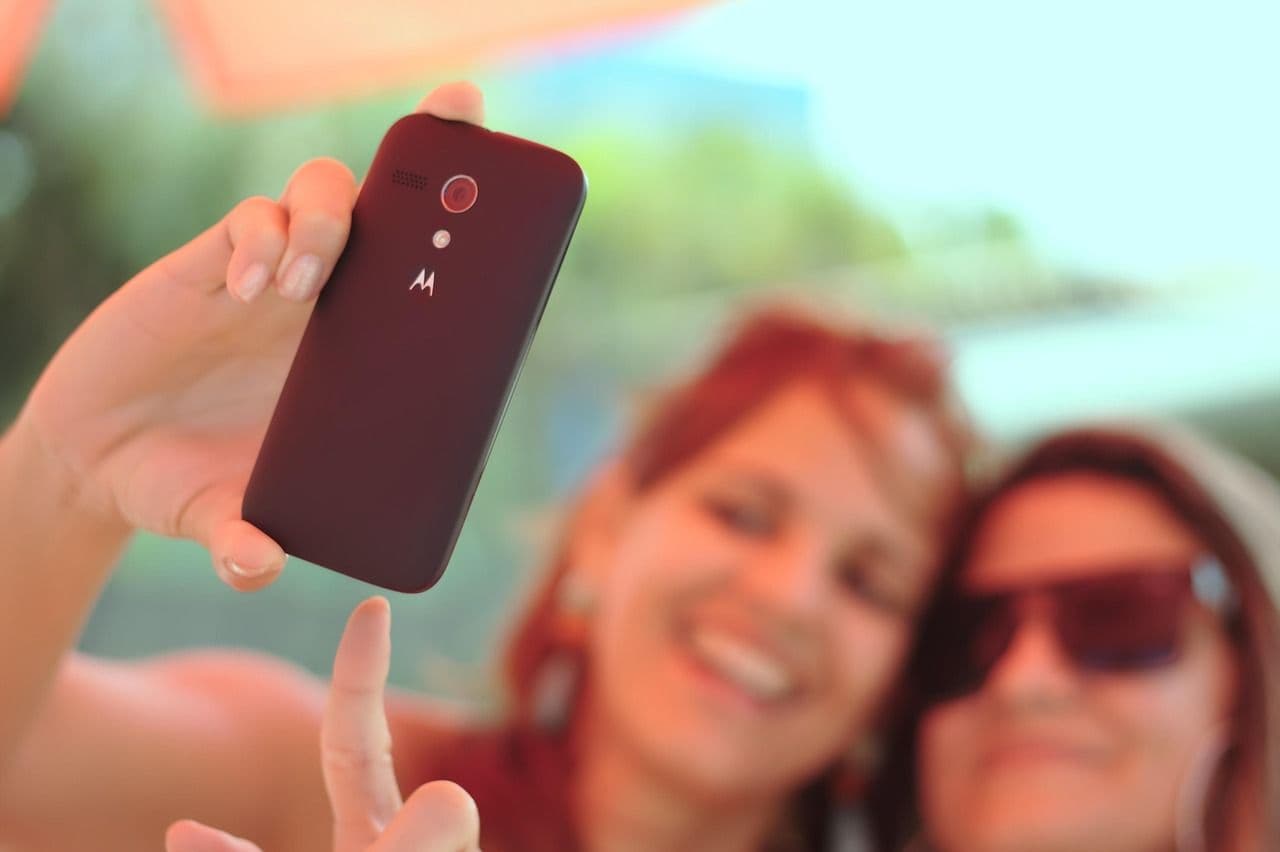
A checklist for the best android phones under 50: what to expect at this price, which specs matter, and which listings to avoid.
At around $50, an Android phone is a study in trade offs. The best android phones under 50 are not fast or fancy, but the right one can still call, text, run maps and handle mail without daily frustration. This guide gives you a checklist for judging any listing, so you can judge any listing with confidence.
Start by deciding what this phone must do well. A spare phone, a first phone for light use and a daily phone for apps place different demands on storage, battery and carrier fit. The sections below put those needs first.
Who Should Buy an Android Phone Under 50 Dollars?
Buyers at this price succeed when their needs are narrow and clear. If your use fits one group below, a phone under $50 can be sensible rather than a compromise.
People Who Need a Spare or Emergency Phone
You want a phone that stays charged in a drawer, a car or a work bag and works the moment you need it. Prioritize battery health, a clear speaker and simple setup over camera quality. A basic model with 4G calling is enough.
Call and Text First Users on a Tight Budget
You mainly call, text and use light apps such as mail, weather and messaging. A large screen and loud call audio matter more than speed. Choose the model with the most storage at this price, because photos and chat history fill a small phone fast.
Light App Users Who Need Maps and Messaging on the Go
You rely on maps, ride bookings, banking alerts and group chats, but you do not play demanding games. You need at least 3 GB of RAM and a battery that lasts a full day of light use. Carrier fit matters most, because a cheap phone that drops signal on your network is no bargain.
Key Features to Compare
Set your expectations before you compare specs. At around $50, most new phones offer an LCD screen at a standard refresh rate, 32 GB to 64 GB of storage, one useful main camera and 4G rather than 5G. Updates may be short or absent, and the body is basic plastic.
Display Size and Clarity for Daily Reading
Most phones at this price have a screen of about 6 to 6.7 inches with HD Plus resolution. Text looks softer than on sharper screens, but size helps reading more than pixel count here. Brightness matters outdoors, so favor a listing that states a brightness figure over vague claims. If you read a lot, choose the larger screen.
Storage Options and Card Expansion
Storage is the limit you will feel first. A 32 GB phone can lose much of its space to the system before you add a single app, while 64 GB gives real breathing room. A microSD card slot holds photos and downloads without touching app space. If a listing hides the storage figure, treat that as a warning.
Processor, RAM and Everyday Speed
Speed at this price comes from RAM as much as from the processor. A phone with 2 GB of RAM will close apps often and reload pages, while 3 GB to 4 GB keeps maps, mail and messaging open together with far less waiting. Android Go editions run smoothly on modest hardware.
Camera Results in Daylight and on Video Calls
Expect one main camera of about 8 to 13 megapixels that does its best work outdoors in good light. Colors can look flat and detail drops indoors, though a simple night mode can steady a still scene after dark. Check the front camera resolution if you join video calls.
Battery Size in mAh and Charging Speed
Battery capacity here usually runs from about 4000 to 5000 mAh, enough for a full day of light use on a fresh battery. Charging is slow, often around 10 W, so an overnight charge becomes your routine. Prefer listings that state the battery size clearly, since vague figures often hide a smaller cell.
Carrier Compatibility, Unlocked Phones and US Bands
A phone only earns its price if it works on your carrier. An unlocked phone can move between carriers and suits prepaid plans, while a locked phone ties you to one network. Check that the model supports the main 4G LTE bands your carrier uses in the US, and confirm voice over LTE calling.
How Far Fifty Dollars Really Goes
New phones at this price are rare. The listings that do appear are often tiny three inch minis, older models running outdated Android versions, or locked prepaid units, so read the full title before you order. A new phone at the low end comes with a fresh battery and a warranty, but it usually offers 32 GB of storage and no promised updates.
Because the choice is so narrow, a modest step up changes a lot. If you can add even a little, phones around $80 to $150 offer far better screens, storage, and support.
Best Android Phones under 50 Dollars: What to Check
This budget leaves no room for a wasted purchase, so check three things listings often bury. First, confirm the exact storage and RAM, because sellers sometimes headline a higher variant than the one priced under $50. Second, confirm in writing that the phone is unlocked or locked to your carrier. Third, confirm what the box includes.
If the strict cap leaves only phones that feel too slow, a modest step up changes the picture quickly. You can see our guide to the best android phones under 200 for more storage and longer update support.
Quick Buyer Checklist and Red Flags
Run through these questions before you pay. A good listing lets you answer yes to nearly all of them.
- Does the listing state at least 32 GB of storage, and ideally 64 GB?
- Does the phone have 3 GB of RAM or more?
- Does it support the 4G bands your US carrier requires?
- Is the phone unlocked, or locked to your carrier?
- Does the seller offer simple returns and a clear warranty?
- Is the Android version recent enough for your banking apps?
- Does the total cost, with any charger or case, stay near $50?
Treat vague spec sheets, missing band lists and prices far below every other seller as red flags. Listings that promise flagship features at this price describe a different phone or variant.
Common Mistakes to Avoid
- Buying the cheapest listing without checking carrier bands leaves you with a phone that cannot hold a signal at home.
- Choosing 32 GB with no card slot fills the phone within months and blocks app updates.
- Trusting a headline variant price buys the smaller storage model you did not mean to choose.
- Ignoring the battery size in mAh can leave you with a phone that dies before evening.
- Skipping the returns terms leaves you stuck when the phone arrives locked to the wrong carrier.
- Expecting years of updates at this price sets you up for apps that stop working sooner than planned.
Care and Maintenance for a Budget Android Phone
A basic case and a screen protector are cheap insurance, because a cracked screen can cost more to repair than the phone itself. Clear app caches monthly and move photos to a card or a computer, since a nearly full phone slows down. Charge on a cool surface and avoid leaving the phone in a hot car, because heat ages a small battery quickly.
Keep the software as current as the maker allows, restart the phone every week or two, and remove apps you no longer open. Use a factory reset before you pass the phone on to someone else.
FAQ
Can You Get a Good Android Phone for Under 50 Dollars?
Yes, you can get a good Android phone for under 50 dollars if good means reliable calls, texts, maps and light apps. Judge it during the first days at home, when returns are still simple, by placing calls in your weakest signal room and opening your three most used apps in a row.
Should You Buy an Unlocked Android Phone Under 50 Dollars?
Yes, an unlocked Android phone under 50 dollars is usually the safer buy because you can change carriers or prepaid plans without replacing the phone. Before you order, check that the listing states the unlocked status and the supported bands, because those two details decide whether the phone works on your plan.
How Many Years of Software Updates Should an Android Phone Under 50 Dollars Get?
An Android phone under 50 dollars may get one major update or none, so judge it on the software it ships with today. On arrival, open settings and note the Android version and the date of the latest security patch, because a patch from the past year is a good sign here.
Do You Need 5G on an Android Phone Under 50 Dollars?
No, you do not need 5G on an Android phone under 50 dollars for calls, messaging, maps or standard video. US carriers still run broad 4G networks, and a strong 4G signal beats a weak 5G one. One case favors 5G: a phone kept as a home internet backup where 5G coverage is strong.
How Much Storage Do You Need on an Android Phone Under 50 Dollars?
Most buyers need 64 GB on an Android phone under 50 dollars, because apps grow and photos add up quietly. Set your camera app to save to the microSD card from day one, so internal space stays free for apps. If you stream all music and video, 32 GB with a card slot can still work.
Is Stepping Up to a Mid Range Android Phone Worth It?
Yes, stepping up is worth it if this phone will be your only phone for two years or more. Mid range phones add storage, speed and years of updates, spreading their cost over a longer useful life. See our guide to the best android phones under 300 and our guide to the best android phones under 400.
Our Verdict
At this price, storage, carrier fit and battery health decide whether a phone feels like a bargain or a burden. Choose 64 GB if you can, confirm the bands for your carrier, and favor a seller with clear returns terms.
When you judge best android phones under 50 by those three points, the right choice stands out quickly. Buy the phone that fits your network and your daily apps.


