
Best Android Phones for Students: A First Time Buyer's Guide for 2026
Disclosure: We may earn a commission when you buy through links on this page, at no extra cost to you. As an Amazon Associate I earn from qualifying purchases. Learn more

Shopping for the best android phones for students for the first time? Learn the terms, compare options, and avoid rookie mistakes with this easy guide.
Buying your first phone for school can feel confusing, because every listing leads with numbers and terms you may never have used. The best android phones for students are not the priciest models. They are the ones that last a long class day, run study apps smoothly, and still feel reliable in your final year.
This guide starts with the basics, then explains each spec in plain English and shows what matters for student life. Read it first, and you can use the product table to compare battery, storage, screen and price.

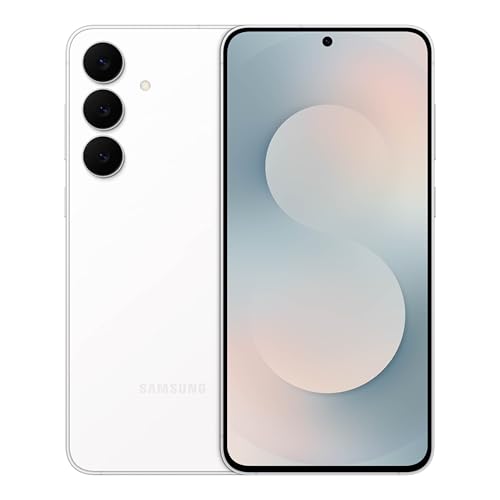
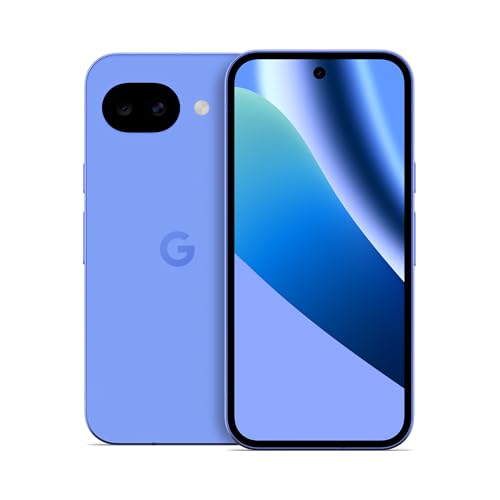
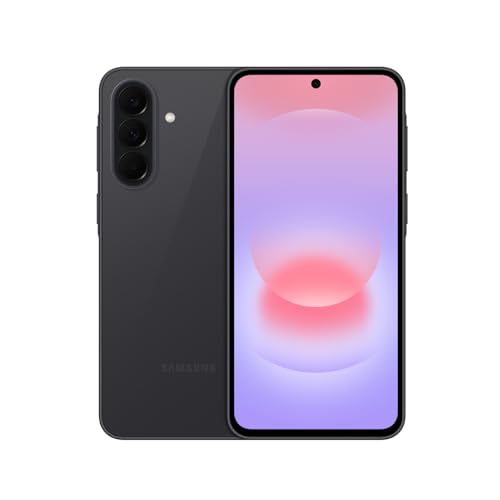


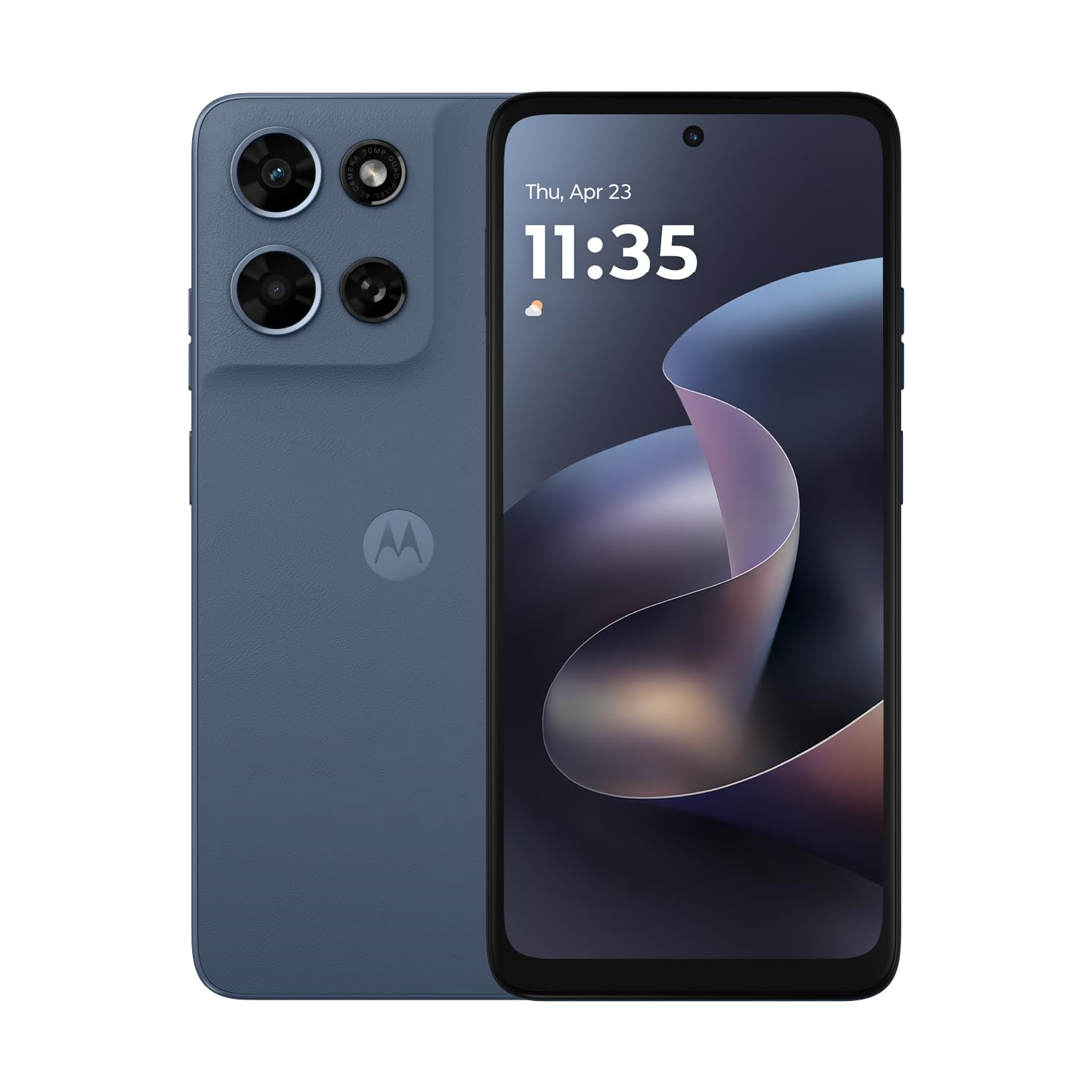


Android Phones 101: The Basics for Students
An Android phone runs the Android system from Google, made by many brands in many sizes and prices. You get apps from the Play Store, your home screen can hold widgets for a calendar or timetable, and files move easily to a laptop. That choice helps at school, because you can pick a price and size that fit you.
For a student, the best android phones for students usually sit in the mid range, where you pay for a bright screen, a solid camera and several years of software updates without paying for pro video tools. Check that 5G and campus WiFi both work where you study.
Who Should Buy Which Android Phone as a Student?
Start with your busiest school day, not with a brand name. Your budget, your commute and how far you sit from an outlet should decide the type you choose.
Students on a Tight Budget Who Need a Phone for a Whole Course
You need low cost now and later, with no replacement halfway through your course. Choose a simple mid range model with 128GB of storage, a reinforced back that handles a crowded bag, and a long update promise. If price is your first limit, see our guide to the best inexpensive android phones.
Students Who Read, Take Notes and Study on the Phone
You split your time between readings, slides, messages and short videos, often in bright rooms or outdoors. Choose a slightly larger OLED screen that stays clear in sunlight and a weight you can hold in one hand on a bus. Clear text and easy split screen work matter every day.
Students Away From an Outlet All Day
You leave early, attend classes, work a part time shift and return late, so charging chances are rare. Choose battery life first, even if that means a slightly thicker phone and a simpler camera set. Keep a small charger in your bag for a short top up between classes.
Student Phone Specs Explained in Plain English
Read each spec as a trade off. A bigger number helps only when it solves a problem you actually have.
Display Size and Quality on an Android Phone for Students
Display size is measured corner to corner, and most student friendly phones sit at about 6.1 to 6.7 inches. OLED panels show deep blacks and strong contrast, so text and night scenes look clearer than on many basic LCD panels. A refresh rate of 120Hz makes scrolling through long readings feel smoother. Brightness matters most outdoors, so choose a screen you can read on a sunny walk between buildings.
Camera System on an Android Phone for Students
The main camera does most work, from notes on a board to friends at lunch. An ultrawide camera fits a full classroom or group photo in a tight space, while a telephoto camera helps only if you often shoot from the back of a hall. Night mode brightens low light photos by combining several frames, which helps at evening events. For video, steady footage matters more than the highest resolution when you record a class demonstration.
Storage Options on an Android Phone for Students
Storage holds your apps, photos, downloaded lectures and music for offline listening. A 128GB model suits most students who save files in cloud storage and clear old downloads each term. Choose 256GB if you film often, keep many games, or travel without reliable WiFi. A microSD slot, where offered, adds cheap room for media, but apps run best on built in storage.
Processor and Everyday Performance for Student Tasks
The processor and RAM decide how smoothly the phone switches between a browser, a note app, maps and messages. For daily student use, smooth multitasking matters more than top game scores. Choose at least 8GB of RAM if you keep many tabs and apps open. If you play demanding games after class, see our guide to the best performing android phones.
Battery Life and Charging Speed for a Student Day
Battery size is listed in mAh, and many full day phones sit at about 4500 to 5500 mAh, though screen use and signal strength change real results. A larger battery helps on field trips and long commutes, while a smaller one keeps the phone lighter in a pocket. Fast charging can add useful power during lunch, and wireless charging is handy but slower. Judge battery by hours away from an outlet, not by size alone.
Rookie Mistakes to Avoid When Buying a Student Phone
New buyers often pay for the wrong upgrade. These errors are easy to spot once you know your daily routine.
- Paying for a huge screen you cannot hold safely makes one hand use on a crowded bus tiring and risky.
- Buying 64GB to save money fills up with photos and app data and forces constant deleting during term.
- Ignoring the update promise leaves a cheap phone without security fixes before your course ends.
- Choosing a fragile glass back without a case invites a cracked panel from one drop onto concrete.
- Spending your whole budget on the phone leaves nothing for a case, a protector and a spare cable.
Getting Started: Setup and First Use for Students
Charge the phone, connect to WiFi, sign in, and let the system finish its first updates before you install many apps. Move your contacts, photos and messages, then set a screen lock and turn on device finding in case the phone is lost on campus. Add your school email and calendar next.
Put a case and a screen protector on before the first full day out, because most drops happen while you learn a new size and weight. Arrange your home screen around study, with a calendar widget and a notes shortcut first. To make that screen more useful, see our guide to the best widgets for android phones.
Care and Maintenance for a Student Android Phone
Wipe the screen and back with a soft dry cloth, and keep the charging port clear of lint from pockets and bags. Restart the phone now and then, remove apps you no longer use, and keep at least a few gigabytes free so updates install cleanly. Back up photos and school files each month.
Check battery settings for apps that drain power in the background, and lower brightness indoors. Keep the phone out of hot cars and wet gym bags, and follow maker guidance on water resistance. An IP68 rating can help with rain and spills, but it does not make a phone safe for swimming or for charging while wet.
Android Phones: Your Questions Answered for Students
What makes an Android phone a good fit for students?
A good student fit balances price, battery life and update length for the years of a course. It also handles campus life well, with quick sign in to school WiFi, clear calls in noisy halls and enough space for timetable and banking apps. A phone that is easy to repair locally can save a full week of classes after a cracked screen.
Should a student buy an unlocked Android phone?
Yes, a student should usually buy an unlocked Android phone if the price is close. An unlocked phone lets you switch to a cheaper student plan, use a local SIM while traveling for study, and keep the same phone if you move for an internship. Check that the model supports the bands your new carrier uses before you pay.
Is a mid range Android phone good enough for students?
Yes, a mid range Android phone is good enough for most students for classes, messages, photos and light games. The main gains from pricier phones are stronger zoom, faster game graphics and more premium materials. If your course needs only common apps and a browser, put the savings toward storage, a laptop drive or a term of cloud backup instead.
How many years of software updates should a student Android phone get?
A student Android phone should get at least four years of security updates, and longer is better for a full degree. Updates fix flaws that could expose banking and school accounts, and they keep new app versions working. Ask for the end date in writing where a seller lists it, because a low price means little if support ends next year.
Do students need 5G on an Android phone?
Most students do not need 5G every day, because campus and home WiFi carry most downloads and video. 5G helps on trains, in shared houses with weak broadband and when you use the phone as a backup connection for a laptop. Check the data cap on your plan first, since fast data can use a large video file allowance very quickly.
How much storage does a student need on an Android phone?
Most students need 128GB, which covers apps, photos and a term of offline files with room to spare. Your real pressure often comes from cached video and music inside streaming apps, which can grow without notice. Check storage by app once a term, clear the largest caches, and move finished course videos to a laptop before a trip.
Our Verdict
For most first time buyers, the winning mix is a mid range phone with a bright OLED screen, a battery that lasts a full campus day, 128GB or 256GB of storage and updates that cover your whole course. Spend first on those basics, then on camera extras only if photos are central to your life. Compare choices in the product table.
Chosen that way, the best android phones for students stop being a list of confusing numbers and become a tool you can rely on from your first class to your last exam. Pick the model that fits your routine and protect it from day one.


