
Best All-in-One Computer for Home Use: What to Know Before You Buy
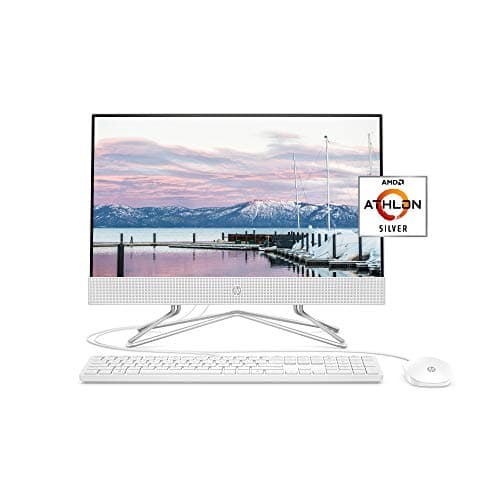
Your kitchen counter or home office corner has room for exactly one computer, and you don't want to buy it twice. That's usually what pushes people toward an all-in-one instead of a separate tower and monitor. If you're trying to find the best all in one computer for home use, the real work isn't comparing a list of models. It's understanding which specs matter, what you give up compared to a traditional desktop, and how your household actually plans to use the machine day to day. This guide walks through all three so you can shop with confidence.

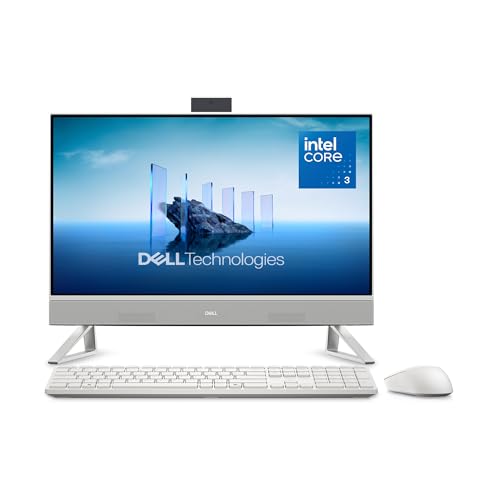
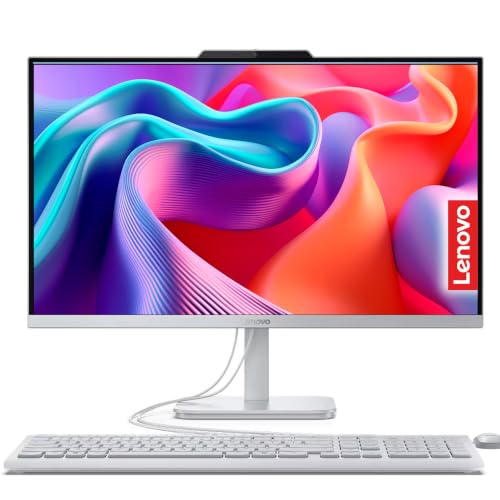
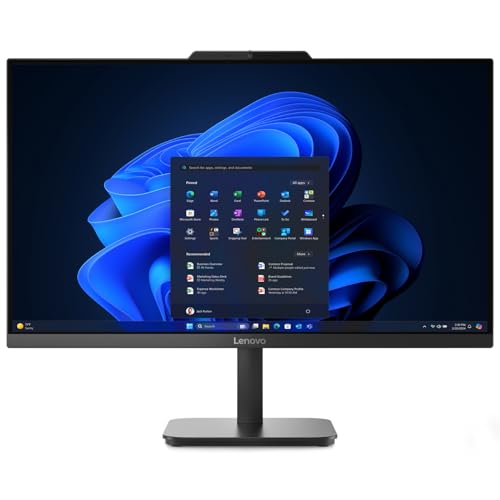
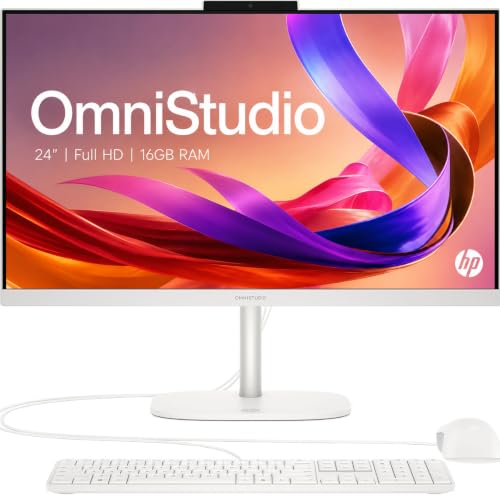
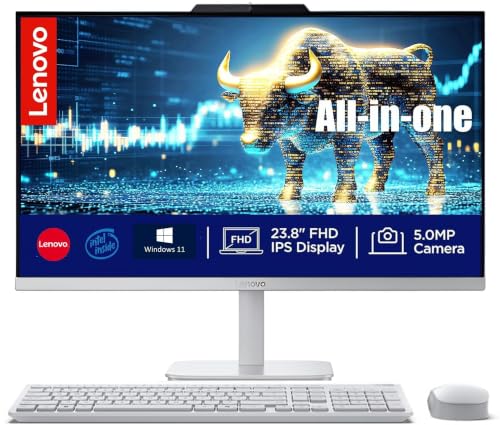
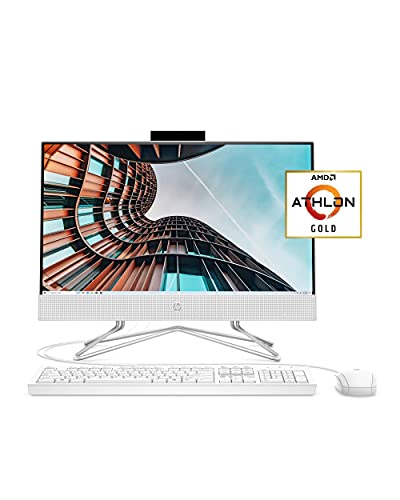

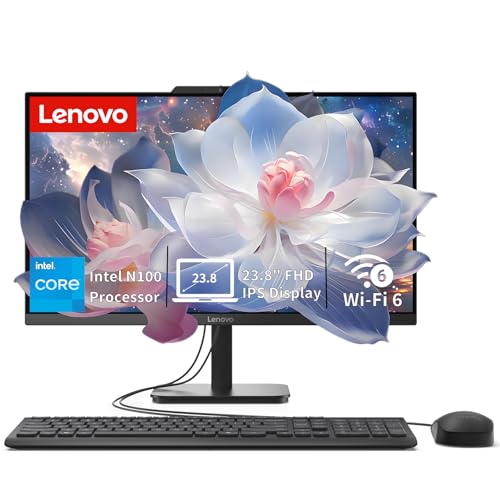
Specs That Actually Matter for a Home All-in-One Computer
All-in-one computers pack the same core components as a tower, just squeezed behind the display. That means the same specs decide how well one performs, even though the packaging looks completely different. A few numbers matter far more than the rest.
Processor and Everyday Performance
For general browsing, streaming, email, and homework, a mid-tier processor handles everything without slowing down. You only need to step up to a higher-tier chip if you plan to edit video, run design software, or juggle a dozen browser tabs alongside video calls on a regular basis. Most households never need the top-end option, and paying for it rarely changes the day-to-day experience.
RAM: How Much Is Enough for Household Use
Eight gigabytes of RAM is a functional floor for basic use, but it shows its limits fast once multiple people or multiple apps share the machine. Sixteen gigabytes is a more realistic baseline for a family computer that handles schoolwork, browser-heavy research, and casual multitasking without stalling. Creative work or heavier multitasking pushes that number higher still.
Storage Type and Capacity
Choose a solid-state drive over a traditional hard drive every time. An SSD makes the whole system feel faster, from boot time to opening apps, and that difference matters more than almost any other spec on this list. Aim for at least 512GB if the computer will store photos, documents, and downloads for the whole household, and consider 1TB if storage tends to fill up quickly in your house. If you outgrow the internal drive later, an external hard drive is a simple way to add space without replacing the whole machine.
Screen Size and Resolution for Your Space
Twenty-one to twenty-four inches suits most desks and covers general browsing, video calls, and everyday productivity comfortably. Go larger, 27 inches or more, if the computer will double as a home office display for detailed spreadsheet or document work. Full HD resolution is perfectly usable at the smaller end, but a sharper panel is worth considering once you're looking at 27 inches or beyond. If you want a closer look at what higher-resolution panels offer, the same tradeoffs covered in guides to 4K monitors apply directly to an all-in-one's built-in display.
All-in-One vs. a Traditional Desktop Tower: What You're Trading Off
Before settling on an all-in-one, it helps to understand what you're actually trading away compared to a tower and separate monitor. This is where a lot of shoppers get surprised after the fact.
Upgradability and Long-Term Flexibility
A desktop tower lets you swap in more RAM, a bigger drive, or a new graphics card as your needs change. An all-in-one rarely offers that same flexibility. Components are packed tightly behind the screen, and in many models the processor is soldered directly to the board, which rules out future upgrades entirely. That's the single biggest reason experienced users tend to steer away from all-in-ones, even when the convenience is tempting.
What Happens When Something Breaks
With a tower and monitor, a failed screen or power supply means replacing one inexpensive part while the rest of the setup keeps working. With an all-in-one, the screen and computer are the same unit, so a hardware failure can take the whole machine offline at once. Repairs also tend to be pricier and slower since parts are often proprietary rather than off-the-shelf. It's a real tradeoff for the convenience and desk space you gain, not a dealbreaker, but worth going in with open eyes.
Matching the Computer to How Your Household Will Use It
The right choice depends less on specs alone and more on how the computer will actually get used once it's set up.
Everyday Browsing, Homework, and Family Use
If the computer is mainly for browsing, streaming, schoolwork, and staying in touch with family, a mid-range all-in-one covers that comfortably. The tidy, cable-free footprint is a genuine advantage in a shared space like a kitchen or living room. Pairing it with quieter accessories, such as a silent computer mouse, is a small touch that makes sense in rooms where other people are working, resting, or on calls nearby.
Light Creative Work or a Home Office Setup
An all-in-one can absolutely anchor a home office for email, video calls, spreadsheets, and light photo editing. Since it's likely to be where you sit for hours at a time, it's worth thinking beyond the computer itself. A properly positioned screen and a comfortable chair do as much for comfort over a full workday as the computer's specs do.
When an All-in-One Isn't the Right Fit
Serious gaming, heavy video editing, or any workload that benefits from a dedicated graphics card is where all-in-ones tend to fall short. Their compact design leaves little room for the cooling and power that demanding tasks need. If that describes your household's main use case, a traditional tower built around those needs will serve you better long term.
What Your Budget Range Really Buys You
Price tiers for all-in-ones track fairly predictably with what's inside. Entry-level models tend to pair a modest processor with 8GB of RAM and a smaller SSD, which is fine for light, occasional use but shows its age quickly under real household demand. Mid-range models step up RAM to 16GB, add faster storage, and often include a sharper display, which is where most people trying to find the best all in one computer for home use land. Higher-end models add more processing headroom and larger, higher-resolution screens, aimed at home offices or light creative work rather than basic browsing. Knowing which tier matches your actual use case keeps you from overspending on power you won't use, or underspending on a machine that frustrates you within a year.
Frequently Asked Questions
What is the difference between an all-in-one computer and a regular desktop?
An all-in-one integrates the computer and the display into a single unit, while a regular desktop keeps the computer as a separate tower connected to an external monitor. Both use similar internal components, but the all-in-one trades some flexibility for a smaller footprint.
How much RAM do I need for a home all-in-one computer?
Sixteen gigabytes is a comfortable baseline for most households today. Eight gigabytes works for very light, single-user tasks, but it can feel limiting once multiple browser tabs, apps, or users are involved.
Can you upgrade an all-in-one computer later?
Upgrades are limited compared to a tower. Storage is sometimes accessible, but RAM and the processor are frequently soldered in place, so it's best to choose the specs you'll want for the long haul at the time of purchase.
Is an all-in-one computer worth it for gaming?
It depends on the games. Casual and older titles usually run fine, but modern, graphics-intensive games generally need a dedicated graphics card that most all-in-ones don't include.
How long do all-in-one computers typically last?
Most well-specced models remain comfortable for everyday use for four to six years before slowing noticeably. Choosing enough RAM and an SSD upfront tends to stretch that lifespan.
Do all-in-one computers come with a keyboard and mouse?
Most models include a basic keyboard and mouse in the box, ready to use right after setup. You can always swap them for accessories you prefer once you're set up.
Is it cheaper to buy an all-in-one or a separate desktop and monitor?
A separate tower and monitor combo often costs less for comparable specs, since it isn't paying for the compact, integrated design. The all-in-one's premium buys convenience and desk space rather than raw performance per dollar.
Making the Right Call for Your Home
The best all in one computer for home use is the one whose specs match how your household actually spends time at the desk, not the one with the flashiest sheet of numbers. An all-in-one earns its place in a home where tidy desk space, simple setup, and everyday computing matter more than future upgrades or heavy workloads. Weigh the tradeoffs against a tower honestly, and choose the budget tier that fits your real needs. That's the shortest path to a computer you'll still be happy with years from now.