Best Aliexpress Gaming Mouse: How to Choose and What to Check Before You Order for 2026
Disclosure: We may earn a commission when you buy through links on this page, at no extra cost to you. As an Amazon Associate I earn from qualifying purchases. Learn more
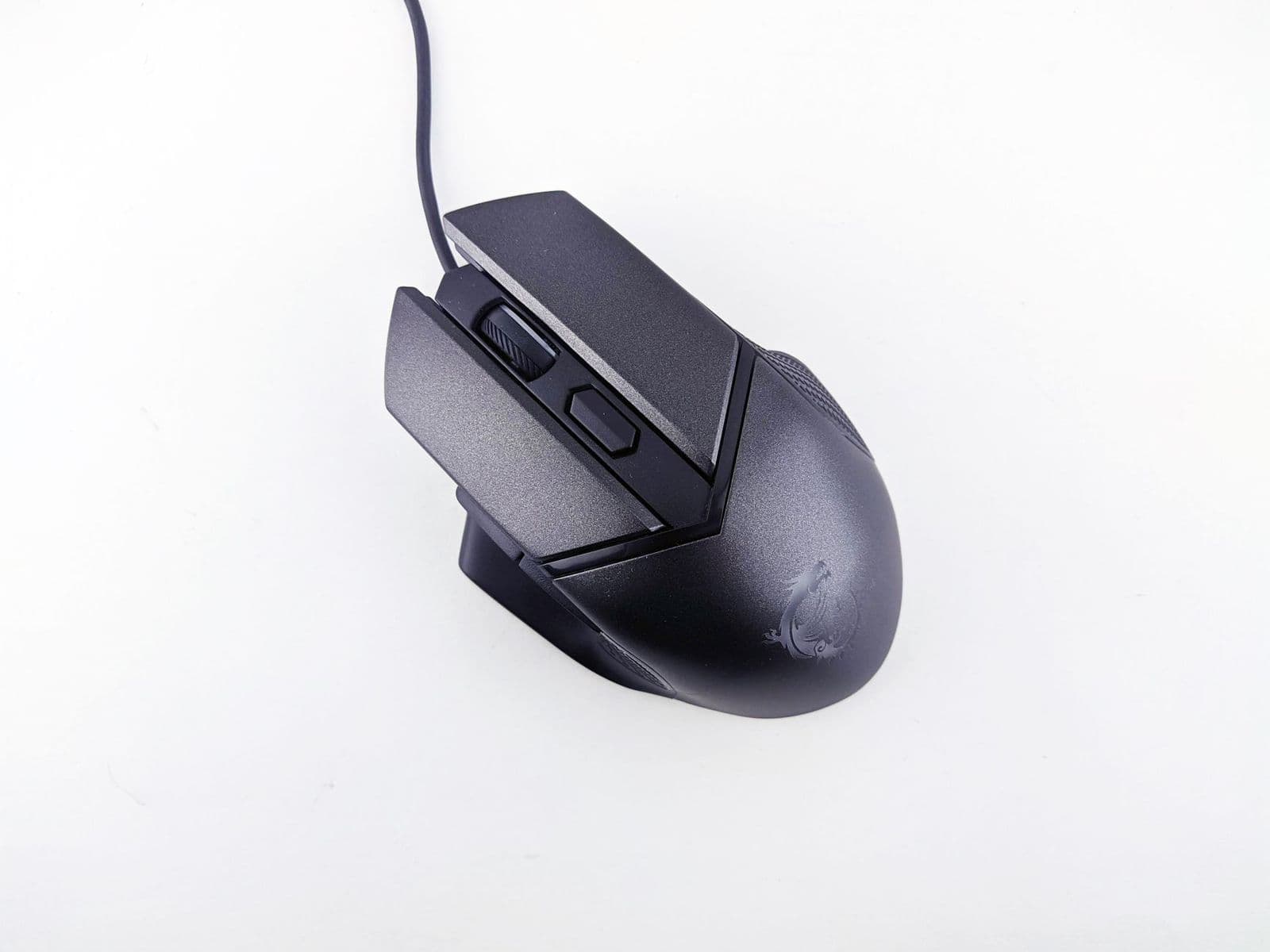
A checklist for the best aliexpress gaming mouse: sensor, DPI, switches, shipping, returns, and when to buy elsewhere.
Searching for the best aliexpress gaming mouse usually means you want a capable mouse at a very low price. That can work, but marketplace listings vary widely in quality, shipping, and support, so a little research goes a long way. This guide explains what to check on the specs, how to judge a listing, and when it is smarter to buy elsewhere.
Use it as a checklist before you place any order, so the mouse you receive matches the one you expected.
What to Look for in a Gaming Mouse
Sensor and DPI
DPI describes how far the cursor moves per inch of mouse movement. A modern gaming sensor offers adjustable DPI, commonly from 800 to 16,000 or more, but high numbers matter less than a sensor that tracks smoothly without jitter. Look for named sensors from known makers, because vague claims such as "up to 12,000 DPI" with no sensor name often point to a basic part.
Wired or Wireless
Wired mice are cheapest and have no latency or battery worries. Wireless models using a 2.4 GHz dongle are responsive enough for most games, while Bluetooth is better for casual use. For a wider overview of fast wired and wireless options, see our guide to the best mouse for gaming.
Switches, Buttons, and Polling Rate
Quality switches give a crisp click and last for many millions of clicks. A polling rate of 1,000 Hz is plenty for most players. Programmable side buttons are handy for games that use extra shortcuts.
Weight, Shape, and Grip
Lightweight shells reduce fatigue in fast games, while larger shapes support a palm grip. Look at the listed dimensions and weight, and compare them with a mouse you already like.
Software and Compatibility
Some budget mice have no software at all, while others need an unfamiliar app. Check whether the mouse works as plug-and-play on your system, and whether you can store profiles on the mouse itself.
Buying From a Marketplace: Things to Check
- Seller rating and the number of recent orders, since a long history is a good sign.
- Shipping time and cost, which can be much longer than you expect.
- Return rules, including who pays for shipping and how refunds are handled.
- Photos and reviews that show the real product, not only renders.
- Warranty terms, because some sellers offer none.
- Import fees or taxes that may apply to your order.
Prices can look attractive, but a mouse that arrives late, or not as described, is not a bargain. If you prefer simpler returns and faster shipping, take a look at our guide to the best inexpensive gaming mouse, which focuses on budget models that are easier to buy and support.
Pair the Mouse With the Right Surface
A good mouse still depends on a consistent surface. A cloth or hard pad with an even texture helps the sensor track accurately. See the best gaming mouse mat guide for what to look for, and consider the best gaming mouse and pad combos if you want both in one purchase.
Common Mistakes to Avoid
- Trusting huge DPI claims without a named sensor.
- Ignoring shipping time and return policy.
- Choosing a shape that does not suit your hand size.
- Skipping reviews that show real photos and long-term use.
- Paying for RGB lighting instead of a better sensor.
Care and Maintenance
- Wipe the shell and feet occasionally with a soft cloth.
- Keep the sensor window clean of dust and hair.
- Replace worn mouse feet if the glide gets scratchy.
- Charge wireless models before long sessions.
Frequently Asked Questions
Is a marketplace gaming mouse good enough for gaming?
Many are fine for casual and mid-level play, especially from established sellers. Competitive players often prefer well-known sensors and support.
What DPI do I need?
Most players use between 800 and 1,600 DPI. Higher values are rarely needed.
Wired or wireless: which is better for gaming?
Wired is simplest and cheapest. Good 2.4 GHz wireless models are responsive enough for most games.
Does it work with Mac and console?
Most USB mice work on a Mac, but console support depends on the game and console. Check the listing and the console's accessory rules.
What should I check before ordering?
Read the sensor name, the return policy, delivery time, and recent buyer photos. A clear answer on each is a good sign.
Final Thoughts
A bargain mouse is only a bargain if it arrives on time, tracks well, and can be returned if it does not. Use this checklist to compare listings, and you will find the best aliexpress gaming mouse for your budget, or decide that a mouse from a local seller is the safer choice.