Best Alexa Soundbars in 2026: A Buyer Checklist
Disclosure: We may earn a commission when you buy through links on this page, at no extra cost to you. As an Amazon Associate I earn from qualifying purchases. Learn more
Compare Alexa soundbars with a clear checklist covering voice control, dialogue clarity, bass, HDMI eARC, room fit and simple setup for TV and music.
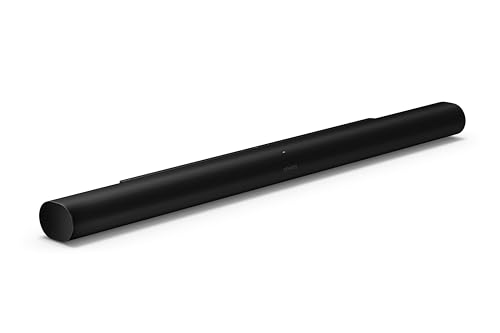
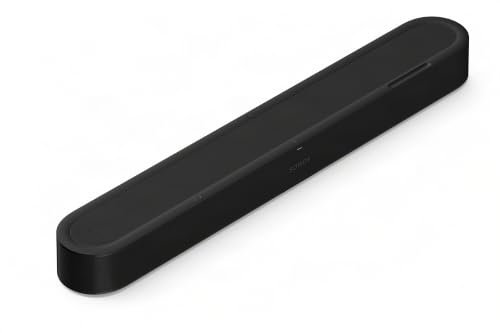
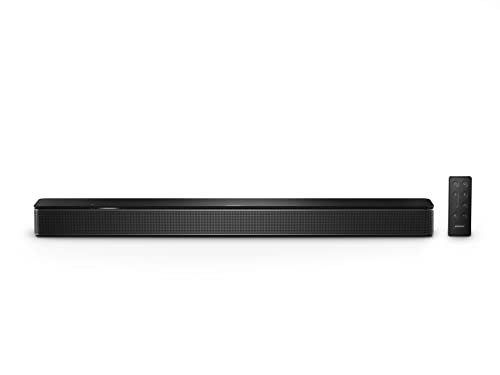
A soundbar with Alexa should do two jobs well. It should make TV dialogue clear at a normal volume, and it should answer your voice without shouting across the room. The best alexa soundbars balance both jobs, so use the product table to check voice control, channels, bass and connections together rather than judging sound alone.
Start with how you watch and listen each week. Note your TV size, your room size, whether you need a separate subwoofer, and whether Alexa already runs lights or routines in your home. Those answers narrow the field fast.

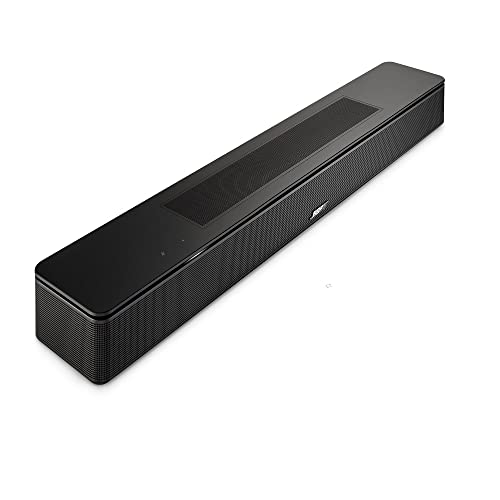

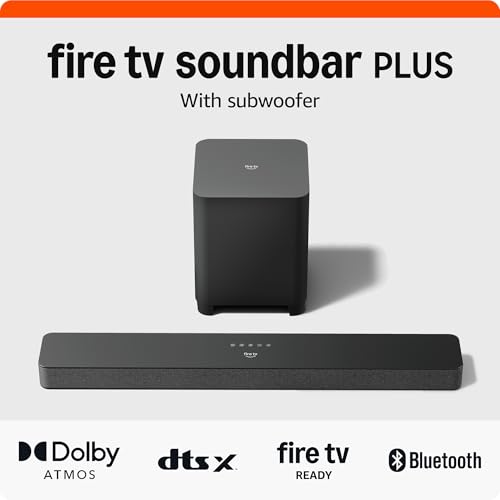
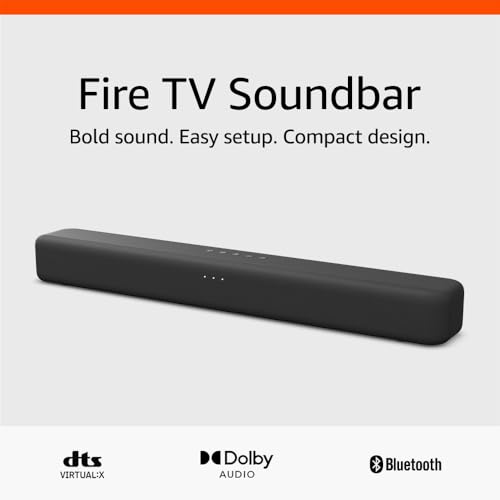

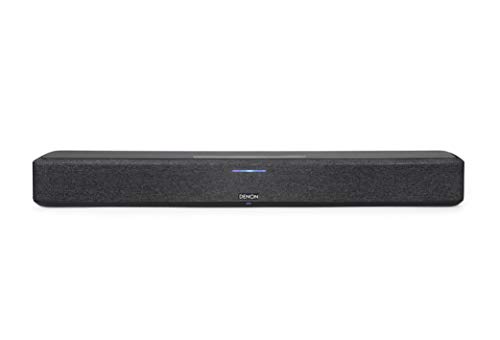
Who Should Buy Which Alexa Soundbars?
Your main reason for choosing Alexa should shape the bar you pick. A voice first TV room, a music led living room and a dialogue focused den need different strengths.
Households That Want Hands Free TV Control
You want to raise the volume, pause a film or switch an input while your hands hold a plate, a child or laundry. Choose a bar with Alexa built in, a strong microphone array and a clear mute switch on the unit. Far field pickup matters most in open rooms, where the TV itself competes with your voice at normal speaking level.
Smart Home Users Who Play Music in Several Rooms
You already use Alexa for lights, timers and routines, and you want the TV room to join that system. Choose a bar with WiFi, stable app control and support for Alexa music groups. That lets you start a playlist in the kitchen and add the living room without moving speakers.
Viewers Who Struggle to Hear Dialogue
You often rewind scenes or turn captions on because voices sink under music and effects. Choose a bar with a dedicated center channel and a dialogue or voice mode you can leave on. A 3.1 setup usually serves you better than a slim 2.0 bar, because clear speech at low volume is the gain you will notice every night.
Key Features to Compare
Work through these factors in order. Together they explain why the best alexa soundbars can sound similar in a store demo yet feel very different at home.
Alexa Built In Versus Alexa Through a Separate Speaker
A bar with Alexa built in carries its own microphones and answers directly, so you need no extra speaker on the shelf. A bar that works with Alexa relies on a separate Echo or similar device to hear you, then follows the command over your network. Built in control is simpler and responds even if the other speaker is unplugged.
Channels, Center Speaker and Dialogue Modes
Channel numbers describe how many main channels and how much bass support a system offers, such as 2.0, 2.1, 3.1 or 5.1. A center channel carries most film and news dialogue, so voices stay fixed to the screen instead of spreading to the sides. Dialogue modes lift voices within a mix without raising the whole volume, so value a simple voice button on the remote for late viewing.
Subwoofer and Bass for Your Room Size
A separate wireless subwoofer adds depth for action films and music, and you can place it near a wall or beside seating to tune the effect. A bar with bass built in saves floor space and suits apartments where neighbors hear low notes through walls. See our guide to the best soundbars and subwoofers for placement ideas. Small rooms rarely need the largest subwoofer, while large open rooms often do.
HDMI eARC, Optical and Wireless Connections
HDMI eARC is the first choice for most TVs because it carries high quality sound and lets the TV remote control bar volume through the TV. Optical suits older TVs without eARC, though it may limit some advanced formats. Bluetooth helps for a quick phone link, while WiFi carries Alexa, updates and music services. Count your sources before you buy, and keep one spare input for a console or streaming box.
Bar Width, Placement and Wall Mounting Options
Match bar width to your TV so sound feels tied to the picture, with most bars spanning about 35 to 55 inches. Keep the front edge near the front of the stand so the cabinet does not block sound, and leave clear space above upward firing speakers. Wall mounting saves stand depth, but confirm stud access and cable routing first.
Sound Modes, Equalizer and App Control
Useful modes include movie, music, night and voice, each changing balance for a clear purpose. Night mode lowers loud peaks and lifts soft speech, which helps after others go to sleep. An app equalizer lets you trim bass or treble in small steps. Prefer remote controls for daily changes, and save the app for setup and fine tuning.
How to Set Up an Alexa Soundbar and Check the Fit
Measure your stand first, then check the space between the TV feet. Place the bar centered under the screen, with nothing tall in front of it. Connect the HDMI cable to the TV port marked eARC or ARC, then turn on HDMI control on both devices so power and volume work together.
Next, connect the bar to WiFi in the maker app, sign in to Alexa, and test your voice from your normal seat. Try a volume command, a music request and a timer. If the bar misses commands, move objects away from the top microphones and shift the bar forward.
Compare how a bar handles songs, not only films. Our guide to the best sounding soundbars covers tone and stereo spread. If voice control matters beyond the TV room, our guide to the best alexa speakers helps you plan which rooms need a full speaker.
Quick Buyer Checklist for Alexa Soundbars
Answer each point with yes or no before you order.
- Does the bar hear Alexa itself, or does it need a separate speaker nearby?
- Does your TV have an HDMI port marked eARC or ARC for the main connection?
- Does the bar have a center channel or a voice mode for dialogue heavy shows?
- Does the bar width fit your stand and sit clear of the TV feet?
- Can you place a separate subwoofer near a power outlet if the system has one?
- Does the remote offer volume, voice mode and mute without opening an app?
- Does the bar show a clear light or switch when the microphones are muted?
Common Mistakes to Avoid
- Buying a bar wider than your stand leaves the ends unsupported and makes the setup look and feel unstable.
- Assuming works with Alexa means Alexa built in leaves you without voice control when no separate speaker is nearby.
- Placing a subwoofer inside a closed cabinet traps bass and turns clear low notes into a dull boom.
- Using Bluetooth as the main TV connection adds delay that can leave speech out of step with lips on screen.
- Covering the top of the bar with a shelf or decor weakens microphone pickup and blocks upward firing sound.
- Skipping the mute switch check leaves you unsure whether the microphones are off during private talks at home.
Care and Maintenance of Alexa Soundbars
Dust the cabinet and grille with a dry microfiber cloth, and keep liquids away from the top panel where the microphones sit. Use a soft brush around ports and vents so dust does not build up and trap heat. Never spray cleaner straight onto the bar, because moisture can reach the grille cloth and the controls beneath it.
Check cables once or twice a year for loose plugs, sharp bends or pet damage. Install software updates through the app, since updates can fix connection faults and improve voice response. If sound drops out, restart the TV and bar before you change settings, because a clean restart clears most handshake faults.
FAQ
Do Alexa soundbars listen all the time in the living room?
No, an Alexa soundbar waits for its wake word before it sends a request, and it shows a light when it is listening. You can press the microphone mute switch for full privacy during talks or visits.
Can an Alexa soundbar work without WiFi for TV sound?
Yes, an Alexa soundbar can play TV sound without WiFi when it is linked by HDMI or optical cable. WiFi is still needed for Alexa answers, music streaming, app control and software updates.
Does an Alexa soundbar need a separate Echo speaker for voice control?
No, a soundbar with Alexa built in needs no separate Echo speaker, because its own microphones hear your commands. A model that only works with Alexa does need a separate Alexa speaker in earshot to take commands. Look for a microphone mute switch as a sign that listening happens on the bar itself.
How wide should an Alexa soundbar be for a 55 inch TV?
An Alexa soundbar for a 55 inch TV usually looks and sounds best at about 40 to 50 inches wide. That width spreads stereo sound near the edges of the screen without hanging past the stand. Measure the gap between the TV feet as well.
Can Alexa soundbars join a multiroom music group with other speakers?
Yes, most Alexa soundbars with WiFi can join an Alexa music group and play the same song as speakers in other rooms. Group play uses your network, so a weak signal in the TV room can cause dropouts that a wired TV link never shows.
Our Verdict
Put voice pickup, dialogue clarity and the eARC link at the top of your list, then choose bass and width for your room. Use the product table to confirm width, channels and connection type before you order.
When those basics line up, the best alexa soundbars feel like a natural part of the room, answering quickly, sounding clear and asking little attention day to day. If price is your main limit, see our guide to the best affordable soundbars and apply this same checklist to the lower price range.