
Best Airbnb Security Cameras: A First Time Buyer's Guide for 2026
Disclosure: We may earn a commission when you buy through links on this page, at no extra cost to you. As an Amazon Associate I earn from qualifying purchases. Learn more

Shopping for the best airbnb security cameras for the first time? Learn the terms, compare options, and avoid rookie mistakes with this easy guide.
Buying cameras for a rental feels different from buying them for your own home, because every choice also affects your guests. The best airbnb security cameras protect doors, driveways, and yards while staying clearly outside private spaces and staying fully disclosed in your listing. This guide starts with the plain basics, then walks through the specs that matter most.
Most hosts need clear video at each entry, reliable alerts on a phone, and a setup that still works between stays. Use the comparison table below to match camera types and features to the size and layout of your property.
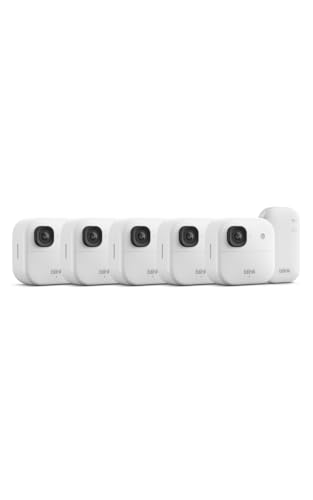
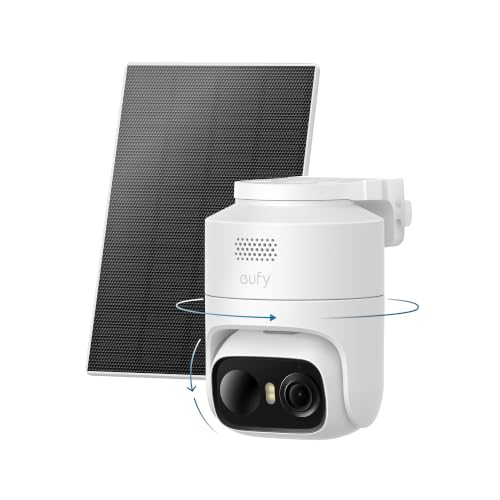

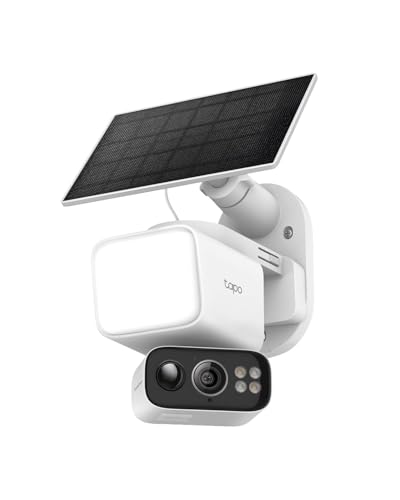

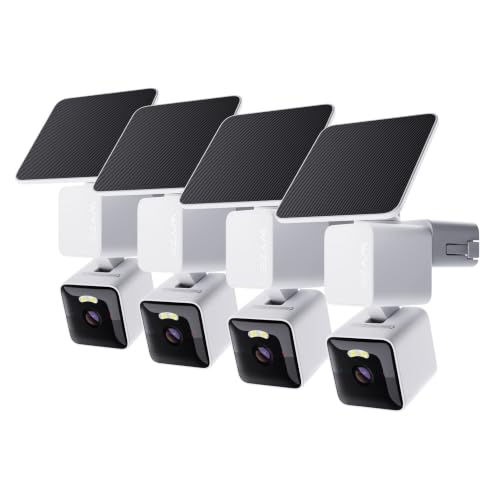
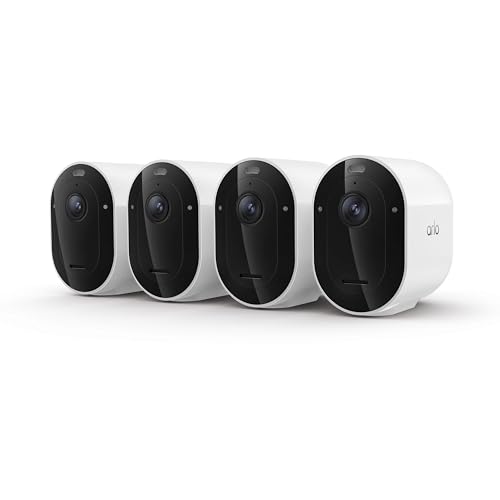
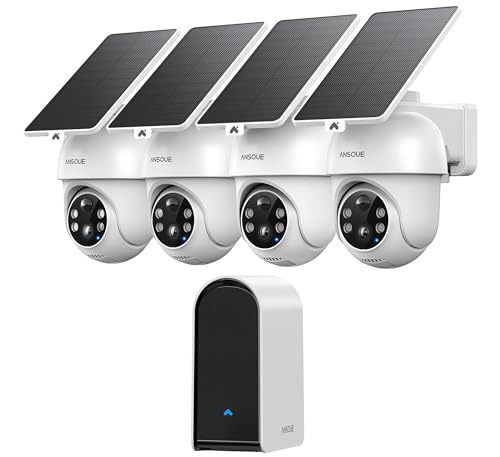


Airbnb Security Cameras 101: The Basics for New Hosts
An Airbnb security camera watches an outdoor area, such as a front door, driveway, gate, or shared parking space, and sends a short clip or live view to an app when it senses motion, so you can confirm a delivery or a late arrival from your phone.
Two limits shape every purchase. Airbnb rules do not allow indoor cameras or any camera that views indoor or private outdoor spaces, and you must tell guests about each outdoor camera and its location before they book. Audio recording laws also vary by state, so check local rules before you enable sound recording. If you are still deciding whether any camera fits your listing, see our guide to the best cameras for airbnb for a broader look at placement choices.
Who Should Buy Which Type of Airbnb Camera Setup?
Start with how you host, not with the longest spec list. Your distance from the property and your turnover routine decide how much automation you need.
Remote Hosts Who Manage Check In From Afar
You rely on alerts and live view because you cannot walk over and look. Choose cameras with strong person detection, a dependable app, and cloud storage so clips stay available even if a camera is damaged or taken.
Hosts Who Live On Site or Next Door
You need less remote coverage, but you still need a clear record of shared entries and parking areas. A smaller setup with local storage can be enough, and wired camera systems suit you well because you are nearby to manage cables and power. If the rental sits within your own home grounds, see our guide to the best security cameras for house for ideas that cover a whole property.
Hosts With Busy Turnover and Self Check In
Frequent guest changes reward cameras that ask little from you. Battery or solar powered models at the door and driveway keep working through back to back stays, and smart alerts help you spot a missed trash pickup or an unplanned party gathering early. Pick mounts and power you can service during a normal cleaning visit.
Rental Camera Specs Every Host Should Understand
The five terms below decide how the best airbnb security cameras perform at a real rental, so learn them before you compare prices.
Video Resolution and Field of View for Airbnb Entries
Resolution is image detail, and 2K resolution is a sound target for most entries because faces, license plates, and package labels stay readable without huge file sizes. Field of view is how wide the camera sees, stated in degrees. A view of about 130 to 160 degrees covers a porch and steps from one corner, while a narrow view suits a long driveway where detail at a distance matters more than width.
Smart Detection and Alerts for Airbnb Properties
Basic motion sensing reacts to trees, shadows, and passing cars, which can flood your phone during a windy night. Person detection uses software to tell people apart from other movement, and vehicle or package detection sorts clips further on some models. Activity zones let you draw the area that counts, such as the walkway only, so a busy street stays out of your alerts and guests are not recorded beyond your boundary.
Privacy and Security Settings for Airbnb Cameras
Privacy here means two things: guest privacy and account security. Keep every camera outdoors, point it away from windows, pools, and hot tubs, and name its location plainly in your listing and in a small sign at the property. For your account, choose a service with end to end encryption and turn on two factor authentication, so a stolen password alone cannot open your camera feed or your saved clips.
Two Way Audio and Siren Features for Hosts
Two way audio lets you speak through the camera from the app, which helps you greet a lost guest at the wrong door or guide a driver to the right gate. A siren or bright light can scare off someone testing a lock at night. Use both with care, because a camera that talks or sounds an alarm during normal guest activity feels intrusive and can prompt complaints, so save them for clear problems.
Power Options for Airbnb Camera Installations
Wired models never need charging and suit permanent entries, but they need an outlet or cable run near each mount. Battery models install almost anywhere and need a recharge every few weeks or months, which must fit your cleaning schedule. Solar panels stretch battery life on sunny walls, while PoE cameras draw power and data through one cable and fit larger properties with several fixed views.
Getting Started: Setup and First Use at Your Rental
Walk the property before you drill anything and list the views you truly need, usually the main entry, any side gate, and the parking area. Mount cameras about 8 to 10 feet high, angled down, so faces show clearly and the camera stays out of easy reach. Check each view in daylight and at night before your next guest arrives.
Next, connect the cameras to the WiFi network, update the software, and enable two factor authentication on the account. Record a short test clip at each entry, check that alerts reach your phone, and add the camera locations to your listing text the same day. Hosts who want coverage across a wide yard can also see our guide to the best security cameras outside for placement ideas beyond the front door.
Rookie Mistakes to Avoid With Airbnb Cameras
- Placing a camera where it can see into a window, pool, or hot tub area, which breaks guest trust and can get a listing penalized.
- Forgetting to disclose a camera in the listing, which can lead to refunds, bad reviews, and removal of the camera by a guest.
- Mounting a camera too low at a front door, which lets anyone block the lens or pull the camera down.
- Choosing battery power for a hard to reach mount, which leaves the camera dead once the charge runs out between stays.
- Turning on every alert type at full sensitivity, which buries real events under dozens of clips of trees and traffic.
Care and Maintenance for Airbnb Security Cameras
Wipe each lens with a soft cloth during turnover cleaning, because dust, pollen, and spider webs blur night images long before a camera fails. Check the mount for looseness, clear leaves from solar panels, and confirm that each camera still connects to WiFi after storms or router changes. An IP65 rating means the housing resists rain and dust, but seals and cable joints still deserve a quick look each season.
Once a month, open the app and review a recent night clip from every camera, recharge or swap batteries on a set schedule, and delete old clips you no longer need. For weather exposed placements, see our guide to the best exterior security cameras for more on housings that handle sun and storms.
FAQs About Airbnb Security Cameras
Are Airbnb security cameras easy to hack?
Airbnb security cameras are not easy to hack when you set them up with care, but weak account habits create most of the risk. Use a unique password for the camera account and a separate guest WiFi network, so visitors never share the network your cameras use. Update the router software as well as the camera software, because an old router is often the softest target in the whole setup.
Is a wired or wireless Airbnb security camera more reliable?
A wired Airbnb security camera is usually more reliable because it keeps constant power and a steady data path. Wireless models depend on battery charge and signal strength, so a thick wall or a busy router can cause gaps. A mixed setup often works best for rentals, with wired cameras at the main entry and wireless cameras at gates or parking spots where cable runs are impractical.
Do Airbnb security cameras need a subscription?
Airbnb security cameras do not always need a subscription, but paid plans change what you can review later. Free tiers often keep clips for a short window or limit person detection, while paid tiers store weeks of clips and add smarter alerts. Count the cost per property rather than per camera, because a host with three listings can pay several times over for the same features.
Can Airbnb security cameras work without WiFi?
Yes, Airbnb security cameras can record without WiFi when they save clips to local storage such as a memory card or a home base. What you lose is remote access, so no live view and no instant alerts reach your phone while the connection is down. Some models use a cellular link as a backup, which suits rural listings where broadband drops often but guest arrivals still need confirming.
How much storage do Airbnb security cameras need?
Most Airbnb security cameras need only modest storage because they record short motion clips rather than filming all day. A busy front door might create 30 to 60 clips a day, so a card that holds two to four weeks of clips gives you time to review an incident after a guest reports it. Cloud storage removes the card limit, but check how long clips stay before the service deletes them automatically.
The Bottom Line
For most new hosts, the winning setup is simple: outdoor only cameras at the entry and parking area, clear 2K video, person detection with tight activity zones, and power that matches your turnover routine. Disclose every camera in your listing, protect the account, and test the views before each new season. When you compare the best airbnb security cameras for your own property, use the product table above to check those basics first.


