Best Active Monitors for Home Studio: A Buying Guide for 2026
Disclosure: We may earn a commission when you buy through links on this page, at no extra cost to you. As an Amazon Associate I earn from qualifying purchases. Learn more

Driver size, flat response, inputs, placement and room controls for the best active monitors for home studio mixing, explained simply.
A home studio usually shares space with daily life, so your speakers must tell the truth about a mix in a small untreated room. The best active monitors for home studio use do that work without a separate amplifier. This guide explains size, placement and controls so you can use the product table with clear priorities.
Start with your room and your listening distance, not with the biggest cabinet you can afford. Small rooms reward control and accuracy at modest volume, while larger rooms allow deeper bass.


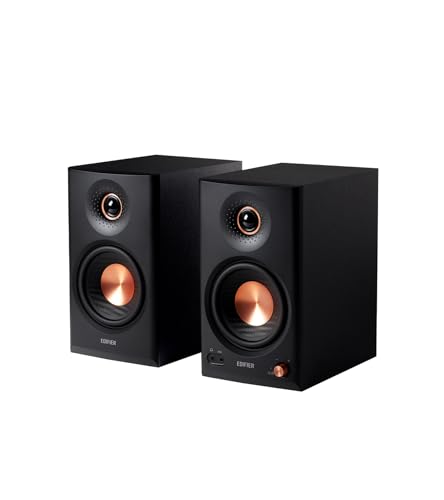
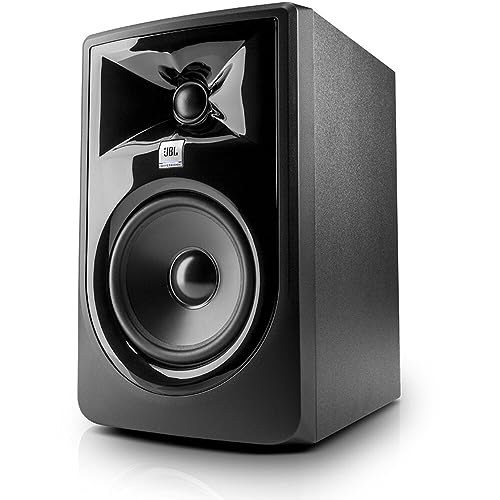
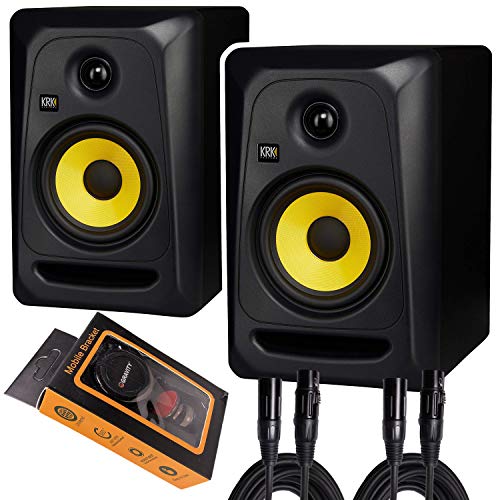
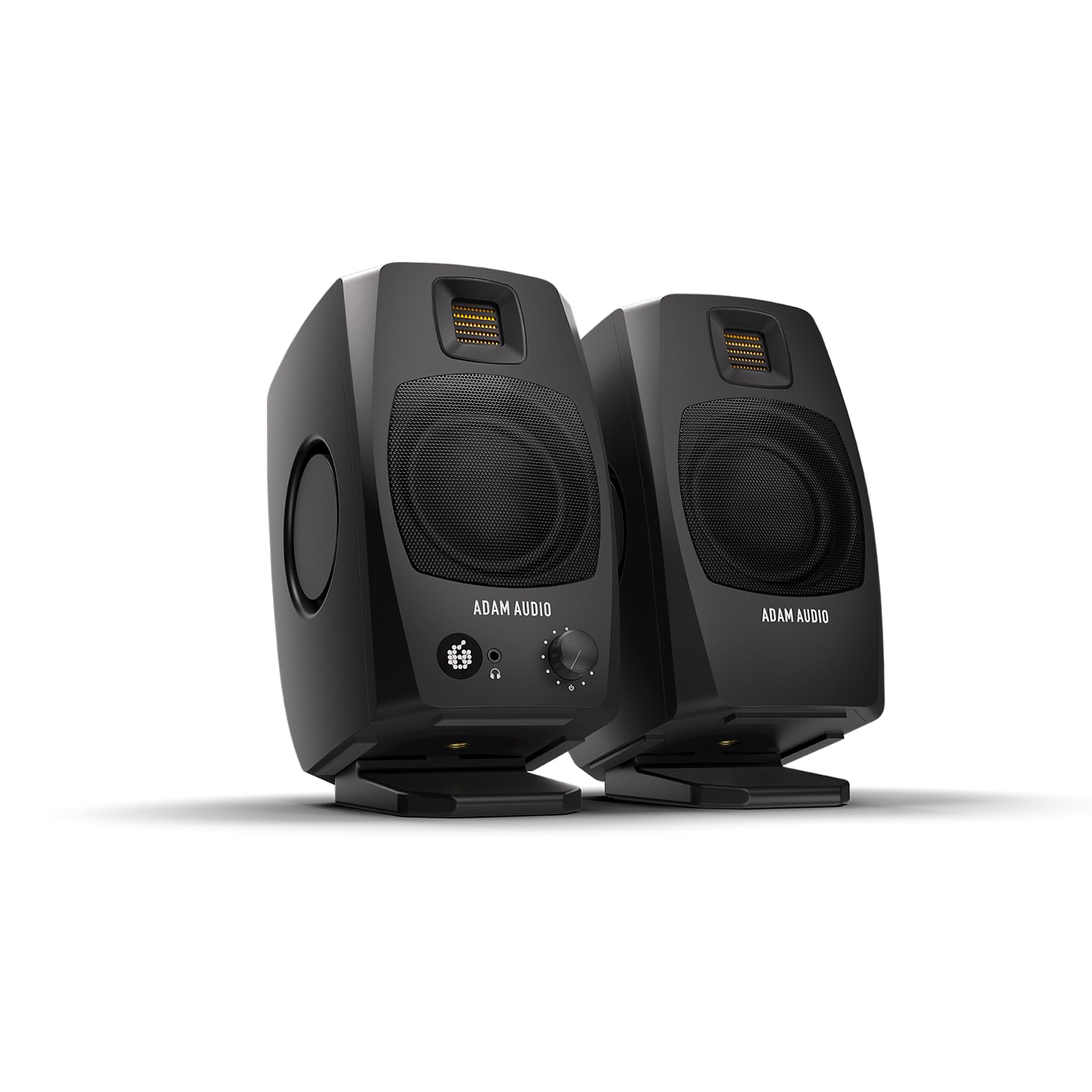


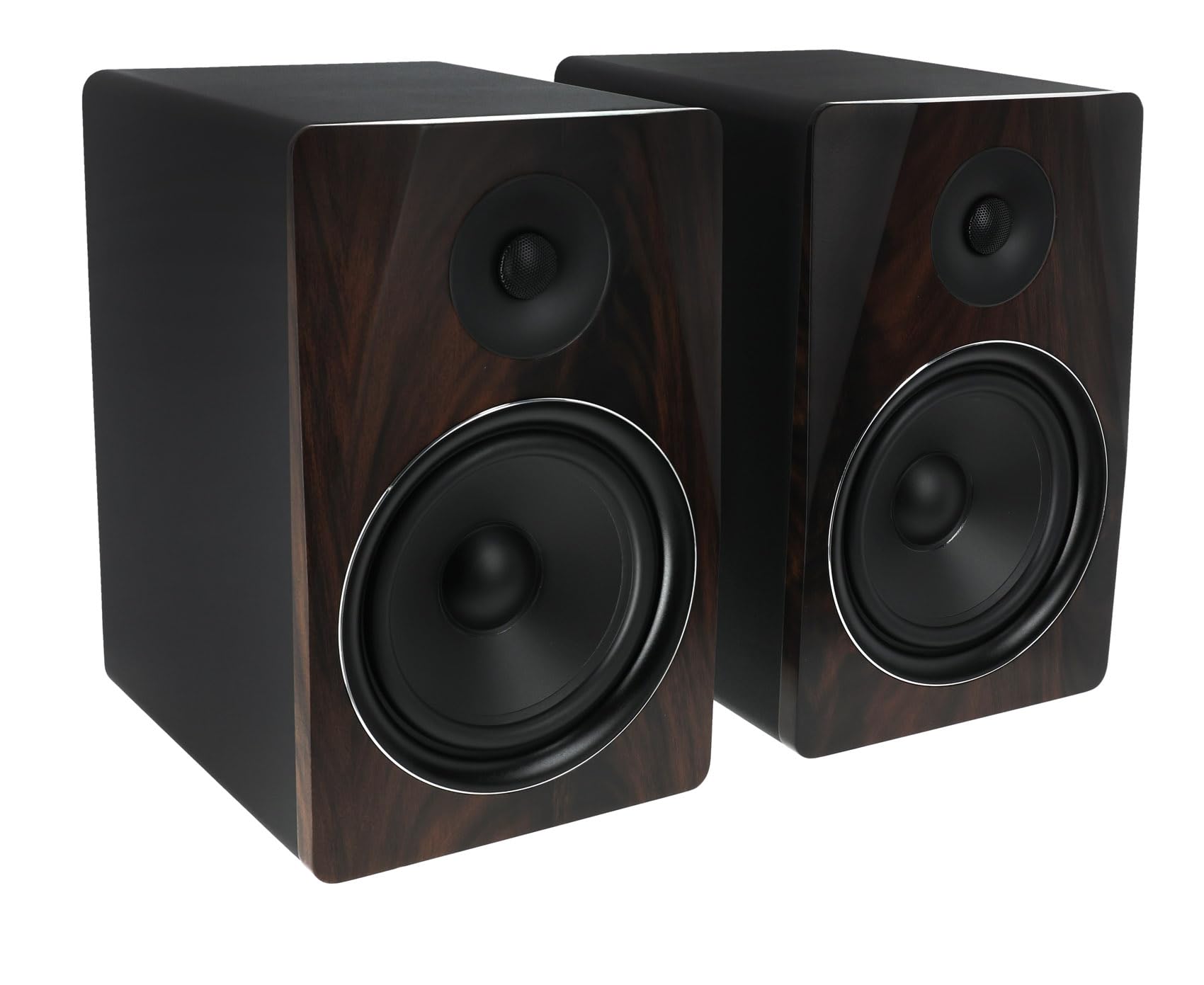
Who Should Buy Which Active Monitors for a Home Studio?
Your room, your seat position and the audio you make each day matter more than a long feature list.
Songwriters Recording in a Spare Room
You track voice, guitar and keys through a small audio interface, and you mix at moderate volume so the home stays quiet. Choose a matched pair with 5 inch woofers, balanced inputs and a clear midrange, since most decisions involve vocals. If tracking comes first, see our guide to the best studio monitors for home recording.
Beat Makers and Electronic Producers Working at a Desk
Your music leans on kick drums and bass lines, yet your desk space is limited and a wall sits close behind the speakers. Choose compact monitors with front bass ports, because rear ports need more open space to sound even. Add firm foam pads so vibration stays off the desk, and check the lowest notes on headphones.
Small Room Users Who Mix and Listen in One Space
Your studio corner doubles as an office or a listening spot, so the speakers must stay accurate at low volume and still sound pleasant after work. Choose a smaller pair with room controls that tame bass buildup near walls. For tighter layouts, see our guide to the best studio monitors for small home studio setups before you measure your desk.
Key Features to Compare
When you compare the best active monitors for home studio use, work through the factors below in order. They decide whether a desk mix sounds balanced elsewhere.
Driver Size and Low End Reach
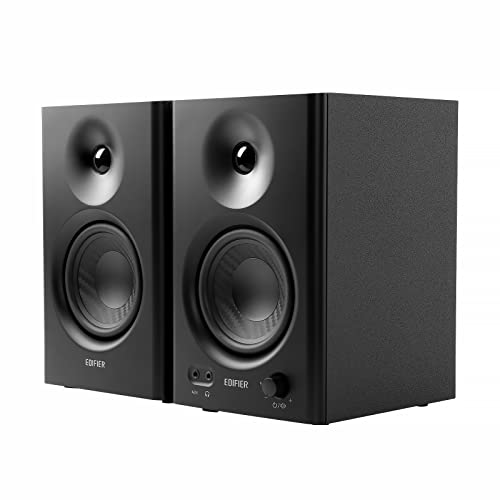
Woofer size sets how much low end a monitor can produce. Compact models with woofers of about 3.5 to 4 inches often reach down to around 70 Hz, which suits speech and light mixes. A 5 inch woofer usually reaches near 50 Hz and covers most home mixing. An 8 inch woofer can reach into the low 40 Hz range, but it needs a bigger room and more distance from your ears.
Flat Response and Honest Balance
A studio monitor should present every part of a recording at its real level, rather than flattering bass or treble the way many home speakers do. Look for a published response that stays close to flat across the middle range, where voices and most instruments live. Smooth treble matters too, because harsh top end makes you cut brightness your mix needs.
Built In Amplification and Headroom
Active monitors place the amplifier inside the cabinet, matched to the drivers and often split between woofer and tweeter. This removes the guesswork of pairing a separate amp. Judge power by headroom at your real volume, not by the largest watt number on the box. A modest pair that stays clean at your normal level beats a louder pair that strains in a chorus.
Inputs and Connection to Your Audio Interface
Most home studios connect monitors to an audio interface, so balanced inputs matter. Balanced XLR and TRS inputs reject noise picked up along the cable, which helps in rooms full of computer gear. Unbalanced RCA inputs suit a phone or a media player, but they are more open to hum on long runs. Check each speaker trim control, because level differences pull the image to one side.
Bass Port Position and Room Controls
The bass port shapes how a monitor behaves near a wall. Front ported cabinets can sit closer to the wall behind them, while rear ported cabinets need open space so bass stays even. Room control switches then fine tune the result, cutting bass lift near walls and trimming treble on reflective desks. In an untreated room these controls often help more than a step up in size.
Waveguide Shape, Imaging and the Sweet Spot
The waveguide around the tweeter controls how high notes spread across your seat area. A well shaped guide gives a wider sweet spot, so the image stays stable when you lean toward a keyboard or reach for a fader. Poor dispersion makes the sound change with every small head movement, and mixing turns into chasing a moving target.
Types of Active Monitors for a Home Studio
Active monitors for the home fall into three broad size classes. Use them to narrow your shortlist, and see our guide to the best studio monitors home studio readers choose most often for a wider view.
Compact Nearfield Monitors for Tight Desks
Compact nearfield models use woofers of about 3.5 to 4 inches and suit listening distances of roughly 2 to 3 feet. They keep speech, editing and light mixing clear without exciting room bass problems. Their limit is low end depth, so bass decisions need a headphone check. Choose this class for a bedroom desk.
Standard Nearfield Monitors for Most Home Rooms
Standard nearfield models use woofers of about 5 to 6.5 inches and work well at roughly 3 to 5 feet from your seat. They offer the best balance of bass reach, size and price for most spare rooms. Most pairs in this class cost about $200 to $600 and cover recording, mixing and video work.
Larger Nearfield Monitors for Roomier Studios
Larger nearfield models use 8 inch woofers and need a seat about 4 to 6 feet away, plus space beside each cabinet. In return you hear deeper bass and finer detail at higher volume. In a small room that output mostly becomes boom, so choose this class only for a dedicated room.
Picking Active Monitors for Different Uses at Home
Active Monitors for Home Listening
Listening for pleasure asks slightly different things than mixing. A wider sweet spot matters more because you move around the room, and simple RCA inputs may matter more than balanced connections. Many people keep one pair for both jobs. If listening comes first, see our guide to the best studio monitors for home listening.
Common Mistakes to Avoid
Most home studio monitor problems come from placement and room fit, not from the speakers.
- Buying 8 inch monitors for a tiny desk room floods the space with bass, so mixes end up thin on other systems.
- Placing monitors flat on a desk with tweeters below ear level blurs detail and adds desk reflections.
- Putting one monitor in a corner and the other in open space makes the image lean, because the corner side gains bass.
- Mixing at high volume for long sessions tires your ears, so balance choices drift over time.
- Judging monitors by wattage alone ignores response and room fit, and power cannot fix a bad match.
- Running long unbalanced cables past power strips invites hum that balanced connections would have rejected.
How to Make Your Active Monitors Last Longer
Keep the cabinets away from direct sun and heat vents, and leave space around the rear panels so the built in amplifiers can shed heat. Dust the cones and cabinets with a dry soft cloth, and never press on a tweeter dome or spray cleaner near a driver. Avoid constant distortion, because clipped peaks stress amplifiers and voice coils.
Power the monitors on last and off first in your chain, which keeps switch on pops from your interface away from the drivers. Use stands or pads that hold each cabinet firmly, and check cables for loose plugs. If one speaker starts to buzz or lose level, have it serviced rather than turning the other side up.
Active Monitors for a Home Studio: Your Questions Answered
What driver size suits active monitors in a small home studio?
Start with a 5 inch woofer and move down in size if your desk is shallow. One point buyers miss is the distance from your seat to the wall behind you, because a short room adds bass of its own. Sit at least a few feet from that wall when you can.
Do active monitors for a home studio need a separate amplifier?
No, active monitors for a home studio carry their amplifiers inside the cabinets, so each speaker needs only a signal cable and a power outlet. Plan outlet space before you buy, because a pair uses two sockets plus room for your interface and computer. A switched power strip keeps both speakers on the same ground.
Can active monitors connect to a computer without an audio interface?
Yes, active monitors can connect to a computer with a simple cable from the headphone output, but an interface gives you a physical volume knob and balanced outputs. That knob matters, because software volume can jump to full level after a restart. If you start without an interface, set the speaker trim low and raise the output slowly.
Do I need a subwoofer with active monitors in a home studio?
Most home studios do not need a subwoofer at first. Learn how your pair translates by checking mixes on headphones, in a car and on a small home speaker. Thin walls also carry sub bass to neighbors far more than midrange does. Add a sub later only if your work depends on the lowest notes.
How far should active monitors sit from the wall in a home studio?
Start with active monitors about 8 to 24 inches from the wall behind them, then move them in small steps while you listen to a recording you know well. Watch the upper bass around male voices, because that range swells first as the wall gets closer. Mark the winning position with tape so cleaning does not undo it.
Wrapping Up
Match driver size to your room first, then check inputs, port position and room controls against your desk and interface. Keep the pair at ear level and mix at a steady volume. Use the product table to compare size, inputs and price. Chosen that way, the best active monitors for home studio work will keep telling you the truth about your music for years.