
Best Accessories for Android Phones: Types Compared and How to Choose for 2026
Disclosure: We may earn a commission when you buy through links on this page, at no extra cost to you. As an Amazon Associate I earn from qualifying purchases. Learn more

Cases, chargers, power banks and mounts compared: choose the best accessories for android phones by phone class, charging speed and daily routine.
Walk into any phone accessory aisle and you will face walls of cases, chargers, cables, earbuds, and mounts, most of them claiming to fit your phone. The confusion is real, because Android covers hundreds of models with different ports, sizes, and charging speeds. This guide to the best accessories for android phones compares each accessory type by what it does well, where it falls short, and who should buy it.
This guide organizes the decision around your phone class and your daily routine. Start with the comparison table below, then use the sections that follow to match accessory types to compact, mid range, flagship, and budget phones.

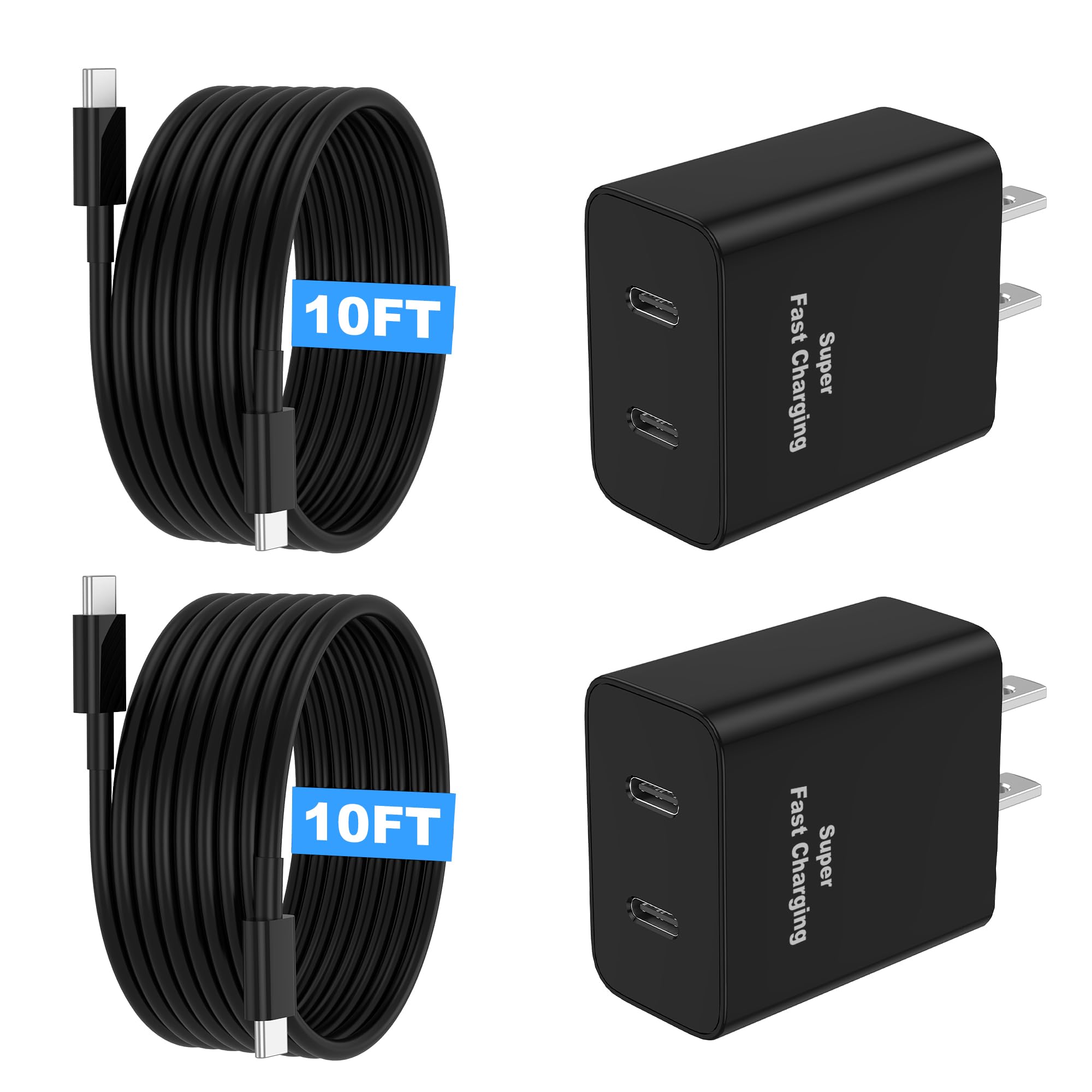

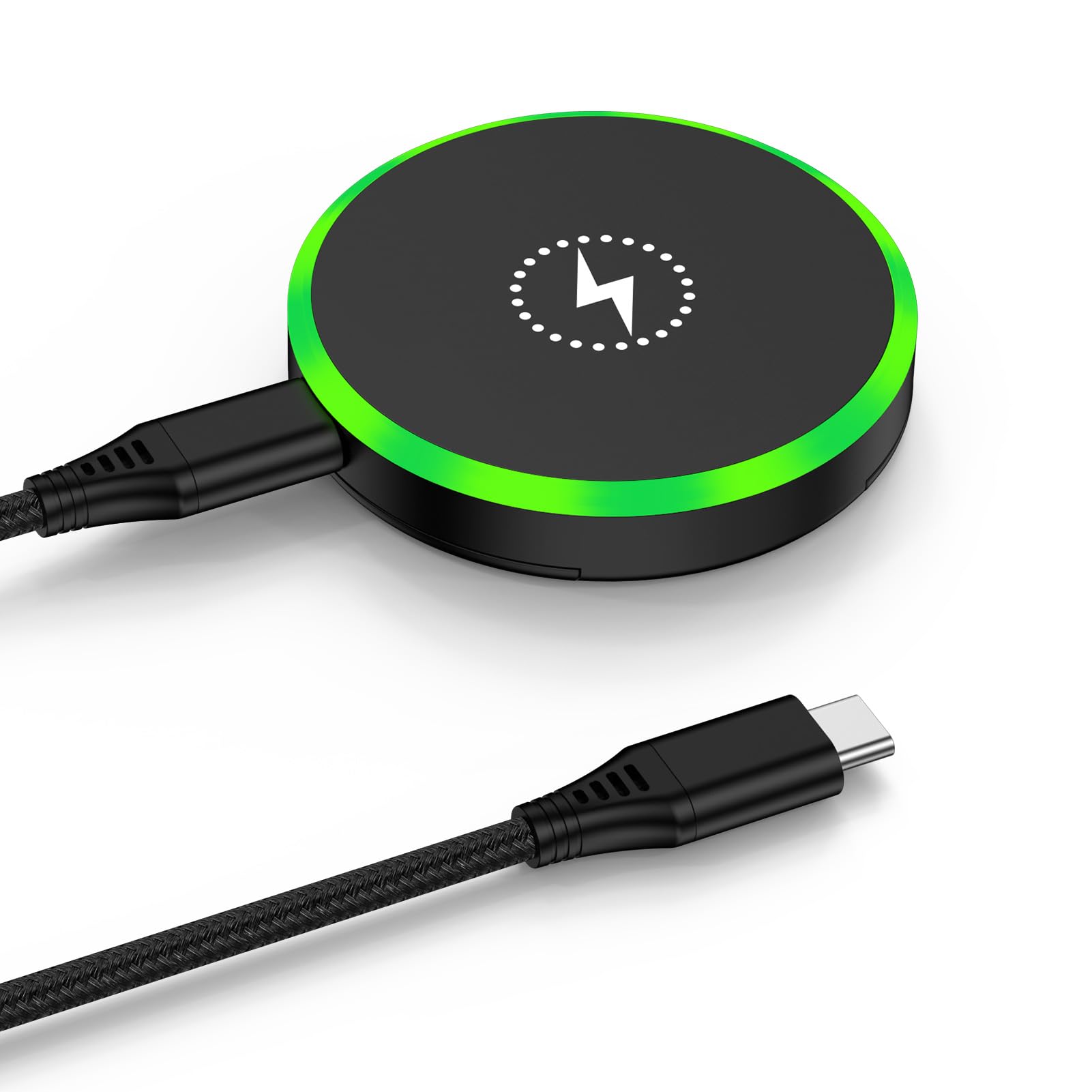
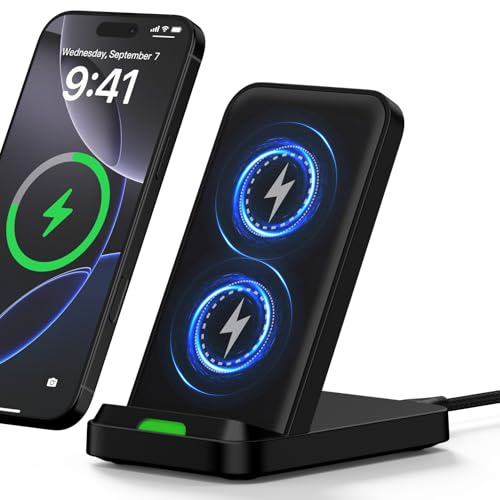

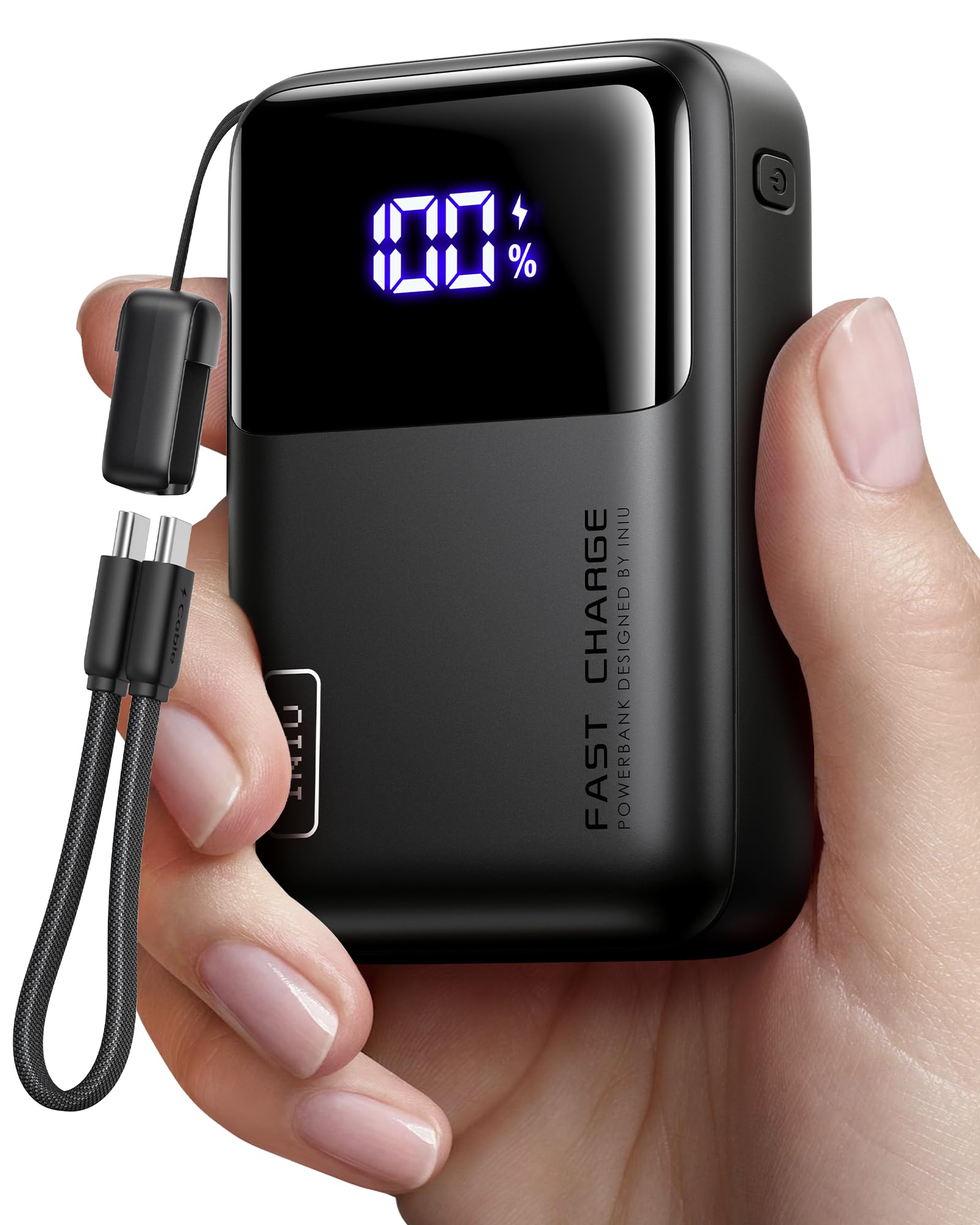


Types of Accessories Compared
Four accessory categories cover nearly every need: protective cases and screen protectors, chargers and cables, power banks, and audio gear such as earbuds and headphones. Cases typically run about $10 to $50, fast chargers about $15 to $45, power banks about $20 to $60, and earbuds anywhere from about $25 to $250. Which type deserves your money first depends on the phone you own, so the next four sections break the choice down by phone class.
Accessories for Compact Phones
Compact phones are easy to hold, so slim cases and lightweight grips suit them best. A thin case preserves the one handed comfort you bought the phone for, while a bulky rugged case erases that advantage. Because compact models often carry smaller batteries, a pocket sized power bank around 5,000 mAh is a smart companion.
The trade off is protection: slim gear guards against scratches and short drops, not construction site abuse. If you chose a small phone for comfort, keep every accessory small too.
Accessories for Mid Range Phones
Mid range phones deliver strong value, and their accessories should too. A mid priced case with raised edges, a tempered glass protector, and a USB C charger that matches the phone rated wattage cover most needs for under $75 total. Many mid range models still include features flagships dropped, such as a headphone jack or microSD slot, so wired earbuds and memory cards remain useful buys. Owners of the best inexpensive android phones often follow the same logic: spend on protection and charging first, and skip decorative extras.
Accessories for Flagship Phones
Flagship phones support the fastest charging speeds, magnetic wireless charging on some models, and high quality Bluetooth audio codecs. To use those features you need accessories rated for them: a charger that matches the top wattage, a magnetic case that aligns with the charging coil, and earbuds that support the same codec as the phone. The upside is performance; the downside is cost, because flagship grade accessories carry flagship prices. Protecting an expensive glass phone also argues for a stronger case than a budget model needs.
Accessories for Budget Phones
Budget phones reward restraint. A simple case, a glass screen protector, and one reliable charging cable handle the essentials, often for about $25 to $40 in total. Skip costly magnetic systems if the phone lacks the hardware, and check the charging port before ordering, because some budget models still ship with older ports or slow charging limits. A budget phone replaced every two or three years also means accessories should be cheap enough to replace alongside it without regret.
Compact Phones vs Mid Range Phones: Which Should You Choose?
This comparison matters because accessory fit follows phone size and price class. Compact phones win on pocket comfort and one handed use, and their accessories stay light and cheap. Mid range phones win on screen size, battery capacity, and accessory selection, since their popularity means case makers support them heavily. On charging, mid range models often accept higher wattage than compact ones.
On cost, compact accessories skew cheaper because less material goes into each case. If you read a lot and watch video, the mid range route with a stand case suits you; if you travel light and text one handed, compact gear wins. Shoppers comparing the best performing android phones will notice the same split at the flagship end.
How to Choose the Right Accessory
Beyond phone class, five practical checks decide whether an accessory earns its price. Run through them before you buy anything beyond a basic case, and you will avoid the most common returns.
Battery Life and Charging Speed
Charging accessories only help if they match your phone limits. Check the maximum wattage your phone accepts, then buy a charger and cable rated at or above that figure; a 65 watt charger does no harm to a 25 watt phone, but a weak charger slows every top up. Cable quality matters too, because thin cables can throttle fast charging. For power banks, capacity in mAh tells you rough full charges: a 10,000 mAh bank typically refills a phone about one and a half times after conversion losses.
Software Updates and Support Window
Software updates decide how long your phone stays secure and compatible, and that window should shape accessory spending. A phone with four or more years of promised updates justifies a better case and a quality charger, because you will use them longer. App dependent accessories, such as earbuds with companion apps, also rely on updates to keep working with new Android versions. If your phone is near the end of its support window, keep accessory purchases basic and save the bigger budget for your next phone.
Storage Options
Storage accessories solve a problem many Android owners still have: a full phone. If your model has a microSD slot, a fast memory card is the cheapest upgrade you will ever buy, and it holds photos and offline video without cloud fees. Phones without a slot can use a USB C flash drive for quick transfers to a computer.
Cloud backup remains the safest option for irreplaceable photos, since a lost card takes its files with it. Match the card speed class to video recording if you shoot a lot of footage.
Display Size and Quality
Screen protectors must match your exact model, because display sizes and curved edges differ across the Android range. A protector cut for a flat OLED panel will lift at the edges on a curved one. Bright high refresh rate displays also deserve glare reducing options if you work outdoors, though matte protectors slightly soften sharpness. One practical tip: buy protectors in multi packs, because the first install attempt often traps dust, and a spare turns a frustrating job into a two minute fix.
Features That Matter for Android Phones
Android variety is exactly why generic accessory advice fails. Confirm your port type, your charging standard, and whether your phone supports wireless charging at all, because many models do not. Check that a case leaves the fingerprint sensor and buttons fully usable, and that a car mount fits your vent or dash shape. Even digital extras follow this rule: owners exploring the best widgets for android phones still need a stand or dock that holds the phone at a readable angle on a desk.
Care and Maintenance Tips
Use a case and screen protector from day one, because the first drop usually happens before you get around to buying them. Keep software updated so Bluetooth and USB accessories stay compatible after each Android release. Avoid charging in extreme heat, such as a parked car in summer, because heat ages batteries in both your phone and your power bank. Clean charging ports gently with a wooden toothpick when cables start fitting loosely, and replace frayed cables promptly rather than wiggling them into working.
Accessories: Your Questions Answered
What features matter most in accessories for android phones?
Compatibility matters most: the right port, the right size, and support for your phone charging standard. After that, durability decides value, because a case or cable you replace twice costs more than a sturdy one bought once. Check return policies too, since fit problems often appear only after the accessory meets your exact phone model at home.
Do I need a special charger for fast charging on Android?
Yes, in most cases. Fast charging needs a charger, a cable and a phone that agree on the same standard, and a weak link in that chain slows everything down. Check the wattage your phone supports and buy a charger and a certified cable rated at or above that figure.
Is a power bank worth carrying?
For most people it is, especially on long days away from an outlet. A 10,000 mAh bank refills a typical phone about one and a half times, and a slim one fits a jacket pocket. Choose a model with USB C output and enough wattage for your phone.
Which case style protects best without adding bulk?
A case with raised edges around the screen and camera gives the best balance for most owners. Rugged cases protect more but add size, and ultra thin cases mainly prevent scratches. Pair either style with a tempered glass protector made for your exact model.
Wrapping Up
Match the accessory to your phone class first, confirm port and charging compatibility second, and spend on durability third. Protection and power solve nearly every daily frustration, while decorative extras can wait. With those rules, the best accessories for android phones for your routine are easy to spot, so shortlist your types in the product table above and buy in that order.


