Best AC Powered Wireless Security Cameras: Checklist for 2026
Disclosure: We may earn a commission when you buy through links on this page, at no extra cost to you. As an Amazon Associate I earn from qualifying purchases. Learn more

Compare the best ac powered wireless security cameras using a checklist on continuous power, clear video, night vision, smart alerts, storage and fit.
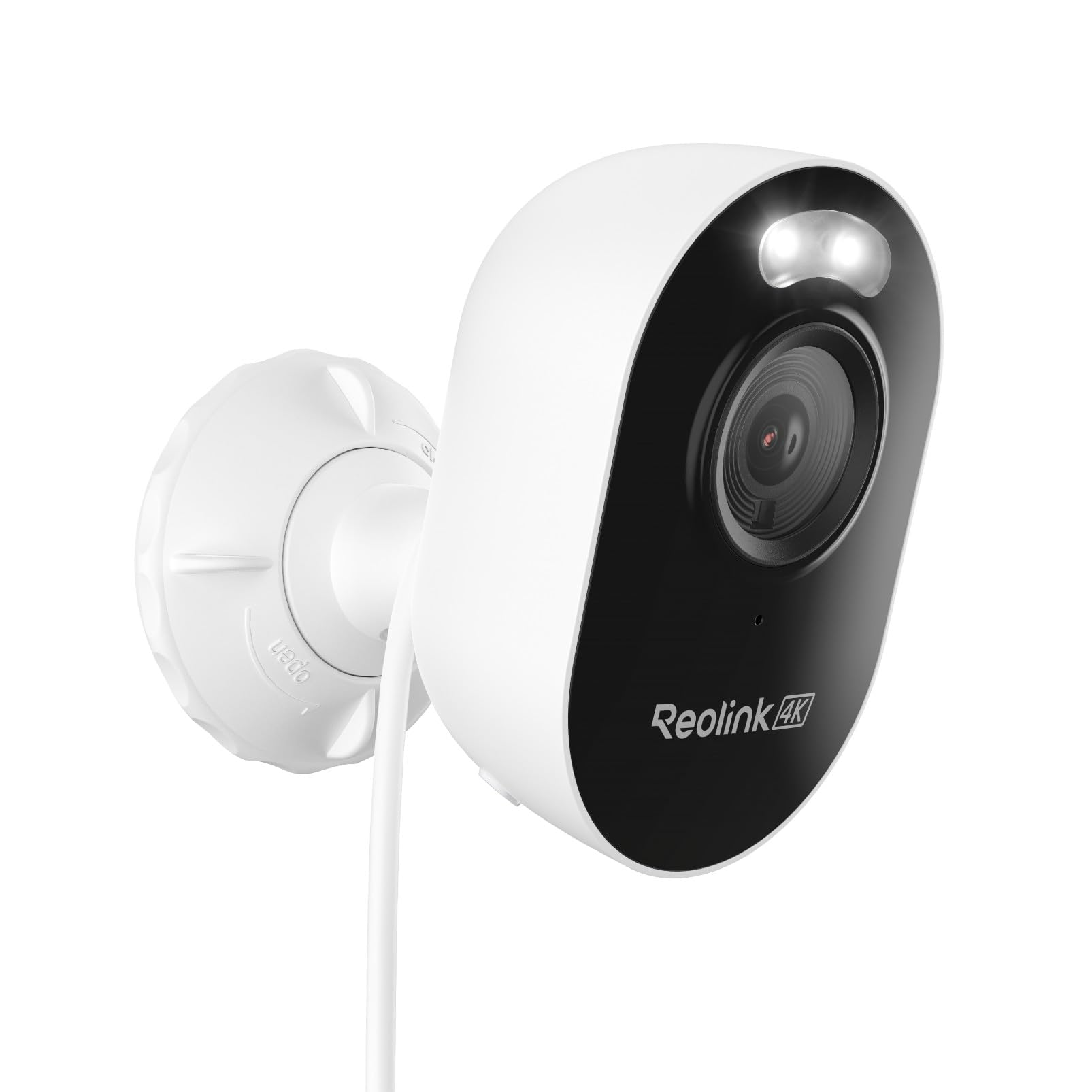
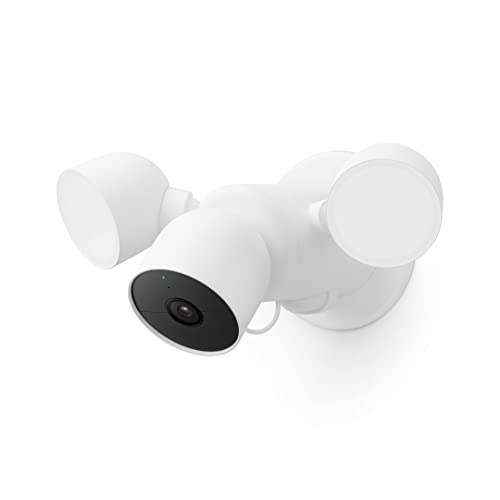
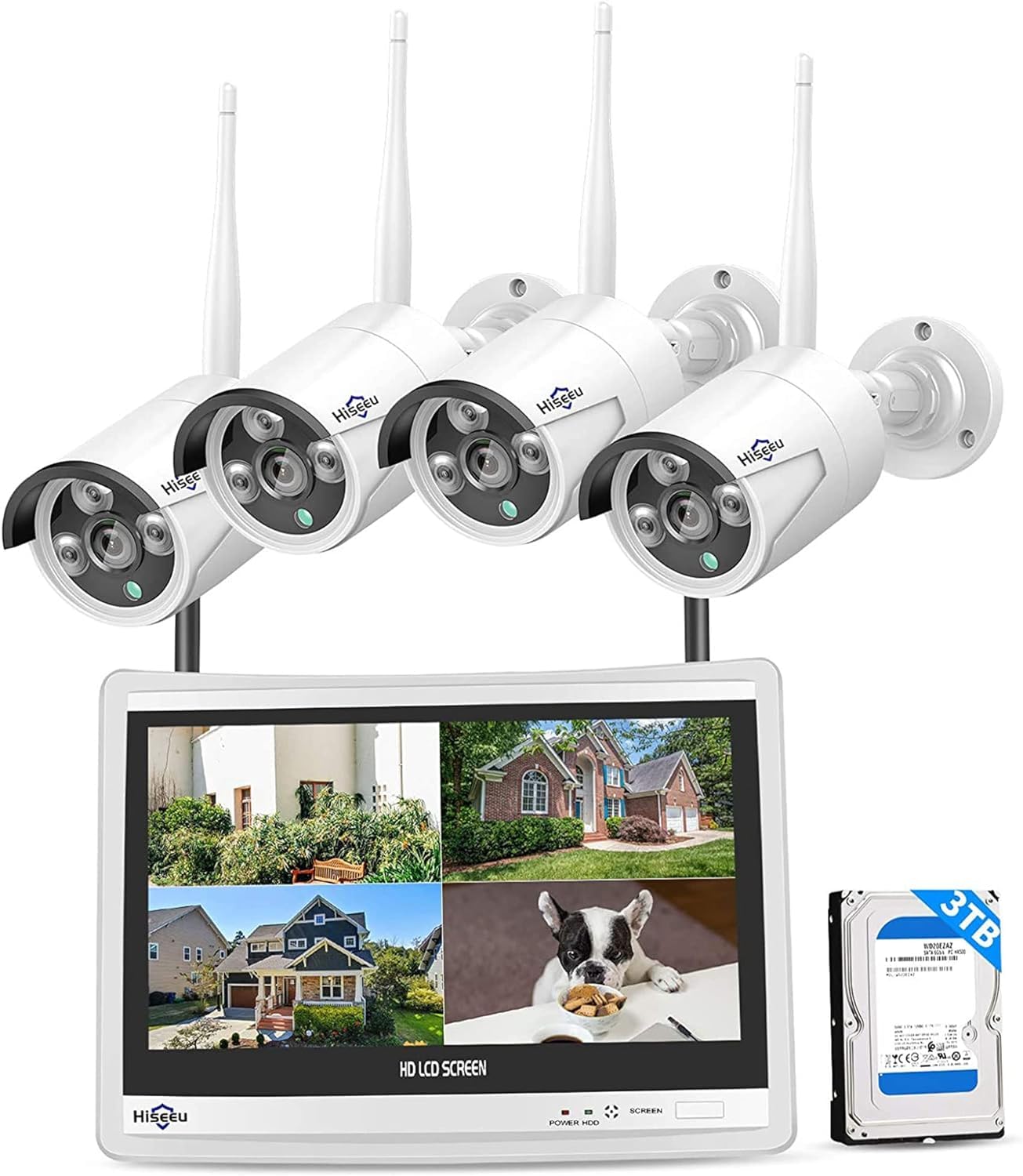
A camera that plugs into household power can record all day without a battery swap, but only if the outlet, the WiFi signal and the view fit your home. The best ac powered wireless security cameras send video over WiFi while a cord supplies steady power, and the comparison table below rewards that balance rather than the longest list of claims.
Start with where the cord can reach, then judge the picture, the alerts and the storage. A bright image matters little if the cable falls short or glare washes out faces at the door. This guide puts placement first.


Who Should Buy AC Powered Wireless Security Cameras?
Choose this style when you want steady recording at a fixed spot and you have an outlet within cable reach. Indoor and outdoor spots demand different housings and views.
Homeowners Covering Doors and Driveways
You want the front door, the garage and the driveway watched through the night without ladder trips to swap batteries. A plugged in camera suits these fixed views, and motion zones can ignore the street while watching the walkway. If you are building a wider system, see our guide to the best wireless home security cameras for whole home layouts.
Renters Who Need Indoor Watch Without New Wiring
You need a camera for a living room or an entry hall, but you cannot add new circuits or run cable inside walls. A compact indoor camera can sit on a shelf near an outlet, with a short cord kept tidy along the wall. Look for a privacy shutter or a simple pause control, plus clear settings for who in the household can view the feed.
Small Business and Rental Owners Who Need Nonstop Recording
You watch a shop entrance or a rental entry where gaps in recording can create real cost and hard questions. Continuous power supports longer clips and more frequent alerts than a sleeping battery camera can offer. Choose local recording as a backup and easy sharing for a manager.
Key Features to Compare
Score each model on the same six points, so a sharp picture cannot hide weak power planning or a costly storage plan.
Sharpness and Coverage From a Plugged In Camera
Resolution decides how much detail you keep when you zoom into a face or a license plate. Many models record in 2K, while higher resolution uses more storage and more WiFi capacity with each clip. Field of view matters too, with about 130 to 160 degrees covering a wide porch in one view. A very wide view can make distant faces small, so place the camera closer to the path.
AC Power, Cable Length and Outlet Placement
AC power means the camera draws power from a wall outlet through an adapter and a cord, while video travels over WiFi, so there is no video cable to run. Check the cord length against the true route around trim and corners, not the straight line to the outlet. Outdoor plugs need a covered and weatherproof outlet, plus a drip loop so water runs away from the plug. That steady supply is why buyers choose the best ac powered wireless security cameras over battery models for a busy door.
Night Vision That Keeps Faces Clear After Dark
Night vision decides whether an overnight clip shows a clear face or only a pale shape moving past the steps. Infrared light gives black and white video at a longer range, while a small spotlight can record color when motion starts, which helps with clothing and car color. Check the stated range, and keep the lens away from walls that bounce light back into it.
Smart Detection, Motion Zones and Alerts
Person detection helps separate a visitor from a swaying branch, and better models also flag packages and vehicles at the curb. Motion zones let you watch the steps and ignore a busy sidewalk, which cuts the alerts you soon learn to ignore. Tune sensitivity in small steps during the first week.
Two Way Audio, Siren and Smart Home Links
Two way audio lets you speak to a courier or ask a stranger to leave, and a siren can add pressure when words alone fail. Check speaker volume and audio delay, since a slow link makes conversation awkward. If you use voice control or a smart display, confirm support for Alexa, Google Assistant or Apple HomeKit before you buy, because support varies by model.
Storage Choices, Local Cards and Cloud Plans
Local storage on a microSD card or a home hub keeps clips in your hands and avoids a monthly fee, but the card can be lost if the camera is stolen. Cloud storage keeps clips off site and makes sharing simple, yet full history often sits behind a paid plan. Before you buy, add the plan cost for one full year to the camera price. Card size decides how many days you keep.
Setup, Placement and a Quick Buyer Checklist
Mount most cameras about 8 to 10 feet high, angled down toward the path people must cross, so faces appear before a visitor reaches the door. Test the live view and WiFi signal at the exact spot before you drill, and walk the route after dark to check for glare.
Outdoor models need a sealed housing, and ratings such as IP65 or IP66 show that a camera can handle rain and dust when mounted as directed. If your main view is outside, see our guide to the best outside security cameras wireless for more on exposed mounts. Keep the adapter and plug sheltered even when the body carries a weather rating.
Run through these questions before you order, and treat any no as a reason to choose another model or spot.
- Is there a covered outlet within the true cable route of the camera spot?
- Does the WiFi signal stay strong at that spot with the door closed?
- Can the camera see faces without aiming straight at the street?
- Does the night view avoid glare from porch lights and parked cars?
- Do you know whether you will pay for cloud storage or use a local card?
- Does the app let you set motion zones and control who views the feed?
If no outlet can reach the view you care about most, a cord may be the wrong answer for that spot. See our guide to the best wireless solar powered security cameras for places where sun is easier to reach than power.
Common Mistakes to Avoid
Most blind spots and early returns trace back to planning, not to the camera itself.
- Stretching a cord across a walkway leaves it where feet and doors can wear or pull it loose.
- Mounting a camera too high shows the tops of heads and misses faces at the door.
- Aiming straight at the street floods the app with passing cars and dulls your response to real visits.
- Skipping two factor sign in leaves the live feed exposed if you reuse a password elsewhere.
- Buying a camera before you price its storage plan hides a yearly cost that can pass the camera price.
- Placing a bright porch light inside the frame creates glare that washes out night video.
Care and Maintenance for AC Powered Wireless Cameras
Wipe the lens with a soft and dry cloth, and clear dust and webs from the housing each season. Inspect the cord, the adapter and the plug for cracks, chew marks or a loose fit. If a cord or adapter looks damaged, unplug it and replace it rather than taping it, and ask a licensed electrician about any outdoor outlet work.
Install firmware updates when the app offers them, and review who shares access to the feed every few months. Format a local card as the maker directs when the app reports errors. After a storm, check one day clip and one night clip to confirm the view still looks right.
FAQ
Can AC powered wireless security cameras work without WiFi?
Yes, some AC powered wireless security cameras can keep recording to a local card or hub without WiFi, but live viewing and phone alerts stop until the connection returns. Check the product details for offline recording, because some models pause when the network drops. After an outage, confirm the camera reconnects on its own.
Is an AC powered camera more reliable than a battery powered camera?
Yes, an AC powered camera is more reliable for a busy fixed view, because it does not sleep to save charge and it cannot run flat between swaps. Its weak points are different, since a power cut or a router fault can still stop alerts. A small backup power unit can bridge short outages at a key door.
Are AC powered wireless security cameras easy to hack?
No, AC powered wireless security cameras are not easy to break into when you set them up with care, but weak account habits create most of the risk. Use a unique password for the camera account and turn on automatic updates. Remove old phones from the signed in device list, and avoid cameras sold without a named maker or a clear support page.
Do AC powered wireless security cameras need a subscription?
No, AC powered wireless security cameras do not need a subscription for live viewing or for recording to a local card on most models. A paid plan usually adds longer cloud history, richer alerts and easy clip sharing. Watch for trials that switch to paid billing, and download clips you need before a trial ends.
How much storage do AC powered wireless security cameras need?
Most homes need enough storage for at least one to two weeks of motion clips from an AC powered camera. Continuous recording fills a card far faster than motion only recording, and higher resolution shortens the span again. Start with a mid size card and size up only if clips are erased too soon.
Our Verdict
Focus on outlet reach, clear night video and alerts you can trust, since those points decide daily use. Use the product table above to compare cable length, storage choices and weather ratings side by side.
When the best ac powered wireless security cameras fit the outlet, the view and your storage budget, they give a steady watch with very little upkeep. Choose the simplest model that passes those checks, and spend the first week tuning zones and alerts around real visits.