Best 8tb Hard Drives 2026: A Practical Buying Guide
Disclosure: We may earn a commission when you buy through links on this page, at no extra cost to you. As an Amazon Associate I earn from qualifying purchases. Learn more

Learn how to choose an 8TB hard drive for backups and storage, from desktop versus portable designs to speed, reliability, and setup tips before you decide.
An best 8tb hard drives choice gives you room for years of photos, videos, and backups in a single device, but capacity alone does not guarantee a good purchase. Think about how you will use the drive, how often you will move it, and how you will protect the data on it, because a backup that lives only on one drive is not really a backup at all.
The comparison table below gathers the main options, and this guide explains desktop versus portable designs, connection speed, reliability habits, and a simple backup routine. You will learn which features matter for home archives, video work, and everyday backups, and which specifications you can safely ignore.
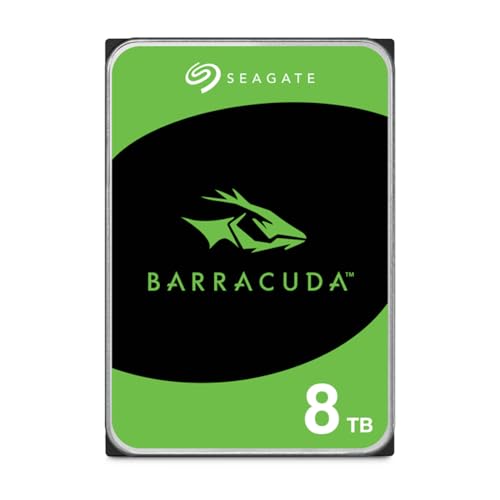
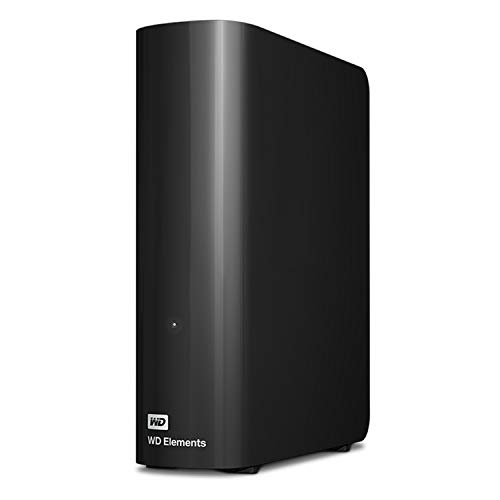

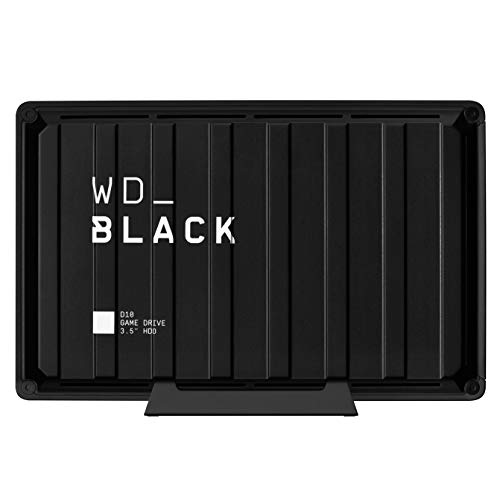

Who Should Buy An 8TB Drive
An 8TB drive suits anyone with a large and growing collection of photos, videos, music, or project files, especially households with several computers sharing one backup target. Photographers, video editors, and families archiving years of memories fill smaller drives quickly, and a single large drive keeps that archive simpler to manage than a drawer of small drives.
It also suits a home backup routine, where one drive holds a full system backup plus version history. If your data totals only a few hundred gigabytes, a smaller drive may serve you better and cost less, but if you already juggle multiple drives or delete files to make room, stepping up to 8TB removes that friction for a long time.
Desktop Versus Portable Designs
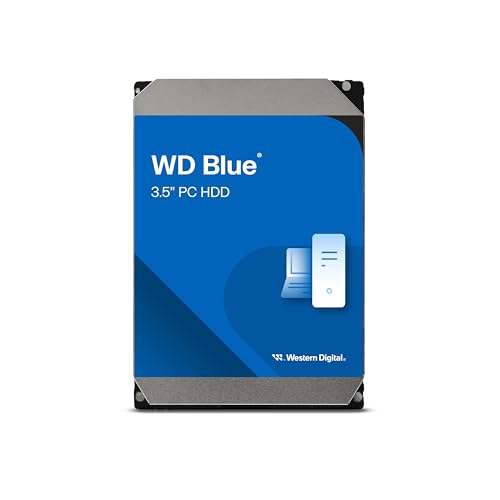
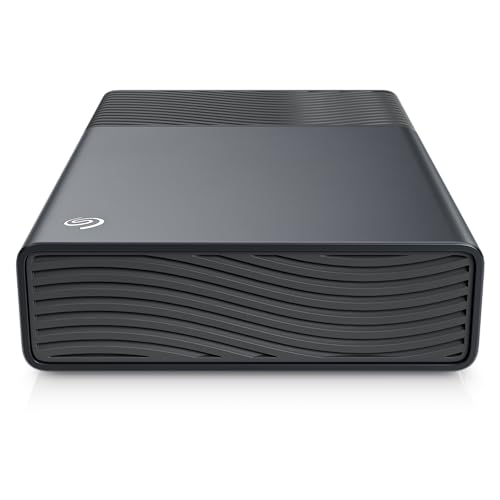
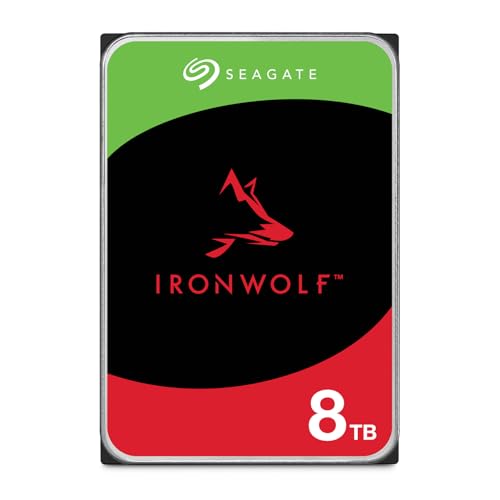
Desktop drives usually need mains power and sit on a desk, and they tend to offer the best value per terabyte at this capacity. They suit a fixed backup station, a media library beside a computer, or a drive that rarely moves. Their larger size allows better cooling, which helps during long backup or transfer sessions.
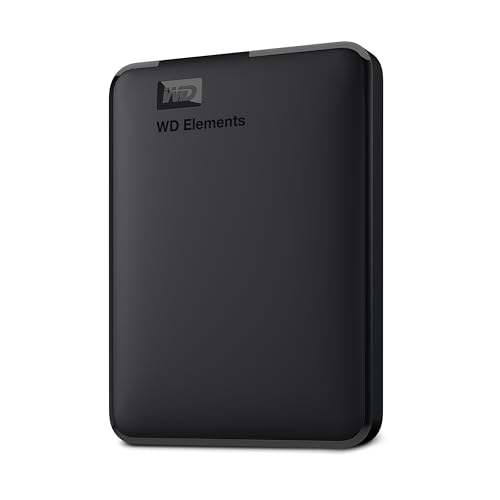
Portable drives run from the computer connection and travel easily, but at 8TB they cost more per terabyte and may run warmer during long transfers. They suit laptops, travel, and carrying files between locations. Choose portability only if you truly move the drive often, because a desktop drive kept safely at home usually gives better value and cooler operation.
Speed, Connections, And Compatibility
Connection type shapes real world speed more than the drive label suggests. A modern USB connection moves large video files far faster than an older port, so check that your computer offers a matching port and use the cable supplied with the drive. For most home backups, even a modest connection finishes overnight, while video editors moving huge files daily benefit more from faster ports.
Compatibility matters too. Some drives arrive formatted for one system, and reformatting for another system erases the contents, so check the format before you copy data. If you share the drive between different systems, choose a format both can read, and test with a small transfer first. Keep the drive firmware and your backup software updated for reliability.
Reliability Habits And Backup Routines
No single drive is a safe home for irreplaceable data, because every drive can fail without warning. Follow a simple routine: keep your original files on your computer, a backup on the 8TB drive, and a second copy somewhere else, such as another drive stored elsewhere or a reputable cloud service. That three copy habit protects against drive failure, theft, fire, and accidental deletion.
Handle the drive gently, keep it cool and ventilated, and avoid moving it during transfers. Let backups run to completion, verify that restores work by testing a small file now and then, and replace a drive that develops clicking, frequent errors, or very slow transfers. A backup you never test is only a hope, not a plan.
Capacity Planning And Long Term Value
Eight terabytes sounds huge, but video and photo libraries grow steadily, so estimate your growth honestly before you buy. Add your current data, allow for a few years of new files, and keep at least a fifth of the drive free, because very full drives slow down and leave no room for backup versions. If you already hold several terabytes, 8TB may last only a few years, and planning for that now saves a second purchase soon.
For long term value, choose a drive from a reputable maker with a clear warranty, and keep the receipt and serial number safe. A slightly higher price for a desktop model with good cooling and a longer warranty often beats the cheapest option, because the cost of lost data dwarfs any saving on the drive itself.
Related Guides Worth Reading
Read our guide to best quality hard drives for more detail on that related choice. Read our guide to best hard disk drives for more detail on that related choice.
Read our guide to best hdd hard drives for more detail on that related choice. Read our guide to best hard drives for backups for more detail on that related choice.
A Final Check Before You Order
Before you buy, add up your current data and allow for a few years of growth, keeping at least a fifth of the drive free for performance and backup versions. Check that your computer offers a matching fast port, confirm the drive format suits every system you will use it with, and test with a small transfer before committing years of files. A few minutes of planning prevents a format surprise after a long first backup.
Once the drive is running, set a regular backup schedule and test restoring a small file occasionally, since a backup you never test is only a hope. Keep a second copy of irreplaceable files elsewhere, store the drive cool and ventilated, and replace it promptly if it clicks, errors, or slows suddenly. Those habits turn a large drive into genuine protection for your memories and work.
L
a
b
e
l
t
h
e
d
r
i
v
e
c
l
e
a
r
l
y
w
i
t
h
i
t
s
c
o
n
t
e
n
t
s
a
n
d
t
h
e
d
a
t
e
o
f
t
h
e
f
i
r
s
t
b
a
c
k
u
p
,
a
n
d
k
e
e
p
a
s
i
m
p
l
e
n
o
t
e
o
f
w
h
a
t
l
i
v
e
s
w
h
e
r
e
i
f
y
o
u
o
w
n
m
o
r
e
t
h
a
n
o
n
e
d
r
i
v
e
.
T
h
a
t
s
m
a
l
l
h
a
b
i
t
s
a
v
e
s
h
o
u
r
s
o
f
s
e
a
r
c
h
i
n
g
l
a
t
e
r
,
e
s
p
e
c
i
a
l
l
y
w
h
e
n
a
f
a
m
i
l
y
m
e
m
b
e
r
n
e
e
d
s
a
n
o
l
d
p
h
o
t
o
o
r
a
w
o
r
k
f
i
l
e
q
u
i
c
k
l
y
.
S
t
o
r
e
t
h
e
d
r
i
v
e
i
n
a
c
o
o
l
,
d
r
y
p
l
a
c
e
a
w
a
y
f
r
o
m
m
a
g
n
e
t
s
a
n
d
d
i
r
e
c
t
s
u
n
,
a
n
d
h
a
n
d
l
e
i
t
g
e
n
t
l
y
w
h
e
n
e
v
e
r
i
t
m
o
v
e
s
b
e
t
w
e
e
n
r
o
o
m
s
.
Frequently Asked Questions
Is 8TB enough for a family photo and video library?
For most families yes, because 8TB holds hundreds of thousands of photos and many hours of high definition video, with room for backups as well. Very large 4K video collections grow faster, so check your current total and estimate a few years of growth before deciding. Keep at least a fifth of the drive free for performance and backup versions, and add a second copy elsewhere for irreplaceable memories.
Should I choose a desktop or portable 8TB drive?
Choose a desktop drive if the drive will stay beside one computer, since it offers better value per terabyte and cooler operation during long transfers. Choose a portable drive only if you truly carry it between locations, because portability costs more at this capacity. For a home backup station, a desktop drive kept safely in one place is usually the better long term choice.
How fast will an 8TB backup take?
The first full backup of several terabytes can take many hours, even on a fast connection, so run it overnight and let it finish without interruption. Later incremental backups, which copy only changed files, take far less time and can run while you work. Use the fastest port your computer offers, keep the drive cool and ventilated, and avoid moving the drive during a transfer.
Do I need more than one backup copy?
Yes, because a single drive can fail, be stolen, or be damaged, and any one of those events loses everything stored only on that drive. Keep your files on your computer, a backup on the 8TB drive, and a second copy elsewhere, such as another drive or a reputable cloud service. Test restoring a small file occasionally, since a backup you never test may fail when you need it most.
What are the signs a hard drive is failing?
Clicking or grinding noises, frequent errors, files that refuse to copy, and transfers that suddenly slow down all suggest a drive in trouble. Stop using a suspect drive for new data, copy what you can to another drive promptly, and seek professional recovery help for irreplaceable files rather than running repeated repair attempts. Replacing a failing drive early costs far less than losing the data on it.
Final Thoughts
Choose a desktop or portable 8TB drive based on how often it moves, check the connection and format, and build a backup routine with a second copy elsewhere. The product table above compares the main options on capacity, design, and intended use.
With a sensible routine, an 8TB drive gives your photos, videos, and work room to grow for years. Test your backups, keep the drive cool and safe, and replace it promptly if warning signs appear. That is how you choose the best 8tb hard drives for your needs.