
Best 8k TVs for PS5 Made Simple: A Clear Buying Guide for 2026
Disclosure: We may earn a commission when you buy through links on this page, at no extra cost to you. As an Amazon Associate I earn from qualifying purchases. Learn more

Shopping for the best 8k tvs for ps5 for the first time? Learn the key terms, compare panel types, and choose with confidence using this simple guide.
Buying your first gaming TV is confusing because the spec sheet mixes numbers that matter with numbers that mostly sell boxes. Resolution, refresh rate, HDR, and panel type all sound important, and for a PS5 some of them truly are. This guide explains the best 8k tvs for ps5 in plain language, starting with the basics and ending with a confident choice.
You do not need to become an engineer. You need to know which specs the PS5 can actually use, which ones improve movies as well as games, and which ones you can safely ignore. The comparison table below gathers the key figures so you can check any model against the guidance here.

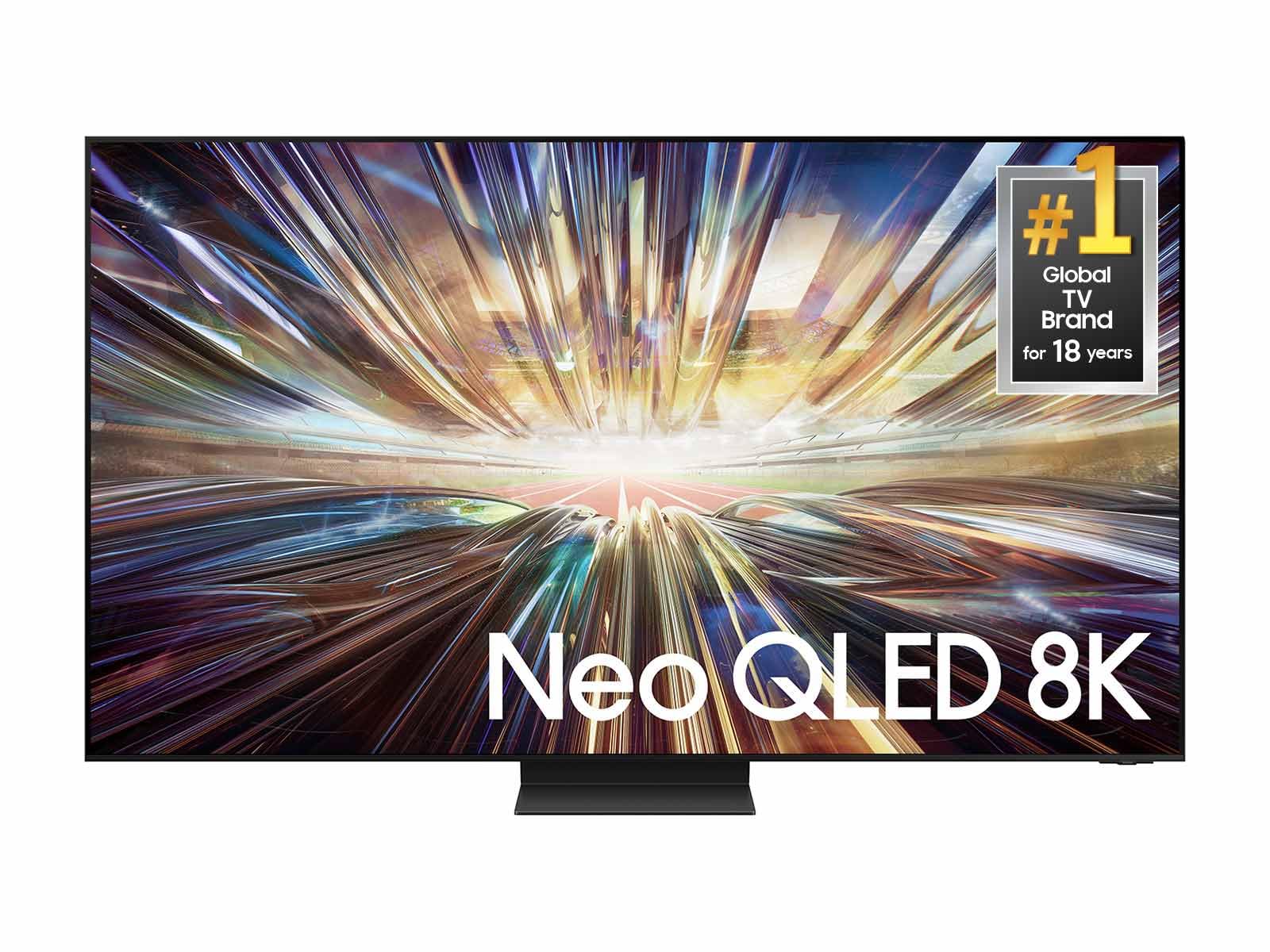
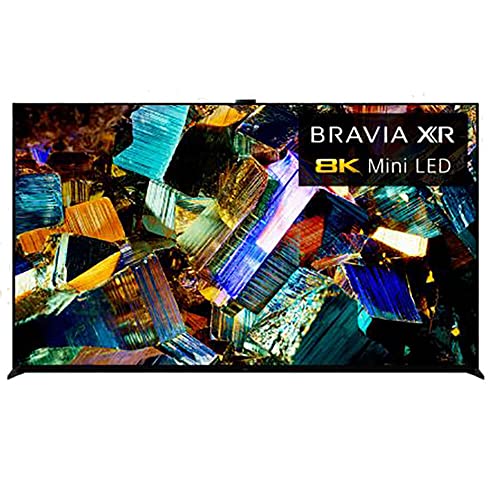

8K TVs 101: The Basics
An 8K TV has about four times as many pixels as a 4K TV, which means a sharper picture when you sit close or use a very large screen. The honest catch for PS5 owners is content: the console outputs games at up to 4K in most titles, and native 8K gaming is rare. An 8K set uses upscaling to fill its screen from a 4K signal, and good upscaling looks clean and detailed. So you are buying an 8K TV for future readiness, large screen sharpness, and the premium panel quality that usually comes with this class, not for a library of native 8K games today. That framing helps you judge value clearly. For the broader category beyond consoles, see our guide to the best 8k tvs after you finish the basics here.
Key Specs Explained in Plain English
Features That Matter for PS5
The PS5 needs an HDMI 2.1 port to deliver 4K at 120 frames per second in supported games, plus variable refresh rate to smooth out frame dips. Automatic low latency mode switches the TV into game mode when the console turns on, which keeps controls feeling responsive. Confirm at least one, and ideally two, HDMI 2.1 ports, because a soundbar may claim the special eARC port. These features matter more to your gaming experience than the jump from 4K to 8K resolution itself.
Panel Technology
OLED panels light each pixel individually, giving perfect blacks, superb contrast, and wide viewing angles, with a small risk of burn in from static images left on screen for many hours. Mini LED panels use many tiny backlights for very high brightness and strong contrast, which suits bright rooms. VA panels offer good contrast at lower prices but narrower viewing angles, while IPS panels trade contrast for wider angles. For mixed gaming and movies in a normal living room, OLED and Mini LED are the two technologies to compare most closely.
Stand, Mounting, and Ergonomics
Check the stand width before you buy, because wide feet on large TVs often exceed the width of existing TV furniture. Most models support VESA wall mounts, and mounting frees space for a soundbar and keeps the screen at a stable height. Cable routing through the stand or a rear channel keeps a gaming setup tidy. If the TV will sit on a desk depth surface or a narrow console, measure twice. A screen this large also deserves a slight tilt check: your eye level should land near the center of the screen when seated.
HDR and Brightness
HDR expands the range between dark and bright parts of the picture, which makes explosions, sunsets, and stadium lights look lifelike. HDR10 is the baseline format, and Dolby Vision adds scene by scene adjustment on supported content. Brightness is measured in nits; higher peak brightness makes HDR highlights pop and helps in sunlit rooms. For PS5 gaming, the console uses HDR tone mapping setup on first use, so run that calibration carefully rather than skipping through it. A TV with strong brightness and good local dimming will show that calibration at its best.
Adaptive Sync and Gaming Features
Variable refresh rate lets the TV match the console frame output moment by moment, which removes tearing and reduces stutter when a game cannot hold a steady rate. The PS5 supports VRR over HDMI 2.1, so confirm the TV lists VRR support on the specific port you will use. A game bar or dashboard that shows frame rate and VRR status is a helpful extra. Our guide to the best gaming tvs for ps5 explores these gaming features in more depth once you know the basics. Input lag under about 10 milliseconds in game mode is the other number to verify.
Refresh Rate and Response Time
Refresh rate is how many times per second the screen redraws, measured in hertz. The PS5 tops out at 120 Hz, so a native 120 Hz panel is the correct target; higher figures aimed at PC gaming add cost you cannot use with this console. Response time describes how fast pixels change color, and fast response keeps motion clear in racing and sports games. OLED leads here by a wide margin. Avoid judging by motion smoothing marketing names, and turn smoothing off for gaming because it adds input lag.
Rookie Mistakes to Avoid
- Buying on resolution alone, while ignoring HDMI 2.1 ports and VRR, which shape PS5 gaming far more day to day.
- Choosing a screen too large for the room, so you sit close enough to see upscaling artifacts and feel eye strain during long sessions.
- Leaving the TV in vivid picture mode, which oversaturates color and can hide detail in dark game scenes.
- Forgetting audio: thin TVs have small speakers, so budget around $100 to $300 for a soundbar if movies matter to you.
- Skipping the stand measurement and discovering on delivery day that the feet do not fit your furniture.
Getting Started: Setup and First Use
Start by connecting the PS5 to an HDMI 2.1 port with the cable supplied with the console, then run the console HDR adjustment screens in a dim room and follow the instructions exactly. Switch the TV to game mode for that input and choose the accurate picture preset as your base rather than vivid mode. Check for a TV software update before you judge picture quality, since updates often improve upscaling and gaming features. On an OLED, run the built in pixel refresh when the TV prompts you and vary content during the first weeks. Finally, sit at your normal distance and play a familiar game scene to confirm brightness and motion feel right. Players comparing console first setups may also enjoy our guide to the best tvs for ps5 for the 4K focused view.
8K TVs: Your Questions Answered
What features matter most in 8k tvs for ps5?
HDMI 2.1 with 120 Hz support, VRR, and low input lag matter most, because the PS5 uses all three in everyday gaming. Panel quality and HDR brightness come next, since they shape both games and films. Resolution itself ranks lower today because the console rarely renders natively at 8K. A practical order of priorities keeps you from paying for the one spec that matters least right now while missing the ones you will feel in every session.
What size should I get for my room or desk?
Choose size from your seating distance: about 55 to 65 inches suits most living rooms where viewers sit roughly 6 to 9 feet away. An 8K screen holds up when you sit closer, which helps in smaller rooms with large screens. For a desk, even 55 inches is usually too large and too close for comfort. Measure your wall or stand first, and remember that a slightly smaller premium panel looks better than a larger basic one.
Is 4K worth it instead of 8K?
Yes, 4K is worth it and is the sensible choice for many PS5 owners, because games target 4K and excellent 4K TVs cost far less. An 8K model makes sense when you want a very large screen, sit close to it, or plan to keep the TV through the next console generation. The money saved with 4K can fund a soundbar and still leave change. Neither choice is wrong; they serve different rooms, distances, and budgets.
IPS vs OLED: which is better for gaming?
OLED is better for most gaming, thanks to instant response, perfect blacks, and wide viewing angles that keep colors true from any seat. IPS is brighter on some models and carries no burn in concern, which suits very bright rooms and heavy use with static screens like news channels. For a PS5 in a living room with controlled light, OLED usually wins. In a sun filled room used all day, a bright Mini LED or IPS set may serve you better.
How long do 8K TVs last?
A quality TV typically lasts about seven to ten years of regular use. The panel itself rarely fails first; software support, HDMI standards, and backlight aging set the practical limit. OLED brightness declines very gradually, and modern panels include compensation features that slow visible wear. Keeping brightness moderate for everyday viewing and updating the software extends useful life. Budget wise, treat the purchase as a long term appliance, which argues for buying the right size and ports once.
Does refresh rate matter for non gamers?
Refresh rate matters less for non gamers, because films and shows are made at low frame rates that any TV can display. A 120 Hz panel still helps sports look smoother and handles 24 frame film content more cleanly than a 60 Hz panel. Motion smoothing, which invents extra frames, is optional and many viewers dislike its artificial look. If nobody games and sports are rare in your home, do not pay a premium for refresh rate alone. History buffs can browse the best tvs of all time to see how these standards evolved.
The Bottom Line
For a first 8K purchase, prioritize HDMI 2.1 gaming features, then panel quality and HDR brightness, and treat resolution as future proofing rather than the main event. Size the screen to your seating distance and run the HDR setup with care on day one. Check your shortlist against the product table above, and the best 8k tvs for ps5 for your room and budget will be clear.


