
Best 8 Port Poe Switch for Ip Cameras: Every Type Explained Side by Side for 2026
Disclosure: We may earn a commission when you buy through links on this page, at no extra cost to you. As an Amazon Associate I earn from qualifying purchases. Learn more
Compare the best 8 port poe switch for ip cameras by type, power budget and features with a clear buying guide for home and small business camera systems.
Choosing a switch sounds simple until you face power budgets, port speeds and management options that all look alike on a spec sheet. The wrong choice leaves cameras dropping offline or starved of power at night when their lights turn on, which is why comparing types first is the smart way to find the best 8 port poe switch for ip cameras for your setup.
This guide compares each switch type side by side, then covers the power and distance math that decides whether your cameras stay online. Use the product table below to shortlist a type, then confirm the details in the sections that follow.


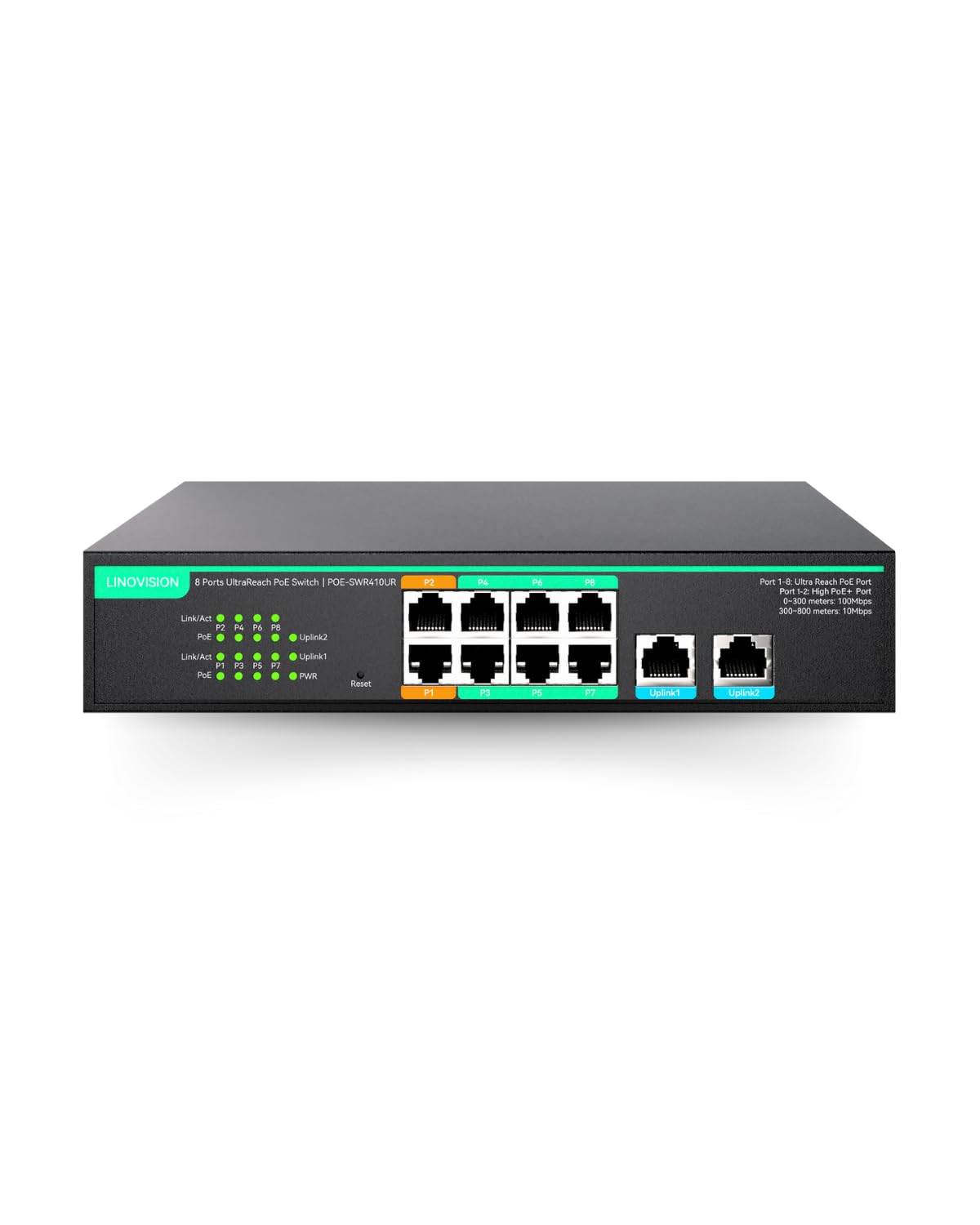


Types of 8 Port Poe Switches Compared
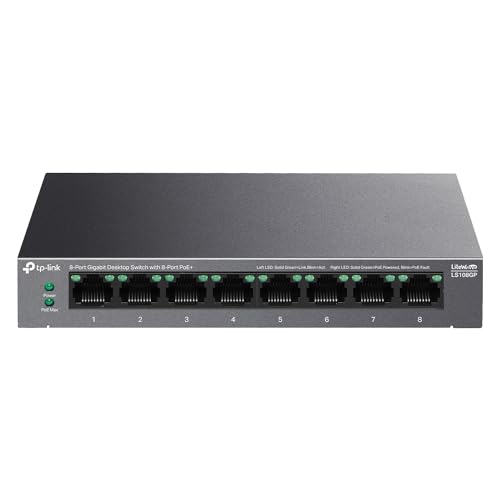
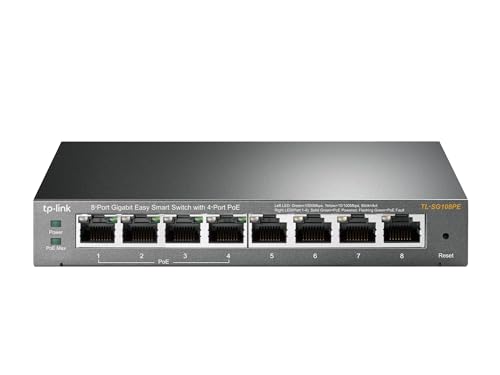
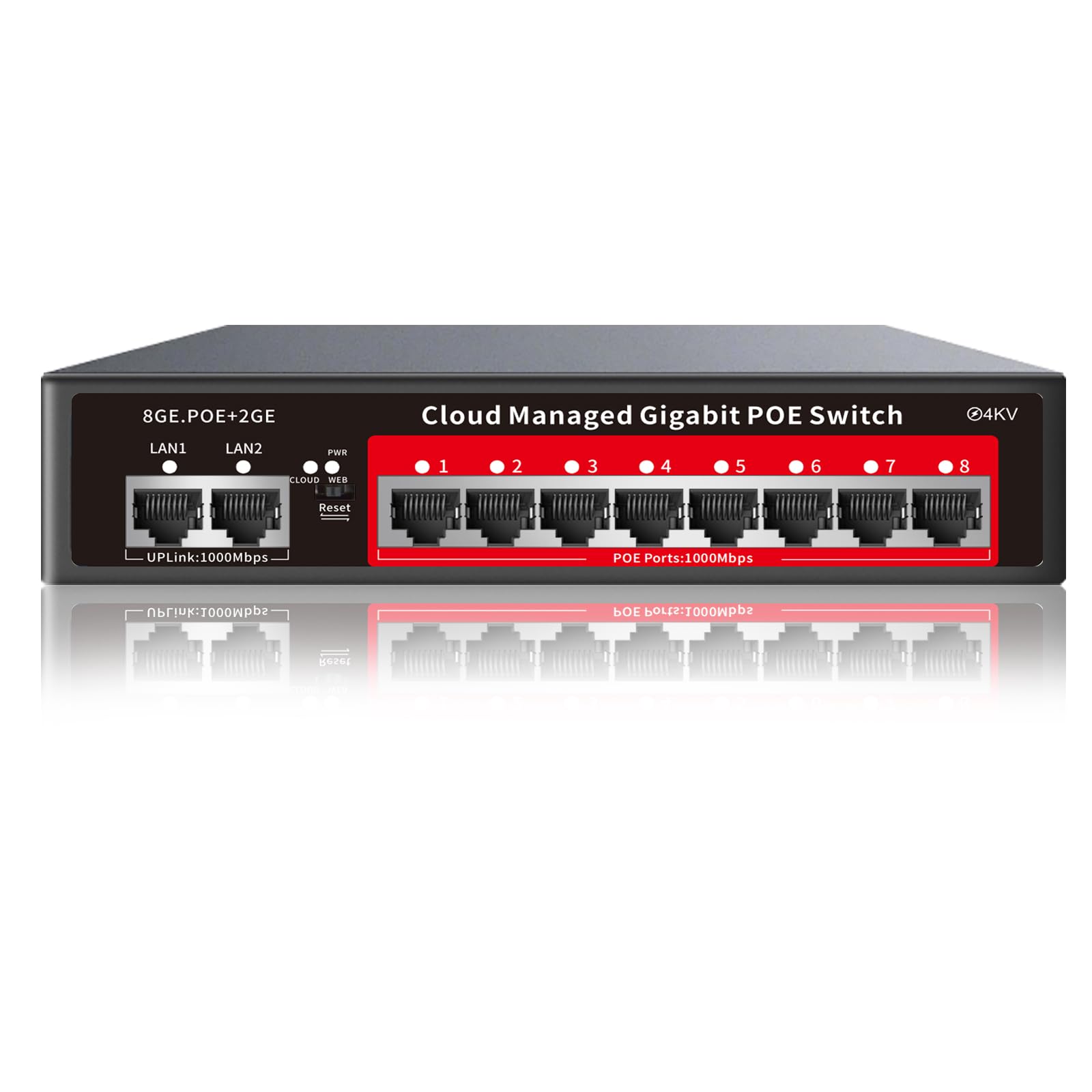
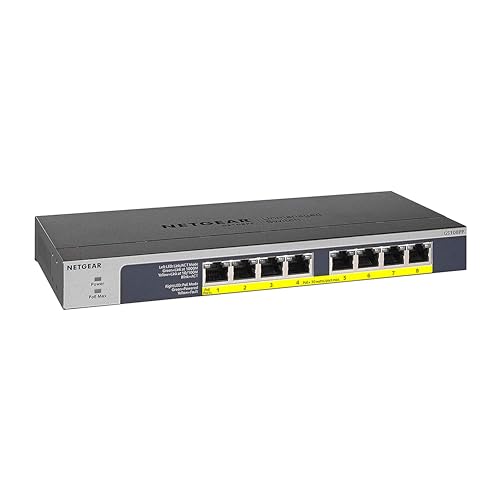
Most 8 port models fall into a few clear types. Unmanaged switches usually cost around $40 to $80, managed models around $80 to $180, and extended distance models around $60 to $140. The right type depends on how much control you need and how far your cameras sit from the switch.
Unmanaged Plug and Play Switches
An unmanaged switch works the moment you plug it in, with no settings to configure. It suits homes and small shops with a handful of cameras on one network, where simplicity matters more than control. The trade off is visibility: when a camera drops, you get no logs or per port data to explain why. For a stable home system with short cable runs, that simplicity is often the best value you can buy.
Managed Switches
A managed switch gives you a web interface to monitor each port, restart a frozen camera remotely, and separate camera traffic onto its own network segment for security. That control helps in offices, rental properties and larger homes where cameras share a network with computers and guests. The cost is price and setup time, since someone must configure and maintain the settings. If you will never log in after setup, the extra cost buys you little.
Extended Distance Switches
Extended distance models add a special mode that slows selected ports to reach cameras well beyond the standard cable limit, often up to about 800 feet at reduced speed. That suits barns, parking areas, gates and long driveways where running new cable or adding a second switch is costly. The trade off is bandwidth, so use extended mode only on the far cameras and keep near cameras on normal ports. Always confirm the top speed in extended mode before you buy.
Unmanaged vs Managed Switches: Which Should You Choose?
Compare the two main types on five points. On setup, unmanaged wins because there is nothing to configure. On troubleshooting, managed wins because per port status and remote restart save you a trip to the camera. On security, managed wins because you can isolate cameras from the rest of the network. On price, unmanaged wins by a wide margin. On growth, managed wins if you may add cameras or networks later.
For a home with up to eight cameras and one network, an unmanaged switch is usually the sensible choice. For a business, a shared building, or any system you support remotely, the managed type earns its price the first time you restart a camera from your desk instead of climbing a ladder. If your layout includes one or two very long runs, consider an extended distance model or a managed model that offers that mode.
How to Choose the Best 8 Port Poe Switch for Ip Cameras
PoE Power Budget
The power budget is the total wattage the switch can deliver across all ports, and it is the figure buyers miss most often. Add up what your cameras draw, remembering that cameras with night lights, heaters or moving parts can draw close to their maximum rating. Leave at least 20 percent headroom so the switch is not running at its limit on cold nights. A budget around 60 W suits basic fixed cameras, while systems with moving or heated cameras may need around 100 W or more.
Port Speed and Uplinks
Most cameras use little bandwidth, so standard fast ports can serve fixed cameras well, but gigabit ports give you headroom for high resolution streams and future cameras. Pay closer attention to the uplink ports that carry all camera traffic to your recorder or router. A gigabit uplink prevents a bottleneck when several cameras record at once. If the switch will also serve other devices, gigabit throughout is the safer long term choice.
Build, Noise and Placement
A metal case handles heat better than plastic and suits attics, garages and utility rooms where switches often live. Fanless models are silent and suit living spaces or small offices, while models with fans move more heat but add noise. Check the operating temperature range if the switch will sit in an unheated space. Leave space around the vents, and never bury the switch under insulation or inside a sealed box without airflow.
Features That Matter for Ip Cameras
Camera systems need steady power delivery, surge protection and ports that recover cleanly after an outage. Look for per port status lights so you can see power and link state at a glance, and consider a watchdog feature on some models that restarts a port when a camera stops responding. Our broader guide to the best poe switch for ip cameras explains how these features differ across port counts. If your cameras are still undecided, our guide to the best poe ip cameras will help you estimate their power draw before you size the switch.
Cable planning matters as much as the switch itself. Standard Ethernet runs should stay within about 328 feet per run, and solid copper cable carries power more reliably than cheaper copper clad aluminum. Label both ends of every run during installation, because that small step saves hours when you later move or replace a camera.
Care and Maintenance Tips
Keep the switch in a dry spot with airflow, and dust the vents every few months so heat can escape. Update the firmware on managed models when the maker releases fixes, and save a copy of your settings after setup so a replacement can be configured in minutes. Once or twice a year, check that every camera still draws normal power and that no port shows errors, which often reveals a failing cable before a camera goes dark.
Surge protection is cheap insurance for outdoor camera runs, since long exterior cables can carry power surges into the switch during storms. If your system protects something important, consider a small battery backup for the switch and recorder so recording continues through short outages. For related setups, see our guide to the best poe switch for security cameras for placement and protection ideas.
8 Port Poe Switches: Your Questions Answered
What features matter most in 8 port poe switches for ip cameras?
Total power budget matters most, followed by port speed and build quality. Confirm the switch can supply every camera at its maximum draw with headroom to spare, and that the uplink is fast enough for all streams at once. Per port status lights and a metal case are small details that pay off for years. Management features matter only if you will actually use them.
How far can one cable run power a camera?
A standard run can carry data and power about 328 feet, which covers most homes and small sites. Beyond that distance, voltage drop and data errors grow, and the camera may work in the day but fail at night when its lights draw more power. Extended distance switch modes or a second switch midway are the usual fixes. Always check the longest run before final mounting.
How much should I spend on my first one?
Most first time buyers do well spending around $50 to $120 for a home system. That range covers solid unmanaged models and entry managed models with healthy power budgets. Spending less often means a small power budget that limits your camera choices later. Spending more mainly buys management, higher budgets and rugged builds, which matter for businesses more than for homes.
What specs matter most for beginners?
Beginners should focus on power budget, gigabit uplinks and clear per port lights. Those three specs decide whether setup is painless or frustrating. Ignore advanced network settings at first, since defaults handle a simple camera network well. Choose a known maker with clear documentation, because a good manual is worth more than extra features you cannot find or understand during setup.
Can one switch power eight cameras at once?
Yes, one switch can power eight cameras at once if its total power budget covers the combined maximum draw. Divide the budget by your camera count as a quick check, then compare that figure with each camera rating. Moving cameras and cameras with heaters draw the most, so size for them first. If the math is close, step up to a higher budget model rather than hoping average draw saves you.
Do cameras need more power at night?
Yes, most cameras draw more power at night because their infrared lights switch on after dark. A camera that runs fine at noon can reboot repeatedly at midnight if the switch budget is tight. Size your power budget using the night rating, not the daytime figure. This single habit prevents the most common and most confusing camera failure new owners report.
Final Thoughts
Start with the power budget, then choose the type that matches your need for control, then confirm cable distances before you order. Homes usually thrive on a simple unmanaged model, while remote support and network separation justify a managed one. Compare your shortlist in the product table above and pick the best 8 port poe switch for ip cameras option that leaves your cameras power to spare on the darkest, coldest night of the year.


