
Best 720p TVs by Budget: Smart Picks for 2026
Disclosure: We may earn a commission when you buy through links on this page, at no extra cost to you. As an Amazon Associate I earn from qualifying purchases. Learn more

Compare the best 720p tvs by price tier, with notes on screen size, smart features, and ports, plus a checklist for bedrooms, kitchens, and guest rooms.
Not every room needs a giant 4K panel. For a bedroom, a kitchen, a dorm, or a guest room, a smaller high definition set is often the right tool, and prices vary enough that guessing wastes money. This guide sorts the best 720p tvs by price tier so you can see exactly what each step up buys, and what it does not. Start with the comparison table below, then use the tier notes to match a screen to your room and your viewing distance.
One fact shapes everything here: 720p sets are small, mostly 24 to 32 inches. At those sizes and at normal distances for a secondary room, the picture looks sharp, and smart features and sound matter as much as resolution.
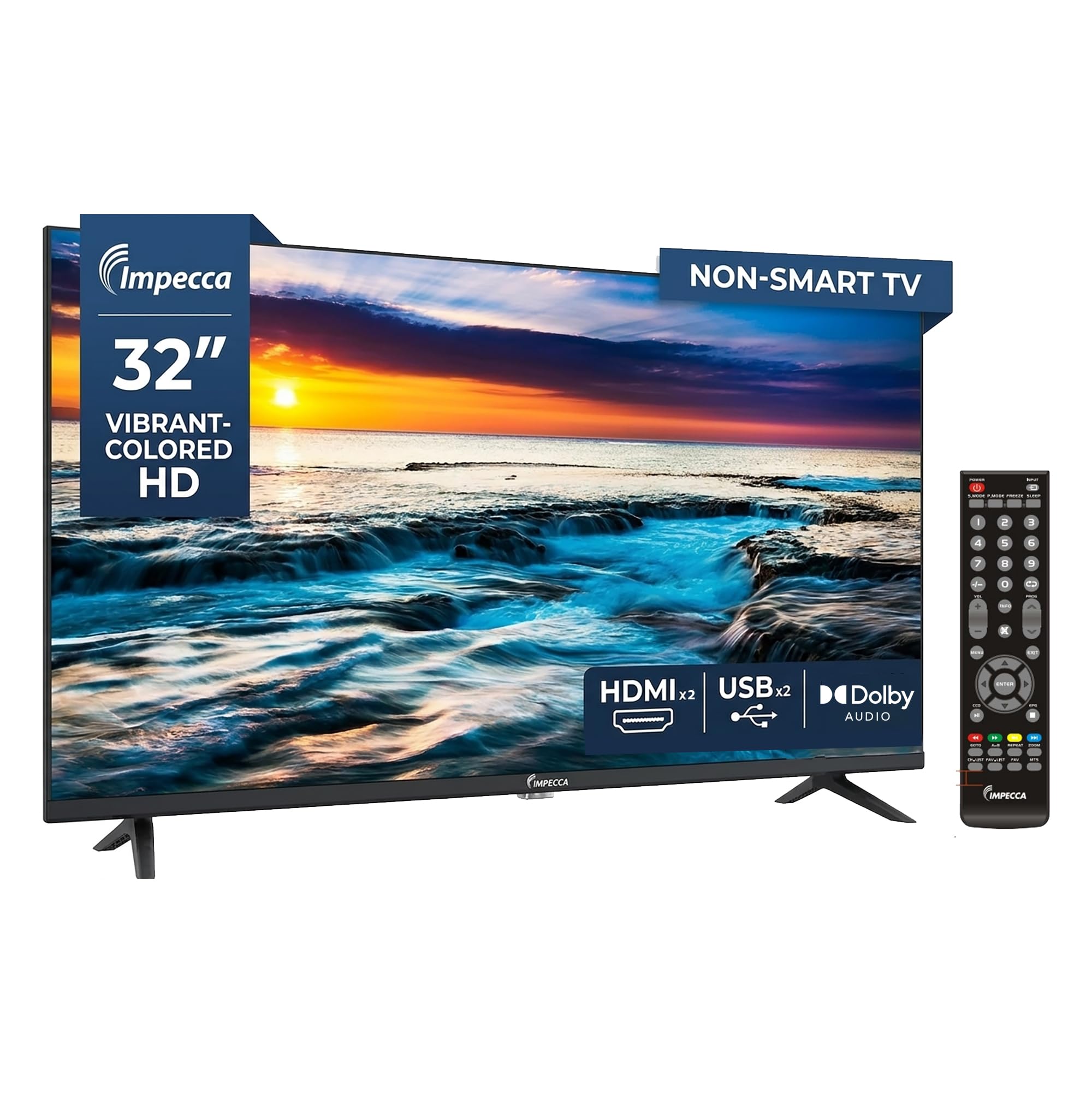


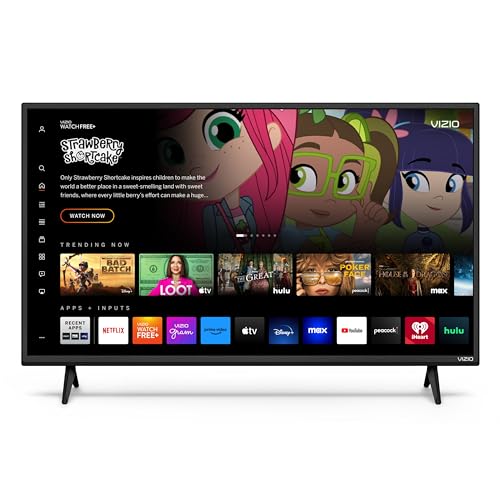


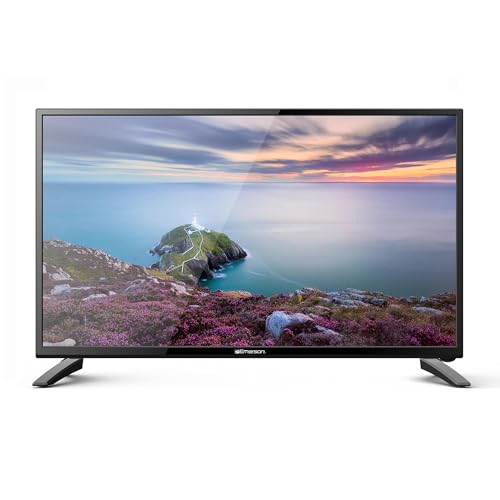
Price Tiers Compared: What Each Level Should Deliver
Judge each model against its own tier. The right question is not which set costs least, but which tier fits the room the TV will serve.
Budget Tier Checklist
Around $80 to $130, expect a 24 to 32 inch 720p panel, a basic smart platform or none at all, and two HDMI ports. Picture quality is perfectly serviceable for news, broadcast channels, and casual streaming. The compromises are dimmer screens, narrow viewing angles, and weak speakers. This tier fits a kitchen counter, a workshop, or a child bedroom where the TV plays a supporting role. If the set has no smart platform, plan on adding a small streaming stick and count that cost in your comparison.
Midrange Tier Checklist
Around $130 to $200, the upgrades are about daily convenience. A proper smart platform with the major apps runs faster, voice remotes appear, and screens get brighter with better color. You may also gain a third HDMI port and better motion handling for sports. For a main bedroom TV that you watch every night, this tier is the sweet spot: everything works smoothly, nothing feels stripped down, and the price stays modest.
Premium Tier Checklist
Around $200 to $280, the top of the 720p market buys refinement rather than resolution. Expect the best brightness and viewing angles in the class, a fast and polished smart platform, and extras like Bluetooth audio for headphones and solid built in sound. Some sets at this level step up to 1080p, which is worth taking if the price is close. This tier suits a small living room or an RV where one compact TV does every job.
What Your Money Gets You at Each Price Tier
Budget Tier: What to Expect
Budget money buys the essentials done adequately: a watchable picture, working tuners for an antenna, and ports for a streaming stick and a game console. Remote quality is often poor and menus can feel slow, so patience helps. The good news is that reliability at this level is fine and replacement cost is low. Choose this tier when the TV is a second or third screen, and spend the savings on a decent antenna or a streaming subscription instead.
Midrange Tier: The Sweet Spot for Most Buyers
Midrange sets remove the daily annoyances. Apps open quickly, the remote finds shows by voice, and the picture holds up from the side of a bed rather than only dead center. Brightness improves enough for a sunny bedroom, and sound is clear at low night time volume. For most buyers placing one small TV in a bedroom or a small apartment, this is where the money feels best spent, and it is the tier we would point most households to first.
Premium Tier: When Spending More Pays Off
Spending more pays off when the small TV is your main TV. Better panels show richer color for movies, wider angles suit a room where people watch from a sofa and chairs, and Bluetooth headphone support is a genuine gift in shared housing. You also tend to get better build quality and a longer software support life for the smart platform. If the TV is only for morning news, skip this tier; if it carries your evening viewing, the upgrade is easy to feel.
Features Worth Paying For (and Ones to Skip)
Refresh Rate and Response Time
Nearly every 720p TV uses a 60Hz panel, and for this class that is enough. Broadcast, streaming, and casual console play all look fine at 60Hz. Marketing may quote higher effective rates created by backlight tricks, so check the native rate and do not pay extra for inflated numbers. Response time is a non issue for television and movie viewing at these sizes; only fast competitive gaming would notice, and serious gamers should shop larger gaming displays instead.
Stand, Mounting, and Ergonomics
Small TVs live on dressers, counters, and wall mounts, so check the basics. Confirm the VESA pattern, commonly 100 by 100 or 200 by 200 at this size, before buying a mount. Measure the foot spacing if the set will stand on narrow furniture. A swivel mount is a smart buy for a kitchen or bedroom because it lets one screen serve two viewing spots. Also check where the ports face; side facing ports are far easier to reach once a small TV is mounted close to a wall.
Panel Technology (IPS, VA, OLED, Mini LED)
At this size and price, panels are simple LED backlit LCD in either VA or IPS form. VA gives deeper blacks for night viewing in a dark bedroom. IPS gives wider angles, which suits a kitchen where you watch while moving around. OLED and mini LED do not exist in this class, so any listing implying premium panel technology at this price deserves a careful second look at the full specifications before you trust it.
Connectivity and Ports
Count your devices before you buy. Two HDMI ports cover a streaming stick and a console, but a cable box as well means you want three. A USB port powers a streaming stick neatly and plays media files on some models. An optical or HDMI ARC output matters if you plan a small soundbar, and a headphone jack is still valuable on bedroom sets. Built in WiFi is standard on smart models; Ethernet is rare at this size and rarely missed.
Resolution and Screen Size
The honest rule: at 24 to 32 inches, 720p looks sharp from about 4 feet or more, which covers most secondary room use. Sit closer, as at a desk, and a 1080p screen is the better buy at 32 inches. Screen size should follow the room: 24 inches for a kitchen or camper, 32 inches for a bedroom. Do not buy a larger 720p set for a main living room, because at 40 inches and up the softness becomes obvious from a sofa.
Long Term Costs to Factor In
Total cost stays low with this class, but a few extras appear often. A wall mount runs around $15 to $40, and a streaming stick around $25 to $50 if the set lacks smart features or outlives its platform. Sound is the common upgrade: a compact soundbar around $60 to $120 transforms a small TV in a living space, and our guide to the best soundbars tv setups explains what fits tight spaces. Electricity use is small, typically well under a dollar or two per month of evening viewing. For context on how far small budgets stretch across sizes, our guide to the best inexpensive tvs compares the wider budget field.
Placement can change the recommendation. A set destined for a porch or garage needs brightness and tolerance for temperature swings, as covered in our guide to the best tvs for outside use. Brand ecosystems matter to some buyers too: if your home already runs one platform, the lineup in our guide to the best samsung tvs shows how that brand handles smaller screens.
720p TVs: Your Questions Answered
Is 4K worth it over a 720p TV?
At 24 to 32 inches, 4K is not worth paying for, because your eyes cannot resolve the extra detail at normal distances for these rooms. The money is better spent on a brighter panel or better sound. The exception is a desk setup where you sit about 2 feet away; there, even 1080p is a visible step up, and 4K only makes sense on a monitor rather than a small TV.
How long do 720p TVs last?
A small LED TV typically lasts 7 to 10 years, and simple sets often outlast smart ones because there is less to go wrong. The smart platform usually ages first as apps drop support. Plan around that by choosing a set with an HDMI port to spare, so an inexpensive streaming stick can quietly take over the smart duties in later years.
What size 720p TV should I get for my room?
Match size to distance: 24 inches suits about 3 to 5 feet, and 32 inches suits about 4 to 6.5 feet. Kitchens and campers favor 24 inches, bedrooms favor 32 inches. A helpful check is to measure your usual viewing spot to the wall or dresser with a tape measure rather than guessing, because most people overestimate their viewing distance.
IPS vs OLED: which is better for a small TV?
OLED is better in absolute picture terms, but it is not sold at 720p sizes or prices, so the real choice is IPS versus VA. Pick IPS if viewers sit off to the sides, as in a kitchen, and VA if you watch in a dark room from directly in front, as in a bedroom. Viewing habit, not the label, should make this decision.
Does refresh rate matter for non gamers on a 720p TV?
Very little. Films and shows are delivered at rates a 60Hz panel handles natively, and sports look fine with decent motion processing. If fast pans look smeared, the cause is usually panel response or heavy motion smoothing settings, not the headline refresh rate. Try the sports or standard picture preset and reduce smoothing before blaming the hardware.
Our Verdict
Pick the tier by room: budget for a kitchen or spare room, midrange for a nightly bedroom set, premium only when a compact TV is your main screen. Check port count and viewing angle before price, and the best 720p tvs become an easy shortlist; compare yours in the product table above and buy the one that fits your distance and your devices.


