Best 6K Monitors: What Actually Matters Before You Buy for 2026
Disclosure: We may earn a commission when you buy through links on this page, at no extra cost to you. As an Amazon Associate I earn from qualifying purchases. Learn more

Learn what matters in the best 6k monitors: panel type, resolution, ports, HDR, and ergonomics, plus red flags and a checklist before you buy.
Resolution alone does not make a great monitor, and a high pixel count can hide weak color, poor brightness, or an awkward stand. This guide to best 6k monitors uses a practical checklist instead of a spec sheet race, so you can judge panel quality, connectivity, and comfort on equal terms. Use the product table to compare models, and use this guide to weigh the factors that affect daily work before you focus on price.
A monitor at this resolution is usually bought for detailed work such as photo editing, video timelines, design layouts, or large spreadsheets. That use case changes what matters: color accuracy, text sharpness, screen size, and viewing distance deserve more weight than gaming extras. The sections below cover each checklist factor, spending levels, red flags, and a quick check you can run before ordering.


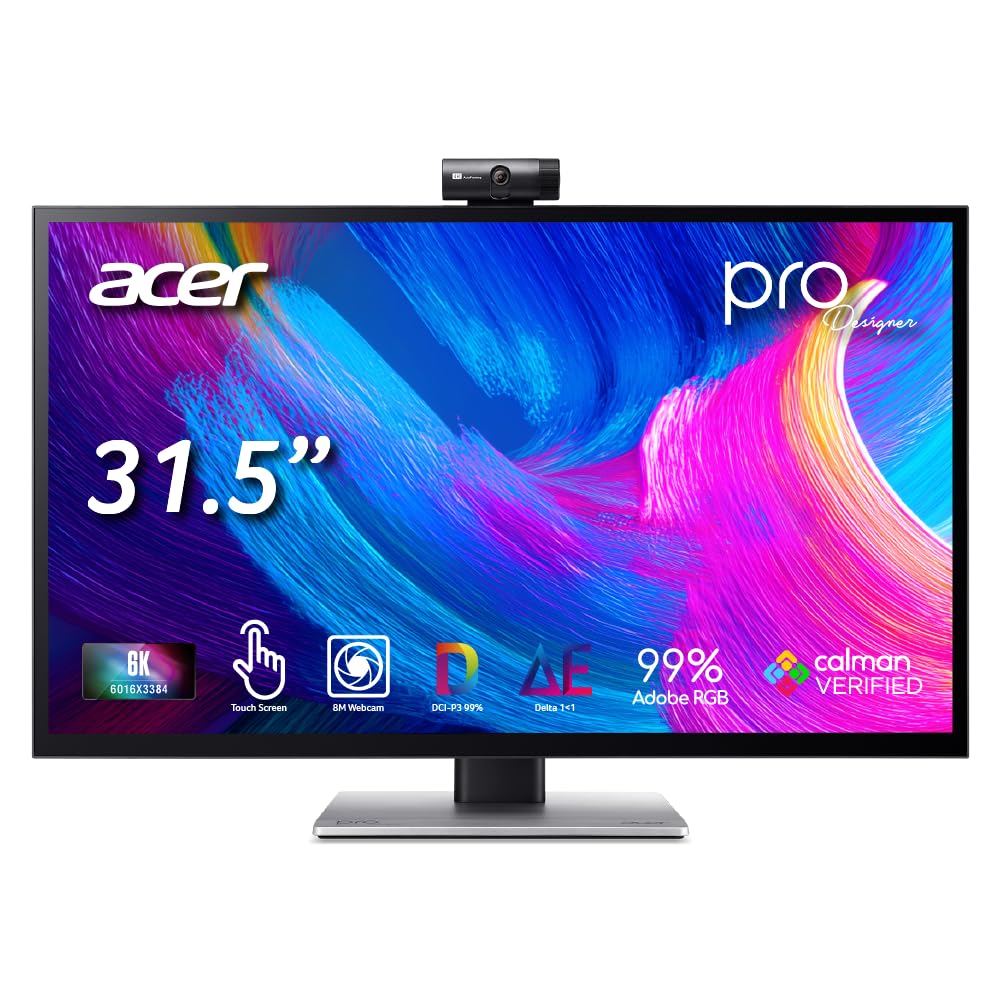
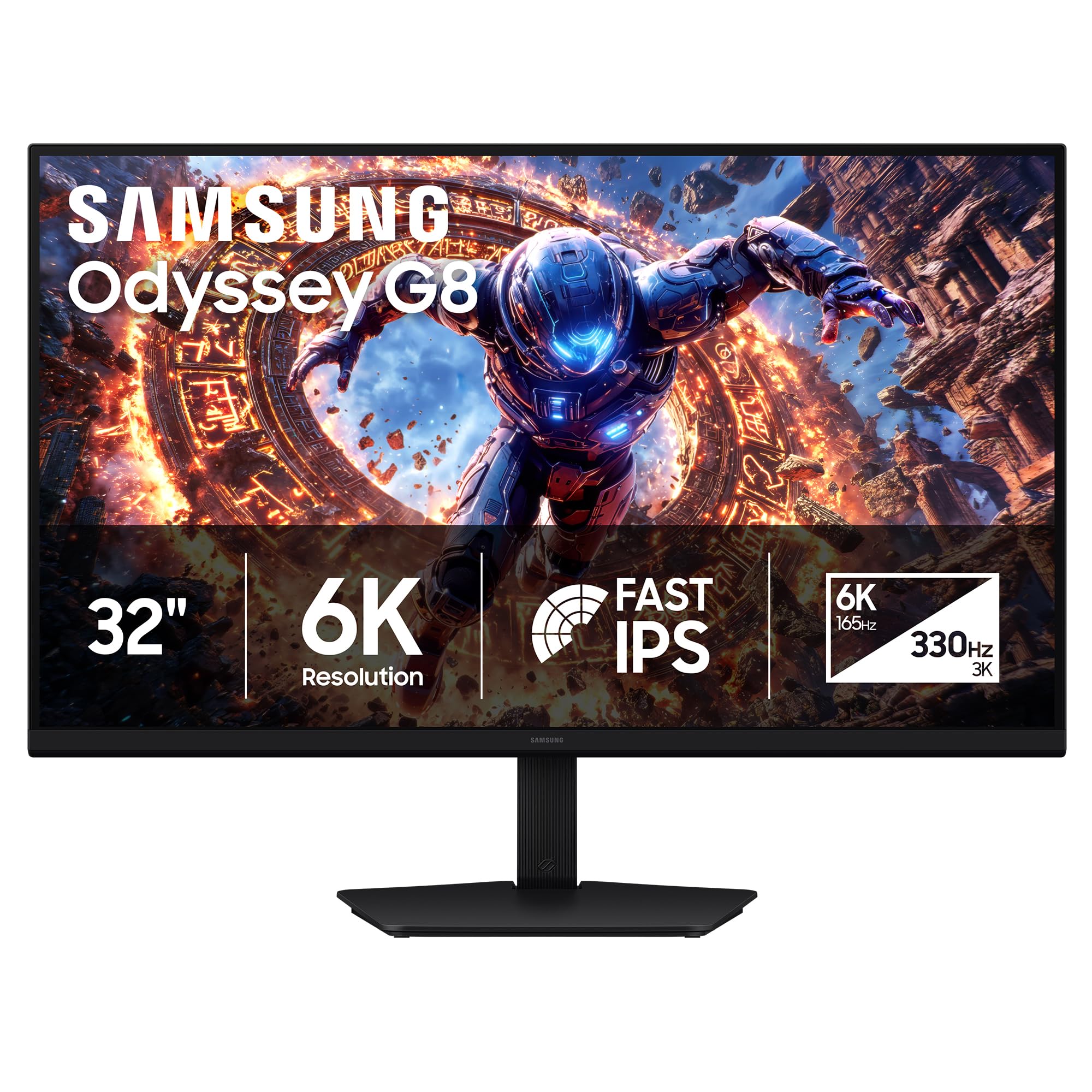
Key Features of the Best 6K Monitors to Compare
Work through these factors in order, and treat any monitor that fails on panel quality or ergonomics with suspicion, no matter how impressive its resolution sounds. A checklist approach also helps you compare models fairly, since makers highlight different specs and bury the limits that affect everyday use.
Panel Technology
Panel type shapes color, contrast, viewing angles, and how the screen handles dark scenes. IPS panels usually offer wide viewing angles and steady color, which suits shared desks and color sensitive work. VA panels often deliver deeper blacks and higher contrast, but colors can shift when viewed from the side.
OLED panels produce rich contrast and fast response, yet they need care against image retention and may cost far more. Mini LED backlights improve contrast on LCD panels, but results vary by model, so read independent measurements rather than trusting a marketing label. If gaming is your main use, see our guide to the best gaming monitors.
Audio and Extras
What matters here is built in audio quality, a headphone jack, and whether the monitor includes a USB hub or a switch for sharing peripherals between two computers. Built in speakers are handy for calls and casual video, but they rarely replace separate speakers for music or editing. If audio matters for your work, budget for external speakers or good headphones instead of assuming the monitor will cover it.
Connectivity and Ports
Ports decide whether the monitor works smoothly with your computer, and a missing port can force an expensive adapter or dock. Look for DisplayPort and HDMI inputs that support the full resolution at a comfortable refresh rate, plus USB C or Thunderbolt with power delivery if you use a laptop.
Check the version numbers, since an older port may limit resolution or refresh rate even when the cable fits. Also confirm how many USB ports the monitor offers for a keyboard, mouse, and drives, and whether video, data, and charging truly travel over one cable. Gamers should also compare dedicated options in our guide to the best computer monitors for gaming. Console players can also check our guide to the best monitors for PS5.
Resolution and Screen Size
A very high resolution only helps when the screen is large enough and your viewing distance lets you see the extra detail. On a small screen, text and interface elements may shrink so much that you must scale them up, which cancels part of the benefit. Larger screens, often around 27 to 32 inches, suit this resolution better, but they also demand more desk depth. Sit at your normal distance and consider whether you want one large canvas or a sharper, smaller workspace, and check that your graphics hardware can drive the resolution without stutter.
Stand, Mounting, and Ergonomics
A good stand protects your neck and shoulders over long workdays, so check height adjustment, tilt, swivel, and pivot before you buy. VESA mounting lets you attach the monitor to an arm or wall mount, which frees desk space and makes it easier to set the screen at eye level. Measure your desk depth and the monitor footprint, since a wide screen with a deep stand can push the keyboard uncomfortably close. If you share the desk or switch between sitting and standing, smooth height adjustment matters more than a slim bezel.
HDR and Brightness
High dynamic range promises brighter highlights and deeper shadows, but the label alone tells you little. Look for a stated peak brightness in nits, the HDR standard supported, and whether local dimming is present, since these shape real performance far more than a logo. For photo and video work, consistent brightness and color across the screen matter more than a brief peak in one corner.
In a bright room, higher sustained brightness helps readability, while in a dim room, good black levels and glare control matter more. Take regular breaks and see an eye care professional if you notice persistent eye pain or vision changes.
Spending Levels and What They Change
Price tiers at this resolution reflect panel quality, color accuracy, port selection, and build more than the pixel count itself. Use these levels as a guide to what typically changes, and judge each model against the checklist above rather than assuming a higher price always buys a better daily experience. For a broader shortlist, see our guide to the best quality monitors.
Everyday Spending for Solid Basics
Models at this level typically cost about $800 to $1,400 and suit buyers who want sharp text and a large workspace without paying for reference grade color. Expect a solid IPS panel, decent brightness, and standard ports, with color accuracy that is good for office work and general editing. You may give up factory calibration reports, wider color coverage, or premium stands. This level works well when the monitor is mainly for documents, browsing, and light creative work.
Serious Work Spending for Color and Comfort
Models at this level typically cost about $1,400 to $2,500 and add the features that matter for demanding creative work. Expect better color coverage, factory calibration, stronger stands, and more complete port selection including USB C power delivery. Text stays crisp across the screen, brightness stays even, and the monitor handles long sessions more comfortably. This level suits photographers, video editors, and designers who need trustworthy color and a workspace they can rely on every day.
Top End Spending for Reference Quality
Models at this level typically cost about $2,500 and up and target buyers who need the most accurate color, the highest contrast, or specialized panel technology. Expect reference grade calibration options, advanced backlight control, and premium build quality. Before spending this much, confirm that your work truly benefits, since many buyers will not see a practical difference over the serious work level. Also confirm that your computer, cables, and software can use the full capability, or the extra spending may sit unused.
Quick Buyer Checklist
Run through these questions before you order, and skip any model that leaves an important answer unclear:
- Does the panel type fit your work: color accuracy, contrast, or viewing angles first?
- Can your computer and cables drive the full resolution at a comfortable refresh rate?
- Does the monitor offer the ports you need, including USB C power delivery if you use a laptop?
- Can the stand or a VESA mount place the screen at eye level on your desk?
- Is the screen size right for your viewing distance and desk depth?
- Does the HDR and brightness spec match your room lighting?
- Is the warranty long enough, and does it cover bright or dead pixels?
- Have you budgeted for cables, a mount, or speakers if the built in options fall short?
Red Flags to Watch For
Be cautious when a listing leans on vague claims instead of measurable specs. Watch for missing brightness figures, unclear color coverage, or a resolution claim that depends on a port your computer lacks. Very short warranties, unclear pixel policies, and review patterns that look copied or unusually uniform are also warning signs.
A monitor that hides its port versions, stand adjustment range, or power delivery wattage may disappoint once it arrives. When in doubt, ask the seller for the full spec sheet and compare it with the checklist above.
Tips to Get the Most From Your 6K Monitor
Start by turning off vivid picture modes, which often oversaturate color and crush detail, then calibrate brightness to your room. On OLED models, use pixel refresh features as the maker directs and vary on screen content during long sessions. Clean the screen with a microfiber cloth only, and avoid harsh cleaners that can damage coatings. Keep cables routed so the stand moves freely, and revisit height and tilt after a week, since small adjustments often improve comfort more than a new accessory.
Frequently Asked Questions
IPS vs OLED: which monitor panel is better?
Neither panel wins for every buyer, because the right choice depends on your work and your room. IPS panels usually offer steady color and wide viewing angles at a lower price, which suits office work and shared desks. OLED panels deliver deeper blacks and faster response, which suits dark room editing and video, but they cost more and need care against image retention. If you work mostly with documents and color accurate still images, IPS is often the safer value, while contrast focused buyers may find OLED earns its premium.
How long do high resolution monitors last?
Most desktop monitors last about seven to ten years with normal use, although backlight brightness can fade gradually over time. Heavy daily use, high brightness settings, and hot rooms can shorten that span, while moderate brightness and good ventilation help. A monitor usually becomes outdated through port standards or resolution needs before it fails outright. Check warranty length and pixel policy before buying, and keep the box and receipt until you are sure the panel is free of defects.
Is 4K worth it compared with a higher resolution monitor?
A 4K screen already looks sharp for most desk work, so the step up mainly helps buyers who need extra workspace or very fine detail. Photo retouching, large timelines, and dense layouts benefit most, while documents and browsing show a smaller gain. The higher resolution also demands more graphics power and may force interface scaling on smaller screens. Compare the two side by side at your normal viewing distance when possible, and choose the higher resolution only when the extra detail clearly improves your daily tasks. To see the alternative, read our guide to the best 4K monitors.
What size monitor should I get for my room or desk?
Screen size should follow desk depth and viewing distance, not the largest size you can afford. A screen around 27 inches suits a standard desk, while a screen around 32 inches needs deeper desk space to avoid eye strain from sitting too close. Measure from your eyes to the screen position, leave room for the stand or arm, and confirm the monitor does not crowd your keyboard. If the desk is shallow, a smaller screen or a wall mount often works better than a very large panel placed too near.
Does refresh rate matter for non gamers?
Refresh rate matters less for non gamers than color, brightness, and ergonomics, but it still affects how smooth scrolling and cursor movement feel. A standard 60 Hz screen is fine for documents, email, and photo work, while a higher rate makes motion feel smoother without changing image quality. Video editors may notice smoother timeline playback, but most office tasks gain little beyond comfort. Spend the difference on panel quality or a better stand first, and treat a higher refresh rate as a bonus rather than a requirement.
Our Verdict
Judge a high resolution monitor by panel quality, ports, brightness, and ergonomics, not by the pixel count on the box. Match the screen size to your desk, confirm your computer can drive it, and run the checklist above before ordering. Then look through the picks in the table and choose the best 6k monitors option that fits your work, your room, and your budget without paying for features you will never use.