
Best 5K TVs: A First Time Buyer's Guide for 2026
Disclosure: We may earn a commission when you buy through links on this page, at no extra cost to you. As an Amazon Associate I earn from qualifying purchases. Learn more
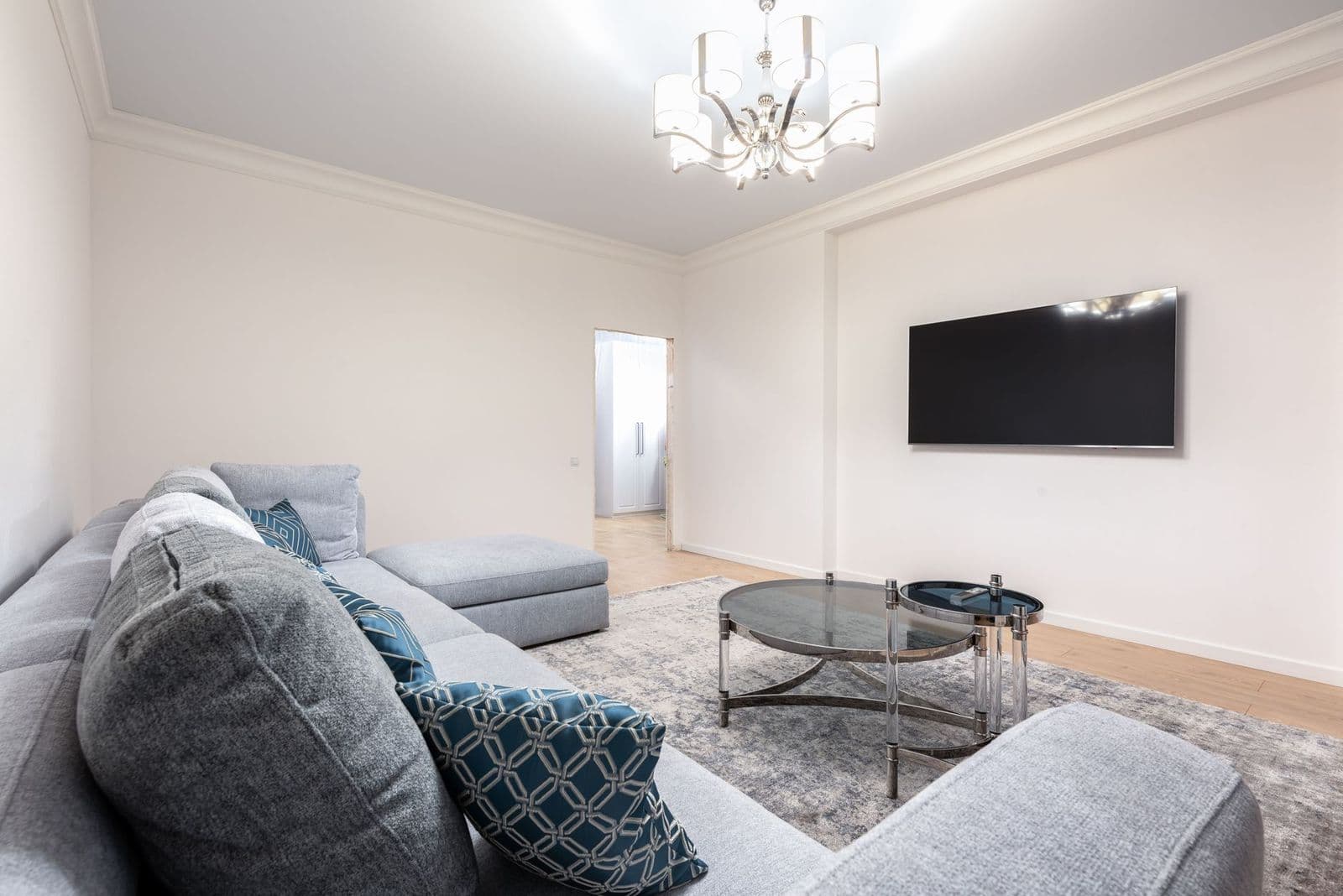
Plain English help for the best 5k tvs: panels, HDR, refresh rate, ports and sizing, plus mistakes first time buyers can avoid.
Buying your first large screen with a 5K resolution can feel confusing, because the spec sheets mix TV language with monitor language and expect you to know both. This guide walks you through the best 5k tvs in plain English, starting with what 5K actually means and ending with a simple setup routine. You will learn which specs change what you see, which ones are mostly marketing, and how to match a screen to your room and budget.
Read the basics first, then use the sections on panels, HDR, refresh rate and ports to see how the main options differ. By the end, you will know exactly which questions to ask before you spend anything.
5k TVs 101: The Basics
A 5K screen has a resolution of 5120 by 2880 pixels, which works out to about 14.7 million pixels. A 4K screen has 3840 by 2160 pixels, or about 8.3 million, so 5K packs in roughly 77 percent more detail. On a large screen viewed from a normal sofa distance, that extra sharpness shows up most in fine text, hair, fabric, and distant scenery.
Here is the part first time buyers often miss. True 5K televisions are rare, and many products sold as 5K are actually large gaming monitors or ultrawide displays that accept TV style inputs. Almost all movies and streaming shows are made in 4K or lower, so a 5K screen scales that content up to fill its pixels. Good upscaling matters as much as the pixel count itself, because a poor scaler can make a sharp panel look soft.
Think of 5K as a good fit for big screens, close seating, and mixed use, such as a living room screen that also handles a game console or a laptop. If you sit far from a smaller screen, 4K may look identical to your eyes, and your money may work harder elsewhere.
Key Specs Explained in Plain English
Panel Technology (IPS, VA, OLED, Mini LED)
The panel decides contrast, color, and viewing angles. OLED gives each pixel its own light, so blacks are truly black and contrast is superb, but peak brightness is lower and static images shown for many hours can leave a faint permanent mark called burn in. VA panels give deep blacks and strong contrast for movie nights, yet colors wash out when you sit far to the side. IPS panels keep color accurate from wide angles, which suits group viewing, though blacks look more like dark gray in a dim room. Mini LED is a backlight upgrade for VA or IPS panels that adds many small dimming zones, lifting brightness and contrast close to OLED levels.
HDR and Brightness
HDR, short for high dynamic range, widens the gap between the darkest and brightest parts of a scene so highlights sparkle and shadows keep detail. HDR10 is the basic format nearly every screen supports, while Dolby Vision adjusts brightness scene by scene and usually looks better when a show offers it. Brightness is measured in nits, and for HDR to feel real you want peaks of at least 600 nits, with 1,000 nits or more giving the strongest effect. In a bright living room, overall brightness also fights glare, so a brighter screen is easier to watch during the day.
Adaptive Sync and Gaming Features
Adaptive sync matches the screen refresh rate to the frame rate your console or PC sends, which removes tearing and stutter during fast motion. FreeSync works mainly with AMD graphics and many consoles, while G Sync is built for NVIDIA graphics, and many screens now support both or the HDMI standard version. Look for HDMI 2.1 ports, because they carry 4K and 5K signals at high frame rates plus features like VRR and ALLM. ALLM, or auto low latency mode, switches the screen into its fastest mode the moment a console starts a game, so you never dig through menus.
Refresh Rate and Response Time
Refresh rate, measured in hertz, is how many times per second the screen redraws the picture. A 60Hz screen is fine for films and TV shows, which are shot at low frame rates anyway. Gamers benefit from 120Hz, which current consoles can use, and PC gamers with strong graphics cards may enjoy 144Hz or higher for smoother aiming and camera movement. Response time, measured in milliseconds, describes how fast pixels change color, and lower is better for reducing blur behind moving objects. For non gamers, refresh rate mostly affects how smooth sports and scrolling text look, so 60Hz to 120Hz covers most homes.
Stand, Mounting, and Ergonomics
Check the stand before you fall for the picture. Some screens use two wide feet that need a long TV bench, while a center pedestal fits smaller furniture. If you plan to mount the screen, confirm the VESA pattern, which is the spacing of the four screw holes on the back, and match it to a mount rated for the screen weight. On monitor style 5K displays, height adjustment and tilt make a real difference for desk use, because a screen fixed too low will strain your neck over long sessions. Also measure the depth of the stand feet so the screen does not hang over the edge of your furniture.
Connectivity and Ports
Count the ports you need today, then add one spare. Most homes want at least three HDMI ports for a console, a streaming box, and a soundbar, and one of them should support eARC so the screen can send full quality audio to the soundbar. For a PC, DisplayPort often gives the most reliable path to full 5K resolution at high refresh rates, while USB C with display support lets a laptop connect with a single cable. Built in WiFi and an ethernet port cover streaming apps, and a USB port is handy for playing files from a drive. If a screen skimps on HDMI 2.1 ports, a console and PC may have to share one, which means swapping cables.
Picking the Right 5k TVs for Different Uses
Your main use should drive the panel and feature choices. Movie fans should favor contrast and Dolby Vision, sports fans should favor brightness and motion handling, and gamers should favor HDMI 2.1 with 120Hz support. If you are curious how the category evolved, our look at the best tvs of all time shows why contrast and color have always mattered more than raw pixel counts. Sound deserves a thought too, because thin screens have small speakers, and many owners later add one of the best soundbars tv options to match the picture.
Best 5k TVs for under 1500: Tips for First Time Buyers
If your target is the best 5k tvs for under 1500, focus on three things. First, choose Mini LED or a good VA panel, since OLED at this size rarely fits the budget. Second, keep at least two HDMI 2.1 ports so a console and a PC both get full performance. Third, accept 120Hz instead of chasing 240Hz, because the savings buy you better brightness and upscaling, which you will notice every day.
Rookie Mistakes to Avoid
- Buying on resolution alone. A well made 4K screen with strong contrast can beat a dim 5K screen, so judge the whole picture, not just the pixel count.
- Ignoring your seating distance. Sitting too far away makes 5K detail invisible, while sitting too close to a huge screen can feel tiring during films.
- Forgetting the sound plan. Budget a little for audio, since slim screens rarely fill a room, a point also covered in our guide to the best samsung tvs and their built in speakers.
- Skipping the port count. Running out of HDMI ports leads to constant cable swapping, which wears out connectors and patience alike.
- Paying for gaming features you will never use. If no console or gaming PC lives in your home, 240Hz support adds cost without benefit.
Getting Started: Setup and First Use
Start by placing the screen, connecting the power cable and your main source, and running the built in setup wizard for language, network, and channels or apps. Then change the picture mode. Most screens ship in a vivid or dynamic mode that pushes blue tint and artificial sharpness to stand out in stores, so switch to a movie, cinema, or filmmaker mode for accurate color at home. Lower the sharpness setting until edges look natural rather than outlined.
Next, turn on the features your sources need, such as enhanced HDMI format for consoles, and run any built in speaker calibration if offered. On an OLED, let the automatic pixel refresh run when the screen prompts you, and avoid leaving a paused static image on screen for hours. After a week of normal viewing, revisit brightness and motion settings once, because your eyes judge better in your own room than in a showroom. If the budget is tight overall, the value lessons in our guide to the best inexpensive tvs apply here too, since a smaller size at the same budget often buys a better panel.
5k TVs: Your Questions Answered
What size 5k TV should I get for my room or desk?
For a living room, 55 to 65 inches suits most seating distances of about 6 to 9 feet, letting you see the extra detail without turning your head. At a desk, 40 to 50 inches is plenty because you sit much closer. A simple trick is to tape the screen size on your wall with painter tape and live with it for a day before ordering.
IPS vs OLED: which is better for a 5k TV?
OLED is better for dark room movie watching because its perfect blacks and instant pixel response make scenes look deep and clean. IPS is better for bright rooms and wide seating because it holds color from the side and resists burn in. If your screen will show news tickers or game interfaces for many hours daily, IPS or Mini LED is the safer long term choice.
Is 4K worth it compared with 5K?
Yes, 4K is still worth it for most buyers, because nearly all streaming and broadcast content is produced in 4K at most. You gain from 5K mainly when the screen is large, your seat is close, or you also use the display for PC work with lots of text. Spend the difference on better HDR and sound if your seating is far from the screen.
How long do 5k TVs last?
A quality screen typically lasts 7 to 10 years of normal home use before brightness fades or parts become hard to find. LED backlights slowly dim over tens of thousands of hours, so a screen used a few hours a day ages slowly. Keeping brightness below maximum for everyday viewing and using a surge protector both help your screen reach its full lifespan.
Does refresh rate matter for non gamers?
It matters a little. A 120Hz screen shows smoother camera pans in sports and films, and motion interpolation looks less artificial than on a 60Hz set. For news, dramas, and casual streaming, 60Hz looks perfectly fine because the source material itself runs at low frame rates. Non gamers should put refresh rate below panel quality and HDR brightness on their priority list.
Final Thoughts
For a first purchase, keep your focus on three things: a panel type that suits your room light, HDR brightness strong enough to make highlights real, and enough HDMI 2.1 ports for your gear. Size the screen to your seating, pick a natural picture mode on day one, and plan a modest sound upgrade later. The best 5k tvs for your home will be the one that matches your room, your sources, and your budget without paying for features you will never switch on.


