
Best 5G Tablets 2026: Connectivity, Battery and Use
Disclosure: We may earn a commission when you buy through links on this page, at no extra cost to you. As an Amazon Associate I earn from qualifying purchases. Learn more

What to check before paying extra for the best 5g tablets: bands, data plans, battery and real use cases.
A 5G tablet can work anywhere with mobile coverage, which appeals to field workers, travelers, students, and anyone tired of hunting for WiFi. The best 5g tablets are the ones whose bands match the local carrier, whose battery survives a full day of mobile use, and whose data plan fits real usage. A tablet with the wrong bands or an expensive plan can be less useful than a WiFi only model.
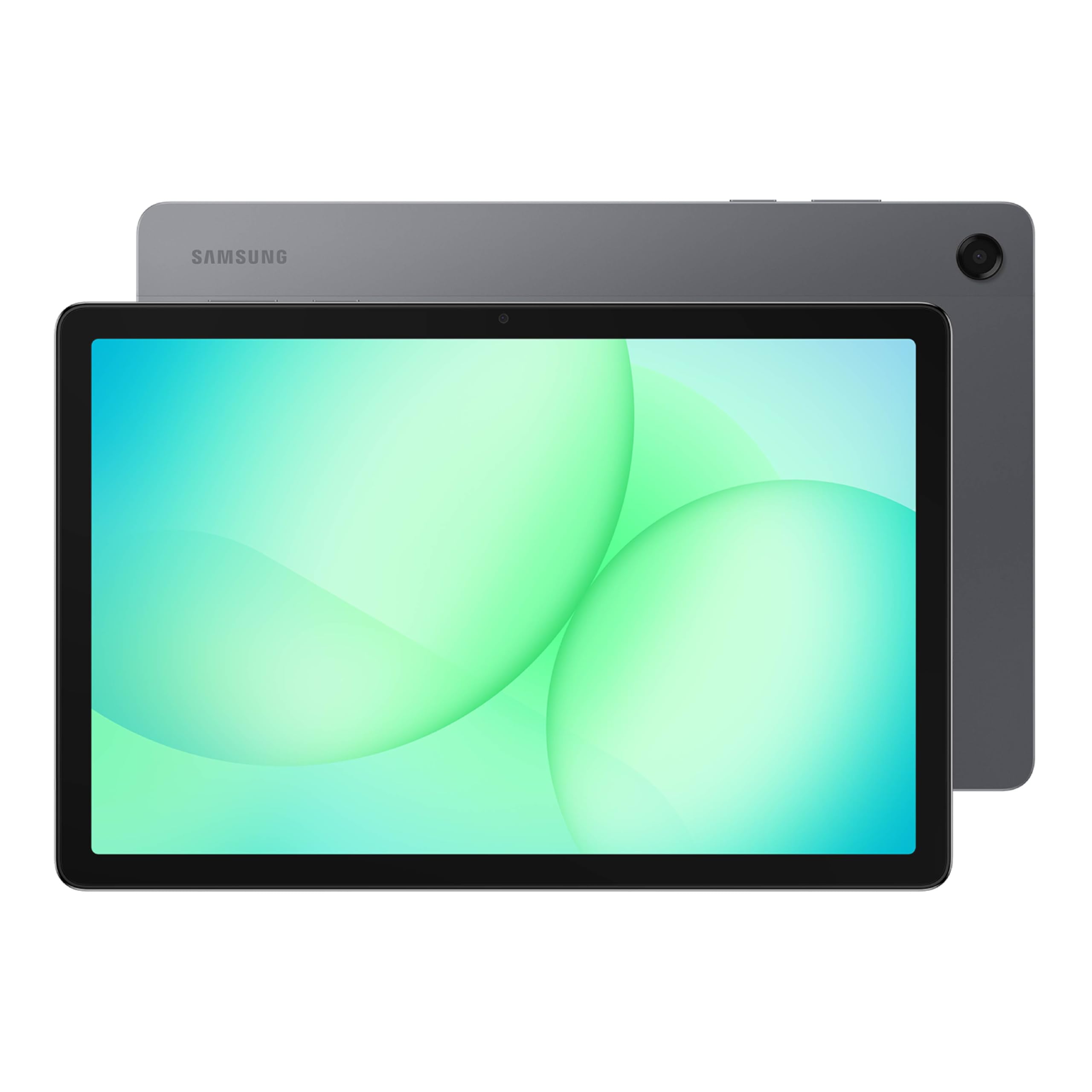
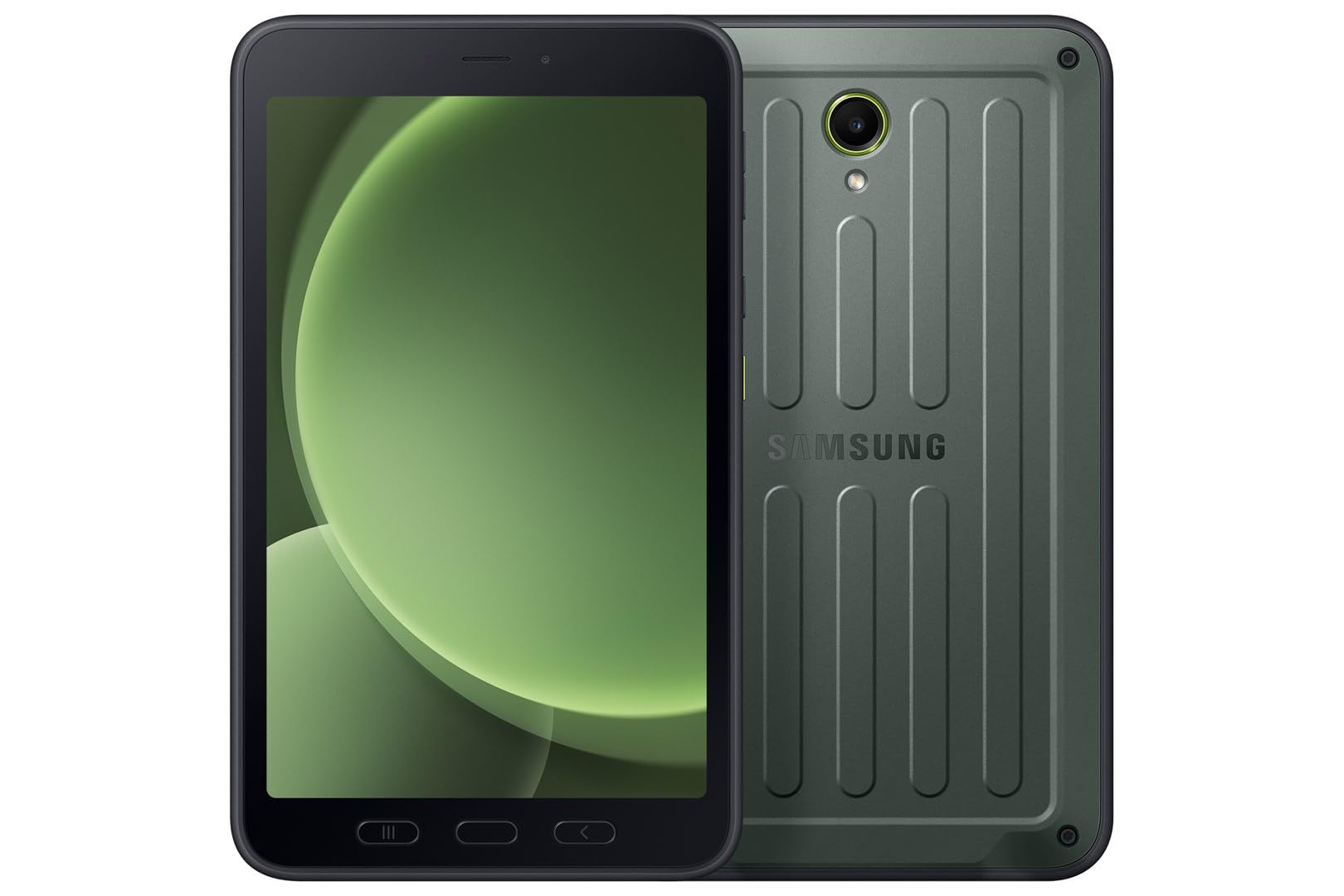
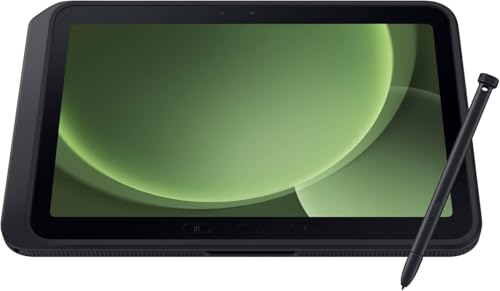
The comparison table below shows the main options side by side. This guide explains how 5G bands work, what speeds to expect, how data costs add up, and which use cases genuinely benefit from a cellular tablet.




Who Benefits From a 5G Tablet
Field workers, delivery drivers, site managers, and traveling sales staff benefit most, because they need maps, forms, and video calls away from WiFi. Students who study on trains or in libraries with weak WiFi also gain, as do families who use a tablet as a shared travel device. In each case, the tablet is a work tool first and an entertainment device second.
A buyer who mostly uses a tablet at home on strong WiFi gains little from 5G and pays extra for the modem and the data plan. For home use, a WiFi only tablet plus phone tethering is often cheaper. The decision should follow real usage, not the appeal of a newer network label.
Readers comparing tablet categories more broadly can start with best pc tablets, which explains how full size tablets differ from smaller devices and phones.
A general buying overview in best tablets to purchase covers screen, storage, and accessory choices that apply whether or not 5G is included.
Bands, Carriers and Coverage Reality
5G is not one single network. Low band 5G covers wide areas but offers modest speed gains, mid band balances speed and coverage, and high band offers very high speeds over short distances. A tablet that supports the bands used by the local carrier in the places it will actually be used is far more valuable than one with a long but irrelevant band list.
Check coverage maps for home, work, and travel routes, and try a prepaid SIM if possible. Indoor coverage can differ sharply from outdoor coverage, and a tablet that works well outside may struggle inside a concrete building. Carrier aggregation and antenna design also affect real world results.
Speed, Latency and Battery Trade Offs
5G can be faster than 4G, but the gain depends on the band, tower load, and signal strength. For video calls, email, and cloud documents, latency and stability matter more than peak download speed. A stable mid band connection often feels better than a fast but flaky high band connection that drops indoors.
Mobile data use drains battery faster than WiFi, especially in weak signal areas where the modem works harder. Check battery claims under mobile use, not just video playback on WiFi. A tablet with a large battery and efficient modem will last longer on a working day away from chargers.
Data Plans and Total Cost
Add up the tablet price, the data plan, and any accessories before deciding. A monthly plan that looks cheap can become expensive if it has a low cap and steep overage charges. Estimate data use honestly, including video streaming, cloud backups, and software updates, and set usage alerts to avoid surprises.
Consider whether a shared family data plan, a data only SIM, or occasional phone tethering fits better. For light use, tethering may be enough. For daily field work, a dedicated plan with a generous cap is usually simpler and more reliable than borrowing a phone connection all day.
Security, Updates and Everyday Use
A cellular tablet is a connected computer, so the same security habits apply as for a phone. Use a screen lock, keep the operating system updated, and be careful with public WiFi even when mobile data is available. Mobile data is often safer than an unknown public hotspot for sensitive work.
Check how long the maker promises software updates, since a tablet kept for several years needs security patches long after purchase. Also check accessory support, such as keyboards and styluses, if the tablet will be used for notes, forms, or drawings in the field.
A Closer Look Before You Order
Before paying for 5G, map real usage for a typical week: where the tablet is used, how much data those places need, and whether WiFi is available there. A week of honest notes often shows that 5G is needed only on certain days, which may point to a smaller plan or to phone tethering instead of a dedicated tablet plan.
Also check the practical details of ownership, such as case and keyboard compatibility, repair options, and how long software updates are promised. A tablet kept for four years needs security updates long after the launch excitement fades, and a missing keyboard option can limit field work more than a missing 5G band.
Finally, test the buying decision against a cheaper alternative: a WiFi tablet plus a phone hotspot for occasional use. If the 5G tablet still wins on convenience, battery, and total monthly cost, the purchase is sound. If not, the money saved can go toward accessories that improve daily use more.
Mistakes That Waste Money on 5G
One common mistake is paying for 5G on a tablet that is mostly used at home on strong WiFi, where a cheaper WiFi model would perform just as well. A week of honest usage notes usually reveals whether mobile data is truly needed or merely attractive. Buy for real locations, not for the newest label.
Another mistake is ignoring band compatibility. A tablet that lacks the bands used by the local carrier in the places it will actually be used may fall back to slower networks indoors, even where outdoor coverage looks good on a map. Check bands, try a prepaid SIM, and confirm indoor performance.
A third mistake is underestimating total cost. The tablet price is only the start: the monthly plan, a case, a keyboard, and any subscription add up over two years. Adding those figures before buying prevents a bargain tablet from becoming an expensive commitment.
Finally, many buyers overlook software update promises. A tablet kept for years needs security patches long after purchase, and a maker that stops updates early leaves the device exposed. Check the update period alongside screen, battery, and storage before deciding.
Choosing With Confidence
A final practical test is to use the tablet exactly as planned for a day on a borrowed or trial basis when possible: field forms, video calls, maps, and reading, all away from home WiFi. That single day reveals battery behavior, signal behavior indoors, and whether the size and weight suit real carrying. Specification sheets cannot replace that experience, and a day of real use prevents a year of compromise.
Also confirm the return and warranty terms before ordering, including how long the return window lasts and whether the cellular modem is covered in the same way as the rest of the device. A clear return policy makes a careful purchase low risk, while a restrictive one should prompt extra checking before committing to a plan and a device together.
Frequently Asked Questions
Is a 5G tablet faster than a WiFi tablet at home?
Not necessarily. A strong home WiFi connection often beats mobile data for speed and stability, and it costs nothing extra per month. A 5G tablet wins away from WiFi, on the road, and in places where fixed internet is weak. The best choice follows where the tablet will actually be used.
Do I need a separate data plan for a 5G tablet?
Yes, a cellular tablet needs its own SIM and plan, or a shared plan that includes it. Some carriers allow adding a tablet to a family plan at a lower cost. Check whether the plan allows hotspot use, since sharing the tablet connection with a laptop can be handy in the field.
Will 5G drain the battery faster?
Mobile data generally uses more battery than WiFi, and weak signals increase drain further because the modem works harder to stay connected. A tablet with a large battery and an efficient modem handles this better. Carrying a small power bank is a practical habit for long days away from chargers.
Can a 5G tablet replace a laptop for field work?
For forms, maps, email, video calls, and light documents, yes, especially with a keyboard accessory. For heavy spreadsheets, specialist software, or long typing sessions, a laptop remains better. Many field workers use both, with the tablet for site work and the laptop for office tasks.
What should I check before buying a 5G tablet?
Check the bands against the local carrier, the promised update period, battery life on mobile data, and the total monthly cost including the plan. Test coverage in the places where the tablet will be used, and confirm that the SIM plan allows the kind of use planned, including hotspot sharing if needed.
Final Thoughts
The value of a 5G tablet comes from coverage, battery, and plan cost together, not from the 5G label alone. Match bands to the carrier, estimate data honestly, and test in real locations before committing. The product table above can help compare the main options side by side.
For buyers who truly work away from WiFi, the best 5g tablets are the ones that stay connected, last a full day, and keep monthly costs predictable. For home only use, a WiFi model remains the simpler and cheaper choice.


