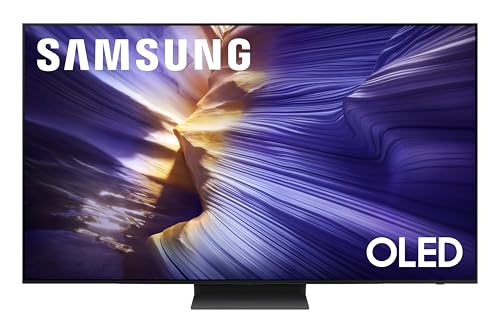
Best 55 Inch Lcd TVs: Everything to Know Before Your First Purchase in 2026
Disclosure: We may earn a commission when you buy through links on this page, at no extra cost to you. As an Amazon Associate I earn from qualifying purchases. Learn more
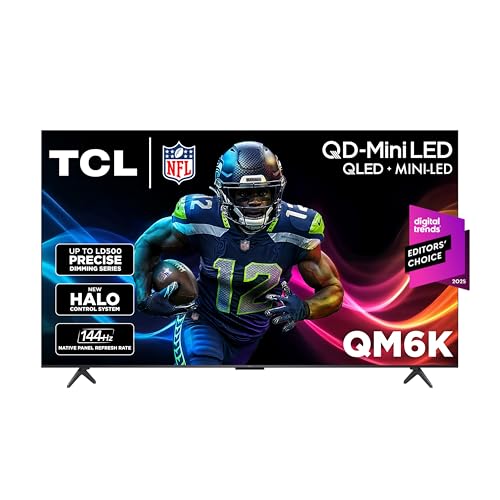
Shopping for the best 55 inch lcd tvs for the first time? Learn the terms, compare options, and avoid rookie mistakes with this easy to follow guide.
A 55 inch screen is the size most living rooms end up with, large enough to feel cinematic and small enough to fit a normal stand. LCD models dominate this size because they offer strong brightness and fair prices across a wide range. If it is your first TV purchase, the flood of panel names and picture terms can feel like a second language.
This guide translates those terms into plain English and shows you how to judge the best 55 inch lcd tvs by what you will actually see on screen. You will learn how LCD panels work, which specs matter, and which ones are marketing noise. Keep the comparison table below in mind as you read, and the right choice should become obvious.



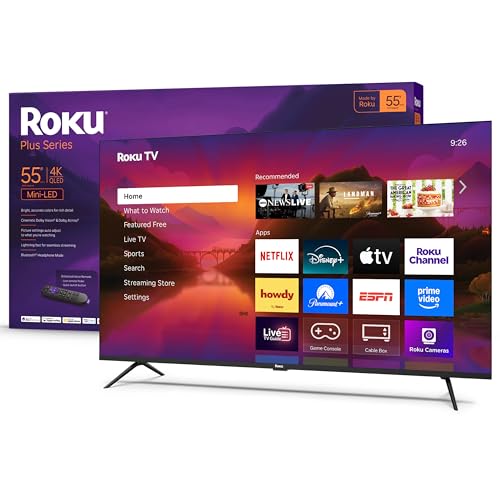
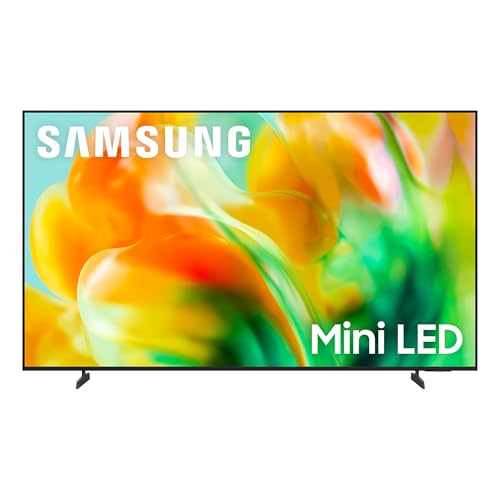
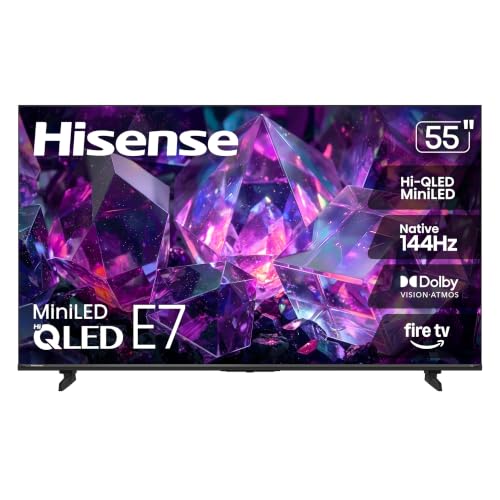

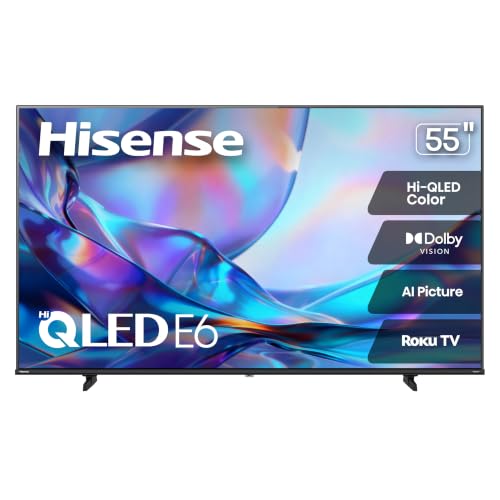
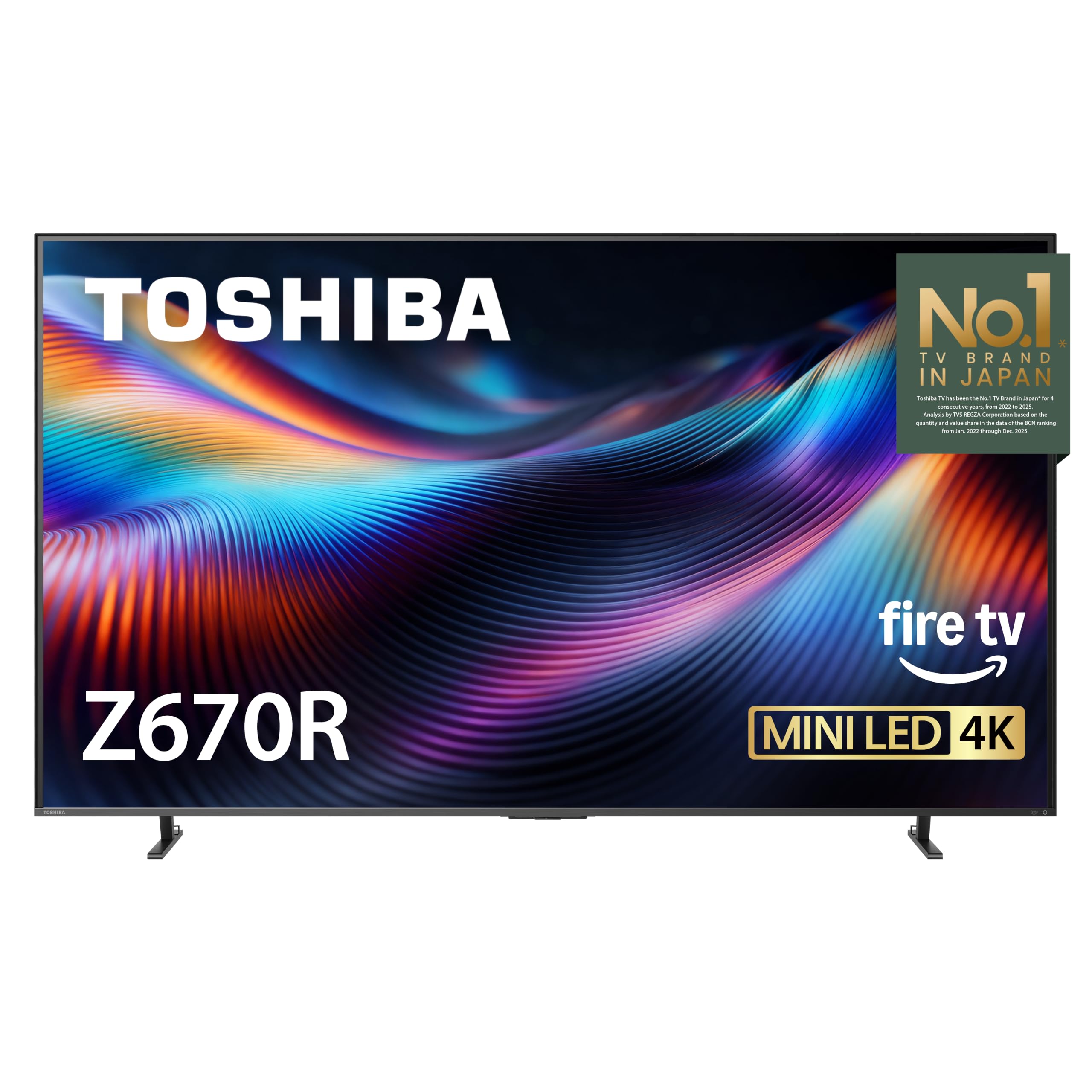
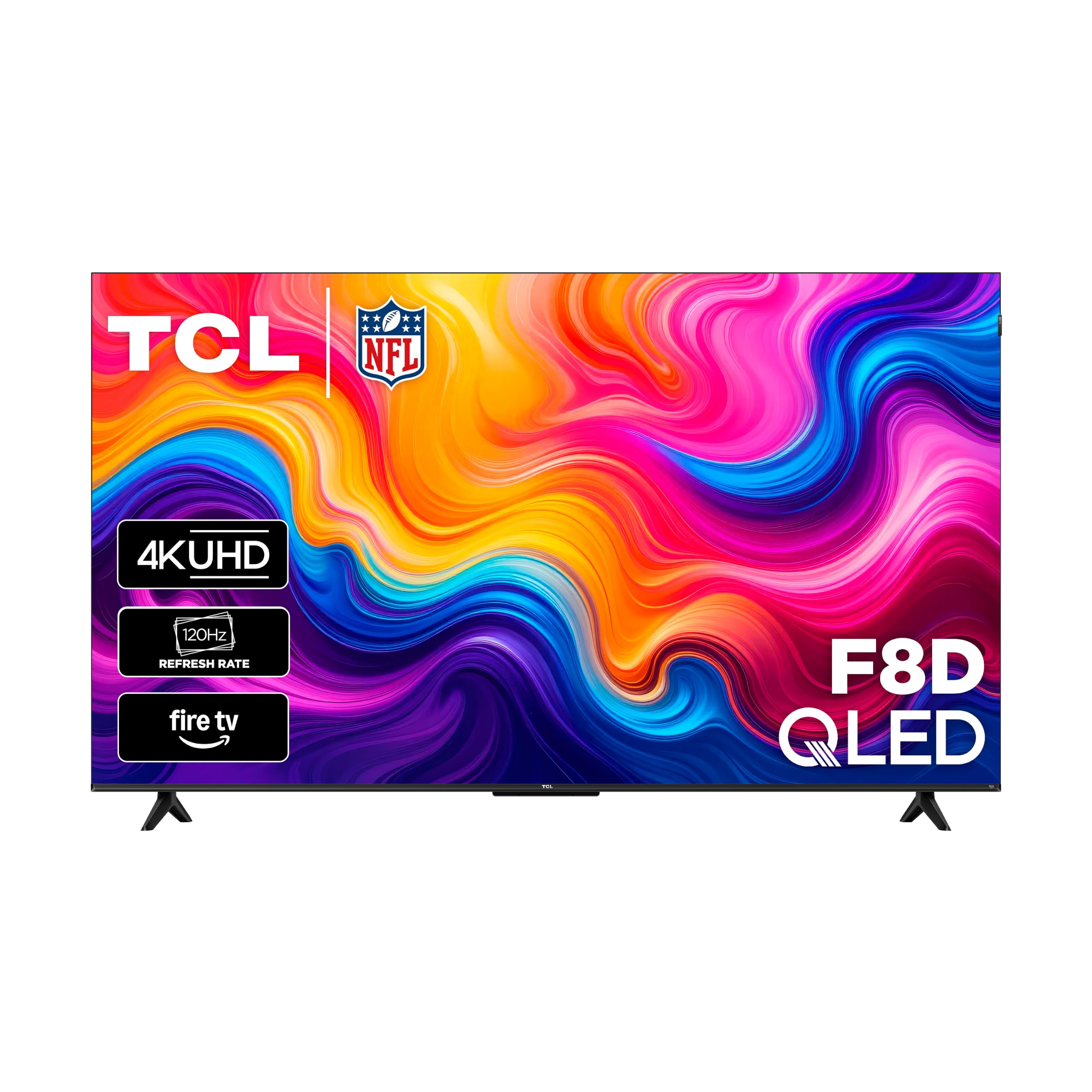
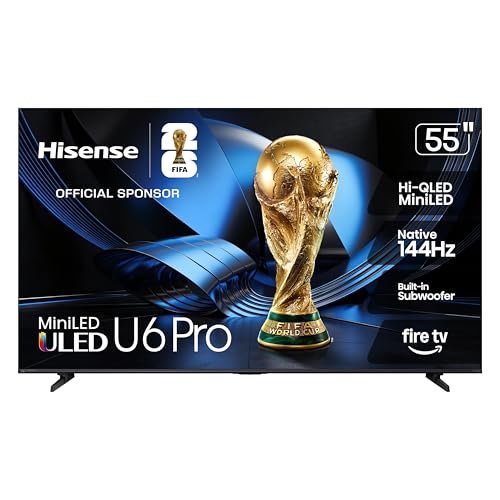
55 Inch Lcd TVs 101: The Basics
An LCD TV makes its picture with a layer of liquid crystals that open and close to let light through, with an LED backlight shining behind them. That design is why these sets are often called LED TVs even though the panel itself is LCD. The backlight arrangement matters a great deal: edge lit models shine from the sides and stay slim, while full array models place lights across the whole back and can dim zones of the screen for better contrast.
A 55 inch screen measures about 47.9 inches wide and 27 inches tall, so check your furniture width before ordering. Nearly every model at this size is 4K, giving you about 8.3 million pixels, and includes a smart platform for streaming apps. Refresh rate describes how often the picture updates each second, with 60Hz as the common baseline and 120Hz on step up models.
LCD sets are popular for bright rooms because the backlight can push high brightness that fights glare from windows and lamps. They also carry no risk of burn in from static images, which suits news channels, sports tickers, and gaming displays left on screen for hours. Those two strengths explain why LCD remains the default choice at this size.
Key Specs Explained in Plain English
Panel Technology (IPS, VA, OLED, Mini LED)
Most 55 inch LCD sets use either a VA or an IPS panel. VA panels deliver deep contrast, so dark scenes look rich in a dim room, but color fades when you view from a sharp angle. IPS panels hold color and brightness across wide seating, though their blacks look lifted at night. Mini LED is an LCD upgrade that uses thousands of tiny backlights and many dimming zones, giving contrast that comes close to OLED while keeping high brightness. OLED itself is a different technology where pixels light themselves; it wins on contrast but costs more and needs care with static content.
Stand, Mounting, and Ergonomics
Look at the feet before the picture specs. Many 55 inch sets use feet near the edges, so your stand needs to be almost as wide as the TV itself, while some models offer a center stand that fits smaller furniture. For wall mounting, check the VESA pattern, often 300 by 300 or 400 by 400 at this size, and buy a mount rated for the set weight. Keep cable access in mind too, because ports that face sideways are easier to reach once the TV is on the wall. A slight tilt mount helps if the screen sits above eye level.
HDR and Brightness
HDR expands the range between the darkest and brightest parts of the picture, so sunlit windows and shadow detail can appear in the same frame. HDR10 comes on nearly every set, HDR10 Plus and Dolby Vision add scene by scene adjustment, and support varies by brand, so match the format to your streaming services. Brightness is quoted in nits; around 350 to 450 nits suits a controlled light room, while 700 nits or more keeps HDR punchy in bright spaces. Local dimming quality matters as much as the peak number, because poor dimming creates halos around bright objects on dark backgrounds.
Connectivity and Ports
Aim for four HDMI ports if you can, since a console, a streaming box, a soundbar, and a spare input fill up fast at this size. Gamers should confirm at least one HDMI 2.1 port, which carries 4K at 120Hz plus variable refresh features from current consoles. One port should be marked eARC so a soundbar receives full quality audio, including Dolby Atmos, over a single cable. Add a USB port for media playback, an optical output for older receivers, and Ethernet if your WiFi struggles with 4K streams. Adaptive sync support is a bonus for PC gaming on the big screen.
Resolution and Screen Size
At 55 inches, 4K resolution is the right match for normal seating distances. Sit about 5.5 to 7.5 feet away and the picture looks sharp without visible pixels, and 4K content from streaming and consoles is now the norm. Cheaper 1080p sets still exist at this size but look soft up close and waste the screen size. Upscaling quality separates good sets from weak ones, because broadcast TV and older discs arrive below 4K and the TV must fill in the detail. If your room forces a much longer viewing distance, a larger screen will serve you better than more pixels.
Smart Platform and Sound
The smart platform is your daily interface, so pick one whose layout you like: Google TV and Roku favor simple app grids and strong search, while webOS and Tizen add polished menus and extra features. Confirm the apps you pay for are present and that the maker still issues updates for sets of this age and price. Voice control through the remote speeds up finding a film by title or actor. Built in speakers on slim LCD sets are adequate for dialogue but weak for films, so plan around $100 to $250 for a soundbar if movie nights matter. Readers weighing smart features first can see our guide to the best 55 inch smart tvs for a platform focused comparison.
Rookie Mistakes to Avoid
- Confusing LED with a different panel type. LED is the backlight and LCD is the panel, so an LED TV and an LCD TV at this size are the same family.
- Trusting inflated refresh rate claims. Some brands double or quadruple the real number with processing terms, so look for the native rate in the spec sheet.
- Measuring only the wall space. The stand feet and the box both matter; a set that fits the wall may still not fit your current furniture.
- Judging the picture under store lights. Showroom modes boost brightness and color, so check how a set handles a dark film scene instead. Movie fans who want the strongest contrast can compare with our guide to the best 55 inch oled tvs before deciding.
- Skipping the viewing angle test. If your sofa wraps around the room, sit where guests sit and check the picture from there, not just from the center seat.
Getting Started: Setup and First Use
Ask a second person to help lift the TV, because a 55 inch panel is light but awkward and easy to twist. Attach the feet or mount first, set the TV in place, then connect the soundbar to the eARC port and your main source to the best HDMI input before powering on. Run the channel and network setup, sign in to your streaming apps, and install any software update the set offers.
Then fix the picture. Turn off the vivid or dynamic mode, choose the movie or filmmaker preset, and lower sharpness until edges look natural rather than outlined. Turn off motion smoothing for films so they keep their intended look, and keep it on only if sports motion bothers you. If your set offers a pixel refresh or panel care tool, that applies to OLED models rather than LCD, so LCD owners can simply clean the screen with a dry microfiber cloth and keep vents dust free.
Frequently Asked Questions
IPS vs OLED: which is better?
It depends on your room and budget rather than on a single winner. OLED gives perfect blacks and instant response, which makes films in a dark room look stunning, but it costs more at 55 inches and needs varied content to avoid burn in. IPS LCD costs less, gets bright, and holds color from wide seats, though dark scenes look grayer. For a bright family room, a good LCD is the sensible buy; for a dedicated movie setup, OLED earns its premium.
Is 4K worth it on a 55 inch TV?
Yes, 4K is clearly worth it at 55 inches. The screen is large enough that the extra detail shows at normal seating distances, especially in faces, text, and wide landscape shots. Consoles and major streaming services now treat 4K as standard, so the content is already there. What matters more between two 4K sets is upscaling quality and panel contrast, because those shape everything you watch, including the large share of content that still arrives in HD.
What size TV should I get for my room?
Measure your seating distance first, then pick the size. At about 6 to 8 feet, a 55 inch screen fills your view nicely without forcing your eyes to roam. Closer than 5 feet, a smaller set feels calmer; beyond 9 feet, a 65 inch set gives films more impact. Also check the width of your stand and the path through doors and hallways. Our broader guide to the best 55 inch tvs can help you sanity check the size against other panel types too.
Does refresh rate matter for non gamers?
For most non gamers, a native 60Hz panel is fine. News, dramas, and films are made at low frame rates, so a higher refresh rate adds little there. Sports viewers gain the most, since 120Hz panels show fast pans and ball movement with less blur. Be wary of marketing labels that inflate the number with processing, and spend the difference on brightness or better local dimming instead. Gamers, by contrast, should treat 120Hz and HDMI 2.1 as must haves; our guide to the best 55 inch tvs for gaming explains why in detail.
How long do 55 inch LCD TVs last?
Expect about 7 to 10 years from a typical LCD TV. The LED backlight dims very gradually, and at moderate brightness settings most owners replace the set for new features long before the panel wears out. The smart platform usually ages first as apps evolve, and a streaming stick costing around $50 restores speed and app support. Keep the vents clear, avoid blasting full brightness all day, and use a surge protector to guard against power spikes.
The Bottom Line
Choose the panel type for your room first: VA or Mini LED for dark room contrast, IPS for wide seating, and brightness that matches your daylight. Then confirm four HDMI ports with eARC, a platform you enjoy, and a stand or VESA mount that fits your furniture. Check those points against the product table above, and you will land on one of the best 55 inch lcd tvs for your home without second guessing the spec sheet.