
Best 4K TVs for Sports: Buying Guide for 2026
Disclosure: We may earn a commission when you buy through links on this page, at no extra cost to you. As an Amazon Associate I earn from qualifying purchases. Learn more

Motion, brightness, panel type and size explained to help you pick the best 4k tvs for sports.
Sports reveal a TV weakness faster than almost any movie. A fast break smears, a white jersey blows out in bright stadium light, or the score graphic shimmers every time the camera pans. If you watch live games every week, you need a screen built for motion, brightness, and wide seating, not just a sharp still picture in a store demo loop.
This guide shows you how to choose best 4k tvs for sports by the specs that decide game day quality. The comparison table below lists the current options, and the sections after it explain panel types, motion handling, and setup in plain terms. You will also learn which price tiers make sense for casual fans, dedicated followers, and hosts who fill a room on big match days.
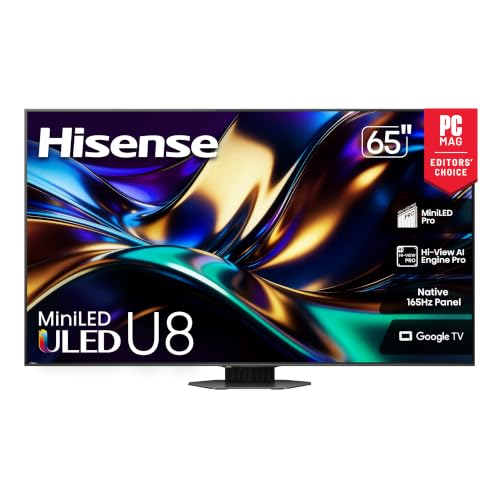


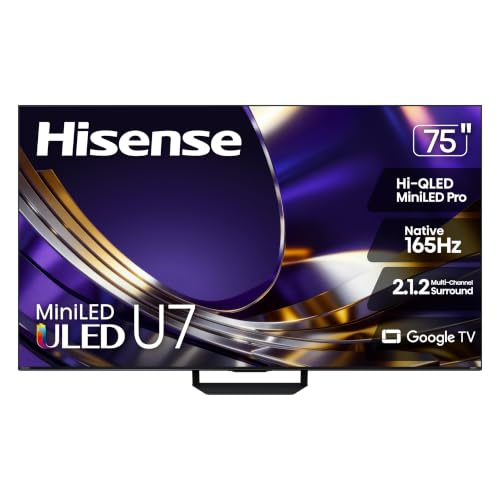
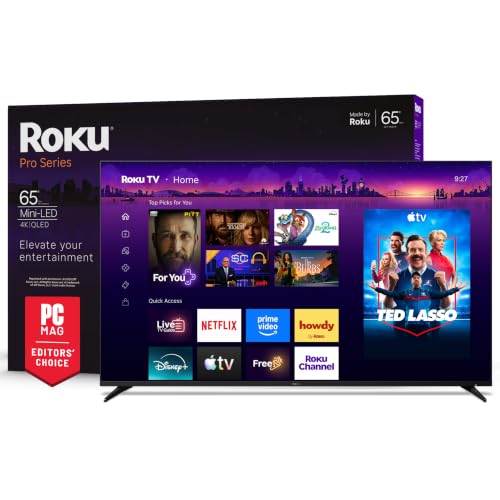
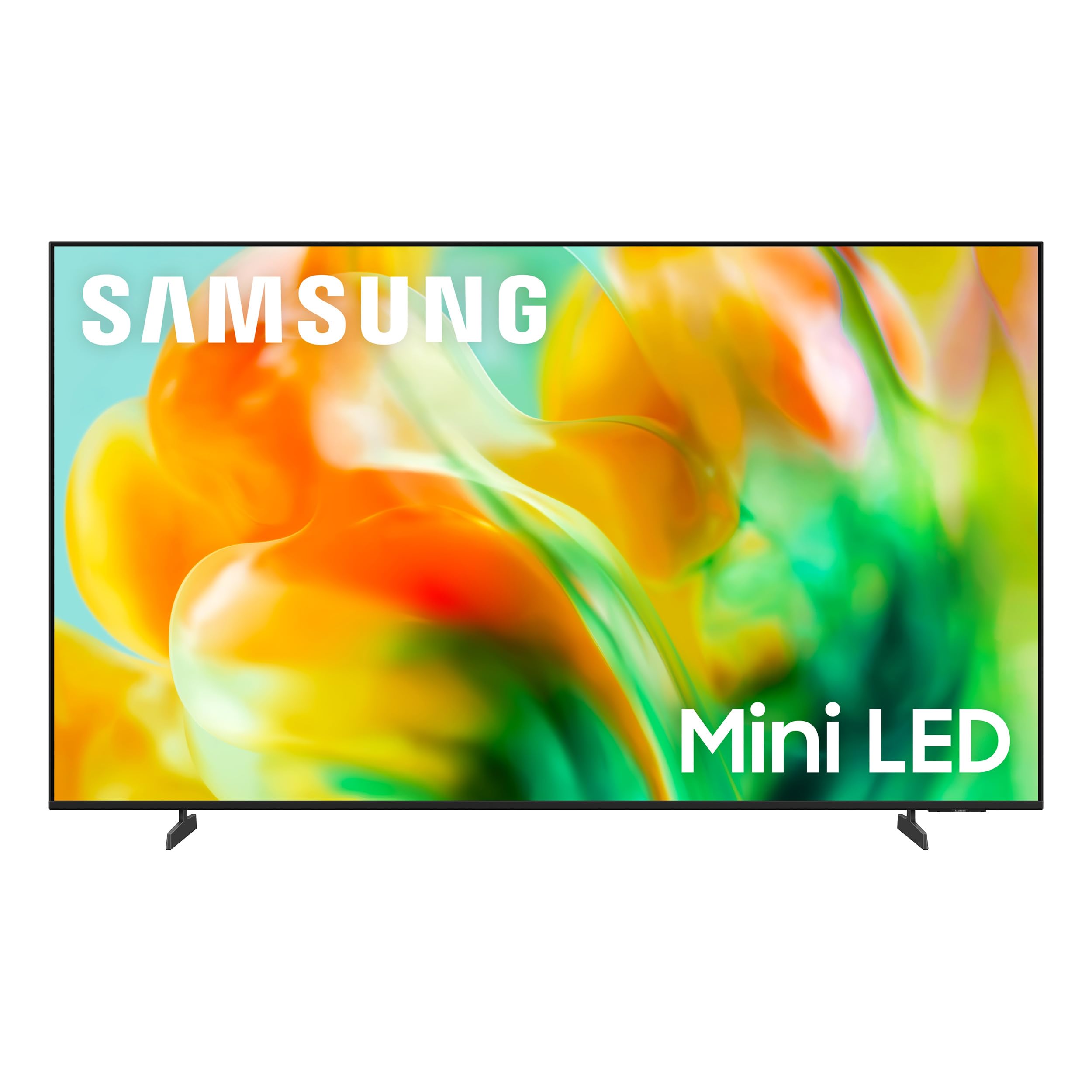
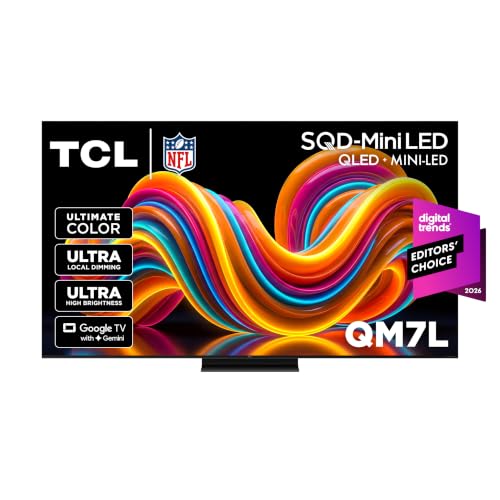

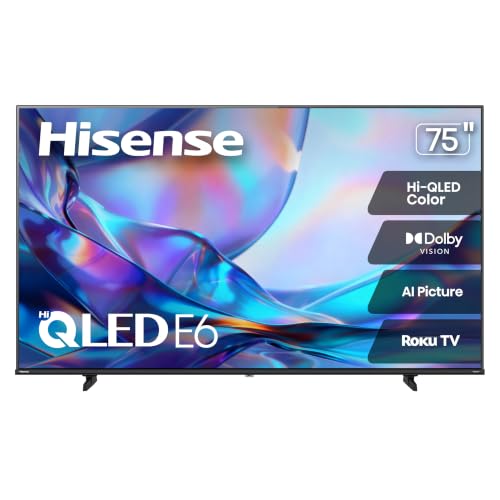
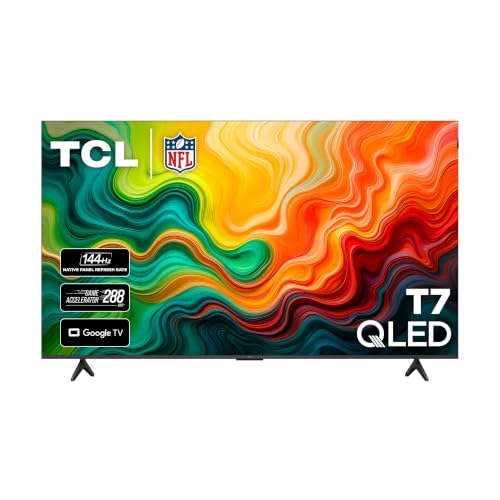
Three Price Tiers at a Glance
Tiers set honest expectations. Compare these general ranges with the product table above, and remember that a slightly smaller screen with better motion often beats a larger screen that smears on every fast play.
Overall Tier
The overall tier, often about $600 to $1,000 in common sports sizes, is the sweet spot for most fans. Expect a native 120 Hz panel or strong motion processing, high brightness for daytime games, wide color for HDR broadcasts, and at least one HDMI 2.1 port for a console between matches. Viewing angles and anti reflection coatings improve here too. This tier suits a main living room set that must handle Saturday afternoon sun and evening games with equal ease. It is where most buyers should start and, for many rooms, finish.
Value Tier
The value tier, often under $600, covers casual viewing well if you choose carefully. Expect 4K resolution, basic HDR, and a native 60 Hz panel with motion smoothing you can adjust. Brightness is the usual limit, so these sets shine in shaded or evening rooms more than in sun filled spaces. Speakers also tend to be thin, which matters for crowd noise and commentary, so budget for a soundbar if you can. For a bedroom, den, or second screen for a big event, a value tier set with clean motion settings can deliver far more joy than its price suggests.
Premium Tier
The premium tier, often about $1,200 and up, buys top brightness, the best anti reflection treatment, excellent viewing angles on OLED or high end Mini LED panels, and full gaming features for consoles. Motion stays clean at speed, dark stadium scenes hold detail, and HDR highlights in night games look striking. This tier fits dedicated sports rooms, bright open plan spaces, and hosts whose seats spread wide. You pay for consistency across every seat and every lighting condition. If sports anchor your home entertainment, the jump can be worth it, but only when the room and seating truly demand it.
How to Choose the Best 4K TV for Sports: Buying Guide
This is the heart of the decision. Work through each factor against your room, your sports, and your seats, and the right class of best 4k tvs for sports will narrow quickly.
Features That Matter for Sports
Sports need motion clarity, brightness, and uniform screens. A fast pan across a field exposes blur and dirty screen effect, where patches of gray show on light backgrounds. Look for strong motion processing you can tune, high sustained brightness, and good screen uniformity in owner feedback themes rather than rating averages. Low input lag helps if you game between matches. Wide viewing angles protect side seats. Together, these traits matter more for live games than deep smart features or exotic sound modes you may never open.
Panel Technology (IPS, VA, OLED, Mini LED)
VA panels give strong contrast for night games but can wash out from side seats. IPS panels hold color wide, at some cost to black depth. OLED delivers perfect blacks, instant response, and wide angles, making night sports look superb, though bright room performance depends on the model and you should use its pixel care tools. Mini LED lifts LCD brightness and controls highlights with many dimming zones, which suits sunny rooms and HDR broadcasts. Match the panel to your seating plan first, because no setting can fully fix a screen that fades where your guests sit.
HDR and Brightness
Day games and HDR broadcasts reward brightness. Around 600 nits or more keeps the picture punchy in a lit room, while premium sets go far higher for specular highlights on helmets, ice, and wet turf. HDR10 is the baseline format, and Dolby Vision or HDR10 Plus style dynamic formats improve scene by scene balance on supported streams. Anti reflection treatment matters as much as raw nits, since a mirror like screen can ruin a bright afternoon match. If your room has windows opposite the TV, weight glare control as heavily as any other spec on this page.
Adaptive Sync and Gaming Features
Many sports fans also game, and modern consoles reward the right ports. HDMI 2.1 with 4K at 120 Hz support, variable refresh rate, and auto low latency mode gives smooth play and instant game mode switching. Adaptive sync prevents tearing when frame rates vary. Even if you never game, these features signal a capable processor and panel, which often correlates with better motion handling for broadcasts. Check how many ports carry the full feature set, because on some sets only one or two HDMI inputs support the highest rates, and your soundbar may claim the eARC port.
Resolution and Screen Size
4K resolution keeps field lines, jersey numbers, and score graphics crisp, especially on screens of 55 inches and up. Size should follow distance, with about six to nine feet suiting 55 to 65 inches for immersive sports without forcing your eyes to chase the action. In a smaller den, 50 inches at five to seven feet feels generous. Bigger is not always better for standard definition or low quality streams, which look softer when stretched. Measure your wall and your stand, confirm the door and stair path for delivery, and sit at your real distance before you commit.
Stand, Mounting, and Ergonomics
A wide two foot stand needs a long console, while a center pedestal fits smaller furniture and swivels on some models for quick angle fixes. Wall mounting cleans up the room and sets the screen at eye level, so confirm the VESA pattern, commonly 200 by 200 up to 400 by 400 on larger sets, and plan stud locations and cable routes. Slight downward tilt can cut ceiling light reflections in bright rooms. Also leave rear clearance for ventilation and port access. Good ergonomics sound dull until a big game, when a well placed screen quietly serves every seat.
Refresh Rate and Response Time
Native refresh rate is the honest figure. A native 120 Hz panel shows fast motion with less blur and handles 24 frame film cleanly on movie nights, while a native 60 Hz panel depends more on processing. Marketing numbers far above the native rate describe processing, not the panel itself. Response time affects ghosting behind a puck or ball, and OLED leads here by a wide margin. For sports, tune motion smoothing to a low or custom setting, because maximum smoothing creates artifacts around players and the odd plastic look many fans dislike.
Types of 4K TVs for Sports Rooms
Budget Displays
Budget displays fit bedrooms, dorms, and second rooms where a big event overflows the main space. They offer 4K clarity and streaming apps at friendly prices, with limits in brightness and motion. Choose one with adjustable motion settings and decent viewing angles, and pair it with curtains for day games. For occasional viewing, the value is hard to beat.
Gaming Displays
Gaming focused displays add HDMI 2.1, low lag, and sync features that double as sports strengths. Their fast panels keep both virtual and real action clean, and game mode settings often become your sports settings too. If your household splits time between consoles and live matches, this type covers both without compromise. Check our guide to the best gaming tvs 4k for deeper console focused detail.
Large Screen Options
Large screens of 75 inches and up turn a room into an event space, with players near life size and graphics readable from the kitchen. They demand distance, a strong mount or stand, and good viewing angles so edge seats keep color. Feeding them a quality stream matters, since weak sources look rough at this scale. If you host often, this type delivers the shared thrill that smaller sets cannot.
Setup and Care Tips
- Calibrate picture settings on day one, and turn off vivid mode, which oversaturates team colors and crushes detail.
- Use a sports or custom mode with low motion smoothing, then adjust by eye during a real game, not a demo loop.
- Use quality HDMI 2.1 cables for 4K 120 Hz sources, and keep runs short where you can.
- Use pixel refresh on OLED models as the maker directs, and avoid leaving static score channels paused for hours.
- Clean screens with a microfiber cloth only, lightly and dry, and never spray cleaner straight onto the panel.
- Place the screen so windows sit to the side rather than opposite, and add a bias light for night viewing comfort.
For broader shortlists beyond game day, our guides to the best tvs for sports and the best tvs for watching sports compare viewing priorities from other angles.
FAQs About Sports TVs
What features matter most in 4k tvs for sports?
Motion clarity, brightness, and viewing angles matter most. A native high refresh panel or well tuned motion processing keeps fast play clean, strong brightness and glare control protect day games, and wide angles keep side seats in the action. Screen uniformity is the quiet fourth factor, because patchy panels distract on light fields and ice more than on any other content.
Is 4K worth it for sports?
Yes, on screens of 50 inches and up or at close seating, because 4K keeps lines, numbers, and graphics sharp and many top streams now offer 4K feeds for major events. At smaller sizes or long distances the gain shrinks, and a cleaner 1080p stream can beat a weak 4K one. Resolution helps most when motion and brightness are already handled well.
IPS vs OLED: which is better for sports?
OLED is better for night games, wide seating, and instant motion response, with perfect blacks that make stadium scenes look rich. IPS is better for bright rooms on a budget and for worry free long static broadcasts, since there is no retention risk. VA based Mini LED splits the difference with high brightness and strong contrast. Your room light and seating width should decide, not brand loyalty.
What size should I get for my room or desk?
For a living room, 55 to 65 inches suits most seating at six to nine feet and gives sports real presence. Go to 75 inches if your distance is ten feet or more and your wall allows it. For a desk or small den, 43 to 50 inches at four to six feet feels immersive without strain. Always measure the stand width or mount pattern before ordering.
Does refresh rate matter for non gamers?
Yes, for sports it matters a great deal, even if you never touch a console. A native 120 Hz panel reduces blur on pans and breakaways and gives motion settings more to work with. What does not matter is an inflated marketing rate, so always find the native figure in the specification sheet. Film fans also gain, since 120 Hz panels can show 24 frame movies without uneven judder.
Our Verdict
Judge a sports TV by motion, brightness, and the seats in your room, in that order. Then size it to your distance and set it up with care on day one. For heritage and top tier context, see our guides to the best tvs of all time and the best quality 4k tvs. Choose best 4k tvs for sports that keep every play clean from every seat, and revisit the product table above to lock in your game day screen.


