Best 4K TVs for Gaming under 500: A First Time Buyer's Guide for 2026
Disclosure: We may earn a commission when you buy through links on this page, at no extra cost to you. As an Amazon Associate I earn from qualifying purchases. Learn more

Shopping for the best 4k tvs for gaming under 500 for the first time? Learn the terms, compare options, and avoid rookie mistakes with this easy guide.
Buying your first gaming TV can feel like learning a new language. Boxes shout about refresh rates, HDMI versions, and panel types, yet none of that tells you what your games will actually feel like on your couch or at your desk. This guide starts with plain basics and builds step by step toward a confident choice.
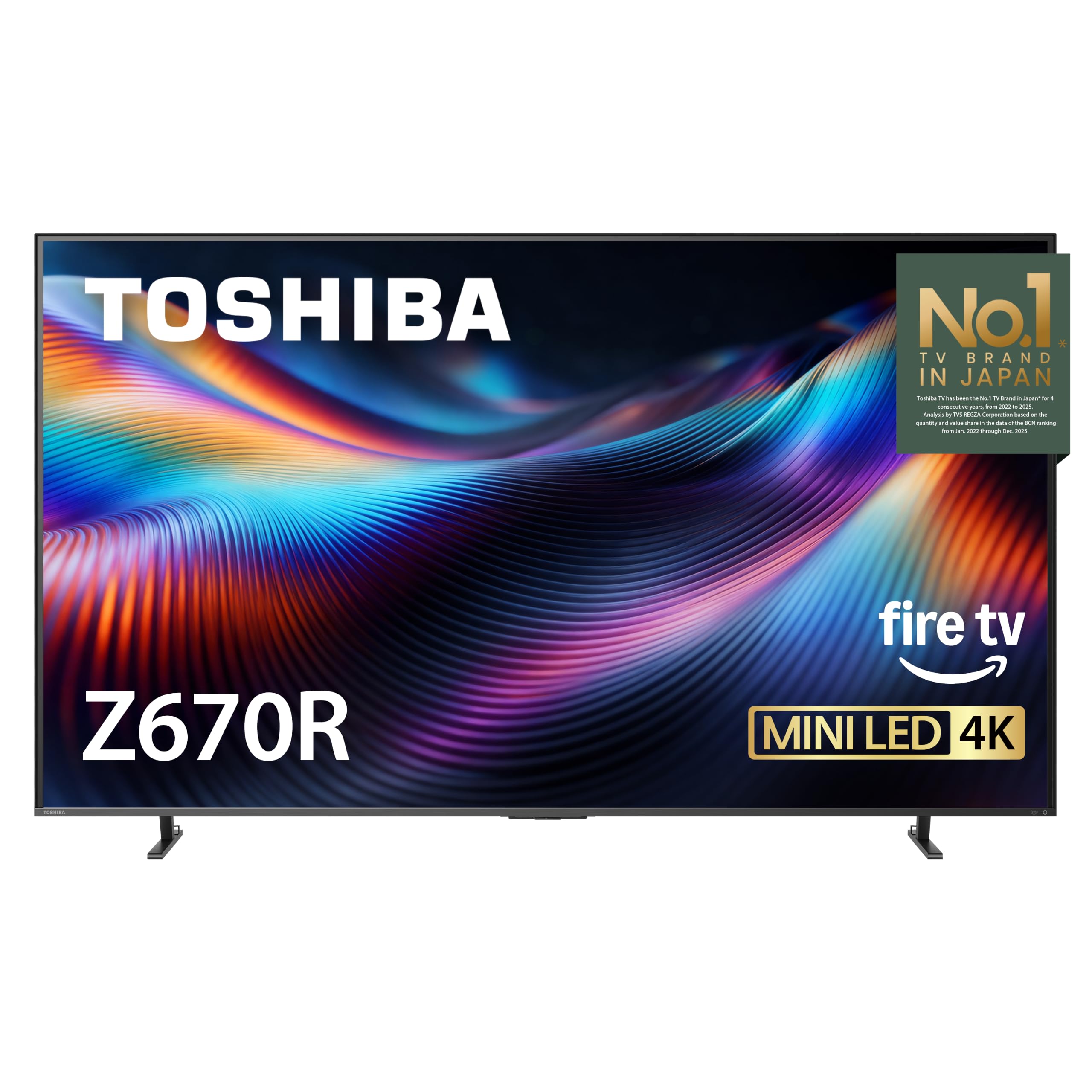
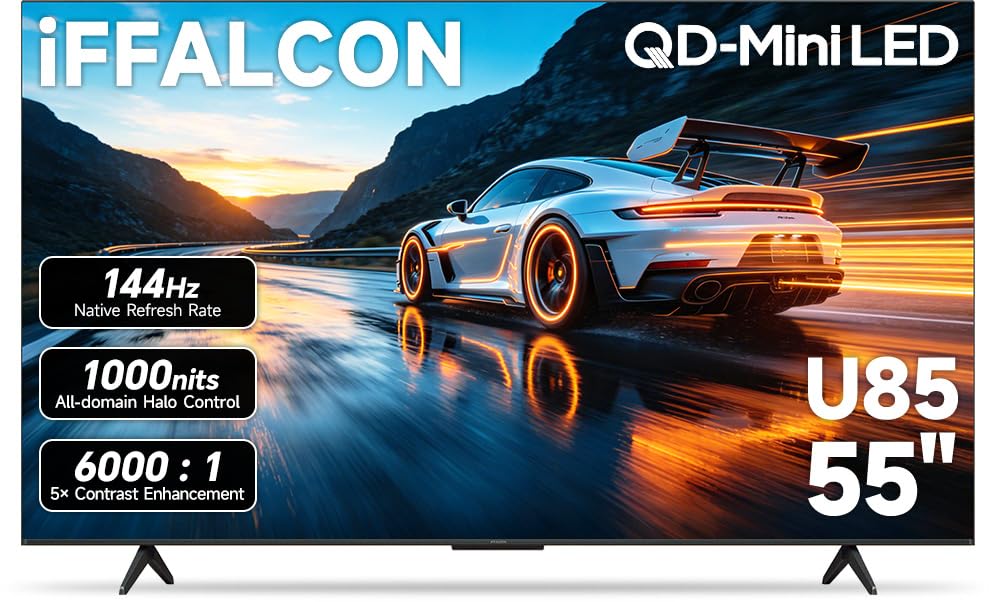
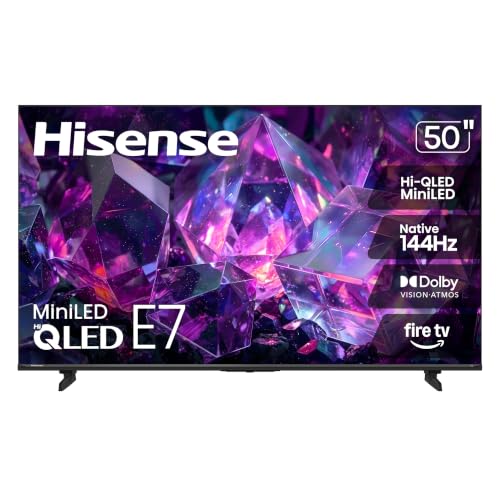
If you are hunting for best 4k tvs for gaming under 500, you do not need pro level knowledge. You need to know which three or four specs matter for play, what this budget can honestly deliver, and which extras you can skip. The comparison table below lists current options, and the sections after it translate the jargon into decisions.


4K TVs 101: The Basics
A 4K TV shows about four times as many pixels as a 1080p TV, so game worlds look sharper, text reads cleaner, and fine detail such as distant signs or small map icons is easier to see. A smart TV adds built in apps for streaming and often voice control, so the same screen covers films and shows when you are not playing. For gaming, the TV also acts as the display your console or PC sends each frame to, and how fast it responds shapes how connected your controls feel.
Three terms explain most of the rest. Input lag is the delay between pressing a button and seeing the result, and lower is better. Refresh rate is how many times per second the screen can show a new image, written in Hz. A game mode is a picture setting that cuts extra processing to keep lag low. If you remember only those three ideas, every spec section below will make sense.
Key Specs Explained in Plain English
First time buyers shopping for best 4k tvs for gaming under 500 usually meet the same five topics in the same order. Work through them slowly. Each one ends with the level you should aim for at this budget, so you can check any model in the product table above in a minute or two.
What You Can Realistically Get Under $500
At about $300 to $500, expect a sharp 43 inch to 55 inch 4K panel, a proper game mode with low lag, and at least basic variable refresh support on many models. One HDMI 2.1 port is a realistic hope, while four such ports and OLED picture quality are not. Built in sound will be serviceable, not powerful. The wise move at this level is to protect lag, screen size for your space, and panel contrast, and to let luxury extras go without regret.
Features That Matter for Gaming
Gaming asks more of a TV than films do, because the screen must react to you, not just play a fixed stream. Aim for input lag under about 10 milliseconds in game mode, a native 60Hz panel at minimum, and 120Hz support if your console or PC can send it and the price still fits. Auto low latency mode saves menu trips by switching to game mode on its own. A headphone jack or Bluetooth audio helps for late night play.
If you want a gaming only view without the smart TV focus, compare with our guide to the best gaming tvs under 500 once you know the basics here.
Panel Technology (IPS, VA, OLED, Mini LED)
The panel is the screen surface itself, and each type trades something. VA panels give deep blacks that make night scenes and space games look rich, but colors can shift when you sit far to the side. IPS panels keep color steady from wide angles, which suits group play, though blacks look lighter in a dark room. OLED is the dream for contrast and response but sits above this budget. Mini LED boosts brightness and control and is just starting to reach this price on sale.
Adaptive Sync and Gaming Features
Adaptive sync lets the TV adjust its refresh timing to match your console or PC, which smooths motion and reduces screen tearing, the split image you see when frames arrive out of step. Names include FreeSync, G Sync compatible modes, and the HDMI standard form called VRR. ALLM, short for auto low latency mode, tells the TV a game has started so it switches to fast settings by itself. Together these features make play feel calm and responsive even when frame rates dip.
Smart Platform and Sound
The smart platform is the home screen where apps live. Google TV, Roku, and webOS are all easy to learn, so choose based on the apps you use and a remote you like. Check that your streaming services are present and that game streaming apps you care about are supported. For sound, TV speakers at this price are fine for dialogue and casual play, but explosions and music will sound thin. Plan a soundbar later if your room is large, and confirm eARC support now so that upgrade stays simple.
Streaming matters to many gamers too, so our guide to the best 4k smart tvs under 500 is a useful companion read on platforms and apps.
Best 4K TVs for Gaming under 500: Rookie Mistakes to Avoid
New buyers tend to make the same handful of errors. Each one is easy to dodge once you know it exists.
- Judging by the store demo mode, which boosts brightness and color far beyond home settings and hides lag completely.
- Paying for a huge screen that sits too close, so your eyes must dart across the picture during fast games.
- Ignoring HDMI port versions, then learning the console cannot send 4K at 120Hz to the port you used.
- Leaving game mode off, which adds picture processing and makes controls feel heavy and delayed.
- Forgetting cables and a stand or mount in the budget, which turns a good price into a stressful setup day.
For a non gaming baseline at the same budget, see our guide to the best 4k tvs under 500 and note which features change when play is not the goal.
Getting Started: Setup and First Use
Setup day goes smoothly if you work in order. Place the TV, attach the stand or mount with a second pair of hands, and plug the console into the best HDMI port, which the manual usually labels for high refresh or eARC. Turn on game mode for that input before your first session. Switch the picture out of vivid mode into a standard or game preset, then set brightness so dark game areas still show detail.
Know how tip: rename each input on the home screen to the device it holds, such as Console or PC. It takes one minute and ends the nightly hunt for the right source. Then update the TV software once, because updates often improve app speed and fix early bugs. If your set offers a pixel refresh routine for an OLED panel, let it run as directed, though most sets at this price are LED and need no such step.
FAQs
Can you get a good 4k tv under $500?
Yes, you can get a good 4K TV under $500 for console play, streaming, and sports. At this price a well chosen LED set gives low lag in game mode, a sharp picture at 43 inch to 55 inch sizes, and all the main apps. What you give up is OLED contrast, the brightest HDR, and several HDMI 2.1 ports. For a first gaming TV, those trade offs are sensible and rarely missed.
What features matter most in 4k tvs for gaming?
Low input lag in game mode matters most, because it decides how responsive play feels. Next come refresh rate and HDMI 2.1 support for smooth high frame rate play, then variable refresh rate to calm tearing when frames dip. Panel contrast shapes how good night scenes look, and screen size must fit your seating distance. If a listing leads with smart extras instead of these basics, treat that as a warning sign.
HDR fans can dig deeper with our guide to the best 4k hdr tvs under 500, since HDR quality varies widely at this price.
How long do 4K gaming TVs last?
A 4K gaming TV should last about 7 to 10 years with normal home use. Heavy daily gaming does not wear an LED panel quickly, though backlights fade slowly over time. The parts that age fastest are the smart platform and the remote, and a streaming stick or a new console can refresh both. Keep vents clear, avoid constant maximum brightness, and use a surge protector to guard against sudden damage.
Does refresh rate matter for non gamers?
Refresh rate matters modestly for non gamers, mostly in live sports and fast action scenes. A 60Hz panel handles news, dramas, and most films without visible trouble. A 120Hz panel makes sports motion cleaner and future proofs the set if gaming enters the home later. Since this guide is for players, the higher rate earns its place here. Pure movie households can safely rank brightness and contrast first.
What TV size should I get for my room or desk?
Choose TV size from seating distance before anything else. At about 4 to 6 feet, a 43 inch screen feels large yet comfortable, and at 6 to 8 feet a 50 inch or 55 inch screen fills your view for games. On a desk, 43 inch is usually the ceiling so menus and maps stay in easy sight. Measure your stand or desk width as well, because wide feet can overhang smaller furniture.
Is 4K worth it?
Yes, 4K is worth it for gaming because current consoles output 4K and the detail shows in maps, menus, and distant detail. The upgrade is clearest at 50 inch and larger or when you sit fairly close, as gamers often do. On a small screen across a large room the gain is smaller. Pair 4K with low lag and a good game mode, because sharpness alone does not make play feel good.
Our Verdict
For your first gaming TV, rank input lag and game mode first, port support and refresh rate second, and panel contrast third. That order protects how play feels, which is the whole point of the purchase. Work through the product table above with those checks and the jargon will no longer slow you down. Chosen with care, the best 4k tvs for gaming under 500 will serve your games and your movie nights for years.