
Best 4K LED TVs for 2026: A Complete Buying Guide
Disclosure: We may earn a commission when you buy through links on this page, at no extra cost to you. As an Amazon Associate I earn from qualifying purchases. Learn more
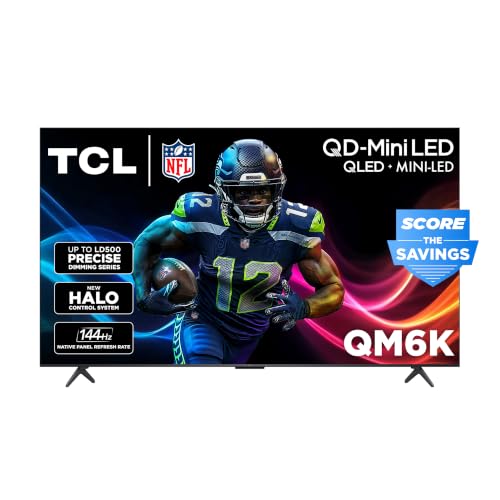
Compare the best 4k led tvs by type, picture quality, ports and smart platform, then match size and budget to your room and seating distance.
Choosing among the best 4k led tvs comes down to viewing distance, room light, and the apps you actually use, not to the biggest screen or the longest feature list. This guide explains how a 4K LED television works, which features change daily viewing, and how to match a set to your room before you open the product table.
A 4K LED television suits living rooms, bedrooms, and movie nights where detail, brightness, and a wide app choice matter, provided your seating distance lets you see the extra resolution.

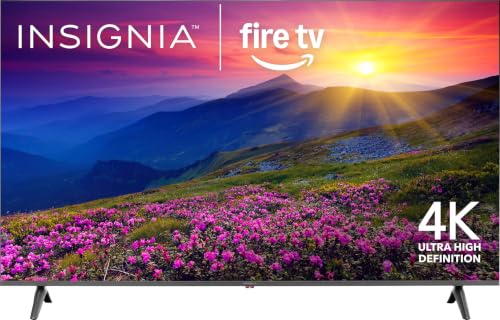
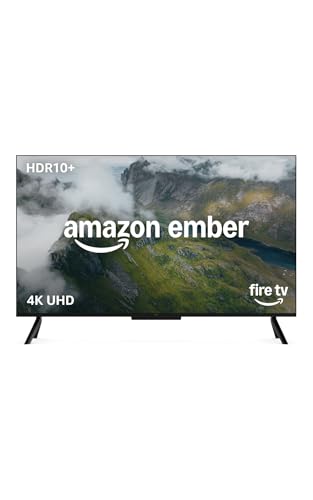
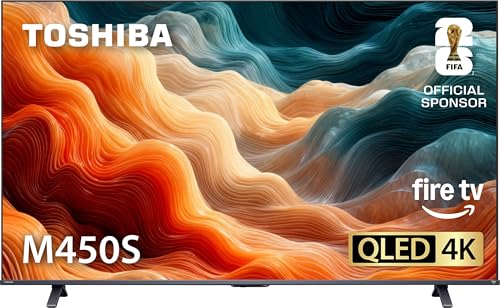
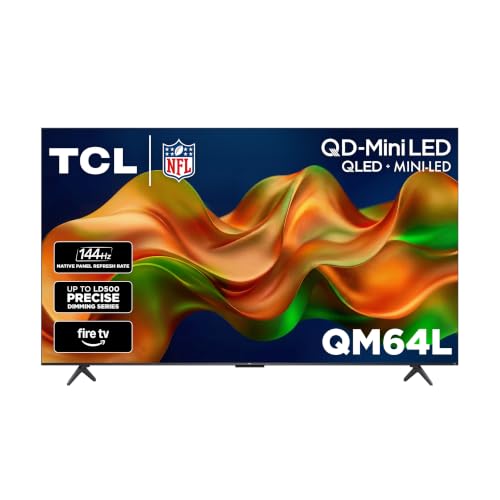
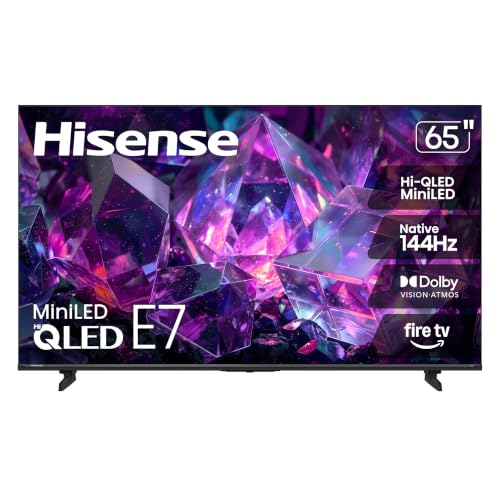
What a 4K LED TV Actually Is
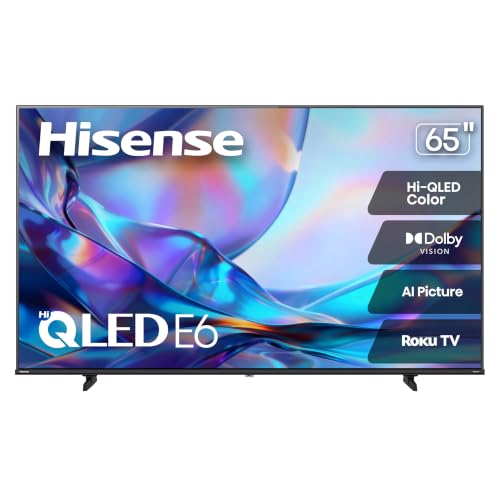
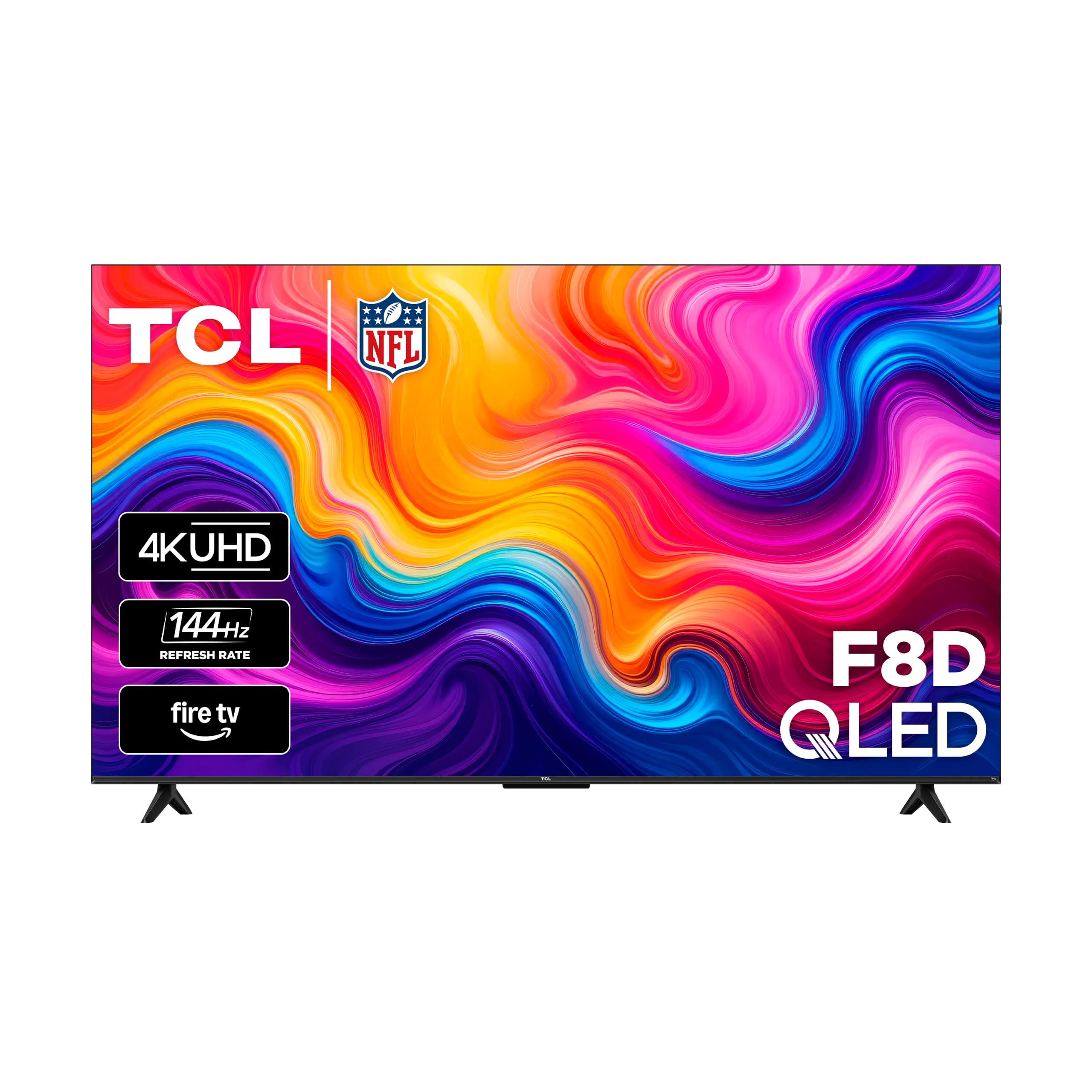
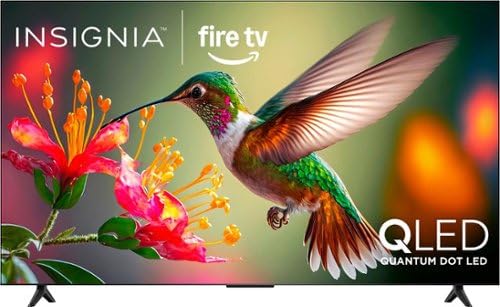
A 4K LED television has an LCD panel with 3840 by 2160 pixels, lit from behind or from the edges by LED lights. The LEDs do not make the picture themselves. They shine through the panel, which is why backlight design, local dimming and panel type shape contrast and black levels far more than the 4K label does.
Size is measured diagonally, so width and height decide whether the set fits your stand or wall. Measure both the screen and the stand footprint, because wide feet can overhang a narrow unit even when the screen itself fits.
Types of 4K LED TVs
No single type suits every home, so match the type to the job you need done. The main choice is between basic, smart, and gaming friendly sets.
Basic 4K LED TVs
A basic television suits a spare room or anyone who already uses a streaming stick or cable box. You pay less and get simple operation, but you may need an extra device for apps.
Smart 4K LED TVs
A smart television includes streaming apps and WiFi, so it works on its own with an internet connection. Check that your favorite apps are supported and that menus feel fast, because a slow system frustrates daily use.
Gaming Friendly 4K LED TVs
Gaming friendly sets add low input lag, variable refresh support, and a game mode that keeps controls responsive. If you play fast games on a newer console, look for HDMI 2.1 ports, since these features matter more than extra picture modes.
Key Features to Compare
Once you know the type, the features below decide how happy you will be after the first month.
Picture Quality and HDR
Look for natural skin tones, steady motion, and good contrast in your own room light. HDR badges promise more than small or budget panels can deliver, so treat them as a bonus rather than a guarantee. Local dimming improves contrast on better models, while basic LED sets show grayer blacks in a dark room.
Sound
Built in speakers are modest on most televisions, so listen for clear dialogue at normal volume. A small soundbar improves evening viewing a great deal, and it often costs less than stepping up a television tier.
Connections
Count HDMI ports for consoles, streaming sticks and soundbars, and check for an ARC or optical audio output. Too few ports force cable swapping, which gets old quickly.
Smart Platform
Check app availability, update support and remote simplicity. A platform that lacks your must have app, or that feels sluggish, will annoy you every day, whatever the picture quality.
VA and IPS Panels in 4K LED TVs
Most of the best 4k led tvs use one of two LCD panel types, and the choice shapes how the picture looks from your sofa. VA panels give deeper blacks and stronger contrast, which suits movie nights in a dim room, but the picture fades when you sit far to the side. IPS panels keep color steady from wide angles, which helps in a broad living room or a shared family space, though blacks look grayer in the dark.
If you mostly sit in front of the screen with the lights low, lean toward VA. If people watch from the edges of the room or the room is bright, lean toward IPS or pay for a model with good local dimming. Product pages rarely say which panel a set uses, so check the specification list or the reviews from owners with a similar room.
Brightness works the same way. A set with a peak brightness of about 400 nits copes with a normal living room, while a sunny room benefits from 600 nits or more and an anti glare coating. Pair that with the screen size you measured, and the shortlist shrinks quickly.
Size, Fit and Viewing Distance
Measure your seating distance, your seating angles, and the wall or stand space, then compare them with the television dimensions. As a rough guide, a 50 inch set suits about 5 to 7 feet and a 65 inch set suits about 6 to 9 feet. Viewers sitting far to the side need good viewing angles, while a television opposite a bright window needs a brighter panel or curtains. Check the VESA pattern if you plan to wall mount.
Budget and Long Term Value
Prices vary widely by size and features, but the middle of the range usually buys a better panel and a faster smart system. Pay for the features you will notice, such as viewing angles, dialogue clarity, or gaming response, rather than for badges you will never use. Keep a little aside for a wall mount or soundbar if you need one.
Common Mistakes to Avoid
- Choosing size by price alone without measuring the viewing distance.
- Assuming every smart television carries every streaming app.
- Forgetting sound, since thin speakers can spoil an otherwise good picture.
- Trusting an HDR badge on a dim, budget panel.
- Buying a set with too few HDMI ports for your console, soundbar and streaming box.
Setup and Everyday Care
Turn off the vivid picture mode and start from a movie or standard preset, then set brightness for your room rather than for a shop floor. Dust the screen with a dry microfiber cloth, avoid spraying liquid directly onto it, and keep the vents clear. Update the software now and then, and use a surge protector if your home suffers power spikes. If apps slow down, a restart or a software update often fixes the problem.
In the first weeks, use the set in your normal room and with your usual sources, and note anything that annoys you while the return window is still open. Small changes to placement or picture settings often fix early disappointments.
Related Guides Worth Reading
For other ways to shop, see our guides to the best led tvs, the best quality 4k tvs, the best led lcd tvs, and the best gaming tvs 4k.
Frequently Asked Questions
Is 4K worth it over high definition?
At medium and large sizes, yes, because the extra detail is visible and most streaming now offers 4K. At very small sizes or long distances the difference shrinks, so match resolution to screen size and seating distance.
What does LED mean for picture quality?
LED refers to the backlight behind an LCD panel, and it generally gives good brightness and value. Local dimming improves contrast on better models, while basic models show grayer blacks. Compare contrast in your room light, not just brightness numbers.
Do I need HDR on a 4K LED television?
HDR can improve highlights and color, but only if the panel is bright enough to show it. Budget sets may accept an HDR signal without displaying its full benefit, so treat HDR as a bonus on bright, well reviewed panels rather than a guarantee.
What internet speed do I need for 4K streaming?
A stable connection around 25 Mbps per stream is a common guide, though services vary. Wired ethernet is more reliable than WiFi for 4K, especially if several devices share the connection.
Should gamers choose a 4K LED television?
Gamers should prioritize low input lag, variable refresh support, and HDMI 2.1 for newer consoles, alongside 4K resolution. A television that looks great for movies but lags in games frustrates fast play, so check the game mode specifications before buying.
Final Thoughts
The right television is the one that fits your room, your seating, and your viewing habits. Measure carefully, check apps and sound, and compare the product table with your notes before you decide.
Match size, features and budget to your own space, and the best 4k led tvs on your short list will be easy to pick and a pleasure to use every evening.


