Best 4K Home Projectors: A 2026 Buying Guide
Disclosure: We may earn a commission when you buy through links on this page, at no extra cost to you. As an Amazon Associate I earn from qualifying purchases. Learn more

Compare the best 4k home projectors by native and pixel shifted resolution, brightness and throw, and see why your room and screen decide the picture.
A projector is the easiest way to get a genuinely large picture at home, but the spec sheets make choosing one harder than it should be. Two models can both say 4K on the box and deliver visibly different sharpness, and brightness figures are measured in ways that tell you little about your living room. The best 4k home projectors are not the ones with the longest feature lists. They are the ones whose resolution type, brightness and throw distance match the room you actually have.
This guide works through the decisions in the order they matter: what 4K really means on a projector, how much brightness your room demands, and how the screen and seating complete the setup. The product table lets you compare the picks, and the sections below explain each term in plain language.






How to Choose: The Specs That Decide the Picture
Shoppers comparing the best 4k home projectors usually start with resolution, but the smarter order is room first, then throw, then resolution and brightness together. The points below explain why, and what level of each spec is worth paying for.
Budget sorts itself into three rough bands. Entry level pixel shifting models often run about $700 to $1,200 and cover most living rooms well. Stronger home cinema models with better contrast and lens control run about $1,500 to $3,000. True native 4K sits above that, and the step up buys detail you can only use with a large screen and close seating.
Spend inside the band your room can actually show, and keep money aside for the screen and sound.
Resolution: Native 4K and Pixel Shifting Explained
True native 4K means the imaging chip itself carries the full pixel count of a 4K image, and projectors built that way sit at the top of the price range. Most home models reach 4K differently, using a fast shifting element that moves a lower resolution chip between positions so quickly that your eye reads the combined image as 4K. Both approaches are sold as 4K, and that is not a trick: a good pixel shifting model looks convincingly sharp at normal seating distances and costs far less. Choose native resolution when you sit close to a very large screen and budget allows, and treat shifting as the legitimate middle step it is.
Brightness and HDR: Why the Room Decides
Brightness is quoted in lumens, but makers measure those figures under their own conditions with the picture set to its brightest and least accurate mode. Because every brand measures its own way, lumen numbers are a rough class signal and are not comparable across brands. What decides your picture is ambient light: a room you can fully darken forgives modest brightness, while a living room with daylight and lamps demands a brighter class and a screen that rejects some of that light. HDR adds a wider range between dark and bright parts of a scene, and on projectors it depends more on how well the unit maps that range to its real limits than on which HDR logos appear on the box.
Throw Distance and Screen Size Are Bought Together
Throw describes how far the projector sits from the screen for a given image size, and every model has a fixed range it can work within. Measure your room before you shop: the distance from the lens position to the wall sets the largest clean image you can get, and a screen bought first can easily outsize what the projector can fill. A 100 to 120 inch image suits most living rooms, and seating roughly one and a half times the screen width away keeps the picture immersive without forcing your eyes to scan. Buy the projector and screen as one decision, never as two separate guesses.
Light Source: Lamps, LED and Laser Classes
Traditional lamps are the cheapest light source to buy and the most expensive to own, because they dim with age and replacements are a recurring cost you should price before you commit. LED and laser light sources hold their brightness far longer and reach full output almost instantly, which is why they dominate newer home models. Laser classes also tend to hold colour better as they age. Whichever class you choose, check the cost and availability of replacement parts in general terms, because a bargain unit with an expensive or scarce lamp is not a bargain over five years of movie nights.
Smart Platform and Sound: Plan Audio Separately
Many home projectors now carry a built in streaming platform, which is handy for casual viewing and removes one box from the shelf. Treat it as a bonus rather than the deciding feature, since an external streaming stick can replace it later for little money. Sound deserves the same realism: built in speakers belong to the quiet room class and are voiced for dialogue at modest volume, not for film soundtracks. Plan a separate soundbar or speaker set from the start, and make sure the projector offers an audio output that matches it, because great pictures with thin sound feel smaller than they are.
If the unit will anchor general family viewing rather than a dedicated room, our guide to best projectors for home entertainment weighs these convenience features more heavily.
Gaming and Input Lag on a Big Screen
Input lag is the delay between your controller and the action on screen, and makers quote their best figure, usually measured in a special low lag mode at a lower resolution. Those figures are useful within one brand and shaky across brands, so read them as maker figures rather than measurements you can rank precisely. Casual and story driven games feel fine on most home models, while fast competitive play is where low lag modes earn their keep. If gaming matters, confirm the projector keeps its low lag behaviour at the resolution you will actually play at, not only in its fastest mode.
Classes of 4K Home Projectors
The three classes below cover most home setups.
Standard Throw Projectors for Dedicated Rooms
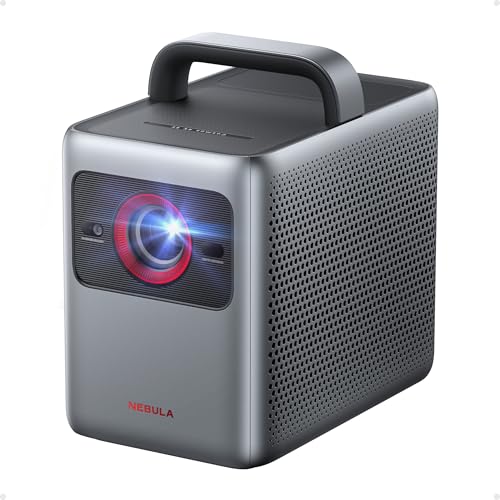
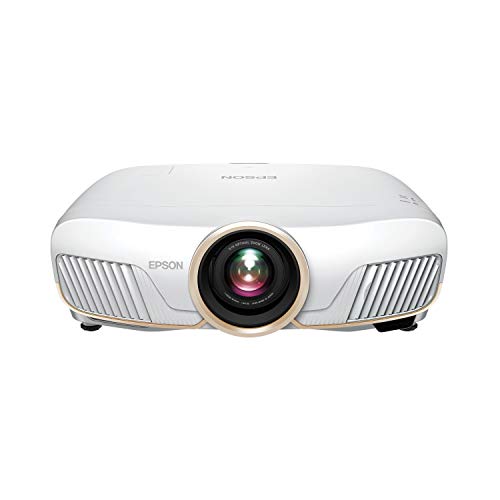
The classic home cinema class sits on a shelf or ceiling mount behind the seating and throws a large image across the room. These models offer the strongest brightness and contrast per dollar and suit rooms you can darken properly. They reward a fixed installation, so they fit media rooms and living rooms where the layout stays put. Shoppers building that kind of room will also find our roundup of best home cinema projectors a useful companion to this class.
Short Throw and Ultra Short Throw Classes
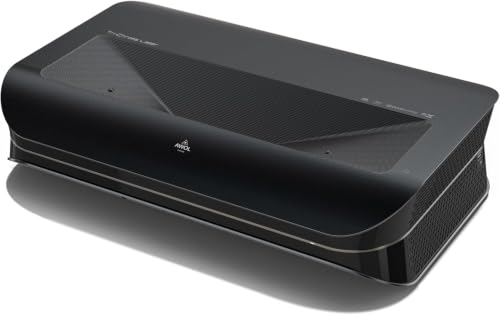
Short throw models sit a few feet from the wall, and ultra short throw models sit almost against it, often on the same furniture a television would use. That placement removes ceiling mounting, long cable runs and shadows from people walking through the beam. The trade off is sensitivity to screen flatness, since any wave in the surface shows as distortion, so budget for a proper fixed screen with this class. That placement is also why this class is often shopped alongside best home tv projectors as a direct television replacement.
Compact and Portable 4K Classes
Smaller models trade brightness and contrast for a body you can carry between rooms or out to the garden. They suit renters, occasional big screen nights and bedrooms more than dedicated cinema rooms. Expect to darken the room well and keep image sizes moderate, and judge this class on setup speed and convenience rather than on matching a fixed installation. Occasional film nights are exactly the use case covered in our notes on best home movie projectors.
Tips to Get the Most From Your Projector
- Leave the vivid mode behind. The brightest preset trades colour accuracy for punch, and a standard or cinema preset will look better within minutes of watching.
- Align before you correct. Square the projector to the screen physically first, because heavy keystone correction shrinks and softens the image you paid for.
- Use a cable rated for the run. Long cable runs can fail a full 4K signal even when they pass a shorter check, so buy the length and rating your setup actually needs.
- Keep filters and vents clear. Dust raises fan noise and internal heat, and a gentle clean on the schedule in the manual keeps both in check.
- Curtains beat lumens. A set of blackout curtains usually improves a living room picture more than the next brightness class up, and costs far less.
4K Home Projectors: Your Questions Answered
Is 4K worth it on a home projector?
Yes, 4K is worth it once your screen passes about 100 inches and you sit at a normal living room distance. At those sizes the extra detail over 1080p is easy to see in faces, text and fine textures, especially with streamed and disc sources that carry real 4K content. On smaller images or from far across a room, the gain shrinks and a good 1080p unit can look nearly as sharp. Match the resolution step to your screen size and seating, not to the badge alone.
What does pixel shifting mean on a projector sold as 4K?
Pixel shifting means the projector uses a lower resolution imaging chip that moves rapidly between positions, flashing offset sub images that your eye blends into a full 4K picture. It is a genuine resolution technique, not a marketing trick, and good shifting models look sharp at typical seating distances. Native 4K chips hold an edge in fine detail when you sit close to a very large screen. For most living rooms, shifting delivers nearly all of the visible benefit at a much lower price.
How bright should a home projector be for a living room?
A living room projector should come from the brighter classes if the room keeps lamps or daylight during viewing, because ambient light washes out a projected image faster than any other factor. In a room you can fully darken, a moderate class is plenty and often looks better balanced. Since maker lumen figures are not comparable across brands, use them only to sort models into rough classes. Then judge by room control first: curtains and lamp placement change your picture more than small spec differences do.
What screen size should I choose for my room?
Choose the screen size from your seating distance first: most viewers are comfortable when the seating sits about one and a half times the screen width from the wall. That points most living rooms toward 100 to 120 inch screens. Check the throw range of your chosen model against that size before ordering, since the lens position in your room may cap the image smaller than the wall allows. A screen gain figure above neutral can help in brighter rooms, at the cost of a narrower good viewing angle.
How long does a projector light source last?
How long it lasts depends on the class: lamps dim steadily and eventually need a replacement you should budget for, while LED and laser sources hold their output far longer and usually outlast the rest of the unit. Makers rate light sources in hours under their own conditions, so treat the figures as class guidance rather than a promise. Running a lamp based model in its eco mode slows the dimming noticeably. When a picture looks dull in a darkened room that once looked fine, the light source is the first suspect.
Final Thoughts
Three decisions carry this purchase: honest resolution for your seating distance, a brightness class your room can support, and a throw and screen pairing measured before you spend. Get those right and almost any model in the class will satisfy you for years. The best 4k home projectors for your home are simply the ones that fit that measured picture. Look over the product table once more to compare the options, then buy for the room you have rather than the room in the advertisement.