
Best 40 Inch Desks (2026): Types, Depth and Fit
Disclosure: We may earn a commission when you buy through links on this page, at no extra cost to you. As an Amazon Associate I earn from qualifying purchases. Learn more

How to choose the best 40 inch desk for a laptop or single monitor, with depth, storage and budget advice.
A desk that is too wide crowds the room, while one that is too narrow leaves you shuffling a laptop, notebook, and lamp all day. Finding the best 40 inch desk solves that tension for many small rooms, because the width fits a laptop or a single monitor with room to write, yet it leaves floor space for a chair, storage, and easy movement.
This guide compares the main types at this size, then walks through fit, depth, capacity, materials, and assembly so you can judge any model on the same terms. Use the comparison table below to see how the types differ before you read the details.

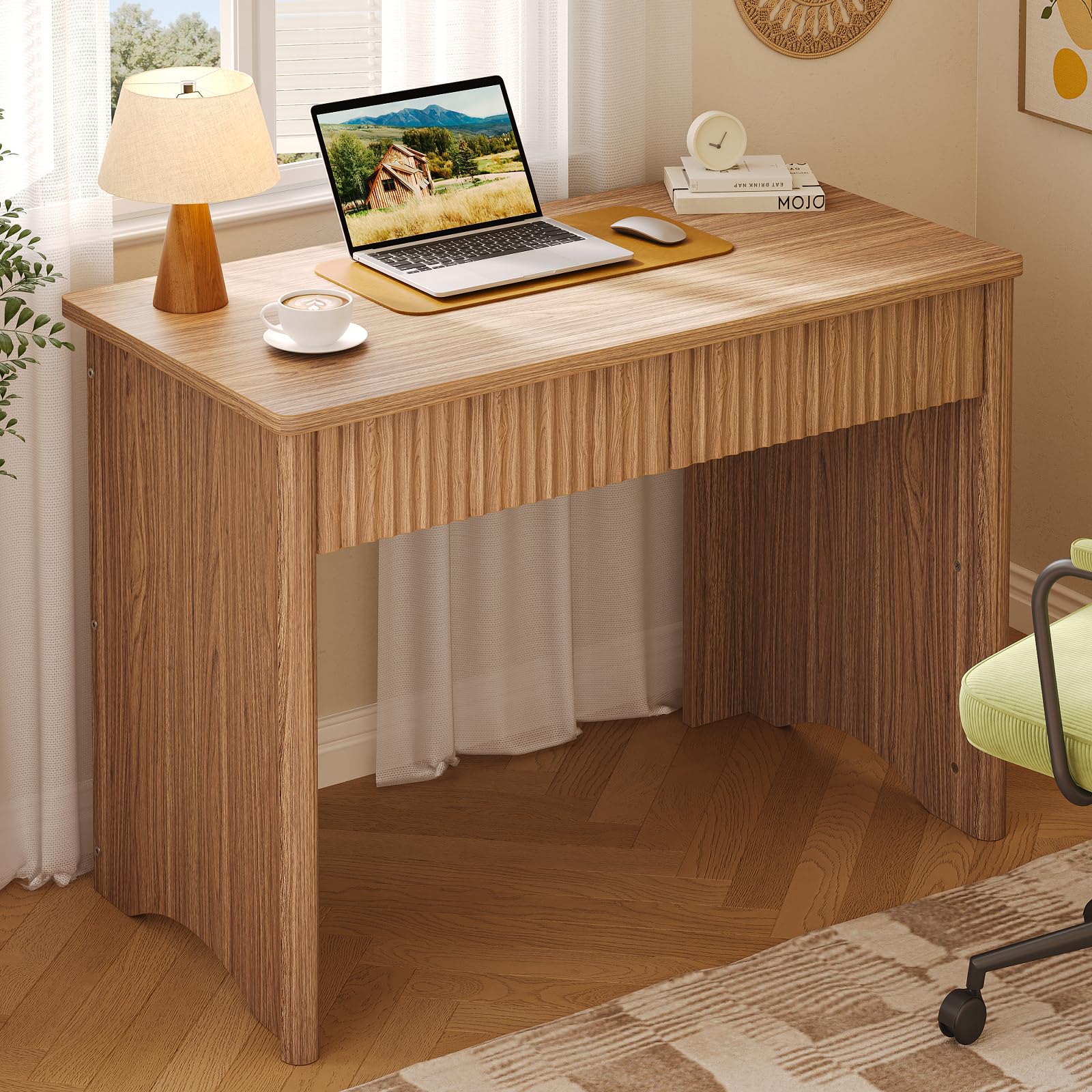

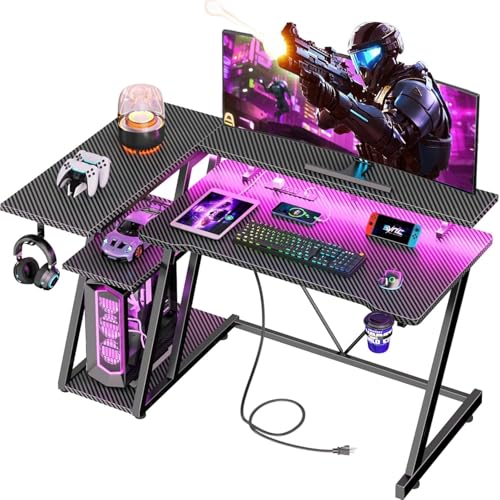

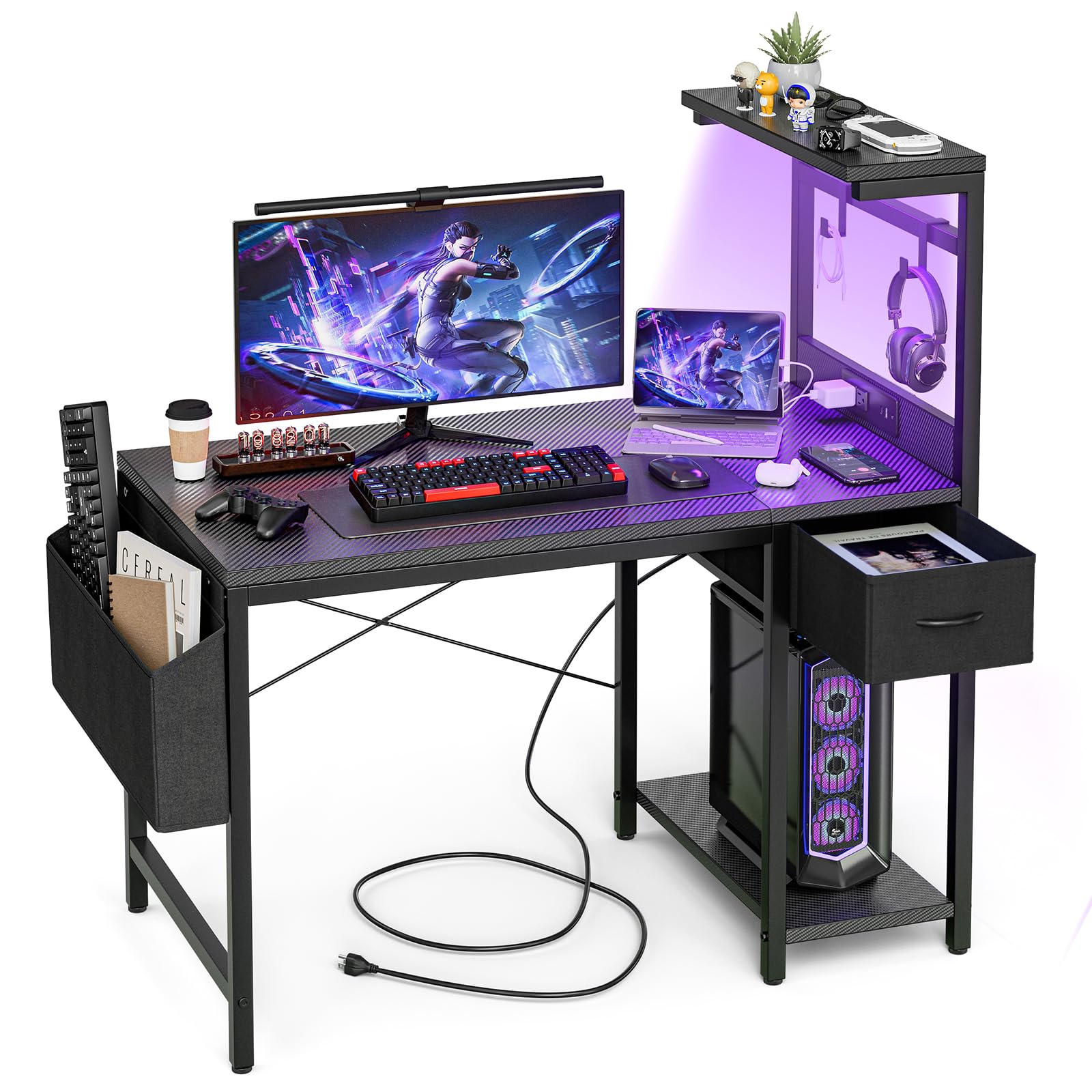

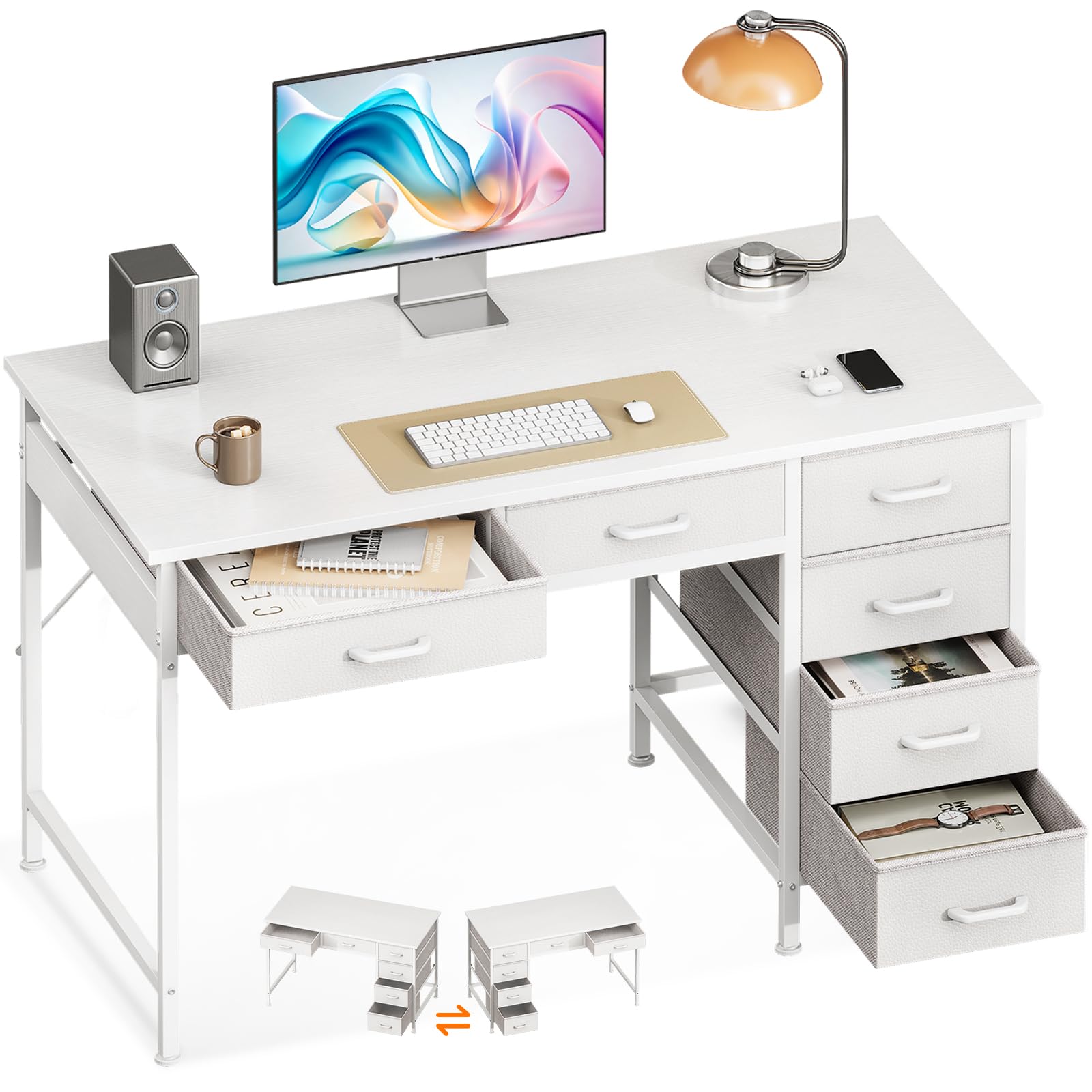
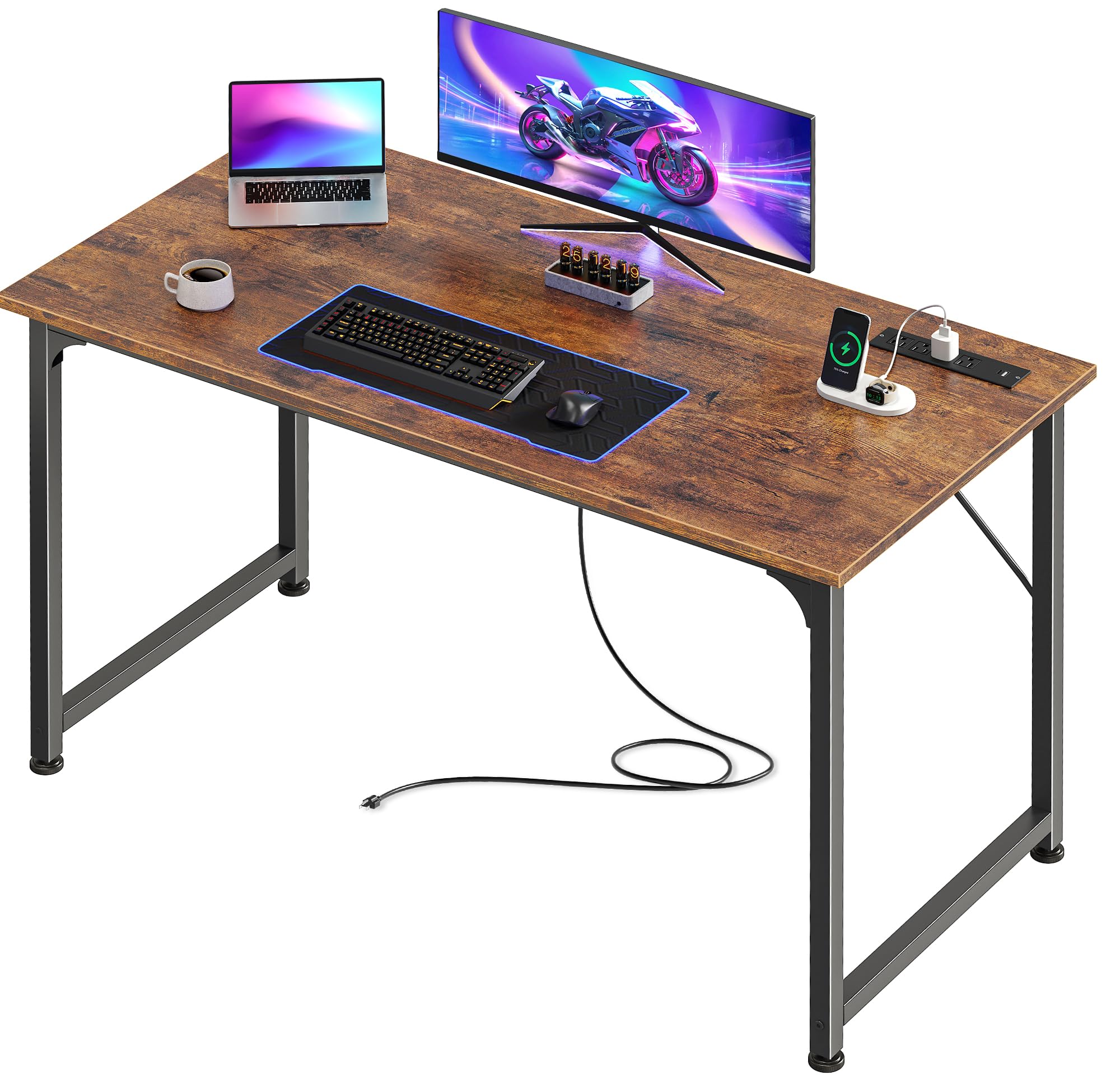

Types of 40 Inch Desks Compared
At this width, the differences that matter most are how the surface is supported, where storage sits, and how much legroom remains. Three broad types cover most listings, and each one suits a different room and routine.
Simple writing desks
A simple writing desk is a flat top on legs or side panels, with no drawers or only one slim drawer. That open design gives you the most knee room and makes the desk feel light in a bedroom or living room corner. It suits handwriting, reading, and laptop work where papers live elsewhere. The limit is clutter, because everything for work must sit on the top or in a separate bin nearby. If you move rooms often, this is usually the easiest type to relocate.
Computer desks with built in storage
This type adds drawers, a cabinet, or a raised shelf so a charger, notebooks, and office supplies stay within reach. Storage helps a shared room stay tidy, and a shelf can lift a monitor closer to eye level. The trade off is space, because drawer units narrow the opening for your chair and can crowd your knees. Measure the clear opening, not just the outside width. Choose this type when the desk is your only work storage.
Folding and wall mounted desks
Folding legs and wall mounted tops serve rooms that must change roles, such as a guest room that becomes an office on weekdays. A folding model can move to storage, while a wall mounted top can drop down or stay fixed in a shallow profile. Both save floor space, but folding hinges need careful locking, and wall mounted tops need solid studs or suitable anchors. Pick one only when reclaiming the floor matters more than an always ready work surface.
How to Compare the Best 40 Inch Desks
Compare types and specifications at this exact width using maker dimensions, stated capacity, materials, and warranty terms, along with patterns in verified buyer feedback about wobble and missing hardware. Weight ergonomics and adjustability, build quality and materials, and size and weight capacity most heavily, then consider assembly and value. Favor clear specifications over vague claims, because a 40 inch top leaves little room for a sizing surprise.
How to Choose the Right Desk
Size and form factor
Width is only the starting point. Depth decides whether a monitor can sit far enough back while a keyboard and notebook stay in front of it, and many compact models are shallower than they look in photos. Leave walking space behind your chair so doors still open, and check window sills and radiators that may block placement. A straight desk is the default at this size. Larger widths such as 47 inch, 55 inch, and 63 inch models add surface but demand more wall. If you are furnishing a dedicated room, our guide to the best desk for home office shows how this width fits a fuller setup.
Type
Match the type to your main job rather than to a photo. Writing work needs a smooth, uncluttered top and enough depth for a book beside a notebook. Computer work needs cable access at the back edge and a surface that will not flex under a monitor arm. An executive style desk is usually too deep and heavy for this width, and a glass top adds glare and visible smudges. A standing frame makes the most sense here for a laptop and one screen.
Features worth paying for
Pay first for features you will touch daily. A keyboard tray helps only if it is wide enough for a keyboard and a mouse and locks without sliding while you type. Built in power outlets and USB ports are convenient, but they add a cord that still must reach a wall outlet safely. A hutch or upper shelves can hold books off the top, yet they add bulk and can block light. Skip extras that duplicate storage you already own, because each add on eats into the modest surface.
Body size and weight capacity
Your body is part of the fit. Sit at a table of similar height and note whether your forearms rest level, your feet sit flat, and your thighs clear the underside. Taller readers should confirm the apron or drawer stack does not force their knees outward, and shorter readers may need a footrest if the chair must rise for the top. Then check the stated weight capacity against everything on the desk, including a monitor, laptop, books, and the force of leaning while writing. Choose headroom instead of a near match.
Adjustability
Most fixed desks offer little adjustability, so your chair does most of the work. A chair with adjustable height and armrests that clear the top lets you fine tune your posture. True height adjustable frames at this width help if two people of different heights share the desk or if you alternate sitting and standing. Check the lowest setting as carefully as the highest, because a frame that cannot drop low enough will strain your shoulders while seated. Locking casters, if fitted, should hold firm.
Materials and durability
Solid wood feels sturdy and can often be sanded if it gets marked, but it costs more and weighs more to move. Engineered wood with a laminate or veneer finish keeps price and weight down, though edges can chip and the finish cannot be repaired as easily. Metal legs paired with a manufactured top give a lighter frame when the joints are braced. Look for a top thick enough to resist flex at the center, sealed edges that keep moisture out, and bracing and levelers that prevent wobble.
Assembly and warranty
Assembly at this size is usually a one person job, but panel weight and fastener count change how long it takes. Read the instructions before you buy if they are posted, and note whether you need a second person to flip the top safely. Keep spare fasteners until the desk has settled. If you want an overview before you start, our guide on how to assemble a desk walks through the general order of work. For warranty, compare coverage for the frame and the top, and check whether replacement panels are offered.
How much should you spend?
Under about $100, expect a simple top, basic laminate finishes, and modest capacity for a laptop and light books. Between about $100 to $200, you should get thicker panels, better edge sealing, and either useful drawers or sturdier legs. Between about $200 to $300, look for stronger bracing, smoother drawer action, and longer warranty coverage. Above about $300 to $500, you are paying for solid wood, a height adjustable frame, or refined finishes rather than more space. Spend where your daily friction is.
Is a 40 Inch Desk the Right Size for You?
This width works best for one person, one main screen, and a tidy set of tools. It fits a bedroom corner, a dorm room, a studio apartment, or a spare wall in a living room where a larger desk would block movement. Readers who need two monitors side by side, a desktop tower on the top, or room for large art and drafting work will feel squeezed, and our guide to the best desk compares wider options for those setups. If you crave a wraparound layout instead, our guide to the best l shaped desk explains what that shape gains and gives up.
In a tight floor plan, the space you save can hold a small bookcase, and our guide to the best desk for small spaces covers other compact layouts. Before you order, tape the footprint of the top on your floor and place your chair inside it. Sit down, stretch your legs, and open any nearby door. That test reveals clashes with vents, outlets, and traffic paths that a width number alone will never show.
FAQs
What is the best 40 inch desk for a single monitor setup?
The best fit is a straight desk with enough clear width between the legs or panels for your chair to slide in without the armrests catching. That detail decides daily comfort more than the finish does. If your chair is wide, measure its armrest span and compare it with the inside opening listed by the maker. A desk can measure 40 inches across the top and still feel narrow where you sit.
What size desk do I need for laptop and notebook work?
Try a quick mock up before you buy. Lay cardboard or tape on a table at the depth you are considering, set your laptop where your eyes feel comfortable, then open a notebook in front of you and write a full page. If your elbows leave the surface or the notebook hangs over the edge, you need more depth even if the width seems fine. This test also shows whether a lamp can stand behind the laptop.
How long does a 40 inch desk last?
A desk at this size can last many years if the joints stay tight and the finish stays sealed. Once a season, check the leg bolts and drawer screws and snug any that have loosened, because early tightening prevents the small sway that wears joints out. Felt pads under items you slide often will slow wear. If a manufactured top swells after a spill soaks an unsealed edge, that damage is hard to reverse, so wipe spills promptly.
Is a 40 inch desk worth it instead of using a table?
For regular work, usually yes, because a desk is built at a height and depth meant for a chair, keyboard, and screen together. A dining table is often taller and deeper, which can lift your shoulders and push the screen too far away for a small room. A desk also gives you a defined work zone you can leave set up, which matters in a shared home. If you only check email at the table once a week, the table is fine. For daily hours, the purpose built fit earns its floor space.
How do you clean a 40 inch desk without damaging the finish?
Start with a dry or slightly damp cloth, because grit wiped under pressure is what scratches most finishes. A washable desk mat under your keyboard and mug creates a sacrificial layer that takes the wear, rings, and small spills instead of the top itself, and you can shake it out in seconds. Lift objects rather than dragging them when you tidy. For method by material, including what to avoid on wood and laminate, see our guide on how to clean a desk, which covers cleaners in detail.
What is the most reliable desk brand at this size?
Reliability at this size depends more on construction and support than on a name. A useful check is whether the maker sells replacement parts such as legs, drawer runners, and fasteners, and whether owners can reach support without a long search. A brand that lists clear capacity, panel thickness, and warranty terms gives you something to hold it to later. If those details are missing or the warranty is very short for the price, treat that as a warning sign and compare another maker with clearer specifications.
Final Thoughts
Start with fit, then depth, capacity, and materials, and let storage and extras come last. The product table above pulls those trade offs together so you can compare types at a glance. Chosen with those checks, the best 40 inch desk gives you a real place to work without taking over the room, and it keeps your screen, notebook, and daily tools within easy reach.


