Best 3D Modeling Laptops 2026: Buying Guide
Disclosure: We may earn a commission when you buy through links on this page, at no extra cost to you. As an Amazon Associate I earn from qualifying purchases. Learn more

How to pick the best 3d modeling laptops: graphics, processor, display accuracy, cooling and upgrade tips.
The best 3d modeling laptops need a different balance from general laptops, because modeling, sculpting, and rendering stress the graphics card, processor, memory, and cooling all at once. A laptop that feels fast for office work can still stutter on complex models or crawl through renders.
The product table gives a quick overview of the main 3D modeling laptops. The sections that follow explain graphics, processor, memory, display, and cooling, so you can choose a machine that keeps creative work flowing.


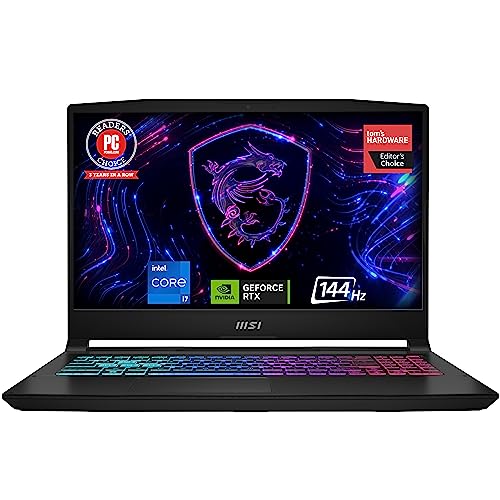

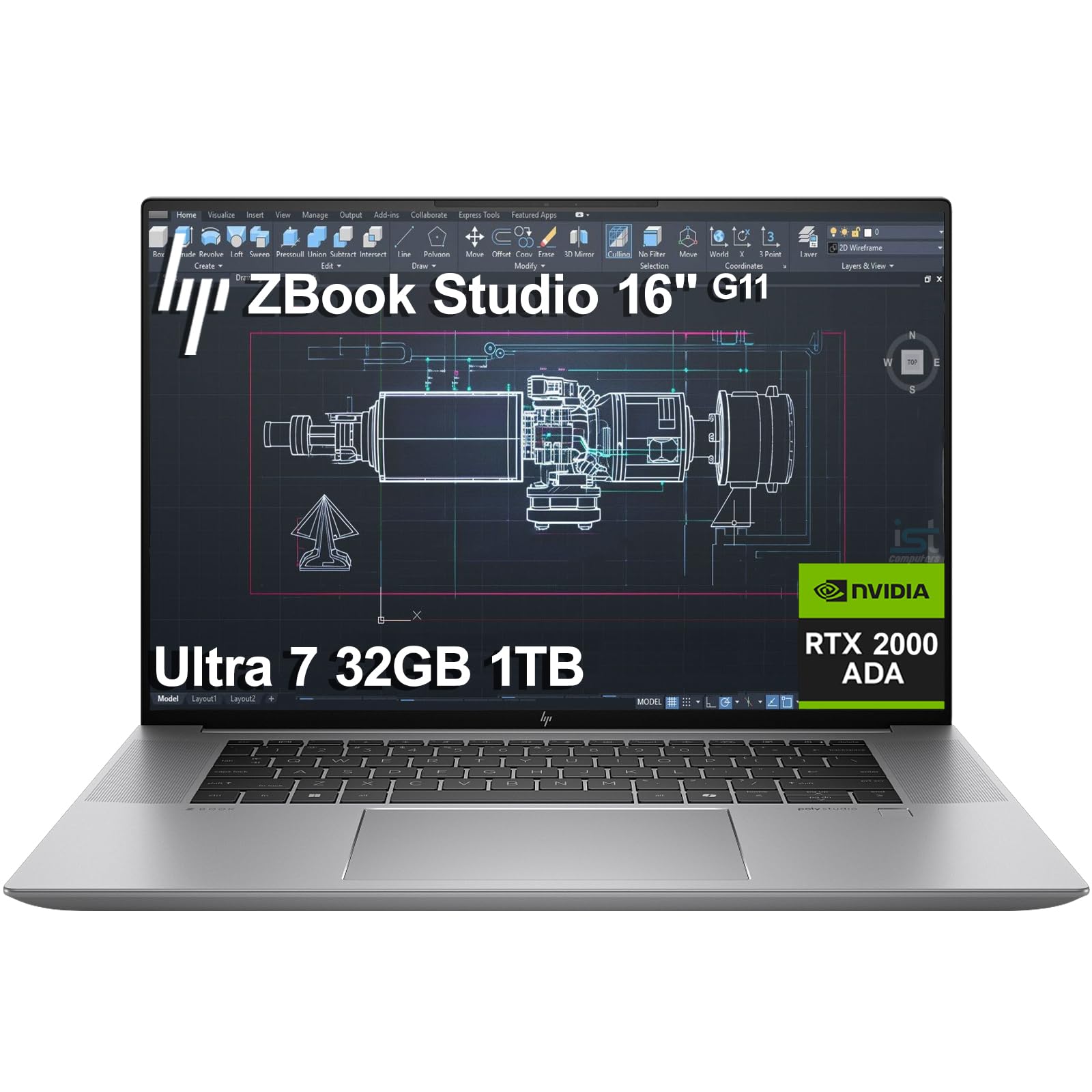
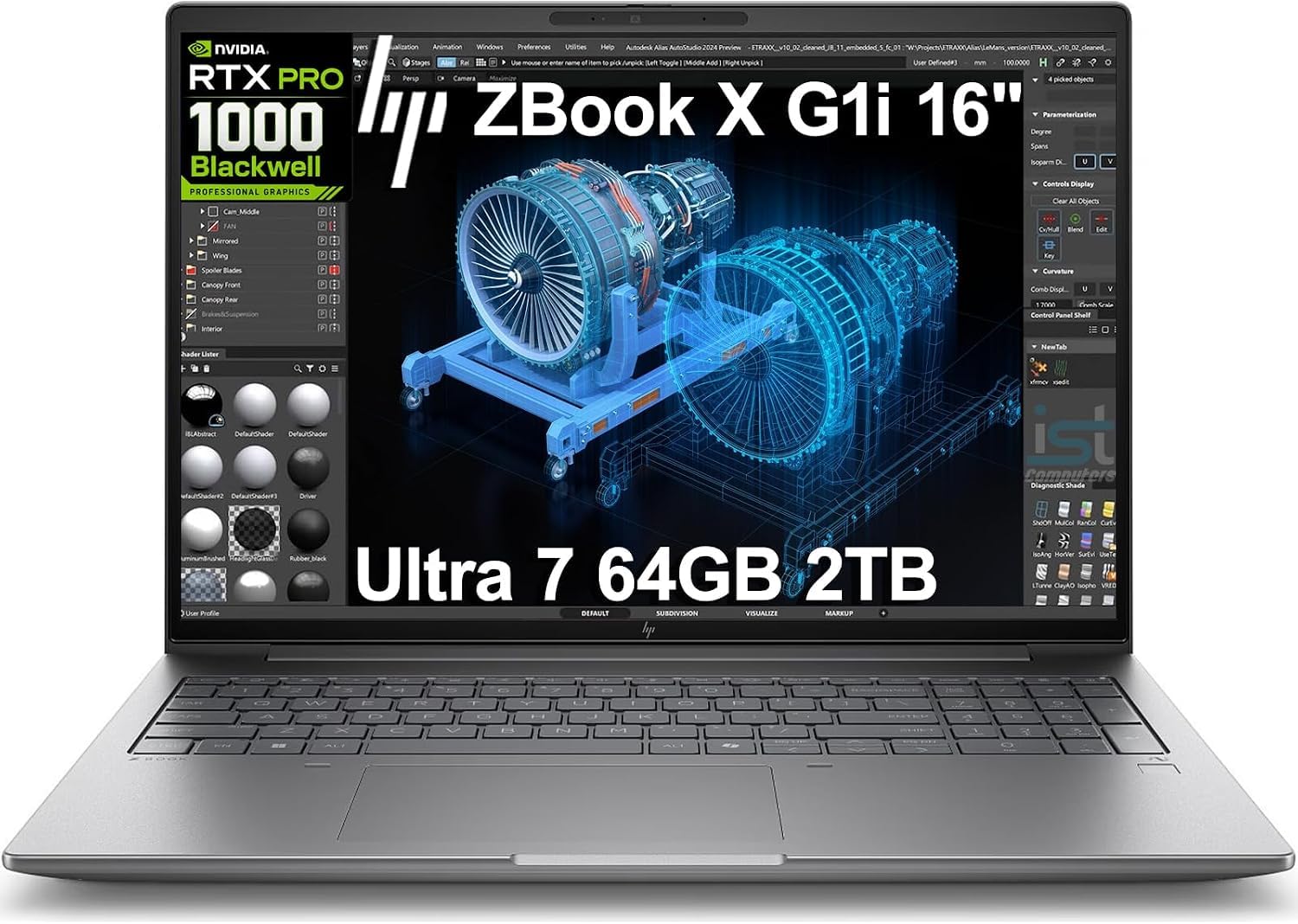


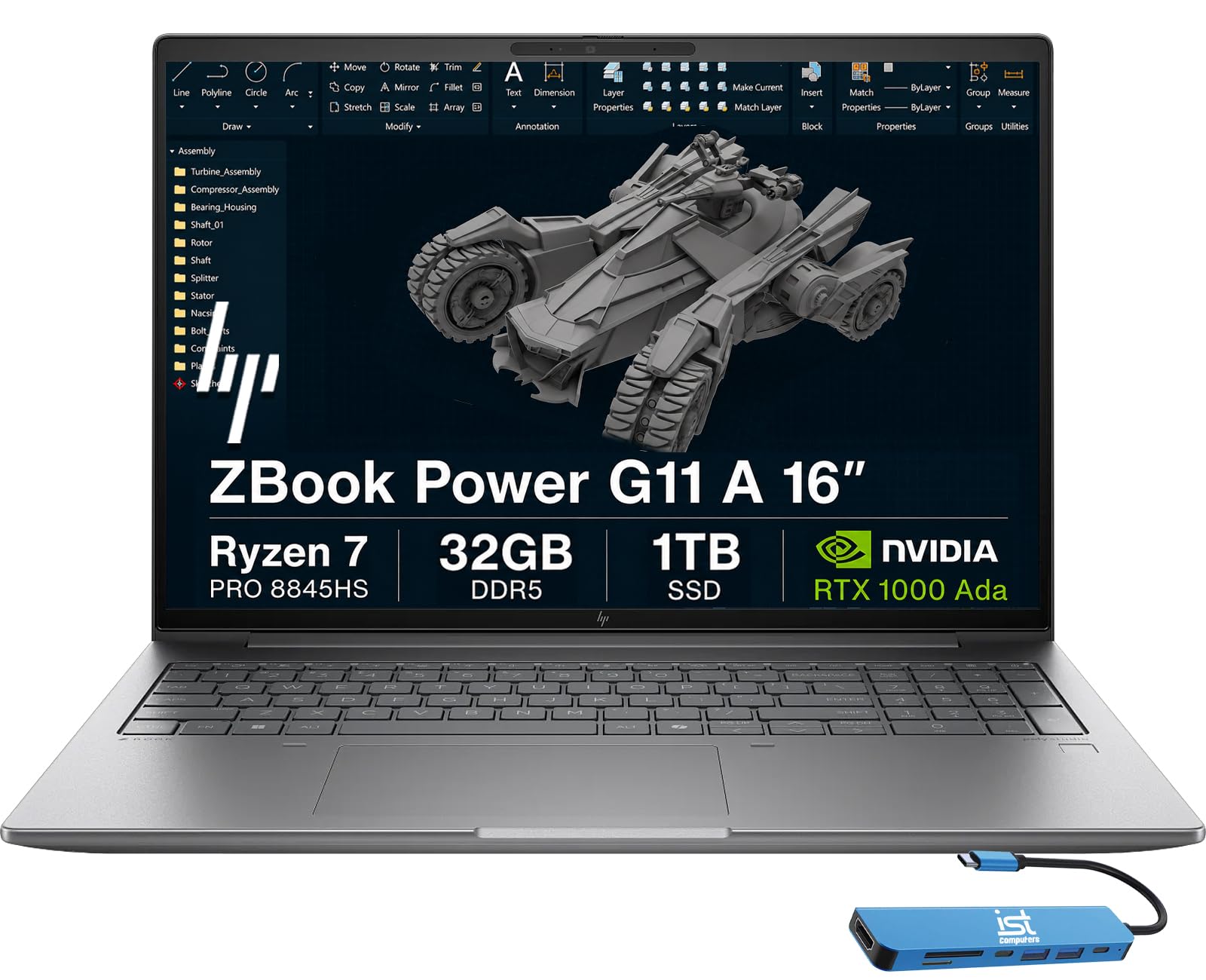
Who Should Buy This Type
3D modeling laptops suit architects, product designers, animators, game artists, and students learning modeling and rendering. They also suit freelancers who need portable power for client presentations and on site work.
They are a weaker fit if you only view 3D models occasionally or do light 2D design, because a general laptop with a decent graphics card may suffice at lower cost and weight. Heavy modeling and rendering justify the extra power, weight, and price of a dedicated workstation laptop.
Types Compared
Workstation laptops with professional graphics
Workstation laptops use professional graphics cards and certified drivers for CAD and 3D software, which gives stability and accuracy for professional work. They suit architects and engineers who need reliable performance in certified applications.
They cost more than gaming laptops with similar raw power, and professional cards may game less well. For certified professional software, however, driver stability and support can matter more than raw gaming speed.
Gaming laptops repurposed for modeling
Gaming laptops offer strong consumer graphics, fast processors, and good value, which makes them popular for modeling and rendering on a budget. They suit students, freelancers, and hobbyists who also game or need versatile performance.
They may run hotter and louder under sustained rendering, and consumer drivers are not certified for some professional software. Check software compatibility and cooling reviews before choosing a gaming laptop for professional modeling.
Thin and light creator laptops
Thin creator laptops balance portability with capable graphics for modeling on the move, which suits designers who travel, present, and work in different locations. They look professional and carry easily compared with bulky workstations.
Thin designs limit cooling, so sustained rendering may throttle performance compared with larger laptops. They suit modeling and lighter rendering best, while heavy, long renders still favour larger, better cooled machines.
Related Guides Worth Comparing
For a closer look at a related option, read our guide to best laptops for 3d modeling and rendering. For a closer look at a related option, read our guide to best laptops for cad and 3d modeling. For a closer look at a related option, read our guide to best laptops for 3d modeling and animation. For a closer look at a related option, read our guide to best notebook laptops. For a closer look at a related option, read our guide to best laptops for 3d.
Key Features to Compare
Graphics card and VRAM
Prioritise a capable graphics card with enough video memory for your model complexity, because large scenes and high resolution textures consume VRAM quickly. Insufficient VRAM causes stuttering and slow viewport performance even when the processor is fast.
Processor and memory
Choose a modern multi core processor and at least 32 GB of memory for serious modeling, because rendering and simulation use both heavily. Memory is often upgradeable, so check upgrade options before buying a laptop with soldered memory.
Display colour accuracy
Look for a display with good colour accuracy and resolution, because colour errors in modeling and texturing lead to rework later. A larger, high resolution display helps viewport work, though an external monitor can supplement a smaller laptop screen.
Cooling and sustained performance
Check cooling design and sustained performance reviews, because a laptop that boosts briefly then throttles will frustrate long renders. Larger chassis, dual fans, and good vent placement usually sustain performance better than thin designs.
Upgrades and Budget
Check which parts you can upgrade, such as memory and storage, because modeling projects grow quickly and storage fills fast. A laptop with upgradeable memory and a second storage slot stays useful longer than a sealed laptop with fixed specifications.
Keep drivers updated, use a cooling pad for long renders if needed, and back up projects regularly to external storage or cloud backup. Rendering is demanding, so a stable power supply and good ventilation protect both performance and hardware life.
Prices range from about $1,200 to $2,000 for a capable modeling laptop to $2,500 or more for a professional workstation model. Spend first on graphics and memory, then on display and storage, because those choices affect daily modeling speed most directly.
Planning Your Purchase
Before you buy, check the system requirements of the software you use most, because different modeling tools favour different graphics and processors. A laptop that excels at one tool may be merely adequate at another, so software compatibility should guide the graphics choice.
Next, think about where you work: a desk bound artist can choose a heavier, better cooled laptop, while a travelling freelancer needs portability and battery life. Matching weight and cooling to your working pattern prevents buying power you cannot comfortably carry.
Finally, check upgrade options for memory and storage, because modeling projects grow and a sealed laptop with fixed memory may feel cramped within two years. A laptop with an accessible memory slot and a second storage bay stays useful longer.
Care and Upkeep
Keep drivers updated, especially graphics drivers, because modeling software relies on them for stability and performance. Back up projects to external storage or cloud backup regularly, since rendering work represents hours that are painful to lose to a drive failure.
Use a cooling pad for long renders if the laptop runs hot, and keep vents clear of dust and soft surfaces such as beds and sofas. Good airflow protects sustained performance and extends the life of a hard working creative laptop.
Frequently Asked Questions
How much VRAM do I need for 3d modeling?
For learning and moderate projects, 8 GB of VRAM often suffices, while large professional scenes benefit from 12 GB or more. Check your software recommendations and typical scene sizes, because VRAM needs grow with texture resolution and scene complexity.
Is a gaming laptop good for 3d modeling?
Yes, often, because gaming laptops offer strong graphics and processors at good value, which suits many modeling tasks. They may lack certified drivers for some professional software and run hotter under sustained loads, so check compatibility and cooling before buying.
Do I need 32 GB of memory for modeling?
For serious modeling and rendering, 32 GB is a sensible minimum, because large scenes, textures, and rendering processes consume memory quickly. Lighter student work may run on 16 GB, but you will likely need an upgrade sooner as projects grow.
Does display colour accuracy matter for modeling?
Yes, especially for texturing, lighting, and presentation work, because inaccurate colours lead to surprises when work appears on other screens or in print. A display with good colour coverage and calibration support helps avoid costly rework.
Should I buy a laptop or desktop for 3d modeling?
A desktop gives more power per dollar and better cooling for heavy rendering, while a laptop gives portability for presentations and flexible work locations. Choose a laptop if you travel or present often, and a desktop if maximum rendering power per dollar matters most.
Do I need a professional graphics card for 3d modeling?
Not always, because many modeling tasks run well on consumer graphics cards, especially for learning and freelance work. Professional cards matter most for certified CAD software and large professional scenes, where driver stability and support justify the extra cost.
A Final Check Before You Buy
One detail that is easy to overlook is port selection, because modeling work often involves external monitors, drawing tablets, external drives, and sometimes a second display for reference material. A laptop with too few ports, or ports that share bandwidth awkwardly, forces dongles and hubs that clutter a creative desk. Check that the laptop offers the ports your workflow needs, including video output and fast USB connections, before committing to a model that is otherwise perfect on paper.
Finally, test the laptop with a real project file from your own work, not only a benchmark or a demo scene, because your models, textures, and plugins stress the machine in ways generic tests do not. A short real world trial reveals viewport smoothness, render behaviour, and fan noise far more honestly than any specification sheet.
Also check the keyboard and trackpad for long sessions, because modeling involves hours of shortcuts, precise cursor work, and frequent view changes. A comfortable keyboard and an accurate trackpad reduce fatigue on the days when an external mouse and keyboard are not at hand.
Final Thoughts
Choosing best 3d modeling laptops means prioritising graphics, memory, and cooling that sustain performance through real projects. Use the product table above to compare laptop types, check software compatibility, and leave room for upgrades. With the right balance, a modeling laptop keeps creative work smooth from first sketch to final render.