Best 3D Graphics Cards in 2026: How to Choose for 3D Work
Disclosure: We may earn a commission when you buy through links on this page, at no extra cost to you. As an Amazon Associate I earn from qualifying purchases. Learn more

Compare graphics cards for 3D work by VRAM, driver support, cooling and size, with a clear checklist for Blender, modeling and rendering projects.
A 3D graphics card decides how smoothly scenes move and how fast finished images render. Choose too little memory and a large scene will stall or fail to render. The best 3d graphics cards balance memory, rendering support and physical fit for the software you use each day. Use this guide and the product table to compare cards with clear priorities.
Start with your main program and your largest scene. A card that feels fast in a test file can struggle once textures and high resolution output fill its memory. The sections below match card types and features to your work, so you spend on what changes your results.

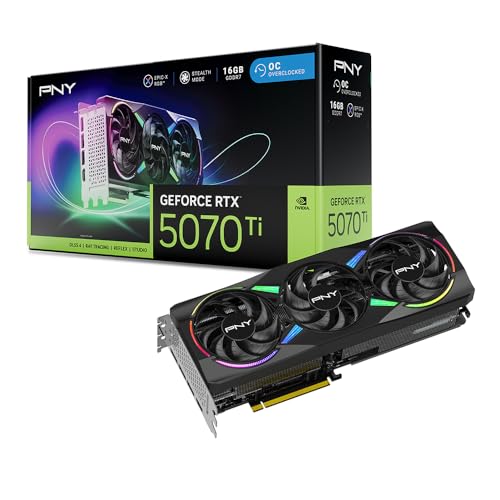
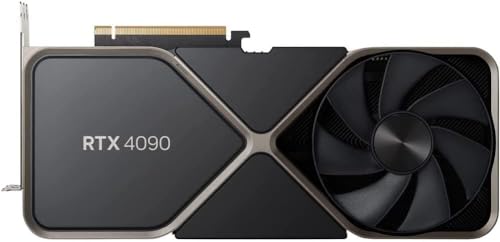
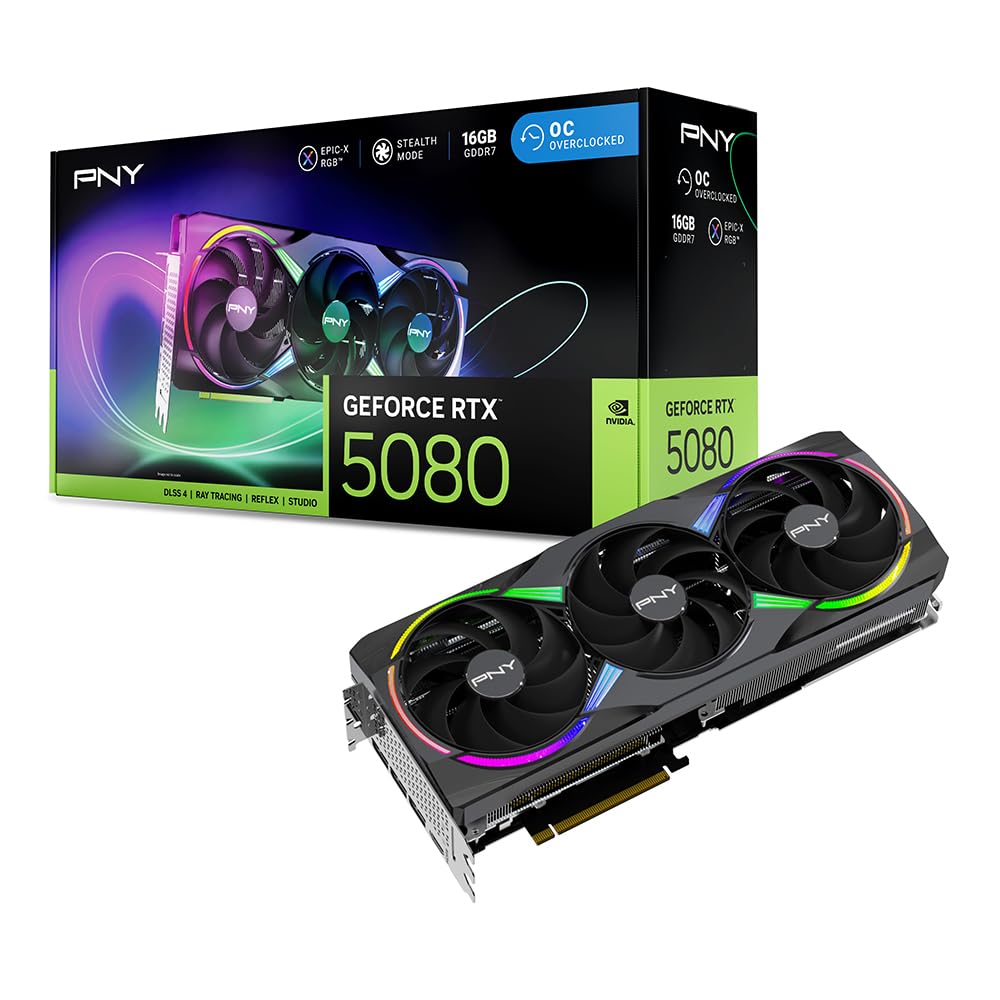


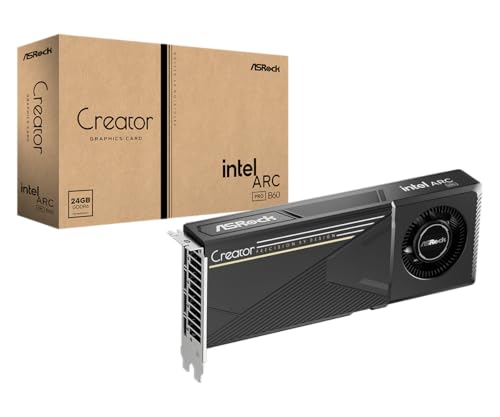

Who Should Buy Which 3D Graphics Cards?
Your software and scene size matter more than a headline speed score. Find your group below, then confirm the details in the feature sections.
Blender Artists Who Render Finished Images
You spend your time waiting on final frames, so render speed and memory headroom shape your whole day. Look for generous VRAM, strong support in your render engine and cooling that stays steady through long renders. If rendering is your main income, see our guide to the best graphics cards for 3d rendering.
Modelers and CAD Users Who Work in the Viewport All Day
You rotate, zoom and edit dense models for hours, so a smooth viewport matters more than peak render speed. Prioritize stable drivers for your modeling program, enough memory for your largest assemblies and outputs for two or three monitors. Shaded views with textures should stay fluid as you orbit. For program specific advice, see our guide to the best graphics cards for 3d modeling.
Students and Hobby Creators Learning 3D at Home
You are building skills on modest scenes, so value and simple setup matter most. A midrange card with about 12 GB of memory handles most learning projects, tutorials and small paid jobs without strain. Leave budget for a good monitor and backup storage. If price comes first, see our guide to the best affordable graphics cards.
Key Features to Compare
Compare these factors in the same order for every card, so a tempting price cannot hide a memory limit or a poor fit.
VRAM Capacity and Memory Bandwidth
VRAM holds your scene, textures and render data, and once it fills up, renders slow sharply or stop. About 8 GB suits small scenes, about 12 GB to 16 GB covers most freelance modeling and rendering, and about 16 GB to 24 GB suits large scenes with many high resolution textures. When you compare the best 3d graphics cards side by side, read the memory figure first, then check bandwidth, since a wide bus feeds textures faster.
Rendering Support in Your Software
Each 3D program talks to the card through a computing platform, and support varies by brand. Blender Cycles can render through CUDA and OptiX on one family of cards and through HIP or Metal on others, and each path changes render times. Check the hardware list in your program documentation before you buy. A card that your engine cannot use for rendering only helps the viewport, which is a costly mismatch.
Driver Support and Stability
Drivers decide whether your modeling program opens cleanly, displays viewports correctly and stays stable. Creator focused driver branches are validated for 3D applications and change less often, while game focused branches chase new releases and can introduce glitches in pro software. Some CAD programs publish certified driver versions. Update one driver at a time and keep the previous installer, so you can roll back if a problem appears.
Card Length, Thickness and Power Needs
Measure the space inside your case before you order. Many creator cards run about 240 mm to 340 mm long and take two or three slots, and a drive cage or front radiator can block long models. Check the power connectors, then confirm your power supply offers those cables. Most midrange cards suit about 650 watts, while top cards often call for about 750 watts to 850 watts.
Cooling Design and Noise Under Load
A card under render load runs at full power for hours, so its cooler decides both temperature and noise. Dual fan and triple fan open designs move heat into the case and need good case airflow. Blower style cards push hot air out the back and suit tight cases, but they run louder. Many cards stop their fans at idle. Load temperatures of about 70 to 85 degrees Celsius are normal for this hardware.
Types of Graphics Cards for 3D Work
Cards fall into three broad groups, and each group trades price, driver support and size differently. For an overall view of how models stack up, see our guide to the best graphics cards ranked.
Workstation Cards With Certified Drivers
Workstation cards are built for pro 3D and CAD programs, with drivers certified by software vendors and support aimed at working studios. They often carry large memory options and compact two slot designs that fit office systems. You pay more for the same raw speed than with consumer cards, so choose this group when certification or formal support matters most.
Consumer Cards Used for Creation
Consumer cards deliver the most render speed for the money and are the default choice for Blender artists. Many creators use the same hardware sold for play, covered in our guide to the best graphics cards for gaming. The trade off is rare driver certification for CAD programs, and the largest cards can be long and thick.
Compact Cards for Small Cases
Compact cards shorten the board and cooler so the card fits small desktop cases. Memory options are usually midrange, which suits modeling and moderate rendering but limits very large scenes. Cooling is the main compromise, since a smaller cooler works harder and runs louder. Choose this group when case space forces it, and confirm the length against your case manual.
Choosing a Card for Blender Projects
Blender rewards cards that combine render engine support with memory headroom, and its needs differ a little from CAD or game work. The points below cover what the general feature sections do not repeat.
Best Blender 3D Graphics Cards
The best blender 3d graphics cards render Cycles scenes through OptiX or CUDA with hardware ray tracing, which shortens final frame times and speeds viewport denoising. Eevee work depends more on raw viewport speed and texture memory, so a card that renders Cycles well also tends to feel smooth in Eevee. Test your largest scene with GPU rendering on before you commit, because scene memory use decides whether a card copes.
Common Mistakes to Avoid
These errors are common, and each one is easy to prevent before you order.
- Buying on clock speed alone and ignoring VRAM leaves large scenes unable to render.
- Skipping the case measurement leaves a new card pressing against a drive cage or front fan.
- Pairing a top card with a weak power supply causes shutdowns during long renders.
- Installing the newest game focused driver on a CAD system invites viewport glitches and crashes.
- Routing cables across the card fans starves the cooler and raises temperatures.
Care and Maintenance for Your Graphics Card
Keep the fans and heatsink free of dust, because a clogged cooler raises temperatures and fan noise. Shut the system down, hold each fan still and clear dust with short bursts of canned air every few months. After any move, check that the card sits fully in its slot, since a partly seated card can cause display loss.
Update drivers on a calm schedule, and note the version that works well with your main program. Watch load temperatures with a free tool during a long render, and investigate any sudden rise. A surge protector guards against power spikes, and keeping your receipt preserves warranty options if a fan fails.
FAQ
How much VRAM does a 3D graphics card need for large scenes?
A 3D graphics card needs about 16 GB to 24 GB of VRAM for large scenes with many high resolution textures. When a scene overflows card memory, some engines fall back to system memory and render far more slowly. Texture resolution is the usual cause, since one 8K texture set for a hero asset can consume several gigabytes alone.
Workstation or consumer graphics card: which is better for 3D modeling?
A workstation graphics card is better for 3D modeling only when your program certifies its drivers or your studio needs formal vendor support. For raw viewport speed per dollar, consumer cards usually win. One point buyers miss is support length, since workstation lines often keep driver updates for older operating systems after consumer lines move on.
What graphics card does smooth 1440p viewport work in 3D software need?
Smooth 1440p viewport work in 3D software needs a midrange card with about 12 GB of memory and current driver support. At this resolution the viewport draws far more pixels than at 1080p, and shaded views with shadows feel the load first. If you run two 1440p monitors, confirm the card offers enough outputs of the right type.
Air cooled or liquid cooled: which is better for a 3D graphics card?
Air cooling is better for most 3D graphics card buyers because it is simpler, cheaper and has no pump to fail during a long render. Liquid cooled cards run cooler and quieter in small cases, but the radiator needs mounting space and adds cost. For overnight renders, the simpler cooler is usually the safer choice.
How long does a 3D graphics card stay useful for modeling and rendering?
A 3D graphics card usually stays useful for about four to six years of modeling and rendering work. Software support often ends before the hardware wears out, since new program versions drop older computing platforms over time. Buying extra memory extends that span more than extra raw speed, because scene sizes grow steadily.
Final Thoughts
Match memory to your largest scene, confirm render engine and driver support, and measure your case before you order. Those three checks prevent nearly every bad purchase. Use the product table above to compare memory, size and price.
When you judge best 3d graphics cards by scene fit instead of headline speed, the right choice is usually clear. Buy the card your software uses fully, and spend the savings on storage or a better monitor.