Best 32 Inch LED TVs: Our 2026 Checklist for Smarter Buying
Disclosure: We may earn a commission when you buy through links on this page, at no extra cost to you. As an Amazon Associate I earn from qualifying purchases. Learn more
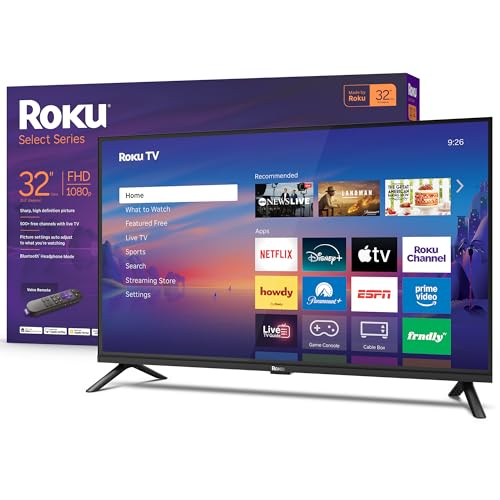
A clear checklist for the best 32 inch led tvs, covering panel type, resolution, HDR, ports, sound, and mounting for bedrooms, kitchens, and desks.
A 32 inch screen looks simple to buy until you compare two models side by side and the spec sheets start to blur together. This guide uses one clear checklist to judge the best 32 inch led tvs for bedrooms, kitchens, dorm rooms, and small living spaces. You will learn which panel, resolution, and brightness levels actually matter at this size.
Work through the criteria in order, note the scores that fit your room, and then use the comparison table below to see how current models line up against that standard. By the end, you should know exactly which trade offs you accept and which ones you refuse.
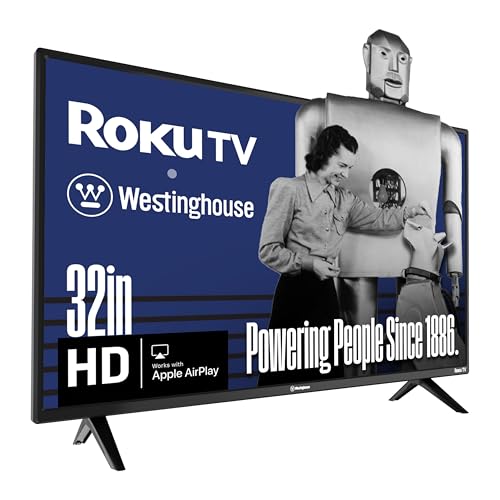

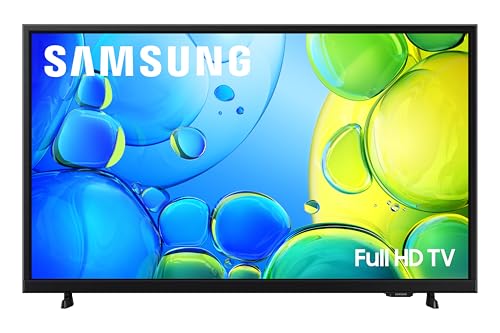
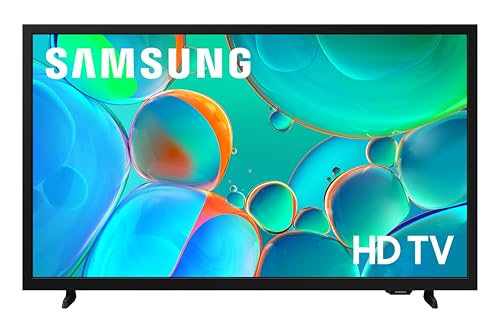
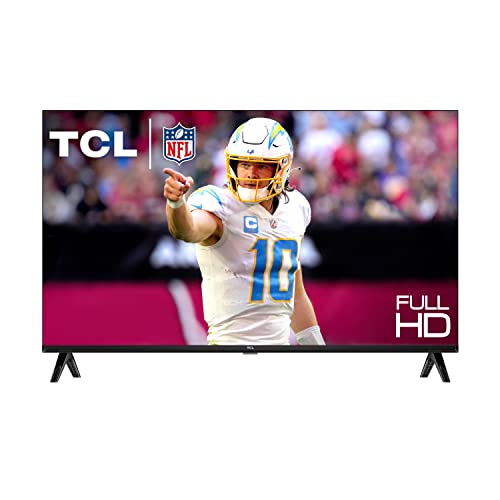
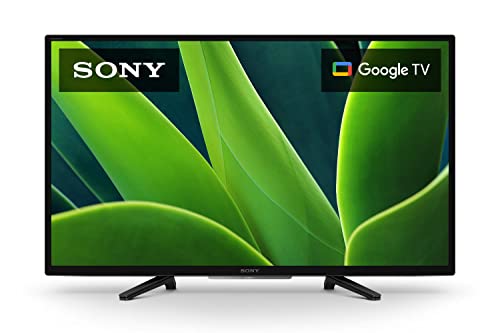
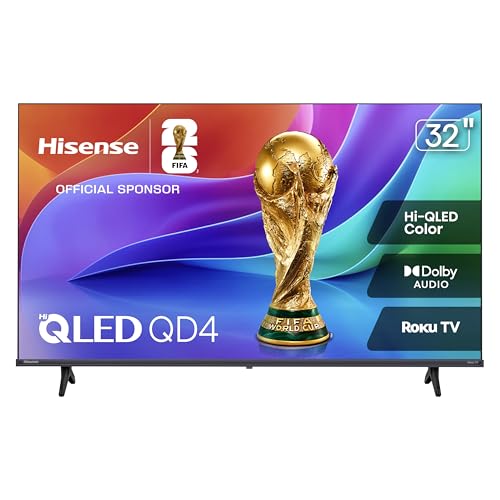
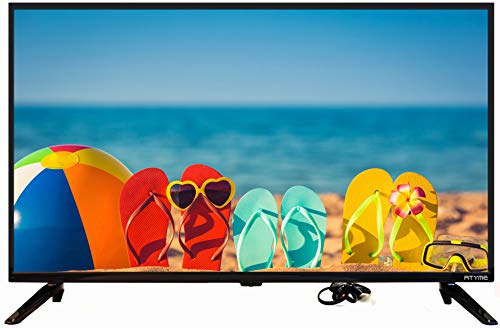
How We Evaluate 32 Inch LED TVs
Our checklist scores each screen on the things you will notice every day rather than on marketing labels. Panel type, motion handling, and brightness carry the most weight because they shape every scene. Smart features and sound matter too, but they are easier to fix later with a streaming stick or a small soundbar.
Panel Technology
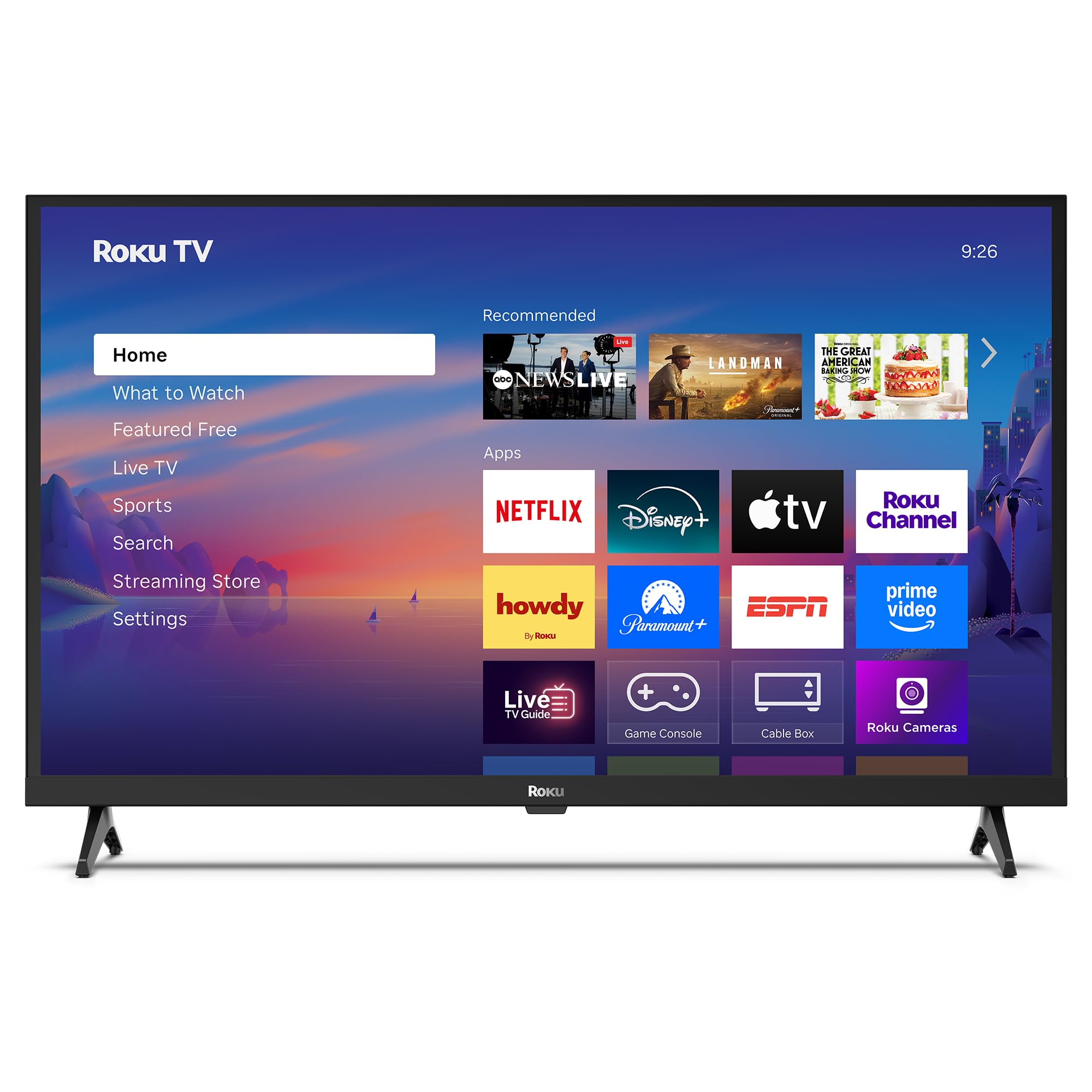
Most 32 inch LED models use either an IPS panel or a VA panel, and the difference shows up fast in a real room. IPS panels keep color steady when you watch from the side, which suits a kitchen or a shared bedroom. VA panels usually deliver deeper blacks and stronger contrast for straight on viewing in dim light. At this size, full OLED and Mini LED designs are rare, so focus on which of the two common panel types matches your seating.
Adaptive Sync and Gaming Features
If a console or a computer will share this screen, look for variable refresh rate support and an auto low latency mode that switches on when a game starts. These features smooth frame pacing and cut input lag without any menu digging on your part. Full HDMI 2.1 bandwidth is uncommon at 32 inches, so check the port spec rather than assuming it. Readers who game often can also see our guide to the best 32 inch tvs for gaming for a deeper look at motion traits.
Resolution and Screen Size
At a typical viewing distance of about four to six feet, a 1080p panel looks clean for broadcast TV, streaming shows, and casual gaming. A 4K panel earns its keep when you sit closer, use the screen as a monitor, or read small text in menus and apps. Measure your viewing distance before you pay for extra pixels you may never see. If your main seat sits much farther back, a larger screen may serve you better than a sharper small one.
Stand, Mounting, and Ergonomics
Check the stand width against your furniture, because many 32 inch models use two feet set wide apart rather than a center pedestal. A narrow dresser or shelf can rule out a model that otherwise scores well. Look for a standard VESA mount pattern on the back panel so a wall mount or an arm stays an option later. Also confirm the remote has clear buttons and that the power and port locations suit a wall setup.
Refresh Rate and Response Time
Most sets at this size run a native 60 hertz panel, which handles news, dramas, and sports broadcasts without trouble. Motion smoothing settings can make film look oddly smooth, so plan to lower or disable them for movies. For console play, a game mode that reduces processing matters more than a boosted refresh number on the box. Fast response in game mode keeps controller input feeling direct, which you notice in racing and sports titles right away.
Smart Platform and Sound
The smart platform decides how pleasant daily use feels, so favor a clean home screen, fast app loading, and support for the services you already pay for. If you want a screen built around streaming first, compare notes with our guide to the best 32 inch smart tvs before you decide. Built in speakers on small sets sound thin, especially for dialogue at low volume. A dialogue or clear voice sound mode helps more at night than raw watt numbers suggest.
HDR and Brightness
HDR labels are easy to print and hard to earn, so judge brightness and contrast instead of the badge alone. A set that holds a few hundred nits and controls its backlight well will show brighter highlights and cleaner shadow detail. Dolby Vision support is a plus when your streaming plan includes it, while basic HDR10 still improves many shows. In a bright kitchen, steady overall brightness matters more than peak highlights in a dark scene.
What Passing Models Look Like at Each Tier
Instead of naming winners, this section describes the profile a strong model shows at each price tier. Match your budget to the profile that passes the checklist items you care about most. The product table above gives you the current candidates to test against these profiles.
Best Overall Profile
A well rounded model pairs the panel type that suits your seating with a 1080p or 4K resolution matched to your distance. It includes at least three HDMI ports, a responsive game mode, and a smart platform that loads apps quickly. Sound is clear enough for dialogue without extra gear, and the stand or mount options fit standard furniture. In short, nothing on the checklist scores poorly, even if no single trait leads the class.
Best Value Profile
A strong value model keeps the essentials and trims the extras you can replace later. Expect a solid panel, a proven smart platform, and two or three HDMI ports at a price often under $200. You might give up advanced gaming features, wide HDR support, or refined sound. That trade makes sense for a guest room, a kitchen, or a first apartment where daily ease matters more than peak picture quality.
Best Premium Profile
A premium model at this size usually adds a 4K panel, better backlight control, and broader HDR format support. Build quality improves too, with a sturdier stand, slimmer bezels, and a remote that may add voice control. Prices can climb to around $300 to $450, which starts to overlap larger screens. Pay the premium only when the small footprint itself is the point, such as a desk setup or a tight wall space.
Quick Buyer Checklist
Run through these questions before you order, and treat any no answer as a reason to pause.
- Does the panel type match how straight on or off angle your seating is?
- Is the resolution right for your viewing distance and your main content?
- Does the stand fit your furniture, or does the set support a VESA mount?
- Are there enough HDMI ports for every device you own today?
- Does the smart platform carry every streaming service you pay for?
- Will the built in sound stay clear at the volume you use at night?
- Does the return window cover a picture quality disappointment?
If you answer yes to all seven, the model in front of you has passed the same standard this guide uses. Keep the list on your phone while you shop so a sale price does not talk you out of a requirement.
Red Flags to Watch For
Some listings dress up weak hardware with bold labels, and a few warning signs repeat often at this size. Treat them seriously, because returns are a hassle even when they are free.
- A boosted refresh claim with no native panel rate stated anywhere.
- HDR listed with no brightness figure and no local dimming detail.
- Only one or two HDMI ports on a set meant for a living room.
- A warranty of only a few months from a seller with no service network.
- Reviews that praise picture quality but never mention viewing angles or sound.
Context helps too, and readers curious about how small sets stack up against famous flagships can browse our look at the best tvs of all time for perspective. A 32 inch set will not match those flagships, and it does not need to.
Tips to Get the Most From Your 32 Inch LED TV
Start by switching the picture mode from vivid to a movie or standard mode, because vivid pushes color and brightness past accurate levels. Lower sharpness until text edges look clean without a white halo. Sit at your normal distance and adjust backlight for the room light you use most, not the showroom light. Clean the screen with a dry microfiber cloth only, since household sprays can damage coatings. Finally, update the software once during setup so app bugs fixed after launch do not follow you.
Placement pays off as well. Keep the screen out of direct window glare when you can, and angle it toward the main seat. If dialogue still sounds muffled, raise the set so the speakers are not firing into a shelf edge. Small changes like these often matter more than a modest spec gap between two models.
32 Inch LED TVs: Your Questions Answered
What size should I get for my room or desk?
A 32 inch screen suits viewing from about three to six feet, which covers most bedrooms, desks, and kitchens. Sit closer than three feet and a 4K panel starts to make sense for text clarity. Sit farther than seven feet and faces in dramas will feel small no matter the resolution. In that case, compare the step up sizes in our guide to the best 55 inch led tvs before you settle.
IPS vs OLED: which is better?
Neither wins outright, because they solve different problems for different rooms and budgets. IPS keeps color accurate from side seats, while OLED delivers perfect blacks and very fast response. True OLED sets at 32 inches are scarce and costly, so most buyers here choose between IPS and VA LED panels. Pick by seating angle and room light first, and let the panel label follow that decision.
How long do they last?
A modern LED TV commonly lasts seven to ten years of daily use before brightness or parts become an issue. The backlight is usually the first part to fade, and keeping brightness below maximum slows that wear. Smart platforms age faster than panels, so a streaming stick can extend useful life by years. Keep vents clear of dust so heat does not shorten the life of internal parts.
Does refresh rate matter for non gamers?
For news, streaming, and broadcast sports, a native 60 hertz panel is enough for most viewers. What you may notice more is motion processing, which can blur or over smooth fast scenes depending on the setting. Try the film or movie mode if football looks smeared during pans. A higher native rate helps mainly with gaming sources and some sports feeds that can actually use it.
Is 4K worth it?
At 32 inches, 4K is worth it when you sit close, use the TV as a monitor, or stream a lot of native 4K content. From a bed six feet away, the gain over a good 1080p panel is small for most shows. Spend the difference on better sound or a wall mount instead if your seat is far. If you later move the set to a desk, the sharper panel becomes a genuine bonus.
Wrapping Up
Panel type, resolution matched to distance, and honest brightness checks will decide most of your satisfaction with a set this size. Run the checklist, avoid the red flags, and let the product table above confirm which current models meet your standard. When you compare the best 32 inch led tvs this way, the right choice usually becomes obvious quickly. If your room grows or your seat moves back, the step up path in our guide to the best 65 inch led tvs shows what the extra size buys you.