Best 2k TVs Made Simple: A Clear Buying Guide for 2026
Disclosure: We may earn a commission when you buy through links on this page, at no extra cost to you. As an Amazon Associate I earn from qualifying purchases. Learn more
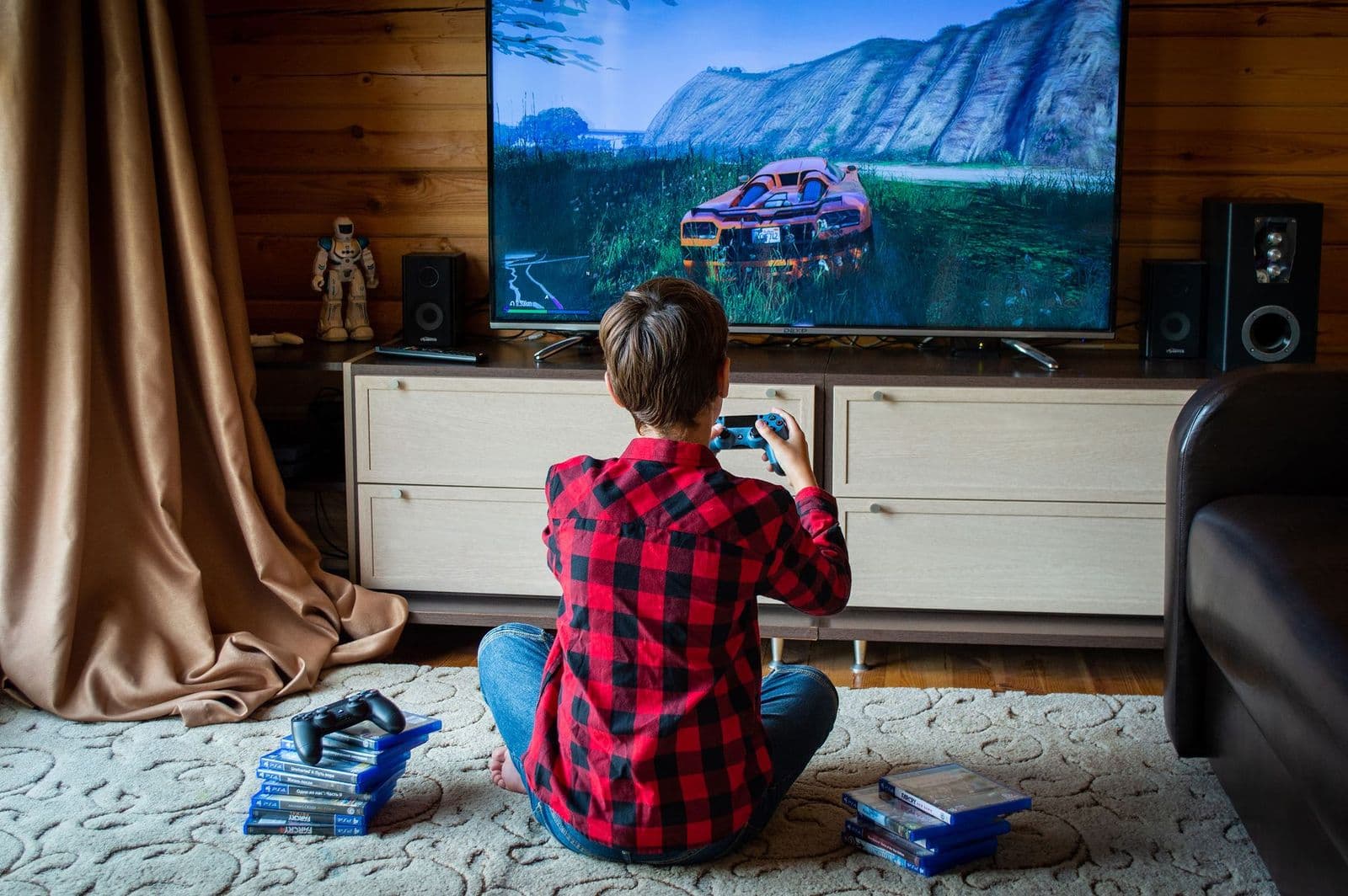
A simple first purchase guide to the best 2k tvs, covering resolution, panel types, screen size, sound, ports, and smart features in plain language.
Buying your first TV can feel confusing because listings mix resolution names, panel terms, and smart platform claims. This simple guide to the best 2k tvs starts with the basics, explains each key spec in plain English, and ends with a calm checklist for your first purchase.
One honest note up front: TVs sold as 2k are far less common than 1080p and 4K models, so checking the exact resolution in the spec sheet matters. Read with your own room in mind, and note which specs match it.
2k TVs 101: The Basics
The term 2k refers to a picture with roughly two thousand pixels across. In practice, listings may use it for 2048 by 1080 resolution or loosely for 2560 by 1440, which many makers call QHD. Because the label varies, always confirm the native resolution numbers rather than trusting the headline alone.
A TV displays pictures sent from streaming apps, cable boxes, game consoles, or an antenna. Higher resolution only helps if your source provides that detail and you sit close enough to see it. At typical living room distances, screen size, brightness, and contrast often shape your experience more than a small resolution step.
Most first time buyers should decide in this order: screen size for the room, panel type for your lighting, enough HDMI ports for your devices, and a smart platform your household finds easy. Resolution fits inside that plan, not ahead of it.
Also think about how you will receive programs during the first week. If you rely on an antenna, confirm the set has a built in tuner and plan a simple channel scan during setup. If you stream, place the TV within strong WiFi range or use a wired connection, since a weak signal causes buffering that buyers sometimes blame on the screen.
Key Specs Explained in Plain English
Each spec below includes a simple rule you can apply in a store or listing. If a term cannot be tied to your room, your light, or your devices, it probably should not drive your decision.
Panel Technology (IPS, VA, OLED, Mini LED)
The panel creates the picture. IPS panels keep colors steady when you view from side seats, which suits wide sofas. VA panels give deeper contrast for movie nights in dim rooms but can fade from sharp angles. OLED gives the strongest contrast and motion clarity at a higher price, with care needed around static images. Mini LED boosts brightness and contrast control on LCD sets and suits bright rooms well.
Stand, Mounting, and Ergonomics
Check whether the stand fits your furniture, because many modern TVs have feet set wide apart near the edges. Measure your stand width before you buy, not after delivery. If you plan to mount the TV, confirm the VESA pattern size and buy a mount rated for the weight. The screen center should sit near eye level from your main seat for comfortable viewing.
Connectivity and Ports
HDMI ports connect consoles, streaming boxes, and players, and most households should look for at least three. One port may support eARC, which sends sound to a soundbar with a single cable. USB ports play media from a drive on some models. If you plan to add audio later, our guide to the best soundbars tv explains that connection in a home context.
Resolution and Screen Size
Resolution and size work together. A smaller screen looks sharp at closer range even with fewer pixels, while a large screen in a small room can look coarse if you sit too close. For many living rooms, 55 to 65 inches suits seating about six to ten feet away. Bedroom and kitchen sets can be smaller. If a true 2k model is scarce in your size, a good 4K set often costs little more and gives wider app and content support.
Smart Platform and Sound
The smart platform is the menu system you use daily, with options such as Google TV, Roku, and webOS on different brands. Choose one that carries your streaming services and feels simple with the remote. Built in TV sound is often thin, especially for dialogue, so check speech clarity if you can. Many owners later add a soundbar, which is a normal and easy upgrade.
Adaptive Sync and Gaming Features
Gamers should look beyond resolution. A 120Hz panel on larger sets, variable refresh support, and a low latency game mode make console play smoother and more responsive. HDMI 2.1 ports support the full feature set of current consoles. Casual players and movie viewers can safely rank these features below panel quality and size, and save the money for a mount or sound upgrade instead.
Brand ranges differ in platform and panel mix, and shoppers set on one maker can compare with our guide to the best samsung tvs after learning the basics here.
Rookie Mistakes to Avoid
- Trusting the 2k label without checking the exact native resolution in the spec sheet.
- Buying the largest screen on sale even though it overwhelms the room and your seating distance.
- Counting too few HDMI ports and then juggling cables between a console, box, and player.
- Judging the picture only by the bright store demo mode, which boosts color beyond home settings.
- Spending the whole budget on the TV and leaving nothing for a mount, cables, or better sound.
Avoiding these errors is mostly about measuring and counting before you order. Room width, stand width, seating distance, and device count take ten minutes to check and prevent the most common returns.
Getting Started: Setup and First Use
Place the TV with help from a second person, since large thin screens flex and crack if lifted by one corner. Attach the stand or mount before connecting cables, and leave slack so ports are not strained. Connect your main source first, sign in to the smart platform, and run any software update before judging picture quality.
Next, calibrate the picture with simple steps. Turn off the vivid or dynamic mode, choose the standard or movie preset, and set brightness so dark scenes still show detail without looking washed out. Turn off heavy motion smoothing if films look unnaturally fluid. On OLED models, run the built in pixel refresh feature as the maker directs and avoid leaving static images on screen for hours.
Outdoor placement is a different purchase entirely, with weather sealing and much higher brightness needs. If that is your real goal, see our guide to the best tvs for outside rather than adapting an indoor set.
FAQs
Does refresh rate matter for non gamers?
Refresh rate matters less for non gamers than panel quality and size. Movies and shows are filmed at low frame rates, so a 60Hz TV displays them correctly and looks natural. A higher rate mainly helps sports motion and gaming. If your budget is tight, put the money toward a better panel or larger screen first, since you will notice those gains every day.
IPS vs OLED: which is better?
OLED is better for contrast and movie nights in dark rooms, while IPS is better for wide seating and bright spaces at a lower price. OLED costs more and needs some care with static images, such as news banners left on for hours. For a first TV in a mixed use living room, a good IPS or VA set often gives the calmer ownership experience.
What TV size should I get for my room?
Choose size from your seating distance first. Sit about six to ten feet away and a 55 to 65 inch screen usually feels immersive without filling your whole view. Smaller rooms and bedrooms suit 43 to 50 inches. Measure the wall or stand as well, and remember that quoted size is the diagonal, not the width of the set.
Is 4K worth it over 2k?
Yes, 4K is often worth it because 4K TVs are widely available, streaming services support them broadly, and prices overlap with niche 2k models. The extra detail shows most on larger screens and at closer seating distances. A well made 2k set can still serve a small room well, especially at a low price, but do not pay a premium for the 2k label alone.
How long do 2k TVs last?
Most modern TVs last about seven to ten years with normal home use. Backlights fade gradually, and smart platforms may stop receiving updates before the screen itself fails. Keeping brightness moderate and ventilation clear helps longevity. Budget focused shoppers can compare lifespan value with our guide to the best inexpensive tvs when weighing a lower priced set.
The Bottom Line
Confirm the true resolution, size the screen to your seating, and choose a panel that fits your room light. Count your HDMI ports, keep the platform simple, and leave a little budget for setup needs. Check the exact specs of your finalists, and your first set from the best 2k tvs category will fit your home with confidence.