Best 2n1 Laptops 2026: A Buying Guide for Notes and Travel
Disclosure: We may earn a commission when you buy through links on this page, at no extra cost to you. As an Amazon Associate I earn from qualifying purchases. Learn more

Learn how to choose among 2n1 laptops by hinge type, pen support, keyboard comfort and weight, so one device covers notes, work and travel.
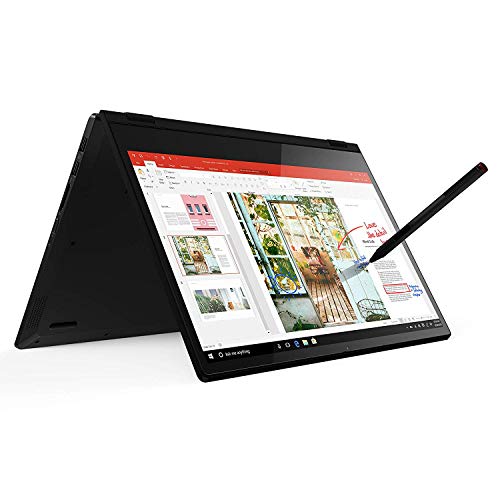
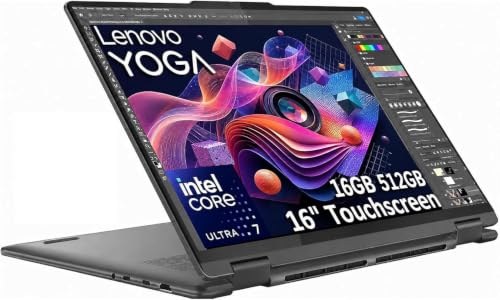
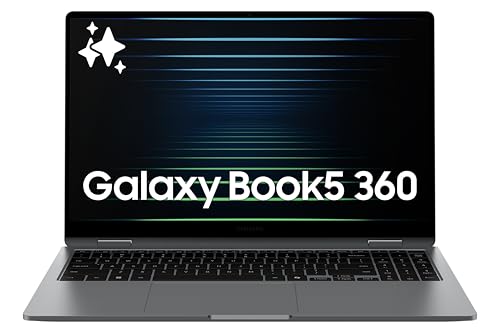
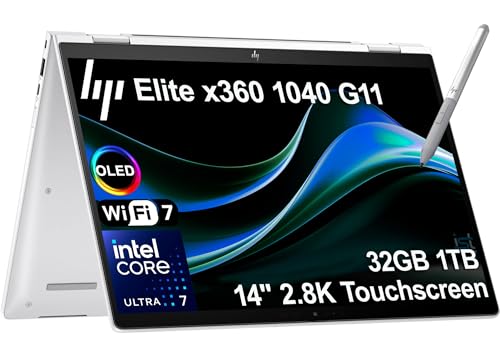
A 2n1 laptop is a computer that works as both a laptop and a tablet, so the hinge, touch screen, and keyboard matter as much as the processor. If you are shopping for the best 2n1 laptops, the real question is how you will use the tablet side: handwritten notes, presentations, sketching, or reading on the couch. Use the product table below to compare the options, then read the sections that follow to decide what you need.
Prices usually run from about $500 to $1,400. This guide explains the hinge types, pen support, and specs that explain most of that gap, so you can pay for what you will use.




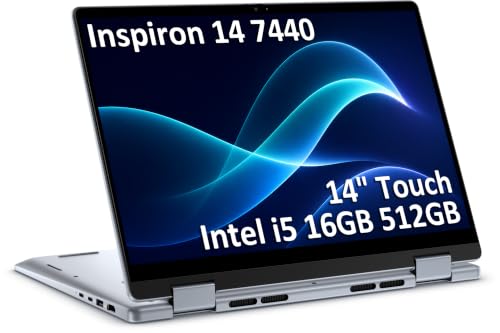
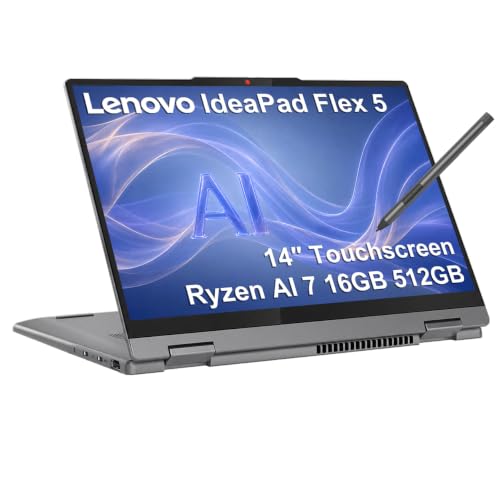
Who Should Buy a 2n1 Laptop
2n1 laptops suit students who type essays and also take handwritten notes, professionals who present and mark up documents, and travellers who want one device for work and media. They also suit artists who sketch on screen. They are a weaker fit for buyers who never touch the screen or use a pen, because a standard laptop is lighter and cheaper for typing only.
Key Features of 2n1 Laptops
Hinge Design and Tablet Mode
Convertible models fold flat on a 360 degree hinge, so the keyboard stays attached behind the screen. Detachable models split into a tablet and a keyboard cover. Convertibles feel sturdier on a lap, while detachables feel lighter in the hand but can wobble when typing on your knees. Open and close the lid several times when you first receive the laptop, and make sure the hinge holds the screen steady at any angle.
Touch Screen and Pen Support
A bright, responsive touch screen is the core of a 2n1. If you draw or write by hand, look for pen pressure levels, good palm rejection, and a pen that is included or easy to add. A glossy screen looks vivid but reflects light, while a matte screen is easier in bright rooms. If you never use a pen, skip the extra cost of pen features.
Keyboard and Trackpad Comfort
You will type on the keyboard far more than you draw, so key travel and layout deserve attention. Detachable keyboard covers are usually thinner and feel shallower. A smooth, accurate trackpad matters when you use the laptop on a desk or a train.
Performance, Memory, and Storage
A mid range processor with 16 GB of memory handles study and office work smoothly, while photo or video editing needs more. Choose at least 256 GB of solid state storage, and 512 GB if you keep many files offline. Many thin 2n1 laptops solder memory and storage in place, so you cannot upgrade them later.
Weight, Battery, and Ports
Two in one laptops are often heavier than tablets, so check the weight with the keyboard attached. Battery life varies with screen brightness and pen use. Look for USB C charging and at least one extra port, because very thin models may need adapters for a flash drive or a monitor.
Convertible or Detachable?
Choose a convertible if you type most of the day and want the sturdiest laptop feel. It is the safer first 2n1 choice, because the keyboard is always attached. Choose a detachable if you hold the tablet often, read or sketch on the go, and use the keyboard only some of the time. Detachables can cost more once you add the keyboard cover and pen, so check the full price before you compare.
Large convertibles with 15 or 16 inch screens give more room for multitasking, but they are heavy to hold as tablets. For daily carry, a 13 or 14 inch model usually strikes the best balance. For related laptop choices, see our guide to the best notebook laptops.
What Different Budgets Buy
Around $500 to $700, expect a Chromebook style or entry Windows convertible with a modest processor, 4 to 8 GB of memory, and a plain screen. These work well for notes, browsing, and streaming, but they slow down with many tabs open. Between $700 and $1,000, you find 16 GB of memory, brighter screens, better pens, and sturdier hinges, which suits most students and office users.
Above $1,000, models add OLED screens, thinner and lighter bodies, longer battery life, and stronger processors for editing photos or video. Pay this much only if you will use those strengths daily. Many buyers get the best value from the middle tier, then spend a little more on a protective sleeve and a good pen.
Choosing by Use
Students who take handwritten notes should put pen quality, battery life, and weight first. Travellers should look for a 13 or 14 inch screen, USB C charging, and a total weight near three pounds. Presenters and teachers gain from a bright screen and a stand or tent mode that holds firm on a desk. Artists should check pen pressure, screen colour, and how flat the laptop folds. Matching these needs to the hinge and screen is the fastest way to narrow a long list.
Common Mistakes to Avoid
- Paying for pen and touch features you will not use.
- Judging a detachable on tablet weight alone and forgetting the keyboard cover.
- Choosing 8 GB of memory for a laptop you plan to keep for years.
- Ignoring the price of the pen and keyboard when comparing models.
- Buying a very thin model without checking that it has the ports you need.
Care and Setup Tips
Use a padded sleeve when travelling and clean the screen with a soft cloth. Keep the hinge free of grit, store the pen where it cannot fall out, and update the touch and pen drivers after setup. Use the supplied charger where possible, since a weak charger can slow charging. Check the hinge and screen in tablet mode early, while the return window is still open.
Frequently Asked Questions
Is a 2n1 laptop good as a main laptop?
Yes, if you choose a convertible with a comfortable keyboard and enough performance for your work. Detachables can feel less stable on a lap, so a convertible is the safer choice if you type most of the day.
Do I need a pen with a 2n1 laptop?
Only if you draw, annotate, or handwrite notes. A pen adds cost and is easy to lose, so skip it if you only tap and scroll. If you do buy one, check that it supports pressure levels and palm rejection.
Are 2n1 laptops heavier than normal laptops?
Usually a little, because the touch screen and hinge add weight. A 13 inch convertible may weigh about the same as a standard laptop, but a large one can feel heavy in tablet mode. If you carry it daily, prioritise total weight and balance.
Can a 2n1 laptop replace a tablet?
For most people, yes, especially with a detachable that feels light in the hand. A convertible in tablet mode carries the keyboard weight, so it suits short tablet sessions better than long reading.
Final Thoughts
Start with how you will use the tablet side, then choose between a convertible and a detachable. Match memory, storage, and weight to your daily routine, and add the pen and keyboard to your budget. With those points settled, the best 2n1 laptops on the product table above become an easy shortlist.