Best 2 Wire Wifi Thermostat: A First Time Buyer's Guide for 2026
Disclosure: We may earn a commission when you buy through links on this page, at no extra cost to you. As an Amazon Associate I earn from qualifying purchases. Learn more
Shopping for the best 2 wire wifi thermostat for the first time? Learn wiring basics, power options, and compatibility checks in plain English.
If your home heats with a furnace or boiler and the old thermostat on the wall has only two wires behind it, you are in a special corner of the smart thermostat market. The best 2 wire wifi thermostat for you is the one that can power itself and talk to your heating system without new wiring. This guide starts with the basics, explains each term in plain English, and ends with the mistakes that trip up most first time buyers.
Work through the sections here before you order. A ten minute check of your wires and your furnace today prevents a return next week.
2 Wire Wifi Thermostats 101: The Basics
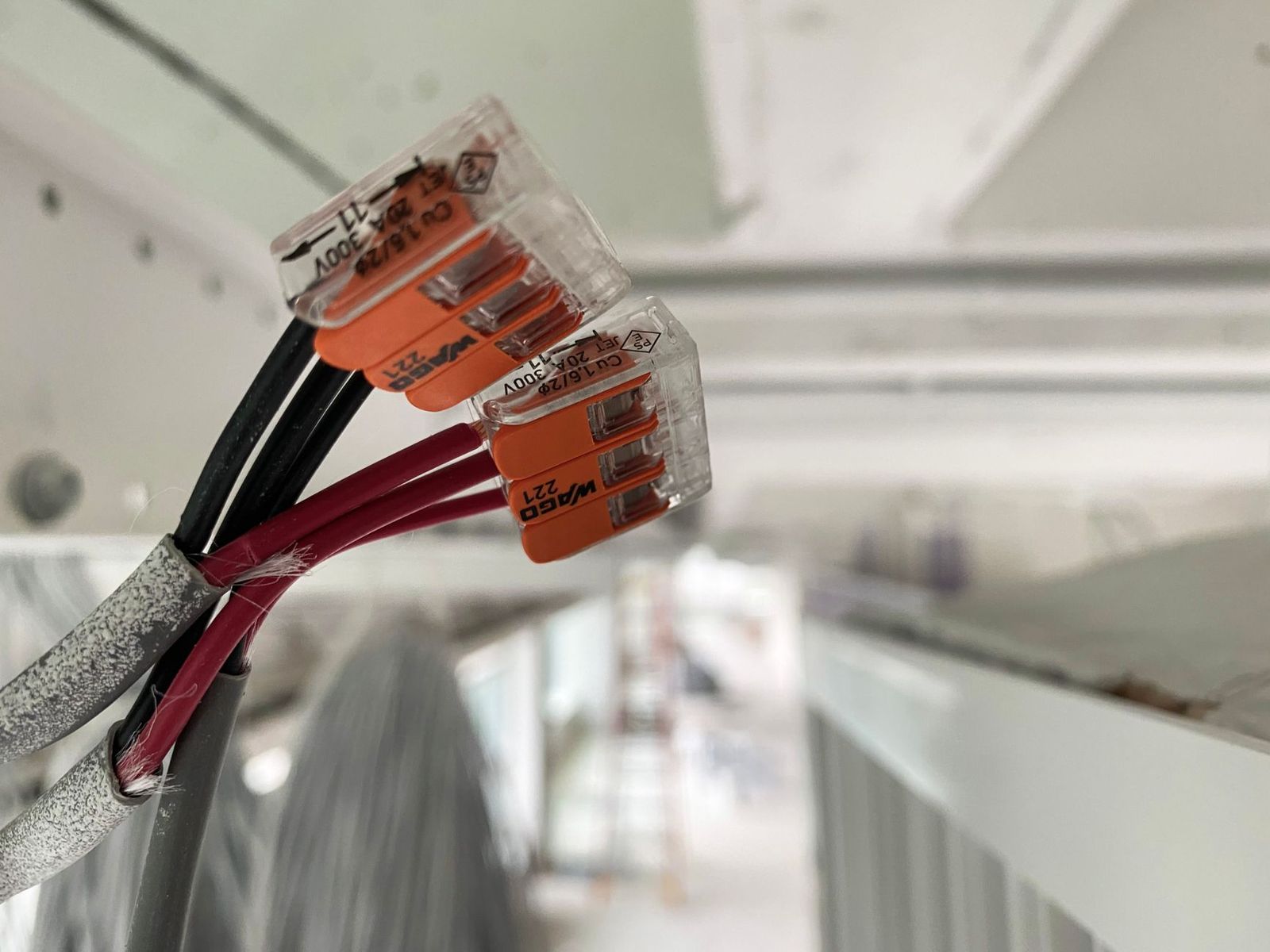
A two wire setup is the simplest heating control there is. One wire, usually labeled R or Rh, brings 24 volt power from the furnace or boiler. The other wire, labeled W, carries the call for heat back to the system. When the thermostat decides the room is cold, it connects the two, the heating system starts, and when the room reaches your setting, it disconnects and the system stops.
The challenge is power. A traditional thermostat needs almost no electricity, so two wires are plenty. A WiFi model runs a screen, a radio, and a small computer, and it needs a steady supply. Most smart thermostats get that supply from a third wire called the C wire, which a two wire home does not have. Models built for this situation solve the problem with rechargeable batteries, a power adapter kit that adds the missing wire, or careful power sharing with the heating system. Everything else in this guide flows from that single fact.
Key Specs Explained in Plain English
When you compare 2 wire wifi thermostat options, these are the specs that decide whether a model will work in your home at all.
Room Size and Coverage
A thermostat does not heat a room. It only tells your furnace or boiler when to run, so square feet matter far less than they do for heaters or air conditioners. What matters is zones. One thermostat controls one zone, so a home with a single thermostat heats as one unit no matter its size. If your home has separate zones, you need one thermostat per zone. Room size only enters the picture through sensor placement, because a thermostat in a drafty hall will misread the rooms you actually live in.
Energy Efficiency and Operating Cost
The thermostat itself uses very little power, often less than a phone charger. Its real effect on cost is control. Scheduling lets you lower the heat while you sleep or work, and remote access lets you correct a setting you forgot. Each degree you lower the set point for long stretches trims heating energy in a noticeable way over a season. Look for learning or scheduling features you will genuinely use, and check whether the model reports runtime so you can see your habits in hours, not guesses.
Smart Controls and Sensors
App control is the core promise: adjust the heat from your phone, set weekly schedules, and get alerts if the house gets dangerously cold while you travel. Some models add remote room sensors that average temperature across rooms, which helps when the thermostat sits in a cool hallway. Voice assistant support is common and handy, but treat it as a bonus. The features that earn their keep are a clear app, reliable WiFi connection on the standard 2.4 GHz band, and alerts that arrive when something is wrong.
Safety Features
Electrical safety comes first. A thermostat for a 24 volt system must never be connected to line voltage wiring, such as the 120 or 240 volt cables that feed electric baseboard heaters. Confusing the two can destroy the thermostat and create a shock or fire risk. Turn the heating system off at the breaker before you touch any wire. Look for models with a recognized safety listing such as UL or ETL, and stop and call a licensed HVAC technician if your wires are unlabeled, brittle, or different from every diagram you can find.
Compatibility and Reliability
For this product, performance means compatibility and reliability. Check the voltage rating, which should state 24 VAC for standard furnace and boiler controls. Check the list of supported systems: gas furnace, oil furnace, boiler with radiators, and heat only systems are the usual fit. If you have a millivolt system, common with some wall heaters and fireplaces, most WiFi models will not work at all. Finally, check how the model holds its settings during a power cut and whether it reconnects to WiFi on its own afterward.
Installation and Placement
Most owners finish the swap in under an hour. You photograph the old wiring, label each wire, mount the new base, connect R and W to the matching terminals, and follow the app setup. Placement rules carry over from the old unit: an interior wall, about five feet from the floor, away from direct sun, exterior doors, kitchens, and supply vents. If your chosen model needs a power adapter, that part connects at the furnace control board, which is also where you confirm the system type. Our guide to the best wifi thermostat for 2 wire system setups walks through that adapter route in more depth.
Rookie Mistakes to Avoid
- Assuming two wires means any smart thermostat fits. Most models need a C wire. Confirm the power method before you buy, not after you open the wall plate.
- Skipping the wire photo. Take a clear photo of the old connections before removing a single wire. Labels fall off, and memory fails.
- Ignoring a millivolt system. If your heater has no electrical supply and works during a power cut, it is likely millivolt, and standard WiFi models are not compatible.
- Mounting near a heat source. A thermostat above a radiator or in sun reads the room wrong and short cycles your heating system.
- Forgetting the furnace filter. A smart thermostat cannot fix poor airflow. A clogged filter makes any system run longer and heat unevenly.
If you would rather avoid WiFi entirely, our guide to the best 2 wire thermostat choices covers simpler programmable and manual models that need no network at all.
Getting Started: Setup and First Use
After mounting, the app usually walks you through connecting to WiFi, naming the thermostat, and building your first schedule. Set a modest schedule first: your normal wake temperature, a setback of a few degrees while you are out or asleep, and a return before you get home. Live with it for a week before fine tuning. Sudden large changes teach you nothing about comfort.
Two habits protect your comfort from day one. First, check the heat call before cold weather arrives by raising the setting a few degrees and confirming the furnace starts and stops normally. Second, write the install date on the furnace filter and check it monthly, because a clean filter keeps runtime and bills honest. If you are comparing app driven models more broadly, our guide to the best 2 wire smart thermostat options explains which smart features matter beyond WiFi alone. And if your wiring turns out to be due for an upgrade during a renovation, our guide to the best thermostat for 2 wire system setups covers the questions to ask your technician first.
Frequently Asked Questions
Do 2 wire wifi thermostats really work?
Yes, they work well on compatible heat only systems. The thermostat still just connects R and W to call for heat, exactly like your old unit. The smart part is the scheduling, app control, and alerts layered on top. The honest catch is power: the model must have a battery or adapter plan that suits your wiring. Confirm that plan and the thermostat works as reliably as any other.
What size do I need for my room?
There is no size to pick, because thermostats are not sized by room. One thermostat serves one heating zone, whether that zone is a studio or a whole floor. What you choose instead is the power method and the feature set. If rooms feel uneven, the fix is sensor placement or a remote sensor model, not a bigger thermostat. Homes with several zones simply need one unit per zone.
Where is the best place to put it?
Put it on an interior wall in a room you use often, about five feet above the floor. Keep it away from windows, exterior doors, direct sunlight, lamps, and the warm air stream from a vent or radiator, because all of these fool the sensor. In most two wire homes the wiring already fixes the spot, and the existing location was usually chosen sensibly. Moving it means running new wire, which is a job for a technician.
How often should I replace the filter?
The thermostat has no filter, but your furnace or air handler does, and it affects everything the thermostat controls. Check it monthly and replace it about every one to three months, sooner with pets or dusty renovations. A clogged filter restricts airflow, lengthens heating cycles, and can overheat a furnace. Many smart models include a filter reminder based on runtime, which is worth turning on during setup.
Is it expensive to run 24/7?
No, the thermostat itself costs pennies a month to run, since it draws only a small amount of power to stay connected. The real cost question is your heating schedule, not the device. Running the heat at full comfort temperature around the clock is what grows bills. Sensible setbacks while you sleep or work save far more than the thermostat will ever consume, which is the whole point of owning one.
If a future remodel lets you run new wire, the wider world of four wire models opens up, and our guide to the best 4 wire wifi thermostat comparisons show what that extra wiring makes possible.
Our Verdict
Compatibility comes first, power method second, app quality third. Confirm your system is a standard 24 volt heat only setup, choose how the thermostat will power itself without a C wire, and only then compare screens and features. The best 2 wire wifi thermostat for your home is the one that matches your wires and your system, so check them, read each model's listed requirements, and order with confidence.