Best 1080p Laptops: Every Type Explained Side by Side for 2026
Disclosure: We may earn a commission when you buy through links on this page, at no extra cost to you. As an Amazon Associate I earn from qualifying purchases. Learn more

Confused by all the options? We compare every type of 1080p laptop side by side so you can choose the best 1080p laptops for your space and budget.
A 1080p screen, also listed as 1920 by 1080 or Full HD, is the standard display on most laptops, yet the machines behind that screen come in very different types. This guide compares the main types of the best 1080p laptops side by side, so the differences are clear before you spend. You will see who each type suits, what it does well, and where it falls short, then you can check specific models in the product table.
The screen resolution is the easy part. The type of machine, its weight, and its power are what decide whether you enjoy it every day.



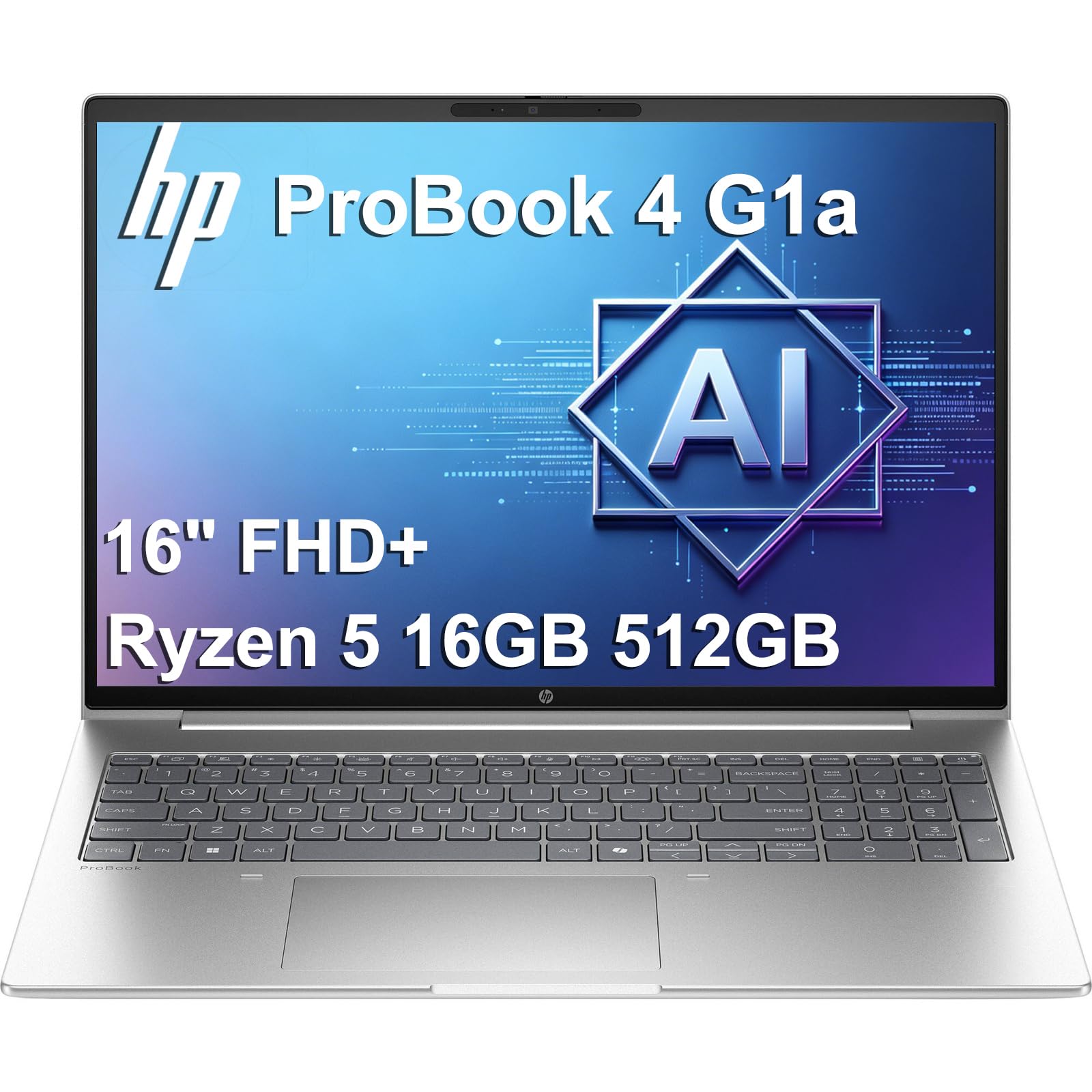

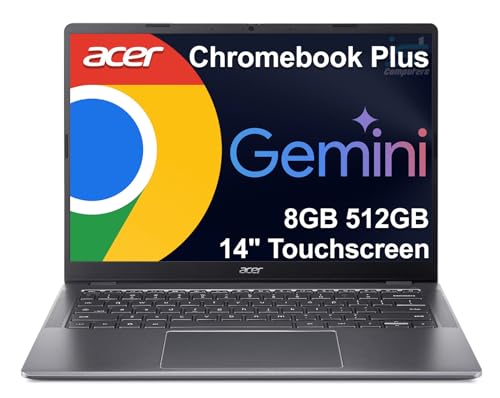
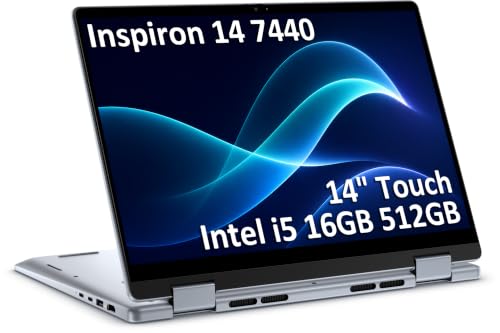
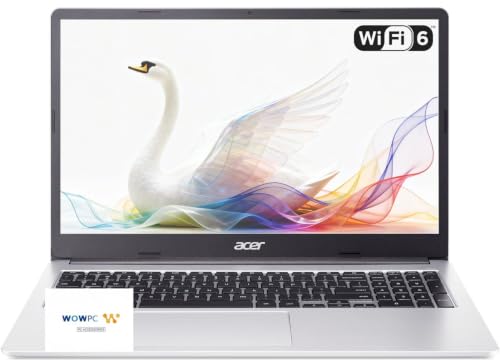
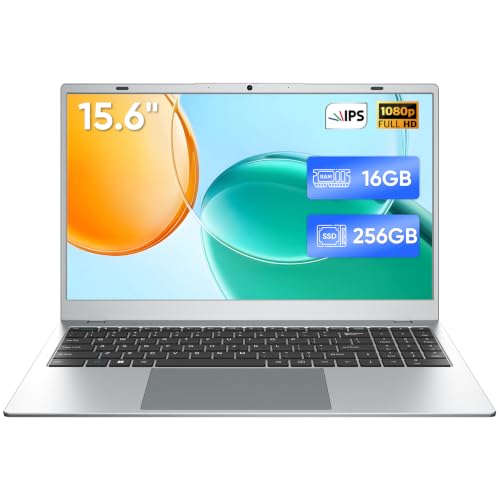
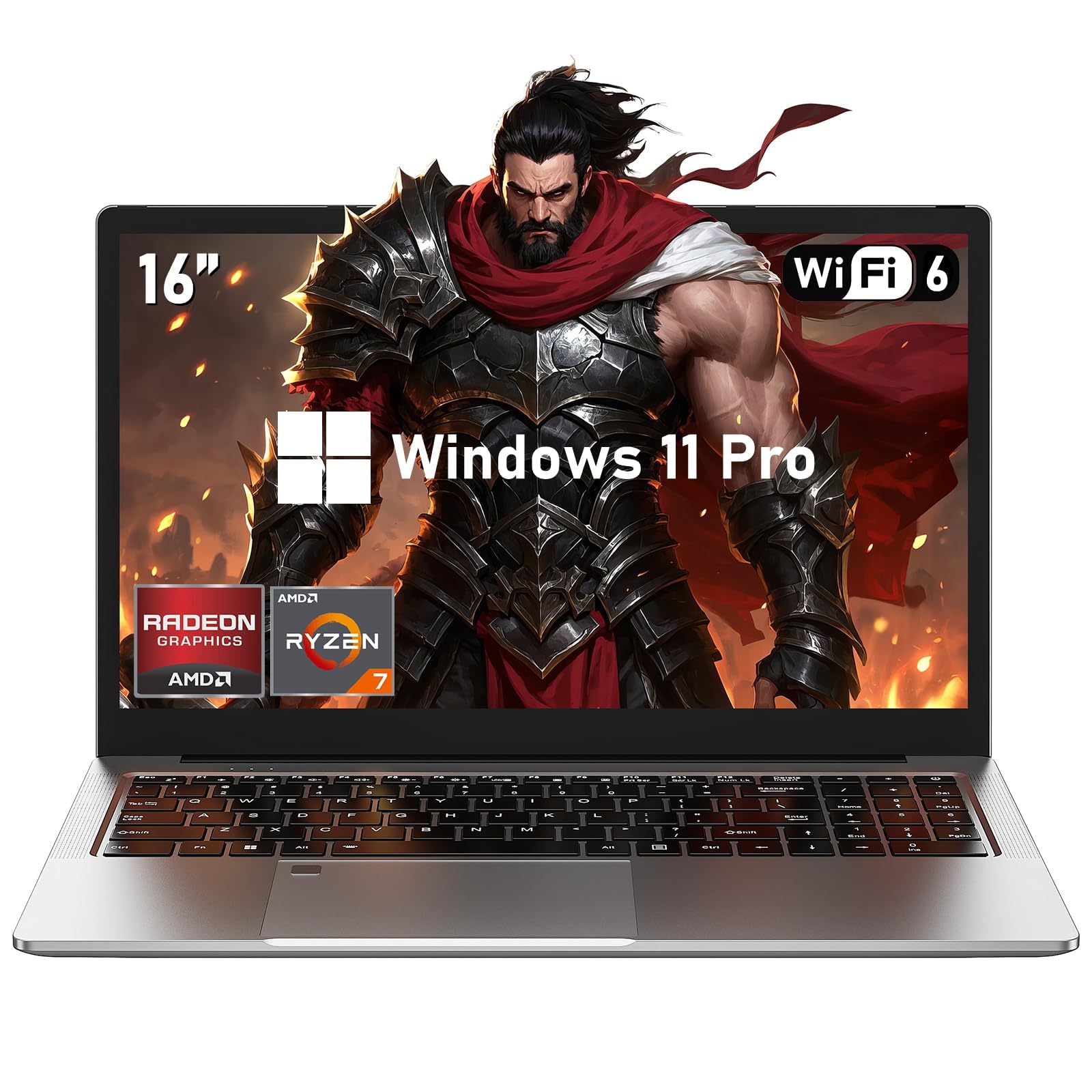
Types of 1080p Laptops Compared
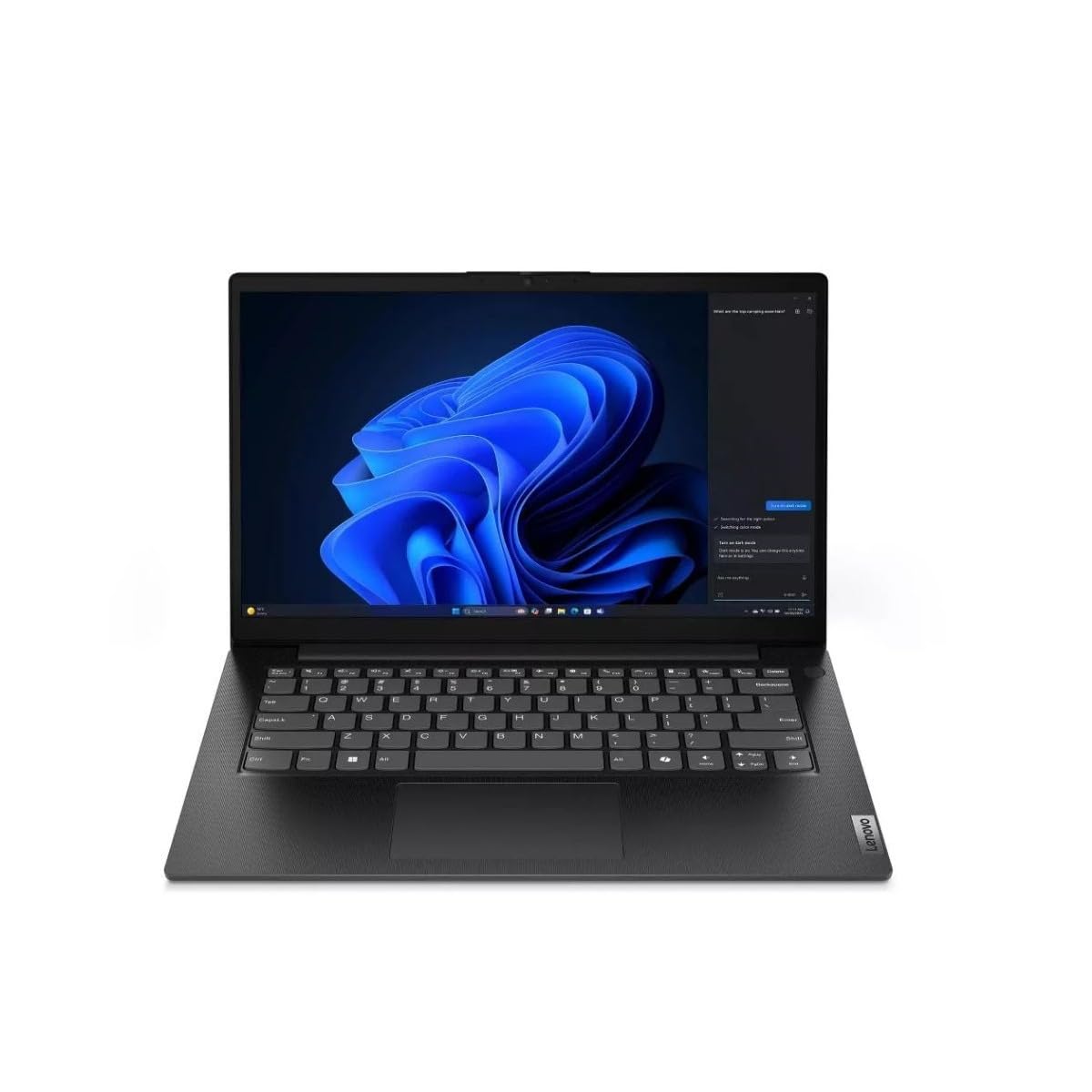
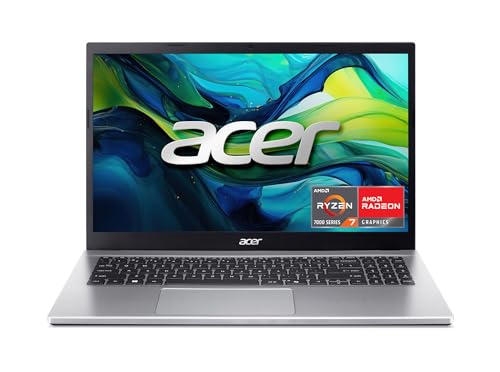
Three types cover nearly every 1080p machine on sale. Convertibles fold into tablet shapes for touch and pen work. Gaming laptops trade lightness for strong graphics and cooling. Detachable tablets pair a light screen with a keyboard you can leave behind. Typical prices differ by type as much as by brand, with basic convertibles starting around $400, gaming models often running about $800 to $1,600, and detachable tablets spanning a wide middle range.
2 in 1 Convertibles
A convertible has a hinge that folds the screen all the way back, so one device works as a laptop, a tent for watching video, and a thick tablet for reading or pen notes. The strengths are flexibility and touch input without giving up a real keyboard and trackpad. The weaknesses are weight and heat. A convertible is heavier than a true tablet, and most use integrated graphics, so gaming and heavy creative work are limited. Choose this type if you study, present, mark up documents, or want one machine for both desk work and couch use.
Students are the classic fit for this type, and our guide to the best laptops for college shows how convertibles stack up for campus life.
Gaming Laptops
A gaming laptop pairs a 1080p screen, often with a high refresh rate such as 144 Hz or more, with a dedicated graphics card and strong cooling. At this resolution the graphics card can push high frame rates in most games, which is why 1080p remains a smart match for play. The costs are weight, noise, and battery life. Expect a machine around 4.5 to 6 lb, fans you can hear under load, and only a few hours away from the charger. Choose this type if games or 3D and video work are central, and the laptop will live mostly on a desk.
Tablets
Tablet style machines, meaning a slate with a detachable keyboard, put the screen first. They are the lightest way to get a 1080p display, easy to hold for reading, and quick to start for notes and media. The trade offs are lap comfort, ports, and power. A kickstand works poorly on soft surfaces, one or two USB C ports limit accessories, and the processors favor battery life over speed. Choose this type if you travel constantly, read and annotate a lot, and your software needs are modest. If your needs grow, you will outgrow this type first.
2 in 1 Convertibles vs Gaming Laptops: Which Should You Choose?
Compare these two on five points. For portability, the convertible wins, often a pound or more lighter with far better battery life. For graphics power, the gaming laptop wins by a wide margin, since a dedicated GPU beats integrated graphics in games and renders. For input, the convertible offers touch and pen, while the gaming laptop offers a better keyboard and more ports. For noise and heat, the convertible stays quiet in class or meetings, while gaming fans get loud under load. For price, convertibles span a wider low range. Pick the convertible for mixed daily life, and the gaming laptop when frame rates decide your fun.
If neither extreme fits and you want a plain, well rounded machine, our guide to the best notebook laptops covers the classic clamshell style most people end up choosing.
How to Choose the Best 1080p Laptops for Your Routine
Processor and Performance Tier
The processor sets the ceiling for everything else. For documents, browsing, and video calls, a current mid range chip from the Intel Core or AMD Ryzen families handles work smoothly and sips power. Step up a tier if you edit photos, compile code, or keep dozens of tabs and apps open at once. Gaming and 3D work shift the burden to the graphics card, so judge those machines by the GPU first and the processor second. Whatever the tier, pair it with at least 16 GB of RAM and an SSD, because memory and storage shape daily speed as much as the chip does.
Weight and Portability
Weight decides whether the laptop travels or stays home. Under 3 lb is the comfort zone for students and commuters who carry a machine all day, and most thin convertibles and tablets live there. Between 3 and 4 lb suits occasional travel with more power or a bigger screen. Above that, you are in gaming and workstation territory, where the charger adds serious weight too. Always count the charger in your carry total. A light laptop with a brick of a charger is not a light setup in your bag.
Display Size, Resolution, and Brightness
All of these machines share 1080p resolution, but size changes how that resolution feels. On a 13 or 14 inch screen, 1080p looks sharp and crisp for text. On a 16 or 17 inch screen it is still fine for games and video, though close reading shows softer edges. Brightness matters more than most spec sheets suggest. Around 300 nits works indoors, while 400 nits or more helps near windows. Gamers should also check refresh rate, since 120 Hz or higher makes motion far smoother than the standard 60 Hz panel.
Ports and Connectivity
Ports decide how much extra gear you must carry. Look for at least two USB C ports, ideally with fast data and video output, plus one older USB A port for common accessories if you can get it. An HDMI port saves a dongle when you present or connect a monitor. WiFi 6E or newer improves speed on busy campus and office networks. Shoppers watching total value rather than raw specs can compare notes with our guide to the best reasonable laptops, which weighs ports and build against price.
Tips to Get the Most From Your 1080p Laptop
Keep the operating system and firmware updated, since updates often improve battery life and fix sleep and WiFi bugs. Avoid running the battery at a full charge all the time if the laptop lives plugged in at a desk, and use any built in charge limit setting if one is offered. Carry the machine in a padded sleeve to protect the screen, which is the costliest part to replace. Once or twice a year, clear dust from the vents with short bursts of air so cooling stays effective and fans stay quiet.
Timing can save real money in this category, so it is worth reading about the best time to purchase laptops before you buy at full price.
FAQs
How long should a 1080p laptop last?
A well chosen laptop should last about five years for everyday work, and gaming models stay fun for games a similar span if you lower settings over time. Battery health fades first, so expect shorter unplugged time by year three or four. Buying 16 GB of RAM and a larger SSD at the start extends useful life more than any other choice, because both are hard or impossible to upgrade later on thin models.
Should I buy a laptop or a tablet?
Buy a laptop if you type for long stretches, run full desktop programs, or need several ports, since a fixed or folding keyboard and stronger cooling help daily. Buy a tablet style machine if reading, pen notes, and the lightest possible bag matter most and your apps are simple. A useful check is your lap. If you often work on a couch or train seat, a proper laptop base will feel far more stable than a kickstand.
How much RAM do I need in a 1080p laptop?
You need 16 GB for a comfortable machine in most cases, and 8 GB only suits the lightest budgets and simplest use. Modern browsers, office apps, and video calls together can fill 8 GB quickly, which causes slow switching between tasks. Creators and gamers should treat 16 GB as the floor and consider 32 GB for large photo, video, or virtual machine work. RAM you skip today is the limit you feel every day for years.
Is a Chromebook enough for school?
A Chromebook is enough when your school works in the browser with web apps, documents, and video calls. It is not enough when courses require specific Windows or Mac software, offline tools, or special exam programs. Check your course list before you save the money, and confirm printing and library access too. Many students also miss a full file system more than they expect once projects grow beyond simple documents.
Is a dedicated GPU worth it in a 1080p laptop?
A dedicated GPU is worth it if you play modern games, edit video, or work in 3D, because 1080p is the resolution where mid range graphics cards shine at high frame rates. It is not worth it for office work, study, and streaming, where integrated graphics already do the job with less heat, noise, and cost. The money you save by skipping a GPU can buy more RAM, a brighter screen, or a lighter build you will notice every day.
The Bottom Line
Choose the type first, convertible, gaming, or tablet style, then check weight, processor tier, and ports in that order. That sequence keeps you from paying for power you will not use or carrying weight you do not need. Compare your finalists in the product table, weigh the charger along with the machine, and you will land on the best 1080p laptops choice for your routine and your budget.