
Best Linksys WiFi Router for Home: A Complete Buying Guide
Disclosure: We may earn a commission when you buy through links on this page, at no extra cost to you. As an Amazon Associate I earn from qualifying purchases. Learn more
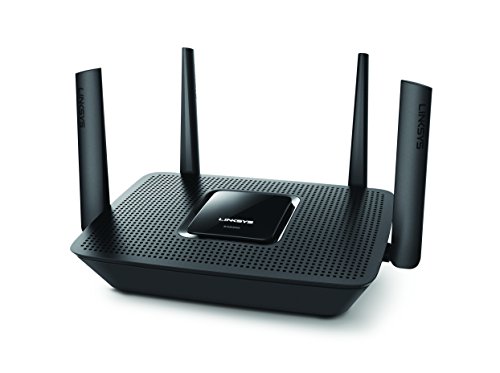
If your internet provider's rental box keeps dropping the connection every time someone starts a video call, you've probably already started looking at replacements. Linksys is one of the first names that comes up, and for good reason: it has one of the longest track records in home networking, a companion app that even non-technical family members can navigate, and a mesh lineup built specifically to fix the dead zones a single router leaves behind. Unlike a generic router shopping list, finding the best linksys wifi router for home use means understanding how Linksys structures its own product family, not just comparing specs across brands. This guide walks through how to choose the right setup, WiFi generation, and features within the Linksys ecosystem so you buy the version that actually fits your house.
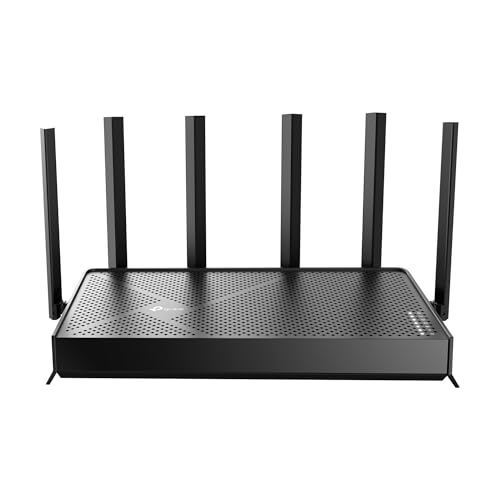
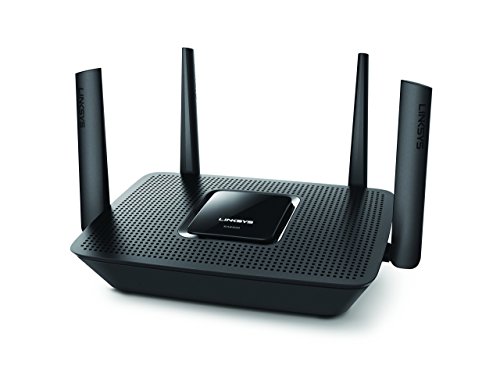


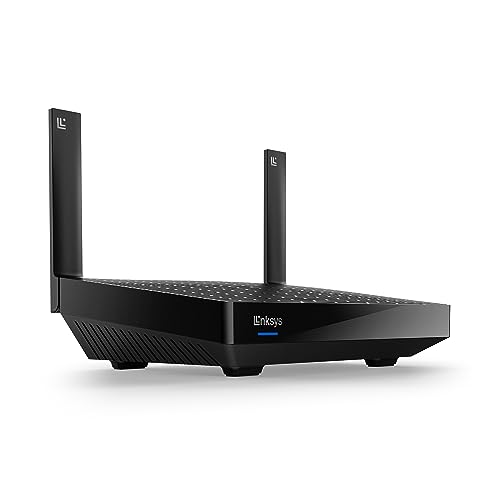

Single-Unit Router or Velop Mesh: Matching the Setup to Your Home
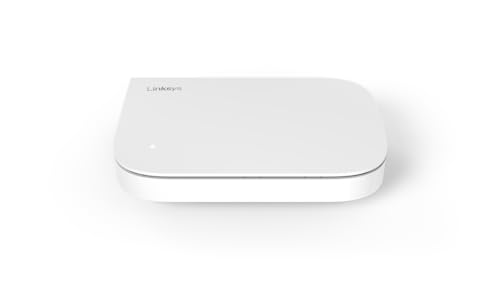
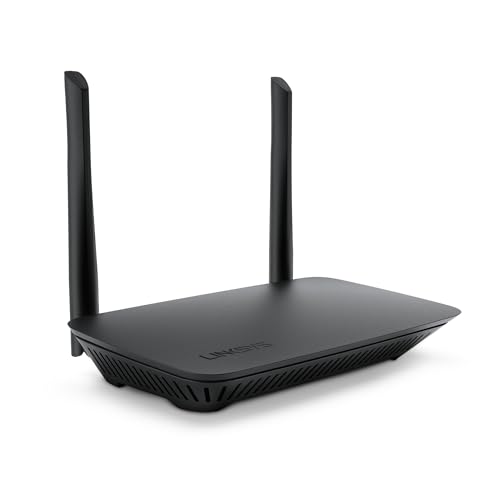
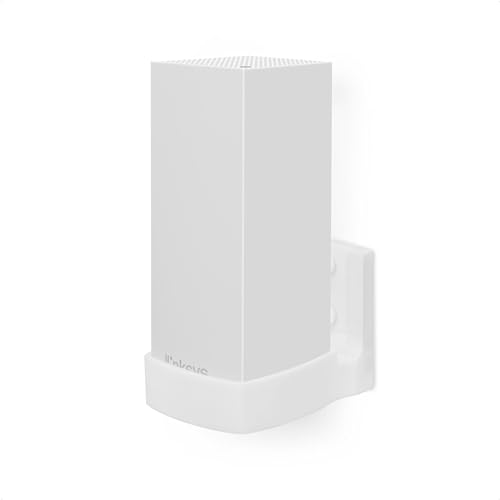
The first real decision inside the Linksys lineup is whether you need a traditional single-unit router or a Linksys Velop mesh system built from two or more nodes. Answering this well is the biggest factor in landing on the best linksys wifi router for home use, since it's about how your home is laid out and how your WiFi signal actually behaves once it hits drywall, floors, and appliances.
When One Router Is Genuinely Enough
A single Linksys router can comfortably cover a one-story home or a small to mid-size apartment, especially if the layout is fairly open. If you've never had dead zones with your current router and you're mainly replacing it because it's old or slow, a single unit is usually enough, and it keeps setup simpler than managing multiple nodes.
When a Velop Mesh Setup Makes More Sense
Multi-story homes, houses with detached garages or offices, and layouts with thick interior walls tend to create dead spots that a single router simply can't reach, no matter how powerful its antennas are. Velop nodes work together to blanket a larger footprint with consistent signal, handing your devices off between nodes as you move through the house instead of forcing you to reconnect manually.
Making Sense of Linksys's WiFi 6, WiFi 6E, and WiFi 7 Options
Linksys sells routers and mesh systems across several WiFi generations at once, which is where a lot of shoppers get stuck. Knowing what each generation actually buys you is a big part of narrowing down the best linksys wifi router for home use, and it makes the rest of the decision much easier.
What Each Generation Actually Changes for You
WiFi 6 improves how efficiently a router handles many connected devices at once, which matters more in a smart home with dozens of gadgets than raw top speed does. WiFi 6E adds an extra 6GHz band that's far less crowded, since older devices can't use it, which can mean less interference in dense neighborhoods or apartment buildings. WiFi 7 pushes further with wider channels and lower latency, though it's still a newer addition to the Linksys catalog.
Do You Need to Pay Up for 6E or 7
For most households, a WiFi 6 Linksys system handles streaming, video calls, and a busy device count without issue. The 6E and WiFi 7 tiers make more sense if you live somewhere with a lot of neighboring networks crowding the airwaves, or if you already own newer phones, laptops, and smart home hubs that can actually take advantage of the extra band. If you want a broader, cross-brand primer on how WiFi 6 compares to newer standards, our WiFi 6 router buying guide covers that decision in more depth.
What the Linksys App Puts in Your Hands
Almost every current Linksys router or Velop system is managed through the Linksys app rather than a browser-based admin page. That app experience is one of the most consistently mentioned reasons people land on the best linksys wifi router for home use instead of a competing brand, since it turns setup and troubleshooting into a guided, phone-based process instead of a technical maze.
Setup and Ongoing Network Management
The app walks you through initial setup, lets you rename your network, check which devices are connected, run speed tests, and restart the system remotely if something acts up. For households where one person manages the WiFi for everyone else, that centralized control is genuinely useful day to day.
Where the App Experience Falls Short
Owner feedback isn't universally glowing. A recurring complaint is that firmware and app stability haven't always kept pace with the hardware, with some users reporting mesh nodes that randomly drop and need a manual reset. Others who switched to Linksys after trying competing mesh brands described it as the most stable option they'd used, particularly for compatibility with older 2.4GHz smart home devices. In practice, experiences vary by home environment, so it's worth going in with realistic expectations rather than assuming perfection out of the box.
Parental Controls and Family-Friendly Network Tools
Families researching a new router often care as much about control over the network as they do about raw speed, and this is an area where Linksys has invested heavily in its app-based tools.
Scheduling, Content Filtering, and Device Profiles
Linksys lets you group devices by family member, set WiFi schedules for bedtime or homework hours, and pause internet access for specific devices without touching the whole network. Content filtering tools can block categories of sites at the network level, which is easier to manage than app-by-app restrictions on individual devices.
Guest Networks for Visitors and Smart Devices
A separate guest network is also standard, useful both for visitors and for isolating smart home gadgets like cameras or plugs from your main devices. Keeping those on their own network segment adds a layer of security without any extra hardware.
Device Capacity, Coverage, and Long-Term Firmware Support
Two of the most practical questions before buying the best linksys wifi router for home use are how many devices the system can actually handle and how long it will keep receiving updates.
How Many Devices a Linksys Setup Can Realistically Handle
Manufacturer device-count ratings are useful as a ceiling, but real-world performance depends more on how many devices are actively streaming, gaming, or video calling at the same time. A mesh setup with two or three nodes generally handles a busy modern household, smart TVs, laptops, phones, and a growing pile of smart home devices, more comfortably than a single router trying to do the same job alone. If you specifically need guidance sized around a high device count, our guide to mesh WiFi for large homes covers that scenario across brands.
What Reddit and Owner Reviews Say About Reliability
Long-running owner discussions point to a mixed but generally workable picture: hardware performance is well regarded, while firmware polish has been inconsistent between updates. The practical takeaway is to keep the app and firmware current, since most fixes for dropped nodes or connectivity hiccups arrive through those updates rather than needing new hardware.
Frequently Asked Questions
Is Linksys a good router brand for a home network?
Yes, for most households. Linksys has decades of networking experience, a genuinely easy-to-use app, and a mesh lineup built for larger or multi-story homes. The best linksys wifi router for home use typically comes down to matching a single unit or Velop system to your layout, and keeping firmware updated addresses most reported reliability issues.
What is the difference between Linksys Velop and a regular Linksys router?
A regular Linksys router is a single unit broadcasting WiFi from one location. Velop is Linksys's mesh system, using two or more nodes placed around your home that work together to eliminate dead zones and hand off your devices seamlessly as you move.
How many devices can a Linksys router or mesh system support?
It varies by model and WiFi generation, but a modern Linksys mesh setup can comfortably support dozens of devices in an active household. The bigger factor than the raw number is how many devices are streaming or gaming simultaneously.
Do I need the Linksys app to set up and manage the router?
Yes, current Linksys routers and Velop systems are designed around app-based setup and management. Most day-to-day tasks, from renaming your network to setting parental controls, happen through the app rather than a browser login page.
Are Linksys parental controls good enough for families?
For most families, yes. You can schedule WiFi access by device or person, filter content categories at the network level, and pause specific devices instantly, all without installing anything on the kids' devices themselves.
Will a Linksys mesh system fix WiFi dead zones in a two-story home?
In most cases, yes, as long as nodes are placed thoughtfully rather than clustered in one area. A two or three-node Velop setup is specifically designed to spread coverage across multiple floors and rooms that a single router can't reliably reach.
Is it worth paying more for a WiFi 6E or WiFi 7 Linksys system?
It depends on your environment and devices. If you live in a crowded apartment building or already own newer WiFi 6E or 7 capable devices, the upgrade can noticeably reduce interference. If your home has little network congestion, a WiFi 6 system is usually enough.
Making Your Decision
Picking the best linksys wifi router for home use comes down to matching the setup to your space rather than chasing the newest generation available. Start with whether your home actually needs a mesh system, confirm the WiFi generation fits your devices and surroundings, and lean on the app-based parental controls and guest network tools if managing a busy household network is a priority. Get those three things right, and the specific model becomes a much easier choice.