
Best Computer for Gamers in 2026: Which One Fits the Way You Use It?
Disclosure: We may earn a commission when you buy through links on this page, at no extra cost to you. As an Amazon Associate I earn from qualifying purchases. Learn more

Fit a gaming computer to your screen and your games first. Compare prebuilt and self build honestly, spot up to spec wording, and spend where it shows.
There is no single machine that suits every player, because the right build depends on the games on your shelf and the screen on your desk. A strategy fan on a standard monitor and a racing fan chasing smooth motion on a fast display need very different hardware, and paying for the wrong kind of power wastes money either way. The best computer for gamers is simply the one fitted to that pairing of games and screen, with nothing important missing and nothing expensive wasted.
Most guides to the best computers for gamers rank parts in isolation, but parts only matter in combination, and the combination that matters is yours. This guide starts with fit: your display, your library, and your budget, in that order. The comparison table below shows how the main machine classes line up, and the sections after it explain how to read any parts list with a clear eye before you spend.
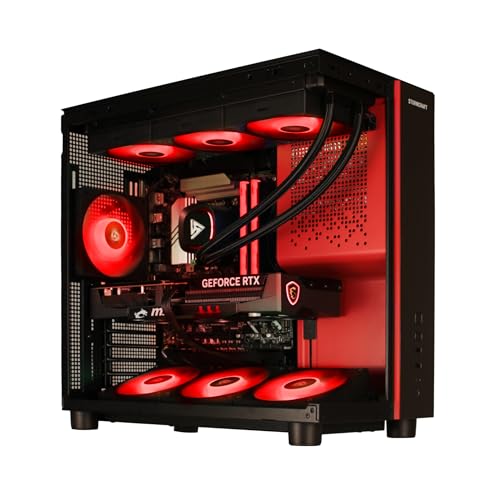

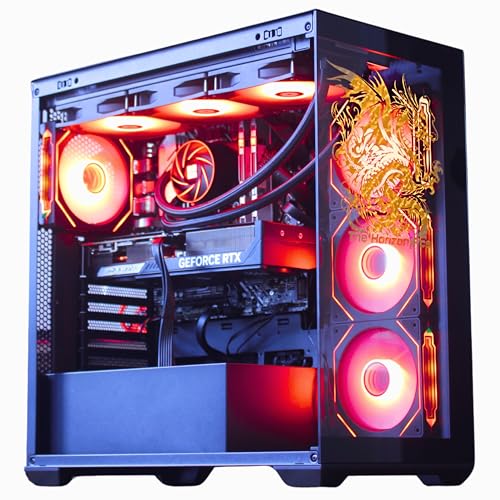
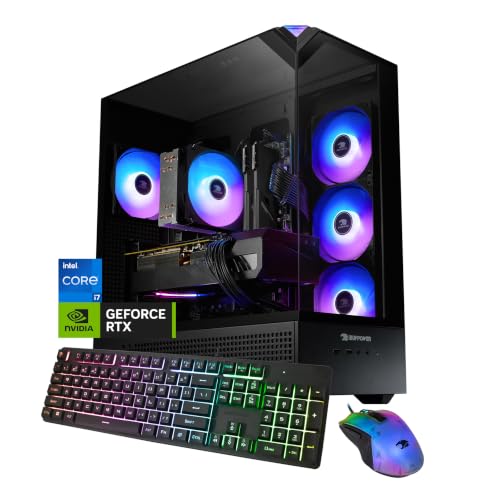

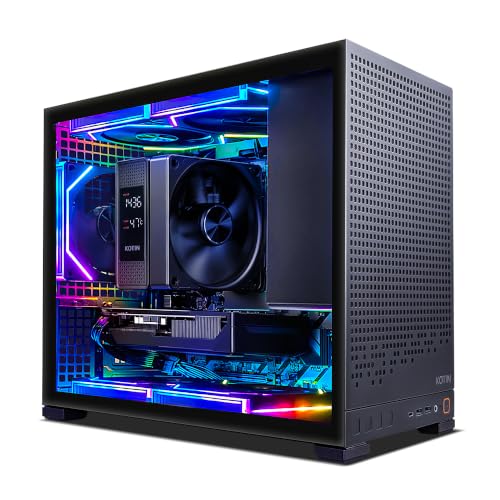
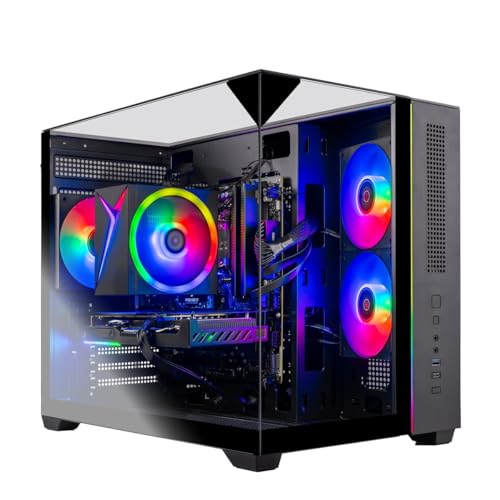
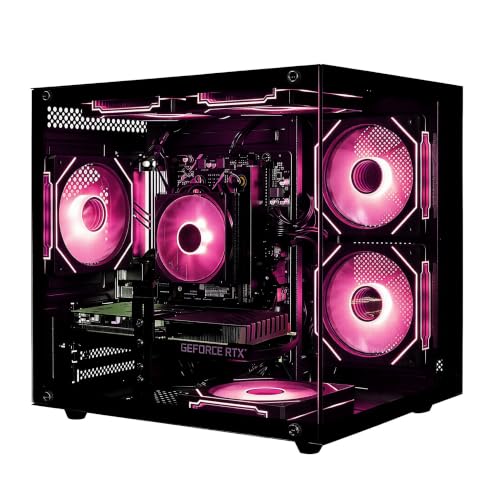
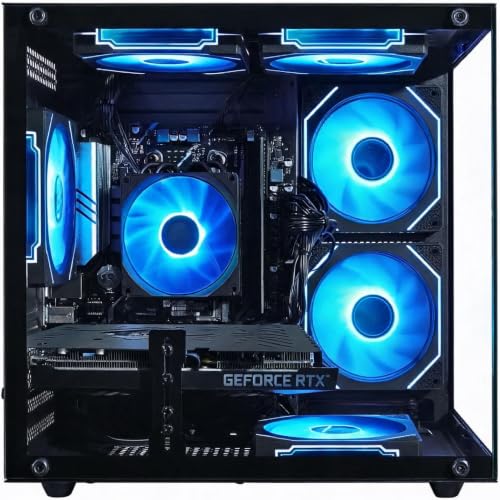
Who Should Buy Which Kind of Gaming Computer?
Buyers differ more in their habits than in their taste for graphics. Find the group below that sounds like your household, and let it set your priorities before you look at a single specification.
Performance First Players
If you play demanding releases at high settings and own, or plan to own, a 1440p or 4K display with a high refresh rate, performance is your whole budget conversation. The graphics card class decides your experience, the processor must be strong enough to feed it, and cooling and power quality protect both. Spend in that order and accept plain styling. Your warning sign is any build that leads with lighting and glass panels while staying vague about the exact graphics card fitted, because the card is where your money either works or evaporates.
Gift Shoppers
A gaming computer given as a gift should arrive ready to play, survive its first year without expert help, and be easy to return or service if something fails. A prebuilt machine from a maker with a whole system warranty and a plain parts list fits that brief far better than a boutique build with exotic components. Check that the recipient's favorite games are named in your planning, since a machine fitted for one genre can disappoint on another. Include the basics, a keyboard, a mouse, and enough storage for two or three large games, so the gift works on day one.
First Time Buyers
Your first gaming computer should be a mainstream tower with standard parts, a clear upgrade path, and no unusual form factor. Standard parts mean any local shop can service it and any guide online applies to it. Leave room to grow: an empty memory slot, a spare drive bay, and a power supply with headroom turn a fixed purchase into a platform. Avoid the very smallest cases and the very cheapest towers, because both restrict the graphics cards and coolers you can fit later, and avoid a gaming laptop unless you truly need to carry the machine.
Value Seekers
Value in gaming computers hides one generation behind the flagship parts. The previous graphics class at a reduced price delivers most of the frames, and the saving funds the items buyers forget, like a larger solid state drive and a better monitor. Judge value by cost per year of comfortable play rather than by the discount badge.
A machine that plays your library well for five years at a fair price beats a bargain that struggles in two. Refuse to pay for decorative extras until the core specification is strong, because lights add nothing to a frame rate.
Key Features to Compare
With your group in mind, work through the factors below in order. The first one is deliberately about the screen rather than the computer, because the screen sets the workload everything else must meet.
Your Display Decides the Budget
Resolution and refresh rate are a promise the computer must keep. A 1080p screen at 60Hz asks modest work of a graphics card, while a 1440p screen at 144Hz or more asks roughly three times the effort for the same scene. Buying a powerful card for a basic screen wastes the card, and buying a weak card for an ambitious screen guarantees disappointment.
Decide the display first, or confirm the one you own, then fit the machine to it. If a new screen is part of the plan, compare the best computer monitors for gaming before finalizing the computer budget, since the two purchases share one wallet.
Graphics and Processor Balance
The graphics card renders the frames and the processor prepares them, so the pair must be balanced. A strong card held back by a weak processor stutters in busy scenes, while an oversized processor beside a modest card adds cost without adding frames. For most gaming budgets the card should claim the largest share, with the processor one honest step behind it. Memory and storage follow: enough memory for your games plus background apps, and a solid state drive sized for your library, since modern games are large and load times punish mechanical drives.
Prebuilt Versus Building Your Own
The honest comparison is about time, warranty shape, and upgrade freedom. A prebuilt machine arrives tested as a system, and one warranty covers the whole box, which is worth real money to a busy buyer. Building your own costs evenings instead of dollars, gives you standard parts throughout, and teaches you the machine you will maintain.
The trap sits between the two: some prebuilt towers use proprietary cases, motherboards, and power supplies that accept only the maker's replacements, quietly closing your upgrade path. Shoppers who prefer the ready made route can compare the best prebuilt gaming computers against the parts standards in this section before deciding.
Reading the Parts List: The Up To Red Flag
Specifications deserve suspicion wherever they say up to. A listing that promises up to a certain processor or graphics class may ship with the weakest member of that family, and the fitted part is the only one that matters. Demand the exact parts list: the precise graphics card class, the exact processor, memory amount and whether it uses one stick or two, drive size and type, and the power supply wattage and maker.
Two sticks of memory matter because a single stick can leave real performance unused. If a seller will not name the parts, treat that silence as your answer and shop elsewhere, since an honest look at the best game computer listings shows how much the fine print changes the machine.
Maintenance and Long Term Costs
The purchase price is the first cost, not the last. Dust removal a few times a year keeps temperatures and noise in check, and a tower with removable filters makes that a short job instead of a chore you postpone. Games grow, so storage expansion is a near certain expense within a few years, and a mid life graphics upgrade is the classic way to extend a machine rather than replace it. Whole system warranties on prebuilt machines typically run shorter than the combined warranties on self chosen parts, which is a real, if quiet, long term cost difference worth weighing at purchase time.
Peripherals and software add quieter costs. Keyboards, mice, and headsets wear out on a two to four year cycle of daily play, and a replacement fan or a failed drive can appear without warning after the warranty ends. None of these costs is large alone, but together they mean a gaming computer asks for a small annual upkeep budget, roughly the price of one new game, rather than none at all. Buyers who plan for that figure are never surprised by it.
Ease of Use and Setup
A good first evening matters. Prebuilt machines still need an hour of work: removing packing material inside the case, connecting the display cable to the graphics card rather than the motherboard, installing updates, and clearing out trial software. None of it is hard, but skipping the display cable step is the most common beginner mistake and it silently wastes the card you paid for. Plan the desk at the same time, with airflow space around the tower and a chair that supports long sessions, as covered in our guide to the best computer chairs for gamers.
Tower, Compact Case, or Laptop: The Form Decision
Form decides what you can change later. A standard tower accepts almost any future graphics card, cooler, and drive, and its open interior keeps temperatures and noise low. Compact cases save desk space but limit card length and airflow, so measure any future upgrade against the case before assuming it fits.
A gaming laptop buys genuine portability at a premium, and in exchange its processor and graphics are fixed for life, its cooling runs louder, and its performance per dollar trails a tower. Choose the laptop only when the machine truly travels, because every other buyer is better served by the tower.
Common Mistakes to Avoid When Buying a Gaming Computer
- Choosing the graphics card before checking the monitor. The card then either starves on a basic screen or struggles on an ambitious one, and both errors cost real money.
- Trusting up to wording in a parts list. You receive the weakest part the wording allows, which is rarely the part in the photograph.
- Ignoring the power supply. An unnamed, undersized unit limits upgrades and can fail early, taking other parts with it.
- Spending the budget on glass and lighting first. Decoration bought before performance leaves a beautiful machine that plays badly.
- Leaving no storage headroom. A drive that starts nearly full forces deletions within months, since single games now claim enormous space.
How to Make Your Gaming Computer Last Longer
Longevity is mostly housekeeping. Read the manual before first use so you know which vents need clearance and how the maker wants the machine opened. Clean dust filters monthly and the interior a few times a year with the power off, since dust blankets components and raises temperatures that shorten their lives.
Keep the main drive below about 80 percent full so the system stays responsive, and move older games to a second drive instead of deleting them. Store the machine in a dry place with air space on every side, and shut it down or let it sleep rather than running it hot and unattended for days.
Gaming Computer Questions Answered
What makes a computer for gamers different from an office computer?
The graphics card is the defining difference. An office computer relies on basic integrated graphics built for documents and video, while a gaming machine carries a dedicated graphics card with its own memory and cooling, plus a power supply strong enough to feed it. Gaming machines also prioritize airflow, faster storage, and more memory for large game worlds.
Everything else, the case, the ports, the keyboard, is shared ground. That is why the best computers for gamers are judged first on the card and its supporting parts, and only then on everything else.
How much should I spend on a gaming computer?
Spend against your screen, not against a headline figure. For a 1080p display, a sensible tower costs about $700 to $1,100 and plays current games well. A 1440p high refresh setup pushes the machine to about $1,200 to $1,800, and 4K ambitions start around $1,800 and climb.
Reserve part of the budget for storage and a decent display if you need one, because a strong tower on a weak screen is money misdirected. Buying one graphics class above your screen's needs is the most common overspend.
How do I maintain a gaming computer?
Maintenance is light but regular. Wipe or rinse dust filters monthly, blow out the interior a few times a year with the machine off and unplugged, and keep vents clear of walls and clutter. Keep drivers and the operating system updated, and watch drive space so the main disk stays below about 80 percent full.
Once a year, check that fans spin freely and cables have not drifted into a fan path. None of this needs a technician, and twenty minutes a few times a year protects a four figure purchase.
How long does a gaming computer last?
A well fitted gaming computer plays new releases comfortably for about four to six years, and stays useful for older games and general work long after that. The graphics card ages fastest, since new games raise their demands steadily, while processors, memory, and storage age slowly. A mid life graphics upgrade, possible only if the case and power supply allow it, typically buys another two or three years of comfortable play. Machines fitted exactly to today's screen with no headroom age noticeably faster than machines bought with a step of spare capacity.
Are expensive gaming computers worth it?
They are worth it only when your screen and games can use the power. On a 4K or high refresh 1440p display, a premium machine delivers visibly smoother play that a cheaper one cannot reach. On a basic 1080p screen, the same machine renders frames nobody sees, and the extra money buys nothing but heat and noise.
Expensive machines also tend to use stronger power supplies and cooling, which help upgrades later. Judge the price against your display and your library, never against the most expensive machine in the shop.
What features matter most when buying a gaming computer?
Four features decide most of the experience: the exact graphics card, a processor balanced one step behind it, memory fitted as two sticks, and a solid state drive large enough for your library with room to spare. After those, check the power supply wattage and maker, and confirm the case accepts a future graphics card. Features like lighting, glass panels, and bundled software add cost without adding frames. If a listing hides any of the first four behind vague wording, treat that as the answer and keep shopping.
Final Thoughts
Fit is the whole method: name your display, name your games, and let those two facts set the graphics class and the budget. Buy the exact parts list rather than the headline, prefer standard components you can upgrade, and keep a step of headroom in the case, the power supply, and the storage. The product table above can confirm how the classes compare once your own fit is clear. Chosen that way, the best computer for gamers stops being a contest and becomes a match, one machine fitted to the way you actually play.


