
Best Computer Chairs under 500: Reviews and Buying Guide for 2026
Disclosure: We may earn a commission when you buy through links on this page, at no extra cost to you. As an Amazon Associate I earn from qualifying purchases. Learn more
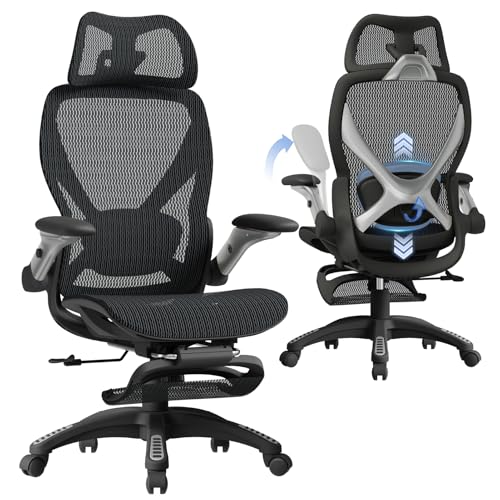
Compare the best computer chairs under 500 by fit, lumbar support and build, with clear buying guidance on size, materials and comfort for long workdays.
Sitting for work, study, or gaming gets uncomfortable fast when your chair is too short, too deep, or too soft in the wrong places. The best computer chairs under 500 solve that problem without asking you to pay flagship prices, but only if you match the chair to your body and your desk. This guide explains fit, support, materials, and build in plain terms so you can read the comparison table below with confidence.
A budget near about $500 gives you real choice, yet it also creates confusion, because some chairs spend the money on looks and others on adjustability or stronger parts. The sections below show where that money helps you most.
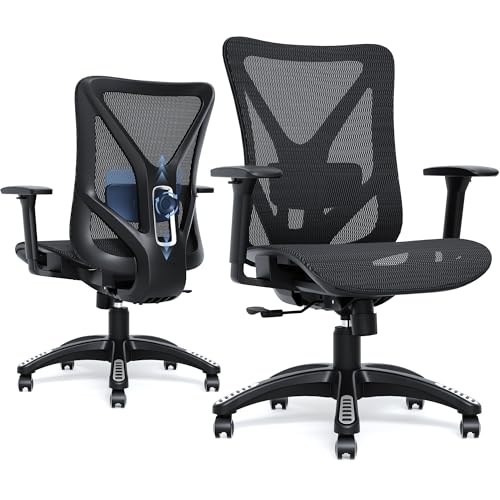
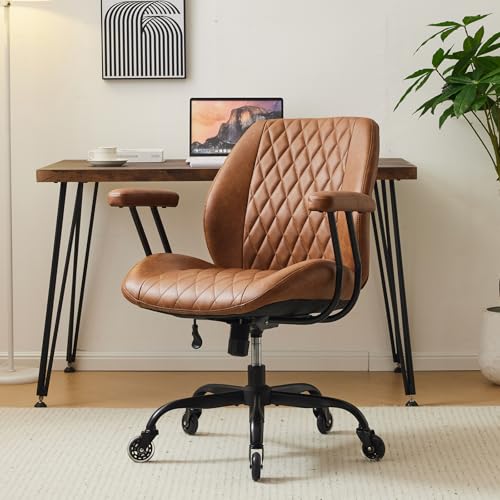
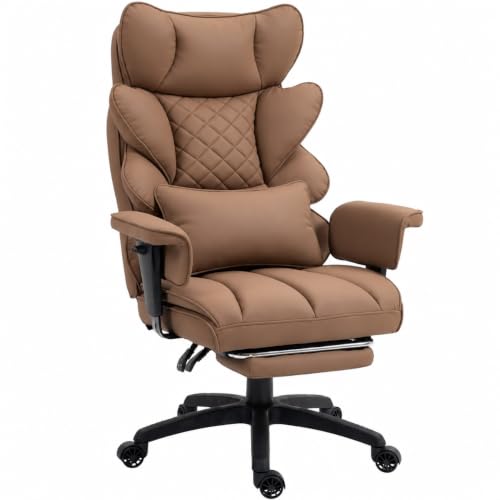
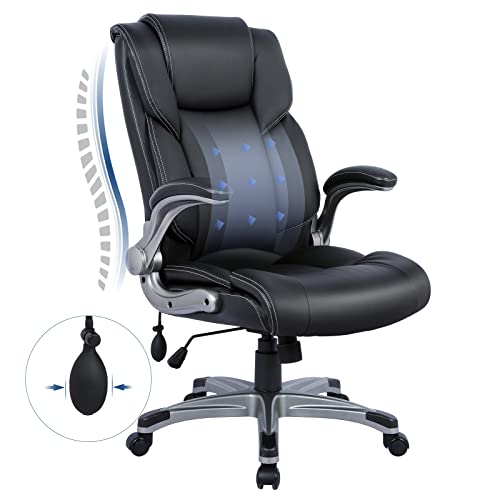
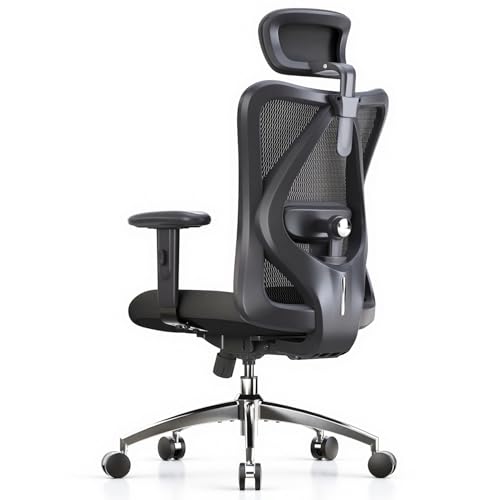
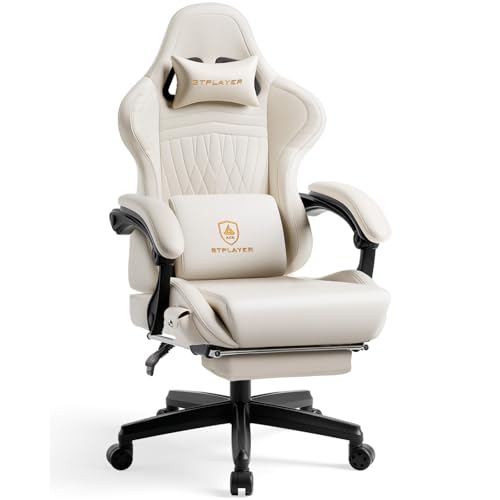
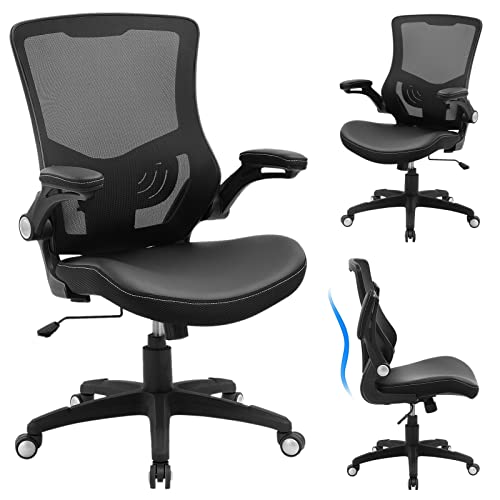

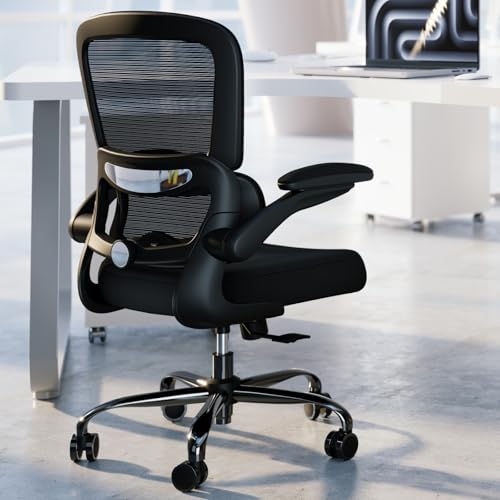
Where Your Money Matters Most
Start with the product table above and sort by value, not by the longest feature list. At this price level, a chair earns its cost through fit, support, and parts that still feel solid after daily use.
Fit and Support Come First
Measure your body and your desk before you fall for a color or a tall backrest. Seat height should let your feet rest flat while your knees stay near a right angle, and seat depth should leave a small gap behind your knees. If the seat is too deep, you will slide forward and lose contact with the lumbar support.
Build Quality You Can Feel Daily
Strong parts show up in small daily moments. The chair rolls without wobbling, the lift holds its height, and the tilt motion feels smooth instead of loose or jerky. Weak parts often announce themselves with creaks, sinking, or uneven rolling within months.
Check the stated weight capacity and leave a sensible margin instead of buying right at the limit, because capacity reflects the frame, lift, base, and casters working together. If you share the chair at home, shop for the larger user first.
Comfort Features Worth Paying For
Pay first for adjustments you will actually use each day. Height, tilt tension, tilt lock, and movable lumbar support change how the chair meets your body, so they deliver value every time you sit down. A headrest, a footrest, or thick padding can help in the right setup, but none of them can fix a seat that is the wrong size.
How to Choose a Computer Chair: Buying Guide
Work through each factor below in order, rule out chairs that fail on fit or build, and then use style and price to choose among the chairs that remain. That order helps you compare the best computer chairs under 500 without letting a handsome chair hide a weak frame or a poor fit.
What You Can Realistically Get for About 100 to 500 Dollars
For about 100 to 250 dollars, expect basic height adjustment, simple tilt, and lighter materials that suit shorter sessions or a spare desk. Closer to about $500, you can usually find stronger lifts, better foam or mesh, more armrest movement, and firmer lumbar support. You may still give up premium leather, very wide seats, or the longest warranties, and that trade is often sensible. Protect the seat, the back support, and the lift first, because those parts decide comfort and service life.
Ergonomics and Adjustability
Ergonomic design means the chair adjusts to you instead of forcing you into one fixed posture. Look for seat height adjustment, a backrest that supports the natural curve of your spine, tilt lock at more than one angle, and tension control that matches your weight. Adjustable armrests should rise, lower, and move enough to let your shoulders relax while your elbows rest lightly.
Lumbar support deserves close attention because small differences feel large after several hours. Some chairs use a fixed curve, some use a movable pad, and some use a flexible mesh back that shapes itself to you. If you want a deeper look at support focused models, see our guide to the best ergonomic chairs under 500 for a useful comparison point.
If you feel ongoing back pain, numbness, or tingling that does not ease when you stand and move, talk with your clinician about your personal needs and your workstation setup.
Build Quality and Frame
The frame and base carry every other feature, so read those specs before upholstery claims. Steel frames and metal bases generally feel steadier than thin plastic parts, especially for taller or heavier users. A Class 4 gas lift is a common sign of a chair built for regular daily use, and it should move smoothly without sudden drops.
Casters matter more than many buyers expect. Hard casters roll well on carpet but can mark hard floors, while softer wheels suit wood or tile and move more quietly. Confirm the caster style for your floor before ordering, because swapping wheels later adds cost and hassle.
Materials and Upholstery
A mesh back breathes well and helps you stay cooler during long sessions in a warm room. Mesh also flexes, which some people love and others find too soft, so think about how much firmness you want behind your back. Fabric seats feel soft and grippy, while smooth covers wipe clean more easily after spills.
High density foam in the seat holds its shape longer than thin, soft foam that flattens quickly. PU leather gives a polished look at a lower cost than real leather, but it can crack or peel over time in heat or strong sun. Many wood look parts at this price are MDF with a surface finish, so read material notes carefully.
Style and Room Fit
Measure the space around your desk, not just the desk itself. You need room to roll back, turn, and recline a little without hitting a wall, a shelf, or a bed. Note the full width of the chair including armrests, and check that it can slide under your desk when the arms are lowered.
Color and shape should suit the room where the chair will live for years, since a large executive style chair can overwhelm a small bedroom desk. If you are weighing task styles against broader desk seating, see our guide to the best desk chairs under 500 to compare the fit for your room.
Assembly and Delivery
Most chairs in this range arrive in one large box with the base, lift, seat, back, arms, and hardware packed separately. One adult can usually assemble a chair alone, but a second person helps when you align the backrest with the seat. Keep the box and packaging until you have sat in the chair and checked every adjustment, and save the included tool for routine checks.
Types of Computer Chairs
Compact and Space Saving Models
Compact and space saving models use narrower seats, slimmer backs, and sometimes arms that lift out of the way, so they suit small bedrooms, dorm rooms, and apartments. The trade is room to spread out, so larger users should check seat width and weight capacity with extra care.
Premium and Executive Models
Premium and executive models favor wide seats, tall backs, thick padding, and a formal look that suits a dedicated office. They often include a headrest and a deeper recline, but they take more floor space and can feel warm in summer if the upholstery does not breathe well.
Budget Models
Budget models focus on the basics: height adjustment, a simple tilt, and a seat that works for moderate daily use. They suit students, guest rooms, or a second desk with shorter sessions. If you plan to sit for a full workday, compare them carefully with the wider range in our guide to the best chairs under 500 before you settle for the lowest price.
Choosing a Computer Chair for Your Situation
Best Computer Chairs for under 500 in Real Daily Use
A budget cap is only the start of the search. Your exact setup: your desk height, your floor, your screen position, and how many hours you sit. List those details first, then choose the chair type and adjustments that answer them, rather than copying a choice made for a different room.
Your full setup shapes comfort as much as the chair alone, since screen height affects your neck and keyboard position affects your shoulders. If you are building the whole station at once, see our guide to the best computer monitors under 500 and our guide to the best computer laptops under 500 to plan the pieces together.
Care and Maintenance Tips
Simple habits protect both comfort and appearance, and a few minutes every month or two can prevent loose arms, noisy casters, and worn upholstery.
- Adjust seat height so your feet rest flat, then recheck it after anyone else uses the chair, because a shared setting rarely suits two bodies.
- Tighten bolts every few months with the included tool, working around the base, arms, and back in small turns until each one feels snug.
- Vacuum or wipe upholstery regularly, using a soft brush on fabric and mesh and a damp cloth on smooth covers, so dust and grit do not wear the surface.
- Keep leather and PU leather out of direct sunlight and away from heaters, because heat and strong light dry the surface and speed cracking.
- Inspect the lift, frame, and base if the chair starts to wobble, creak, or sink, and stop using it until loose or damaged parts are fixed or replaced.
FAQs
Can you get a good computer chair for under $500?
Yes, you can get a good computer chair for under $500 if you spend on fit, support, and build rather than decoration. Closer to about $500, many chairs offer solid lifts, useful lumbar support, and durable seats for full workdays. You may give up premium leather or extra wide sizing, but core comfort should not be a luxury at this level.
How long should a computer chair under $500 last?
A computer chair under $500 should last several years of daily use when its frame, lift, and seat are well made and well cared for. Parts that wear first are usually casters, arm pads, and surface covers, while a sinking lift or a cracked base signals the end of useful life.
How do I choose the right size computer chair?
Choose the right size computer chair by matching seat height, depth, and width to your body and desk. Your feet should rest flat, your thighs should feel supported without pressure behind the knees, and the backrest should meet your lower back. If you shop between two sizes, pick the one that lets the lumbar support sit in the right place.
Is a more expensive computer chair under $500 worth the extra cost?
A more expensive computer chair under $500 is worth the extra cost when the money buys better adjustability, a stronger lift, or a seat that holds its shape. It is not worth it when the higher price only buys bolder styling or thicker looking padding. Pay the difference only for a feature you will use every week.
What features matter most for long hours in a computer chair?
For long hours in a computer chair, seat fit, lumbar support, and armrest position matter most, followed by tilt control that lets you shift posture. Breathable materials help if your room runs warm, and a seat with high density foam resists flattening through the day. Short standing and movement breaks still matter, because even the best setup cannot replace changing position.
Final Thoughts
Choose by fit first, support second, and build third, then let style and price settle the rest. Measure your desk space, confirm seat size and weight capacity, and favor adjustments you will use daily over extras you will forget. The comparison table above makes those checks faster once you know what each spec means for your body.
If you take one idea from this guide, let it be that comfort is personal and measurable. The right best computer chairs under 500 choice is the chair that fits your body, your room, and your routine, and still feels steady after months of daily use. Review the product table above once more with your measurements in hand, and order the chair that meets them best.

