
Best Clicky Keyboards 2026: A Practical Buying Guide
Disclosure: We may earn a commission when you buy through links on this page, at no extra cost to you. As an Amazon Associate I earn from qualifying purchases. Learn more

Switch feel, sound, layout and build decide daily typing comfort: use this guide to the best clicky keyboards to match a board to your desk, work and budget.
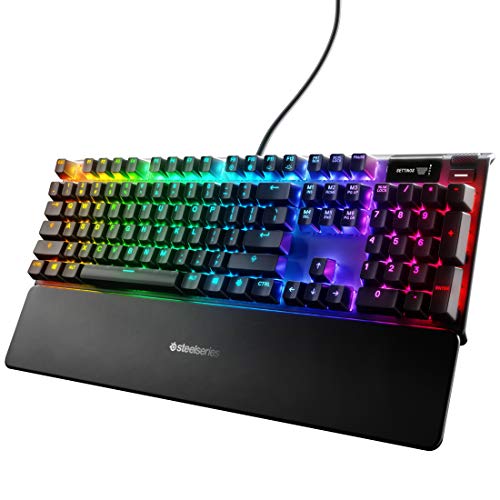
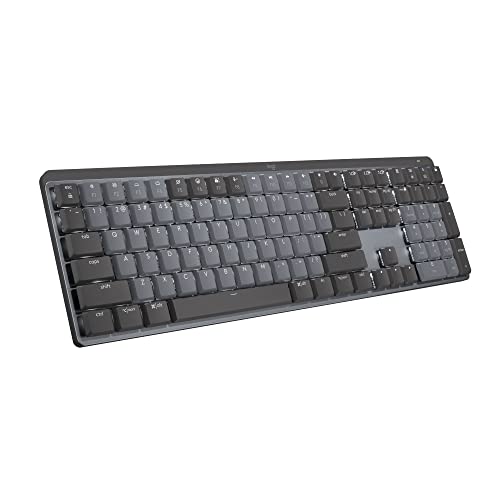
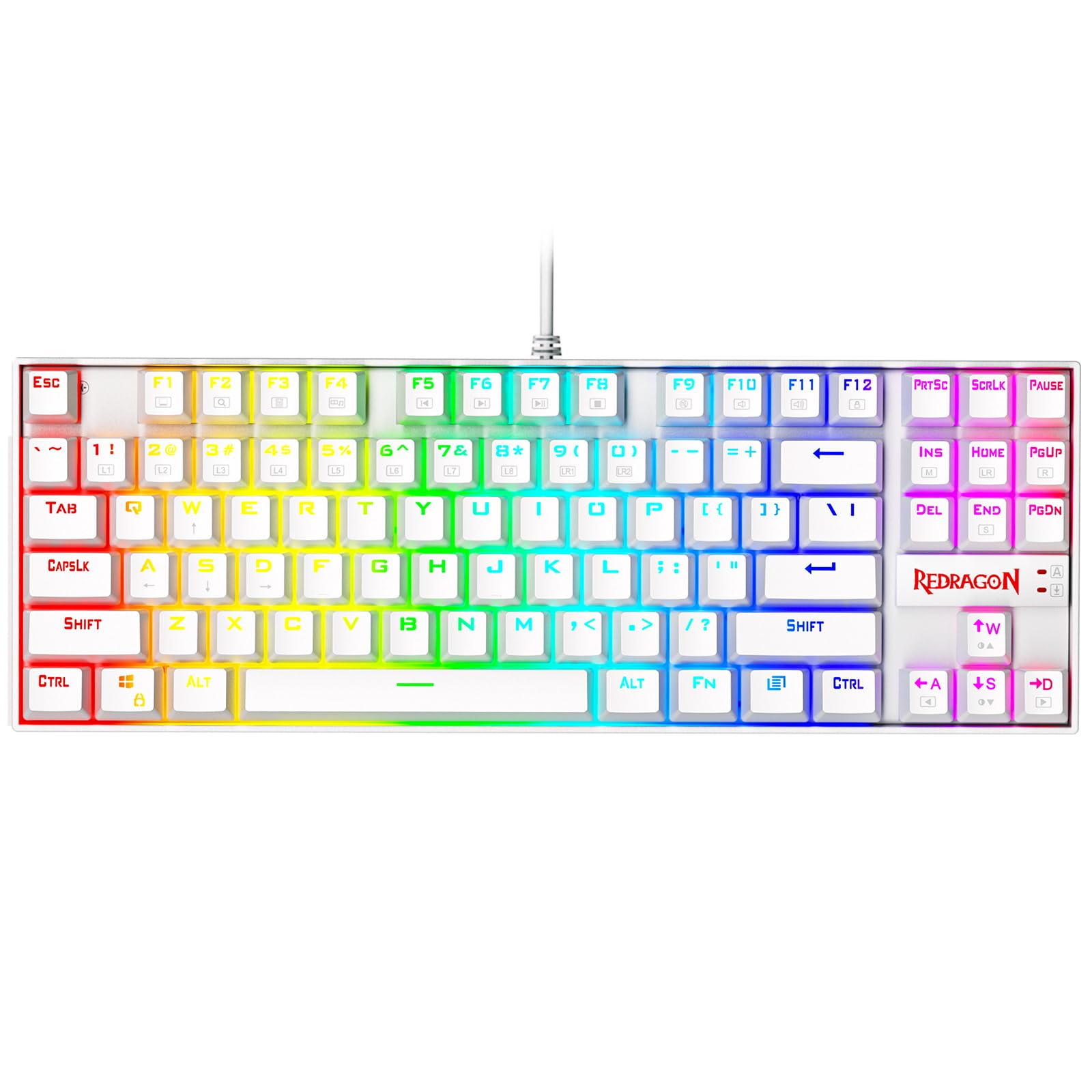
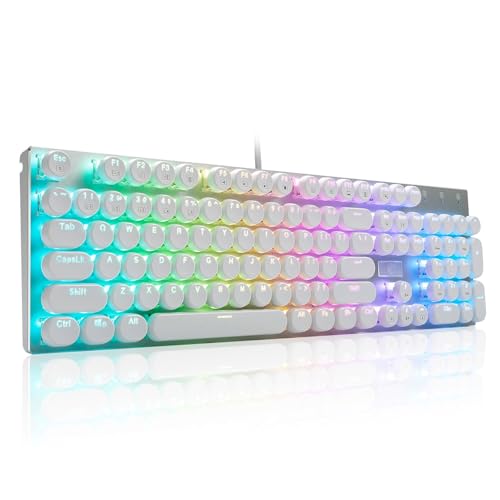
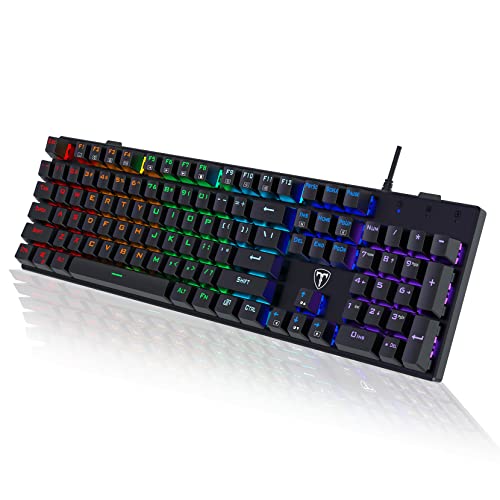
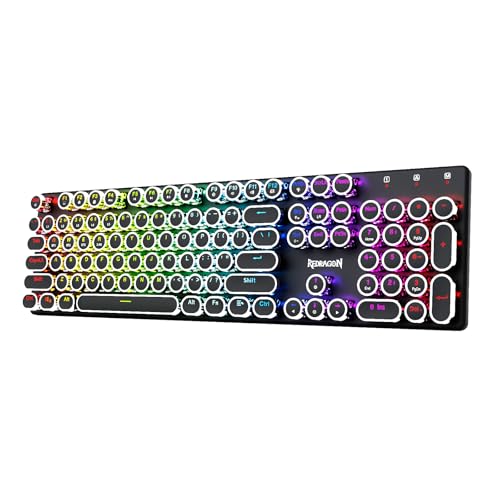
Clicky switches announce every keystroke with a sharp click and a firm bump, and for many typists that feedback is the whole point of a mechanical keyboard. The best clicky keyboards pair that switch with a layout you can live with, keycaps that feel good for hours, and a case that keeps the sound crisp rather than hollow. This guide explains how clicky switches differ from tactile and linear ones, which switch families you will see on product pages, and how layout, build, and connection choices change daily use. The comparison table below lines up the main options so you can shortlist before you read on.
One honest warning up front: clicky boards are loud. Decide who shares your room before you decide anything else, because no amount of keycap or desk mat tuning turns a click into a whisper.





What Makes a Keyboard Clicky
Mechanical switches come in three feels. Linear switches travel smoothly with no bump and no sound beyond the keycap bottoming out. Tactile switches add a bump partway down so you feel the point where the keystroke registers. Clicky switches add that bump and a distinct click sound produced by a small moving part inside the switch, so you both feel and hear each actuation.
Two mechanisms produce the click. Classic blue type switches use a click jacket, a loose collar that snaps down when you press, giving a lighter, higher pitched click. Click bar switches, found in box white and similar designs, use a thin metal bar that snaps on both the press and the release, giving a crisper, more consistent sound with a sharper bump. Heavier clicky switches, often sold as green or navy, raise the spring weight for people who like resistance and want fewer accidental presses.
Who Should Buy the Best Clicky Keyboards
Typists Who Want Feedback
Writers, coders, and anyone who types for hours gain the most. The click confirms each press, which lets you stop bottoming out and type with a lighter touch over time. Many people find their rhythm steadier and their error rate lower once they trust the sound.
Gamers in a Private Room
Clicky switches work well for games, especially slower paced genres and anything with lots of typing between matches. Fast double taps are slightly easier on linear switches, so competitive shooters are the one place a clicky board is a compromise. If you game at night beside a sleeping household, read the noise section before you commit.
People Who Should Look Elsewhere
Open offices, shared bedrooms, and video calls without a good noise gate are poor homes for a clicky board. A tactile switch gives most of the feedback with a fraction of the sound. If your heart is set on the click anyway, a compact board you can swap for a quiet one on office days is a fair compromise.
Key Features to Compare
Switch Family and Spring Weight
Product pages name the switch, and that name tells you most of what you need. Blue type switches are the familiar light click. Box white and similar click bar switches sound sharper and resist dust and spills better thanks to the enclosed stem. Green and navy variants add spring weight, which suits heavy handed typists and tires light touch typists. If a board is hot swappable, you can change the switches later without soldering, which is the single most useful feature for anyone unsure about their preference.
Layout and Size
Full size boards keep the number pad and suit spreadsheets and data entry. Tenkeyless boards drop the number pad, bring the mouse several inches closer, and keep every other key where your fingers expect it. Compact 75 percent and 65 percent layouts squeeze the arrow and navigation keys into a tighter block, and 60 percent boards remove them entirely in favor of key combinations. Pick the smallest layout that still has the keys you reach for without thinking, because relearning positions slows you down for weeks.
Keycaps and Case Materials
Keycaps change feel and sound more than most buyers expect. Thick PBT caps resist shine from finger oils and give a deeper, drier sound, while thinner ABS caps feel smoother at first but polish shiny within months. Double shot legends never wear off, which matters on a board you will use for years. Case material matters too: an aluminum top plate or case keeps the click sharp and the board planted, while a thin plastic case can add a hollow echo under the click. Sound dampening foam inside the case trims that echo without touching the switch itself.
Wired, Wireless, and Software
Wired boards never need charging and have no connection lag to worry about. Wireless boards with Bluetooth and a 2.4 GHz dongle suit clean desks and shared machines, at the cost of a battery to top up and a small premium. Backlighting is useful in a dark room and decorative otherwise; shine through keycaps make it legible. Software for remapping keys and recording macros is a bonus for power users and irrelevant for most typists, so do not pay extra for it unless you know you will use it. Readers weighing a cordless setup can compare notes in our guide to the best wireless keyboards.
Noise Level and Where the Board Lives
Switch choice sets the baseline, but the surface under the board shapes how far the sound carries. A thick desk mat absorbs vibration that a bare wooden desk amplifies, and a board with internal foam sounds tighter than one without. Rubber o rings under the keycaps soften the bottom out thud but leave the click itself untouched. If you want the most pleasant sound rather than the loudest, our guide to the best sounding keyboards covers the tuning details that separate a crisp click from a rattly one.
How Much to Spend
Budget clicky boards, roughly $30 to $60, use house brand blue type switches, ABS keycaps, and plastic cases. They deliver the click honestly but sound a little hollow and wear shiny sooner. Midrange boards, roughly $60 to $130, add hot swap sockets, PBT keycaps, foam, and often wireless modes, and this is where most buyers get the best value. Premium boards above that use aluminum cases, branded click bar switches, and refined software, which matters if the keyboard is the tool you touch most every day. Gamers can cross check this range against our guide to the best gaming keyboard, and general desk users against our guide to the best pc keyboards.
Care and Maintenance
Dust and crumbs settle around the switch stems and slowly dull both feel and sound. Unplug the board, pull a few keycaps with a wire puller once a month, and clear debris with a soft brush or a short burst of compressed air held at an angle. Wipe keycaps with a slightly damp cloth, never a soaked one, because liquid inside a switch ruins the click. If a key starts to feel scratchy or double registers, a hot swap board lets you replace that single switch in a minute.
Common Mistakes to Avoid
- Buying for sound clips alone, because a board that sounds wonderful in a video can still strain your wrists with a cramped layout.
- Choosing a 60 percent layout without checking how you reach the arrow keys, then fighting key combinations for every edit.
- Expecting o rings or foam to make a clicky board quiet enough for an open office.
- Skipping hot swap on a first mechanical keyboard, which locks you into a switch you may not love after a month.
- Ignoring keycap material, so a board that felt great in week one is shiny and slick by month three.
Frequently Asked Questions
Are clicky keyboards good for long typing sessions?
They can be excellent, because the click and bump confirm each press and encourage a lighter touch that reduces bottoming out. Comfort over a full day depends more on layout, key spacing, and wrist angle than on the switch, so judge those with the same care. A wrist rest and a board height that keeps your wrists flat matter as much as the switch name.
What is the difference between blue switches and box white switches?
Blue type switches use a click jacket and give a lighter, higher click on the press only. Box white and other click bar switches snap a metal bar on both press and release, so the click is sharper and more consistent, and the enclosed stem resists dust and small spills. Many typists who find blue switches mushy prefer the click bar feel.
Can I make a clicky keyboard quieter?
You can soften the bottom out and case echo with a desk mat, internal foam, and o rings, which makes the sound tighter and less rattly. The click itself comes from the switch and cannot be silenced without changing switches. If quiet matters most, a tactile switch gives similar feedback at a fraction of the volume.
Do clicky switches wear out faster than other switches?
No. Click mechanisms are rated for tens of millions of presses like other mechanical switches, and the sound stays consistent for years. What changes first is the keycap surface, which shines with finger oils, and dust in the stems, which both have simple fixes.
Is a clicky keyboard a good choice for a first mechanical keyboard?
Yes, if you have a private space, and especially if the board is hot swappable so you can try tactile or linear switches later without buying a new keyboard. If you share a room or an office, start with a tactile board and borrow a clicky one before committing.
Final Thoughts
Settle the noise question first, then pick the switch family, then the smallest layout with every key you need, and let keycaps and case quality decide between finalists. Hot swap sockets are worth paying a little extra for on a first board. Compare the product table above with those checks in mind, and the best clicky keyboards for your desk will be the ones you look forward to typing on every morning.


