
Best Chairs for Work and Gaming: Types Compared and How to Choose for 2026
Disclosure: We may earn a commission when you buy through links on this page, at no extra cost to you. As an Amazon Associate I earn from qualifying purchases. Learn more

Compare types of the best chairs for work and gaming, with sizing, lumbar support, adjustability, and build guidance to fit your desk, room, and budget.
One chair that has to handle a full workday and then an evening of play is a harder purchase than it first looks. Work asks for steady upright support, while gaming asks for room to lean back and stay cool for hours. When you shop for best chairs for work and gaming, the confusion usually comes from comparing single models instead of comparing types first.
This guide compares the main chair types, explains who each type suits, and then covers sizing, adjustability, and build quality. Use the comparison table below to narrow your shortlist to one type, then focus on fit within that type.


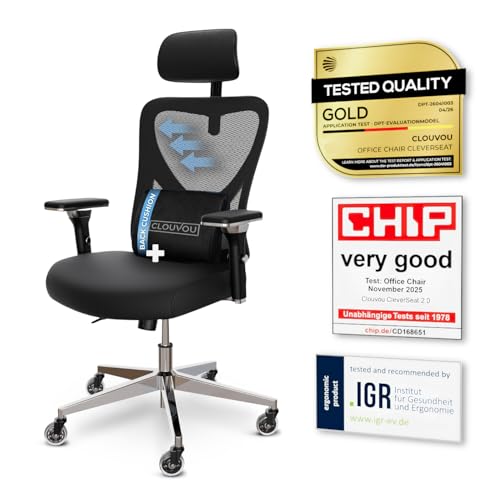
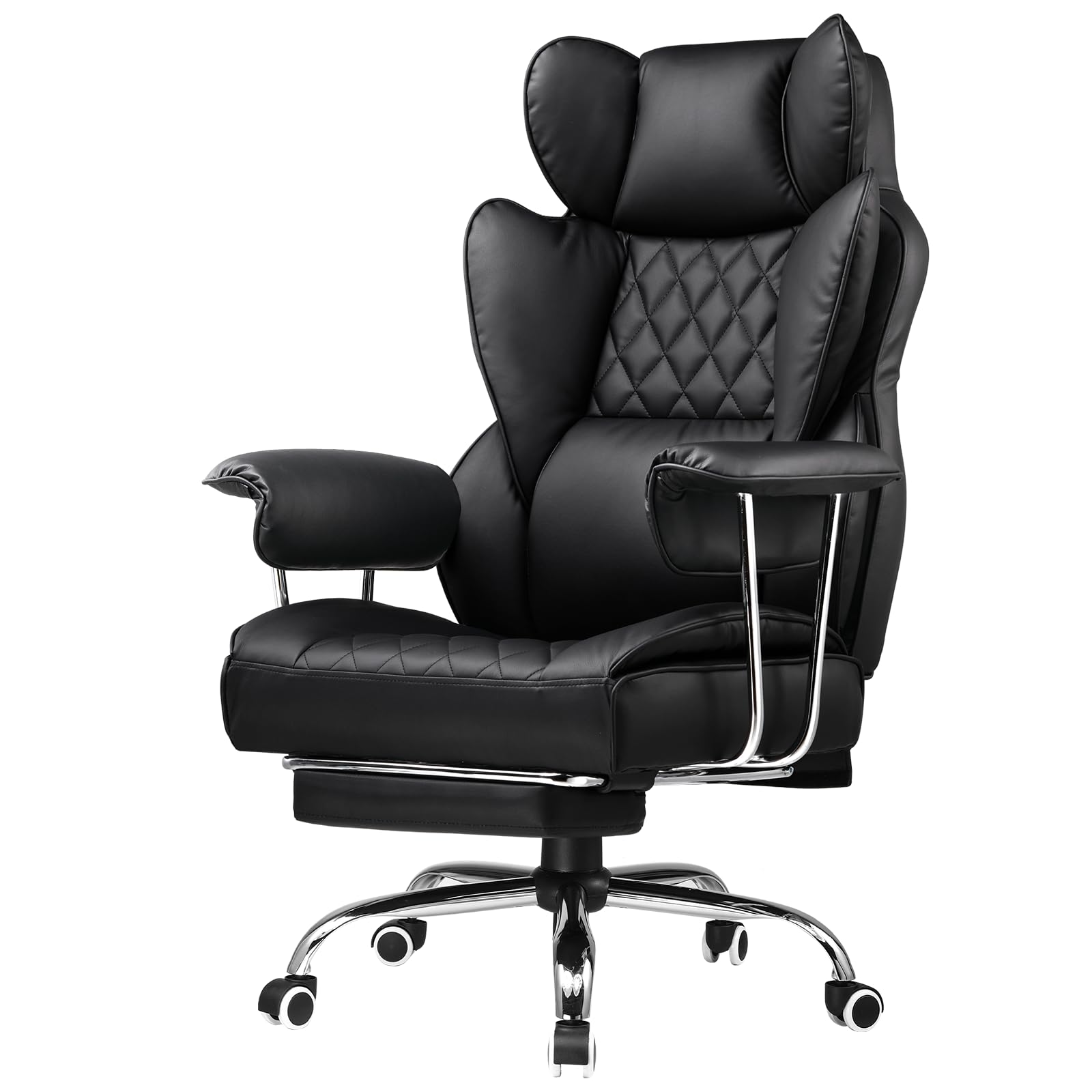
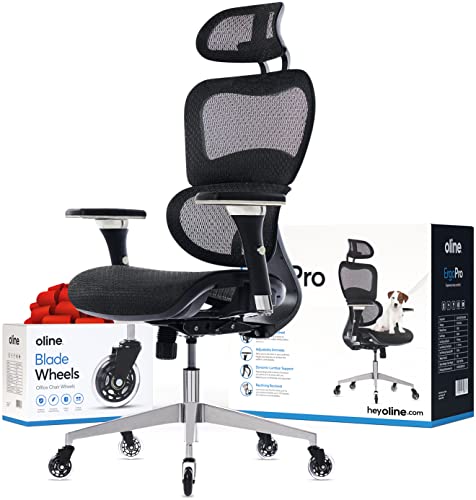
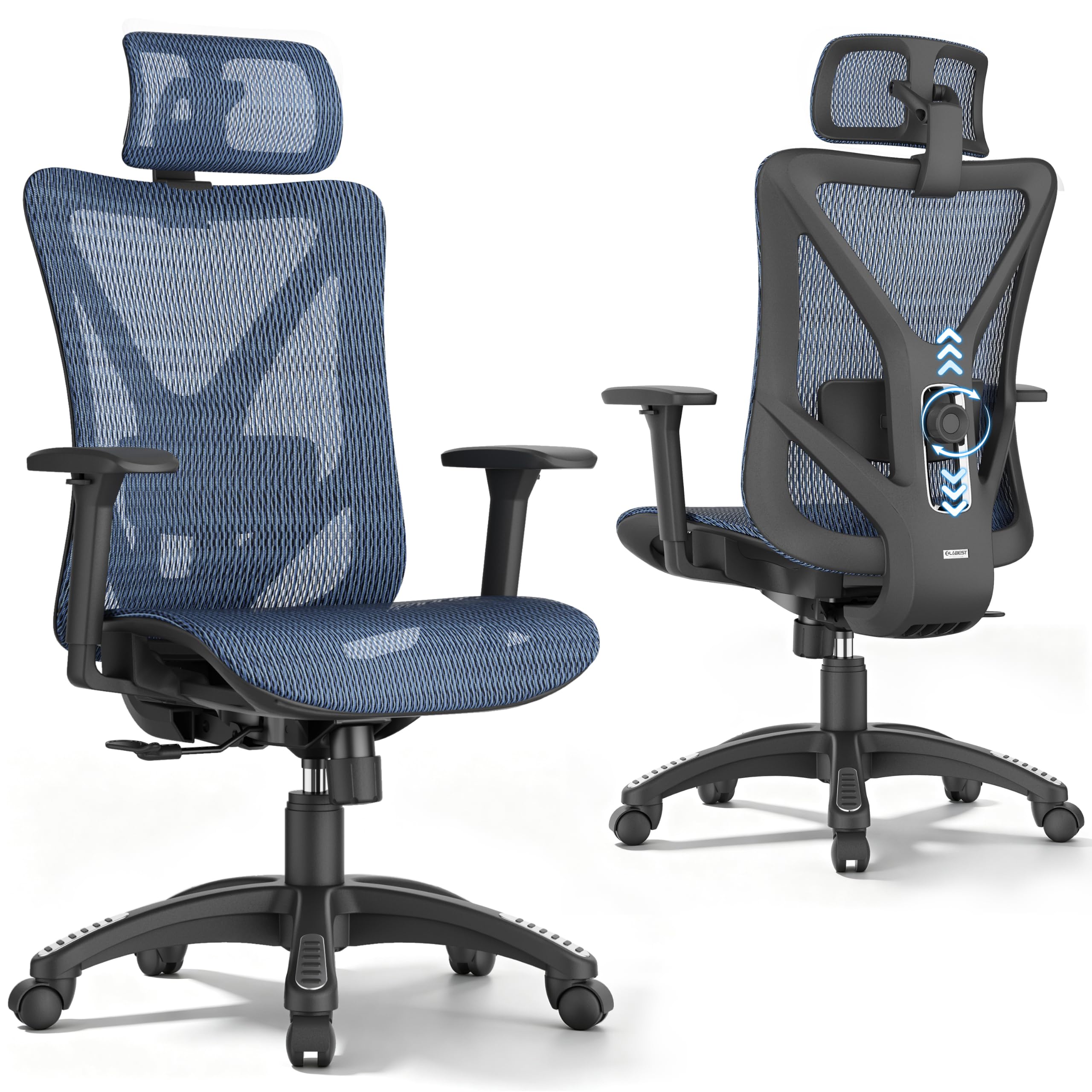


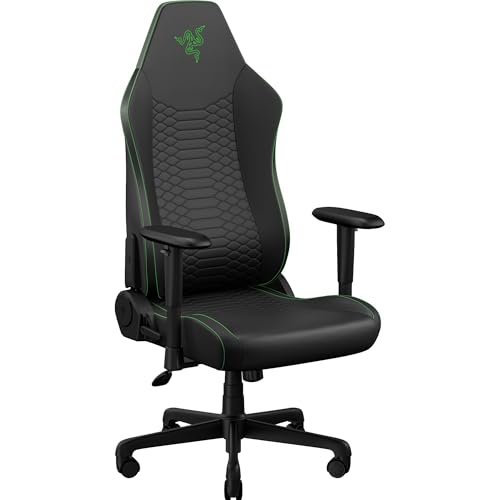
Types of Chairs Compared
Most chairs for work and gaming fall into four types, and the type shapes almost everything else, from footprint and price to how much adjustment you get. Prices overlap a lot between types, so treat the ranges here as rough guides, and start with the type that matches your room and your body.
Premium and Executive Models
Premium and executive models are the large, generously padded chairs you often see in corner offices. They usually pair a tall back and wide seat with thick cushioning, padded armrests, and finishes such as leather or leather look vinyl. Prices often start around $300, and the extra money mostly buys size, materials, and a polished look rather than extra adjustment.
These chairs suit taller and broader users who want a roomy seat and a chair that looks at home on video calls. The trade offs are a large footprint, padding that can feel warm in long gaming sessions, and often only basic tilt and height adjustment. If that office look appeals to you, see our guide to the best officer chairs.
Compact and Space Saving Models
Compact and space saving models are built for small desks, shared bedrooms, dorm rooms, and apartments where the chair has to share floor space with other furniture. They use a narrower frame, a smaller five point base, and often flip up arms so the chair slides fully under the desk. Many cost under $200, which also makes them a practical pick for a second setup.
The compromise is room and padding. A narrower seat can pinch wider hips, thinner foam compresses sooner, and weight capacity ratings tend to be lower than on full size chairs. These models suit smaller users and students, and a compact chair that fits your body well beats a large chair that never fits the room.
Ergonomic Models
Ergonomic models put adjustment first. Expect a mesh back or a shaped foam back, adjustable lumbar support you can move or firm up, and adjustable armrests that move in several directions. The goal is to match the chair to your body so your feet rest flat and your lower back stays in contact with the backrest.
These chairs suit people who sit for six or more hours a day and anyone who shares a chair, since settings can change between users. They often cost about $200 to $500, and the main downside is the learning curve, because an ergonomic chair set up badly feels no better than a basic one. If posture is your top concern, read our guide to the best work chairs for posture.
Budget Models
Budget models cover the simple task chairs and basic racing style chairs that often sell for under $150. You typically get seat height adjustment, a lightly padded back, and a simple tilt with a tilt lock on some models. Materials are plainer, foam is thinner, and parts wear sooner.
Budget chairs make sense for light use, a guest desk, or a first chair while you learn what your body wants. They struggle with all day use, because thin foam flattens and fixed lumbar shaping rarely matches your back. If you sit long hours, stretching to an ergonomic model usually gives better value, and our guide to the best work chairs covers more value options.
Premium and Executive Models vs Compact and Space Saving Models: Which Should You Choose?
These two types sit at opposite ends of the size scale, so the choice mostly comes down to space and body fit. An executive chair can need a clear area roughly 30 inches wide and just as deep, while a compact chair can work in a spot several inches narrower. Executive padding feels plush at first sit, but a compact chair with a mesh back often stays cooler across a long evening.
On looks, executive models read as formal and suit a dedicated office, while compact models blend into a bedroom or living room more easily. Heavier premium frames usually carry higher weight capacity ratings, while compact chairs trade some strength for a lighter build. Choose the executive route if you have the floor space and present on camera often, and the compact route if the chair shares a room or must slide under a low desk. The product table above can help you compare footprints and ratings.
How to Choose the Right Chair
When you compare the best chairs for work and gaming, type narrows the field, but fit and build decide whether the chair still feels right a year from now. Work through the five points below in order, because size problems cannot be fixed by extra features.
Size, Dimensions, and Weight Capacity
Start with three measurements. Measure your desk height and check that the chair arms, if fixed, can slide underneath, since many desks sit about 29 to 30 inches high. Check the seat height range against your lower leg length, so your feet rest flat with thighs roughly level. Compare seat width and depth with your body, leaving a small gap behind your knees.
Then check the stated weight capacity and stay comfortably under it rather than right at the limit, because a chair used near its maximum wears its lift and foam faster. Taller users should also check back height, since a back that ends below the shoulder blades gives poor support when you lean back to play.
Ergonomics and Adjustability
The adjustments that matter most are seat height, lumbar support, armrest position, and recline control. Lumbar support should meet the curve of your lower back, through a shaped backrest, a separate cushion, or an adjustable pad. Adjustable armrests should let your shoulders relax with elbows bent near a right angle while you type or hold a controller.
A tilt lock lets you fix the backrest at a working angle or release it to lean back between tasks, and tilt tension controls how much effort that lean takes. If you share the chair, more adjustment is worth more, because each person can reset it in seconds. A chair with only height adjustment can still work for short sessions, but your back and arms do the adapting instead.
Features That Matter for Work and Gaming
A chair that serves both desk work and play has to handle two postures. For work you sit upright and forward, so a supportive seat front edge and armrests that reach the desk matter. For gaming you lean back and stay put longer, so a recline range well past upright, a headrest on taller backs, and breathable materials matter more. A mesh back suits warm rooms, while high density foam holds its shape better than soft foam in the seat.
Your chair height also sets your eye line, so pair the chair with a screen at a comfortable height, and see our guide to the best gaming monitors for placement ideas. If deep recline and firmer support are your priority, our guide to the best quality gaming chairs covers that side in more depth. Match casters to your floor too, with softer wheels for hard floors.
Style and Room Fit
Style is a practical choice when one chair appears in both work calls and a shared living space. Racing style chairs with bold colors and logos read clearly as gaming gear, which some buyers love and others find hard to place in a home office. Neutral fabric or leather look finishes blend with office furniture and age more gracefully.
Consider light and heat as well. Dark vinyl can feel hot in a sunny room, while light fabric shows spills sooner. A mesh back in a mid tone hides dust well and avoids glare on camera.
Build Quality and Frame
The parts you cannot see decide how long the chair lasts. A steel frame inside the seat and back outlasts a frame made only of molded plastic or thin plywood, especially for heavier users. The gas lift does the daily work of holding your height, and a class 4 lift is the stronger grade commonly listed on better chairs, while lower classes appear on the cheapest models.
The base matters just as much. A metal base handles side loads and rolling over carpet edges better than a basic nylon base, though good nylon bases suit lighter users on smooth floors. Check the warranty length on the frame and lift rather than only on fabric, and favor chairs with replaceable arm pads and casters, since those parts usually wear first.
Common Mistakes to Avoid
- Buying by looks alone, so the chair matches your room but leaves your lower back unsupported all day.
- Skipping the seat depth check, so the seat front presses behind your knees and ruins comfort on long sessions.
- Choosing a chair rated right at your body weight, so the lift sinks and the foam wears out far sooner than expected.
- Ignoring arm height, so fixed arms bang into the desk and force you to sit too far from your keyboard.
- Assuming a racing style shape guarantees gaming comfort, so firm bolsters end up squeezing your thighs.
- Forgetting to measure desk clearance, so the chair arrives and cannot slide under the desk.
Care and Maintenance Tips
Small habits keep a work and gaming chair feeling firm and quiet. Set the seat height so your feet rest flat, and reset it if the lift drifts down over time. Tighten the bolts under the seat and at the armrests every few months, because daily rolling and leaning slowly work them loose, and a loose bolt left alone can strip its mounting hole.
Vacuum fabric and mesh upholstery regularly to lift out dust before it grinds into the fibers, and wipe vinyl or leather look surfaces with a damp cloth, then dry them so the finish does not crack. Keep the chair out of constant direct sun where you can, and check casters for hair and grit, replacing a worn caster rather than dragging it across your floor.
Frequently Asked Questions
What features matter most in chairs for work and gaming?
Adjustable lumbar support, seat height range, and armrest position matter most in chairs for work and gaming. Together they set your posture for both upright typing and relaxed play. After those three, look at seat foam quality, and check whether the settings stay put or drift when two people share the chair.
What features help most in work and gaming chairs for long hours?
For long hours, a breathable back, firm seat foam, and a recline you can lock at slight angles help most in work and gaming chairs. They spread pressure and let you shift position without standing up. A seat edge that slopes down at the front also helps, because it eases pressure on the underside of your thighs late in the day.
Is an expensive work and gaming chair worth it?
An expensive work and gaming chair is worth it when the extra money buys adjustment, a stronger frame, and a longer frame warranty. It is not worth it when the price only buys thicker padding or a brand look. If you sit fewer than three hours a day, a mid priced ergonomic model usually gives most of the benefit for far less money.
How long should a good work and gaming chair last?
A good work and gaming chair should last about five to eight years of daily use before foam softens and lifts lose their hold. Budget models often feel tired after two to three years. You can stretch the life of any chair by replacing worn casters and arm pads instead of replacing the whole chair.
How do I choose the right size work and gaming chair?
To choose the right size work and gaming chair, match seat width to your hips with a little room to spare and seat depth so a small gap stays behind your knees. Then confirm the back height reaches at least your shoulder blades. Petite and tall buyers should look for a listed recommended height range, since it reflects the lift and back proportions.
Final Thoughts
Start with type, confirm the fit with real measurements, and then compare build quality before style. Those steps narrow any shortlist quickly, whether you lean toward an executive chair for a formal office, a compact chair for a small room, or an ergonomic model for long shared days. Use the comparison table above to check dimensions and adjustment ranges before you order.
The right best chairs for work and gaming choice is simply the chair whose type fits your space, whose seat fits your body, and whose frame will still feel solid years from now. Take ten extra minutes to measure your desk and yourself, and that one chair can carry you comfortably from morning work to evening play.


